


n8n
bash-dash to Asana, capture tasks without tab hopping
Send quick notes from bash-dash straight into Asana as new tasks. Capture ideas on the…
Keep SOPs, runbooks, and client docs consistent across tools. Sync updates automatically, notify teams, and reduce “which version is right?” confusion and rework.
A workflow listens for a trigger, like a Google Doc edit, a new Notion page, or a merged GitHub PR. It then pulls the latest content, applies rules (formatting, templates, approvals), and pushes updates to your other sources of truth. Many teams also add an AI step to summarize changes and create a clean changelog. Finally, it notifies the right channel in Slack and stores a backup in Drive, so nothing gets lost.
Not usually. Most Flowpast workflows are plug-and-play: connect your accounts, pick the doc locations, and you’re live in about 15 minutes.
If you’re manually updating the same SOP in two places, you’re paying the “double work tax” every time. Automation removes that repetition and cuts the busywork in half for many teams. For agencies, the bigger win is fewer client escalations caused by outdated deliverables or onboarding docs. Over a month, saving even about 2 hours per person adds up quickly, especially when you factor in fewer mistakes and less back-and-forth in Slack.
You’ll need an n8n instance (cloud or self-hosted) and access to the tools you want to sync, like Notion, Google Docs/Drive, Slack, or GitHub. Decide your “source of truth” first; that keeps sync rules simple. Then choose triggers (edit, new page, PR merge) and set guardrails like approvals, naming conventions, and destination folders. If you have sensitive docs, enable least-privilege permissions and log every sync event for auditing.
Send quick notes from bash-dash straight into Asana as new tasks. Capture ideas on the…
Turn Zendesk tickets into Asana tasks and keep comments synced automatically. Fewer missed updates and…
Keep Notion and Asana tasks aligned across teams. Reduce duplicate updates, avoid mismatched statuses, and…
Keep Google Drive uploads sorted by file type into PDFs, Images, and Docs folders. Less…
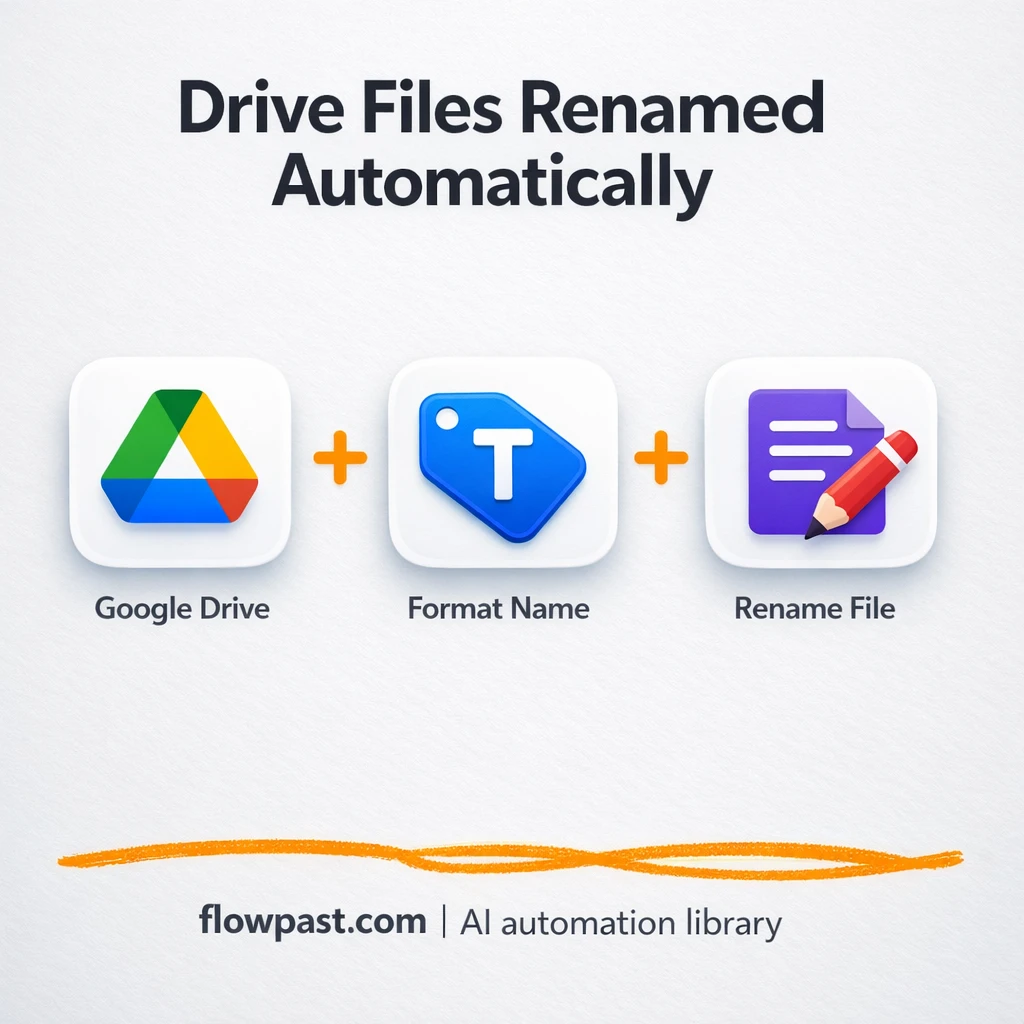
New uploads in Google Drive get consistent timestamp names, and you can log old and…
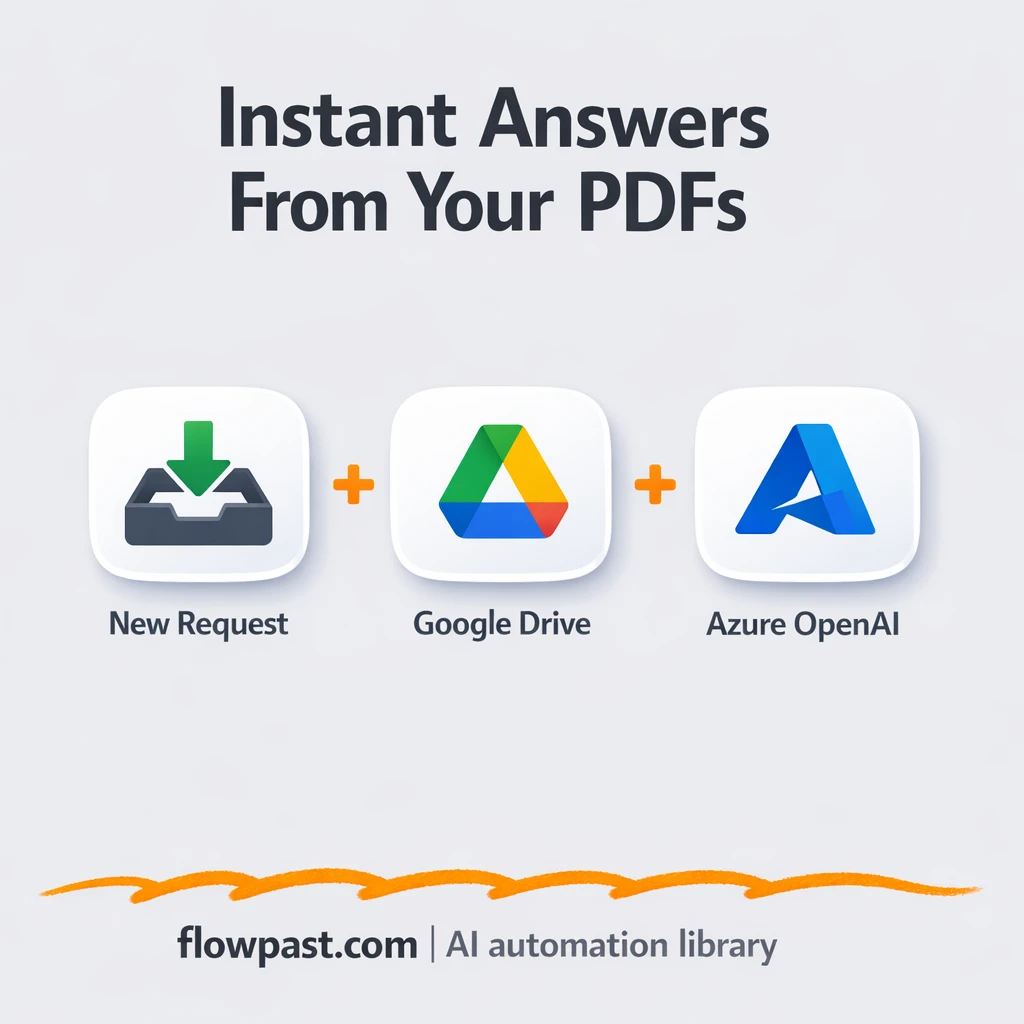
Turn Google Drive PDFs into reliable answers with Azure OpenAI. Keep replies consistent and sourced.…
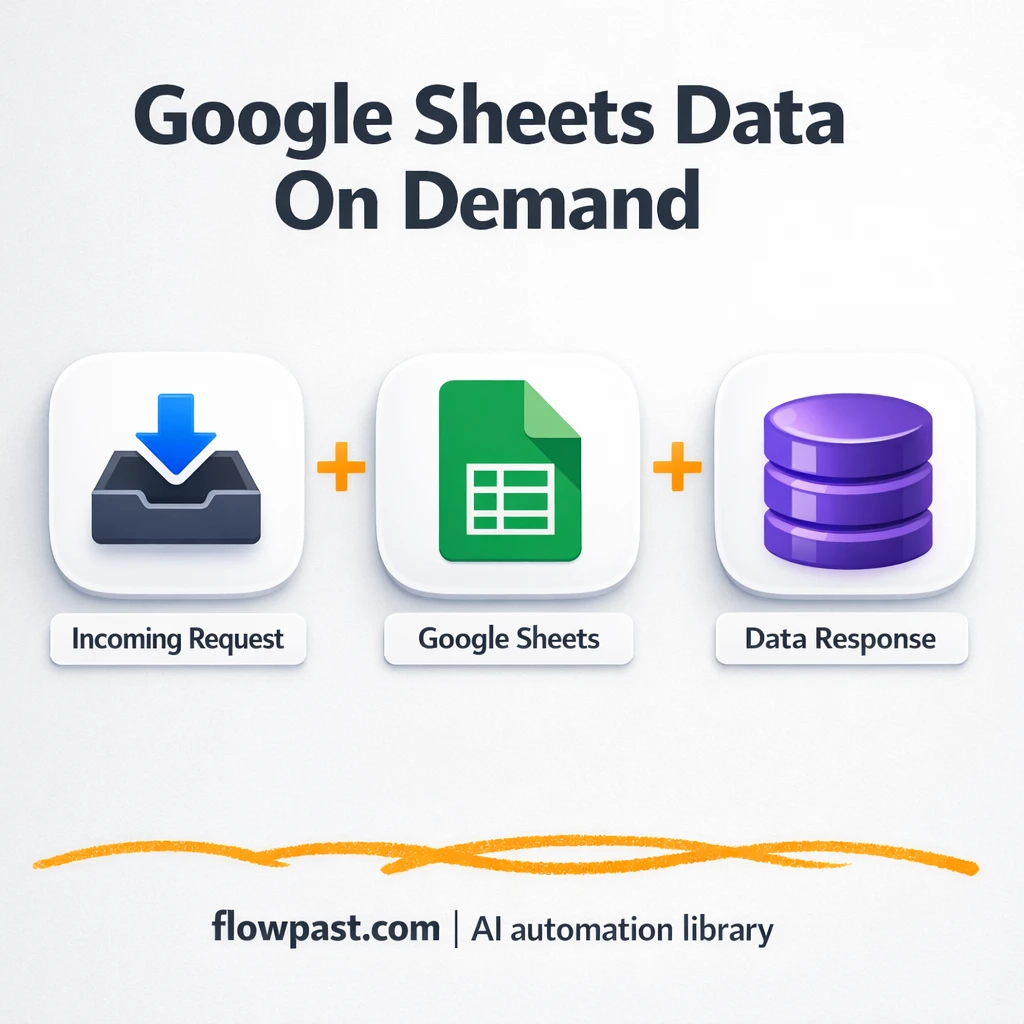
Pull the latest Google Sheets data into Slack on demand. No exports, no link chasing,…
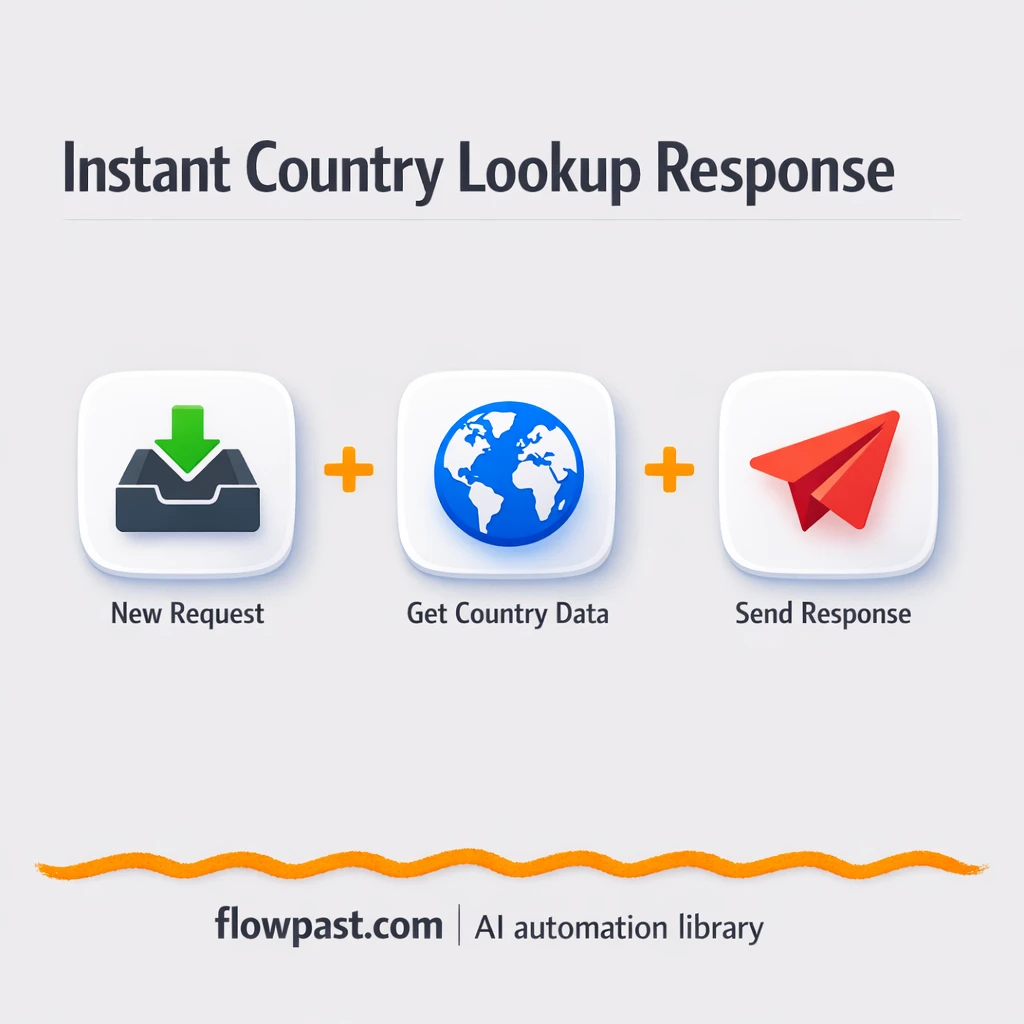
Turn Google Sheets country codes into readable country names via a simple URL. No copy…
Turn Postman test calls into clean XML webhook replies. Fewer format errors, smoother partner approvals.…
Telegram sticker requests get an instant reply with the sticker ID. Skip digging through logs…
Get instant access to every AI workflow and prompt. One email, full access.
Join 5,000+ automation pros. No spam.
Get instant access to the template and step-by-step guide
Full access unlocked. Here's what you can do now:
Get personalized help setting up your workflow.
Free 15-minute consultation — no commitment required.