


n8n
Google Sheets + Excel: reconcile lists with confidence
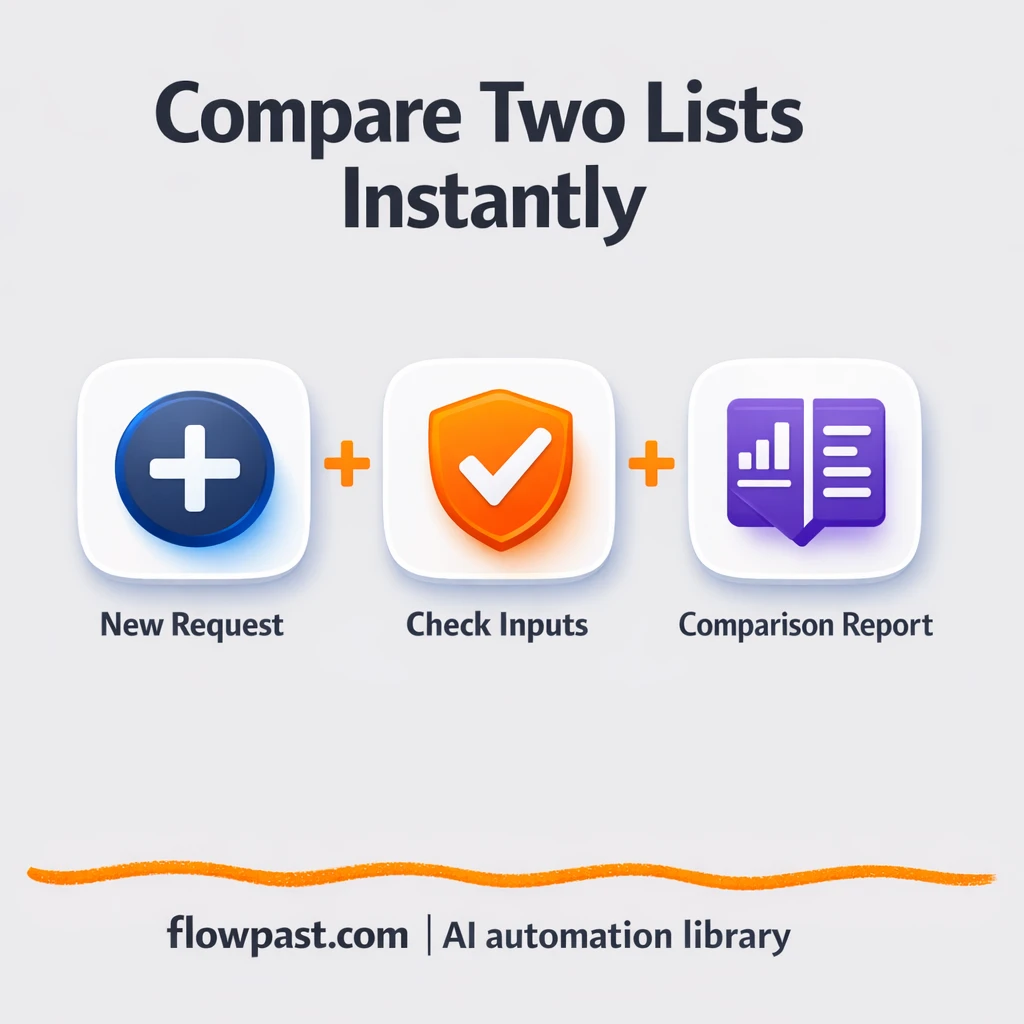
Compare two exported lists and instantly see matches and missing records in Google Sheets and…
Stop chasing alerts. Automate triage, incident routing, access reviews, and security reporting with ready-to-run n8n workflows that keep your team fast, compliant, and calm.
Cybersecurity & SecOps automation connects the tools you already use (like Gmail, Slack, Google Sheets, and webhooks) and turns routine response steps into repeatable workflows. A trigger happens—an alert email arrives, a form is submitted, or a webhook fires. The workflow then enriches the signal, tags severity, routes it to the right owner, and logs actions for audits. You can also add AI to summarize alerts, spot likely phishing, and draft responses so nothing stalls.
Not usually. Most Flowpast workflows are plug-and-play: connect accounts, choose the channel, and set a few rules.
If your team spends time copying alerts into spreadsheets, chasing approvers, or sending the same “reset your password” messages, automation can cut that busywork in half. A good starter workflow often saves about 2 hours a week per team just on routing, reminders, and reporting. It also reduces context-switching, which is the hidden cost. Frankly, the bigger win is fewer missed alerts and faster handoffs when something is urgent.
You’ll need an n8n workspace (cloud or self-hosted), access to the tools you want to connect (for example Slack, Gmail, or Google Sheets), and permission to create API tokens where required. Start with one use case like “security alert intake → Slack → log to Sheets,” then expand to ticketing, approvals, and reporting. If you already have alerts coming via email or webhook, you can be live the same day. For stricter environments, keep logs in your own database and limit data sent to AI.
Compare two exported lists and instantly see matches and missing records in Google Sheets and…

Turn a single IP into a clear threat report using VirusTotal and Google Docs. No…

DMARC report emails from Gmail become a clean Google Sheets table. Spot spoofing IPs and…
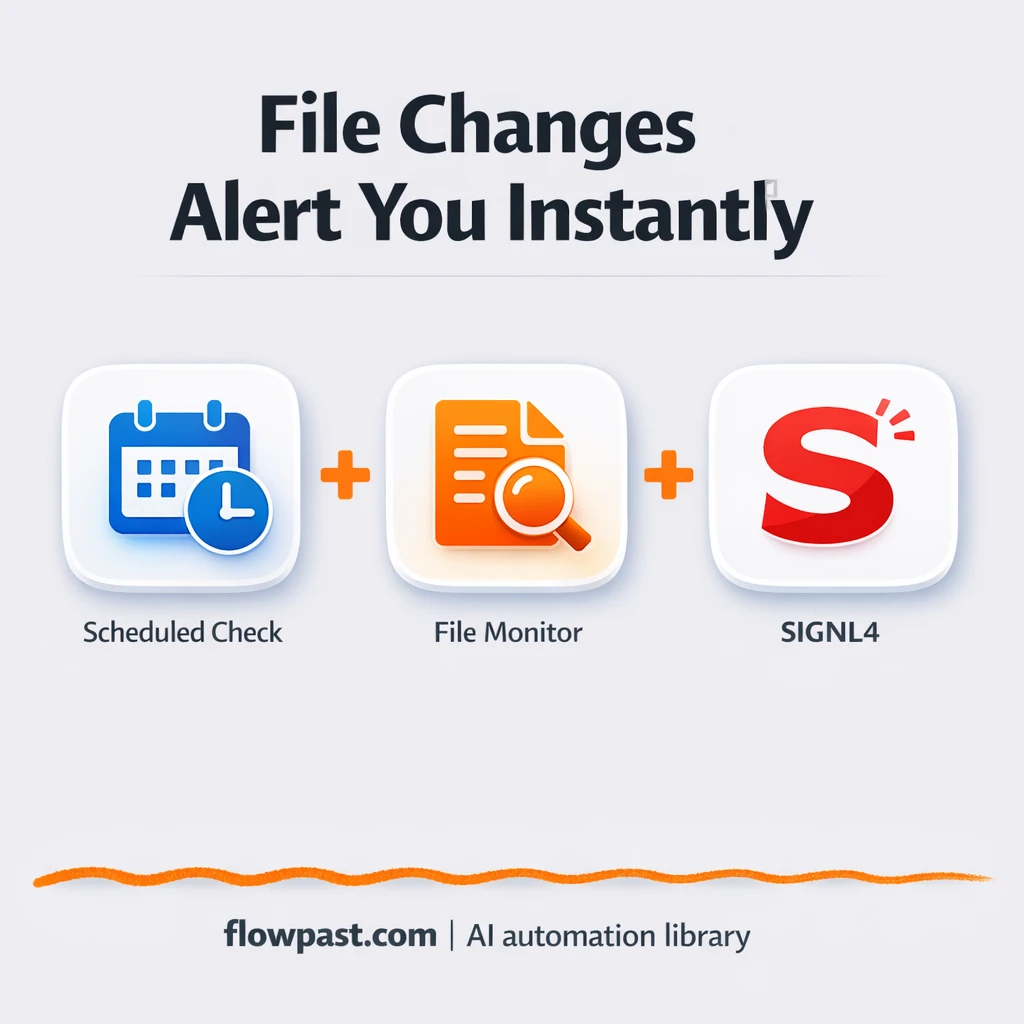
Monitor a status file and notify via SIGNL4, with Slack visibility. Fewer missed changes and…

Send incident alerts from Google Sheets to OpenAI for consistent severity tags and next steps.…
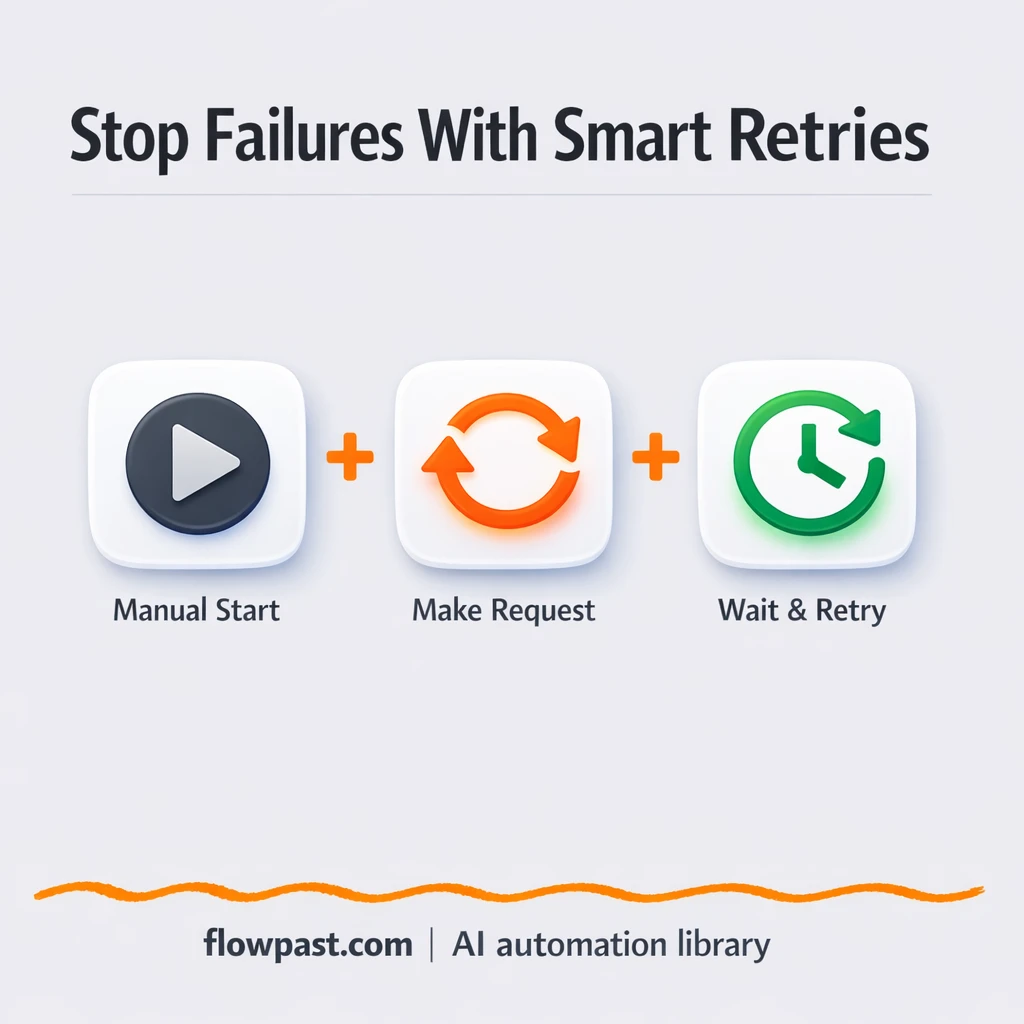
Add smart retries and delays so Google Sheets updates keep running when rate limits hit.…
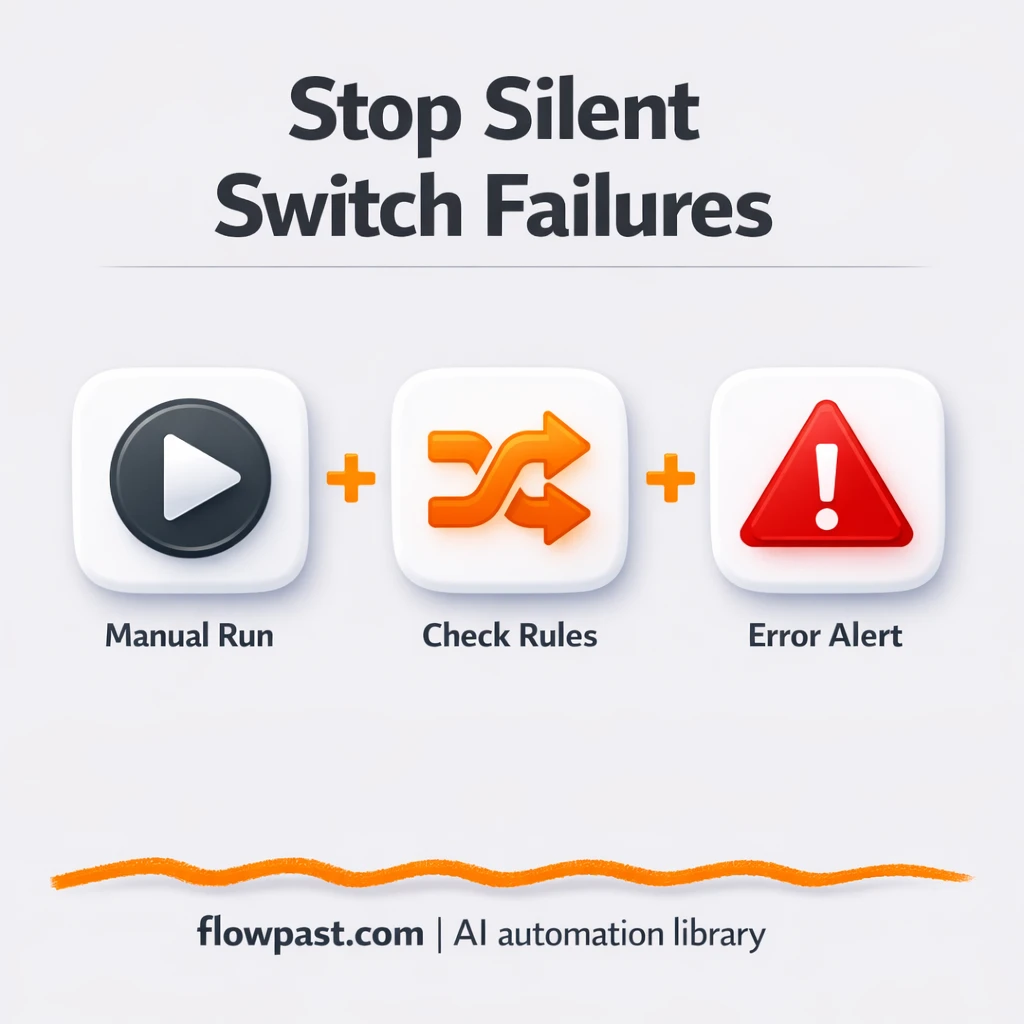
Get Slack alerts when routing misses a case. Catch bad inputs before leads or updates…
Lock down shared trigger links that send Gmail alerts and update Google Sheets. Block spam…
Vendor risk tiering logs to Google Sheets and sends Gmail alerts for high risk or…
Send suspicious URLs to NixGuard AI and get clear risk summaries in Slack. Cut copy…
Get instant access to every AI workflow and prompt. One email, full access.
Join 5,000+ automation pros. No spam.
Get instant access to the template and step-by-step guide
Full access unlocked. Here's what you can do now:
Get personalized help setting up your workflow.
Free 15-minute consultation — no commitment required.