


n8n
LinkedIn + Notion: consistent DM replies, fast
Route LinkedIn DMs with Notion rules and draft replies with OpenAI. Keep tone consistent, triage…
Turn messy leads into sales-ready records. Enrich emails, company data, and intent signals, then score and route prospects so your team focuses on the right conversations.
A workflow watches for new leads (form, spreadsheet, webhook, CRM). It then enriches the record by looking up missing fields like company name, website, role, location, and social profiles, and can verify email deliverability. Next, it normalizes data (clean casing, split names, dedupe) and applies your rules or AI scoring to decide fit and intent. Finally, it routes results: update HubSpot, write to Google Sheets/Airtable, and notify sales in Slack or Gmail.
Usually, no. Most Flowpast workflows are plug-and-play: connect your accounts, choose where leads come from, and set simple scoring rules. If you can manage a spreadsheet and a CRM, you’ll be fine.
If you’re manually researching companies, copying LinkedIn details, and cleaning spreadsheets, automation can easily save about 2 hours a day for a single person. The bigger win is consistency: every lead gets enriched the same way, instantly, with fewer mistakes. Sales also stops chasing bad fits because low-quality or unverifiable contacts can be flagged or filtered out. Over a month, that’s a lot of regained focus for both marketing and SDRs.
Start with your lead destination (HubSpot, Airtable, or Google Sheets) and one reliable lead source (a form, webhook, or imported list). You’ll also want API keys for enrichment or search, plus an AI model like OpenAI if you’re scoring or summarizing. Make sure you define a few fields up front: ideal customer profile, required contact fields, and what “qualified” means for your team. Then run a small test batch and review results before turning it on.
Route LinkedIn DMs with Notion rules and draft replies with OpenAI. Keep tone consistent, triage…
Snap business card photos and Google Gemini pulls names, emails, and phones into Notion. Cut…
New Google Sheets leads trigger Slack alerts and a ready to send Gmail reply. Keep…
New Calendly bookings create Notion tasks with enriched contact details via Dropcontact. Assign follow ups…
Typeform submissions update or create clean Airtable leads with Dropcontact enrichment. Slack alerts keep everyone…
Capture LinkedIn post likers and commenters, enrich and dedupe in Airtable, then push clean leads…
Turn Google Sheets rows into Lemlist leads with Dropcontact email verification and enrichment. Fewer bounces,…
Calendly bookings create a complete Notion candidate page with Humantic AI insights. Keep interview notes…
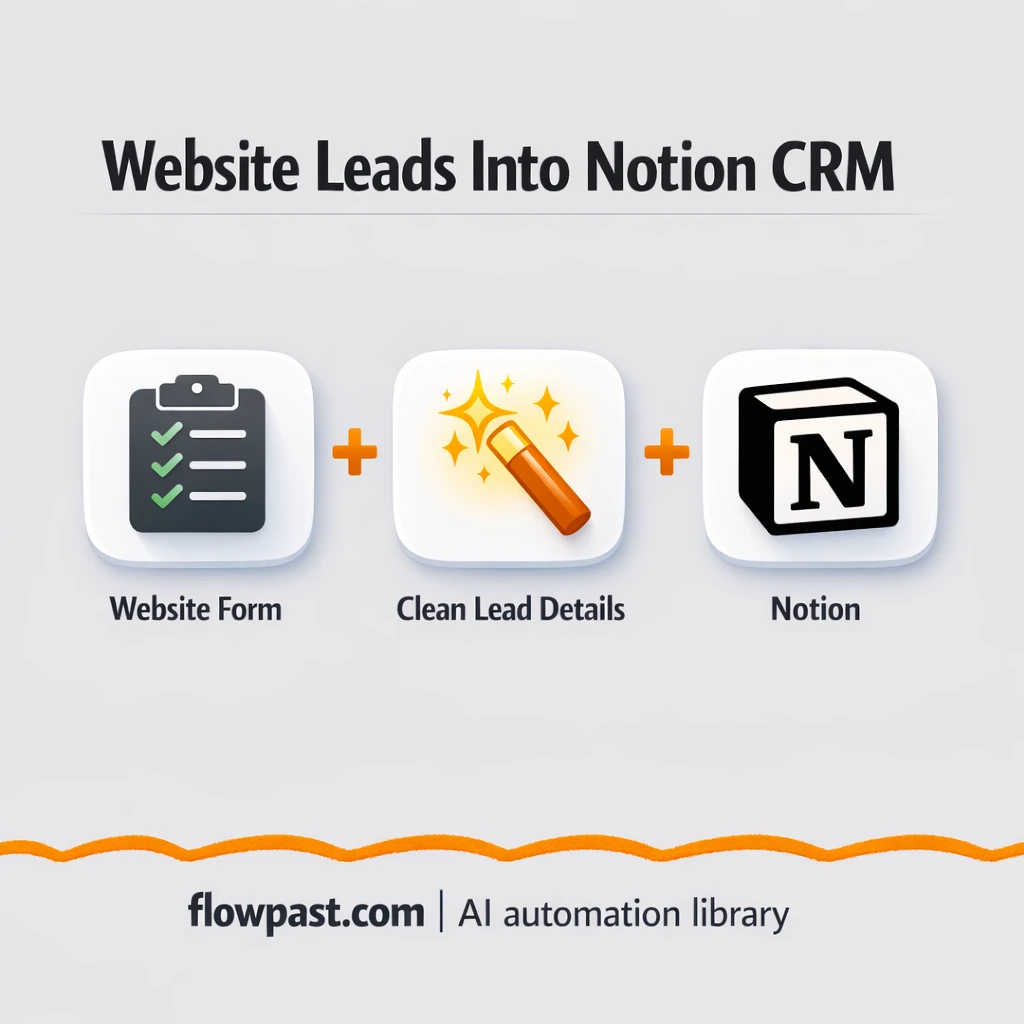
Website form submissions land in Notion as clean CRM leads. No copy paste or messy…
Get instant access to every AI workflow and prompt. One email, full access.
Join 5,000+ automation pros. No spam.
Get instant access to the template and step-by-step guide
Full access unlocked. Here's what you can do now:
Get personalized help setting up your workflow.
Free 15-minute consultation — no commitment required.