


n8n
Shopify + WhatsApp: cleaner fulfillment updates
Keep Shopify orders from sitting unfulfilled. Mark eligible orders as fulfilled and keep statuses accurate.…
Automate order updates, stock alerts, and customer messages across Shopify, Sheets, and email. Reduce mistakes, move faster, and keep buyers informed without extra tools.
It works by connecting the tools you already use (like Shopify, Google Sheets, Gmail, and Slack) and letting workflows run when something happens. A new order can trigger customer confirmation, notify your team, update a spreadsheet, and create a follow-up task. Inventory changes can send low-stock alerts before you sell out. With AI steps (OpenAI), you can draft responses, classify issues, or summarize order notes. Honestly, it’s about removing busywork, not adding complexity.
Not usually. Most workflows are plug-and-play: you connect accounts, choose settings, and turn them on. If you can manage Shopify apps or basic Zap-style tools, you’ll be fine.
If you’re manually updating spreadsheets, sending order status emails, and chasing low-stock issues, automation can save about 2 hours a day for a small team. The bigger win is consistency. Every order gets the same updates, every stock dip gets flagged, and handoffs don’t depend on someone remembering. Agencies and high-volume stores often save even more because the workflows run nonstop, including nights and weekends. Your team spends time on exceptions, not repetitive admin.
You’ll need an n8n workspace (self-hosted or cloud) and access to the apps you want to connect, like Shopify, Gmail, Slack, or Google Sheets. Most setups require API credentials or OAuth login; Flowpast workflows usually guide you on what to paste where. If you want AI-generated messages, you’ll also add an OpenAI key and decide what data you’re comfortable sending. Start with one workflow, test with a few orders, then expand.
Keep Shopify orders from sitting unfulfilled. Mark eligible orders as fulfilled and keep statuses accurate.…
Export every Shopify customer into Google Sheets with clean columns and a Squarespace Contacts ready…
Squarespace newsletter signups flow into Mailchimp via Google Sheets. Skip CSV imports, avoid duplicates, and…
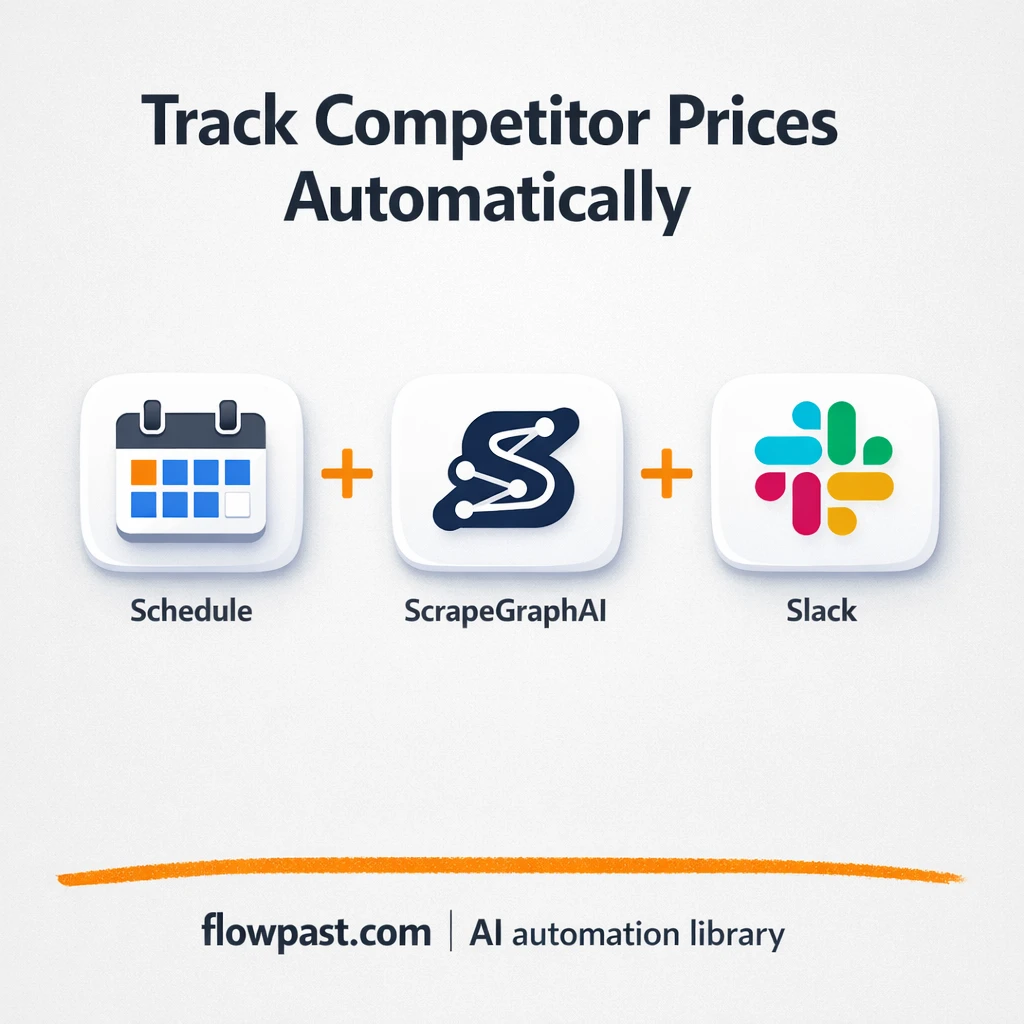
Track competitor prices in Google Sheets and get Slack alerts when they shift. Keep margins…
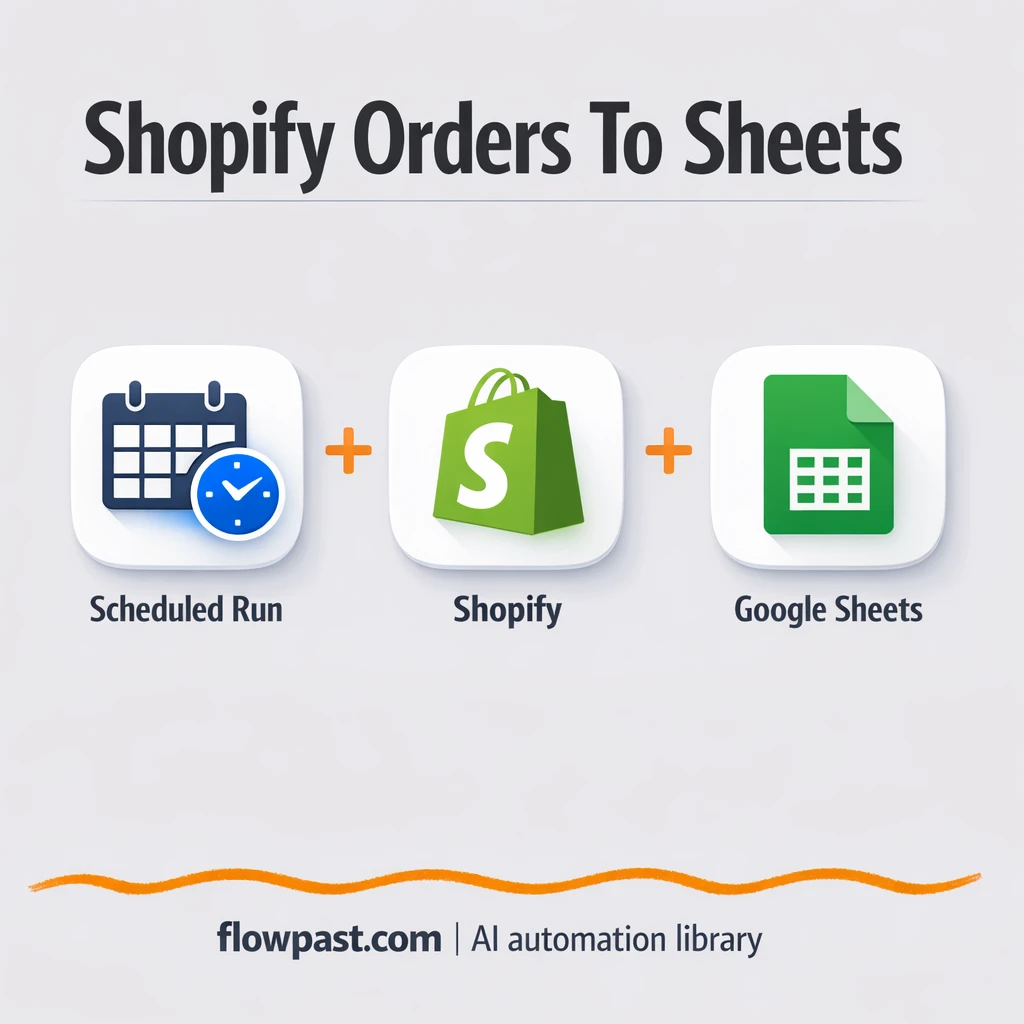
Send every Shopify order into Google Sheets reliably. No missed pages, no broken columns, no…
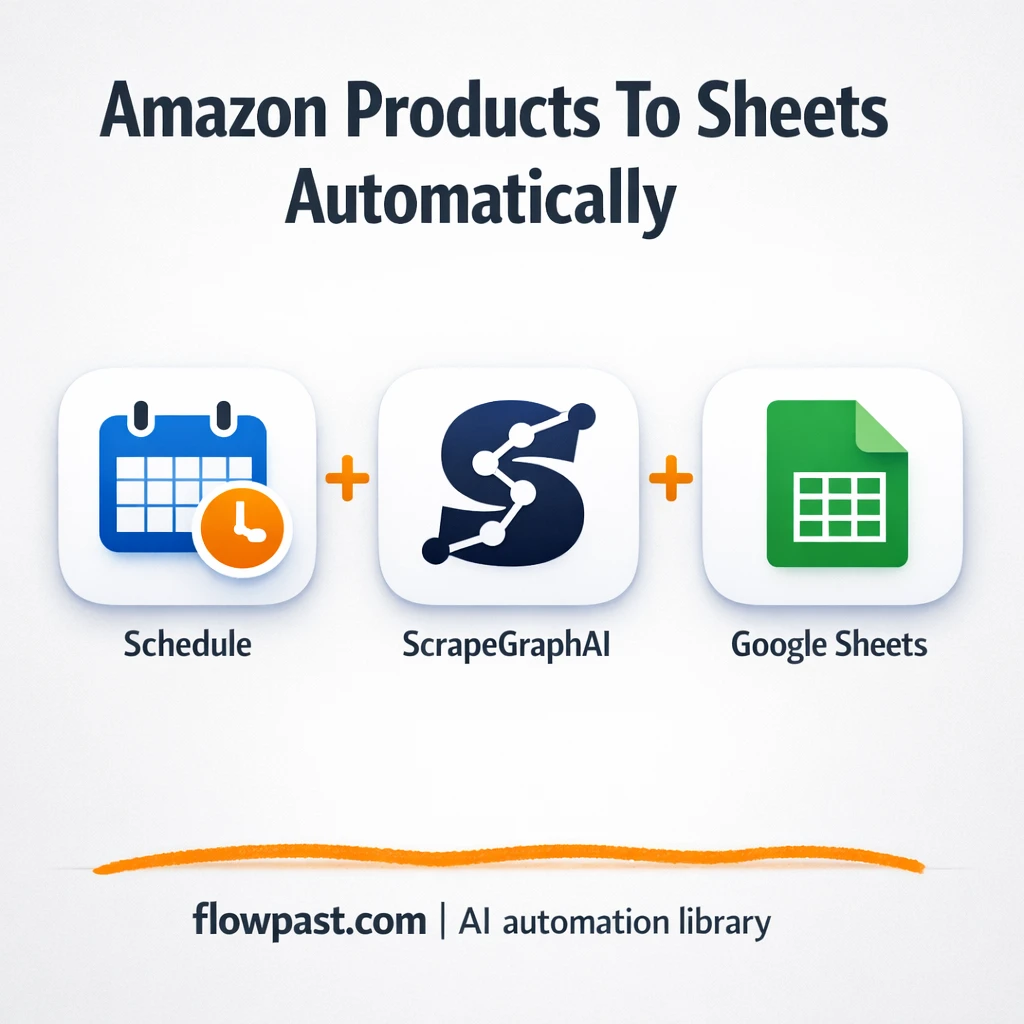
ScrapeGraphAI pulls Amazon keyboard listings into Google Sheets. Keep competitor tracking clean and consistent. Open…
Track competitor prices and build a clean history in Baserow. Send Mailchimp trend emails and…
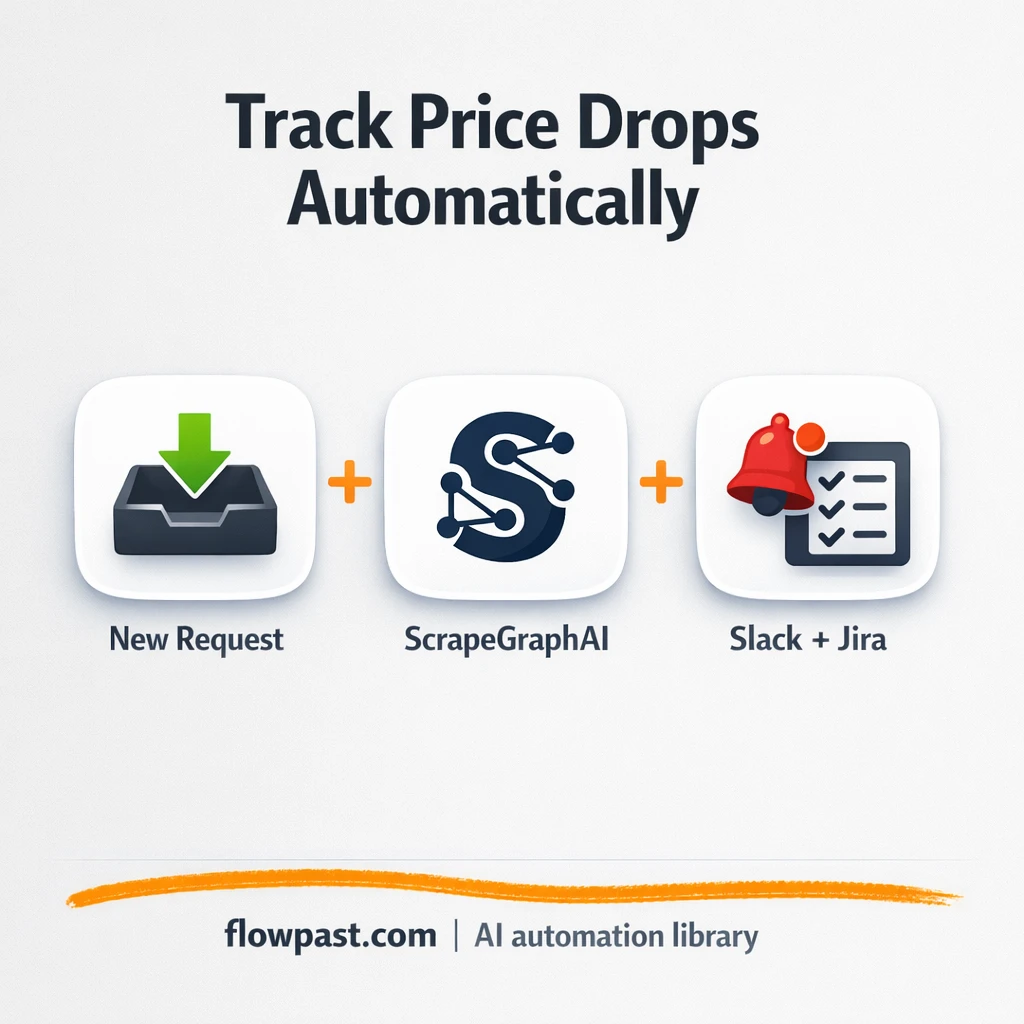
Track competitor prices and catch meaningful drops fast. Slack highlights only the outliers and Jira…
Track competitor prices and store clean history in MongoDB. Mailgun emails a clear weekly summary…
Pull Trustpilot reviews into Google Sheets with clean, duplicate-free rows. Keep testimonials searchable and export-ready…
Get instant access to every AI workflow and prompt. One email, full access.
Join 5,000+ automation pros. No spam.
Get instant access to the template and step-by-step guide
Full access unlocked. Here's what you can do now:
Get personalized help setting up your workflow.
Free 15-minute consultation — no commitment required.