


n8n
Google Sheets + OpenAI: smarter feedback follow-ups
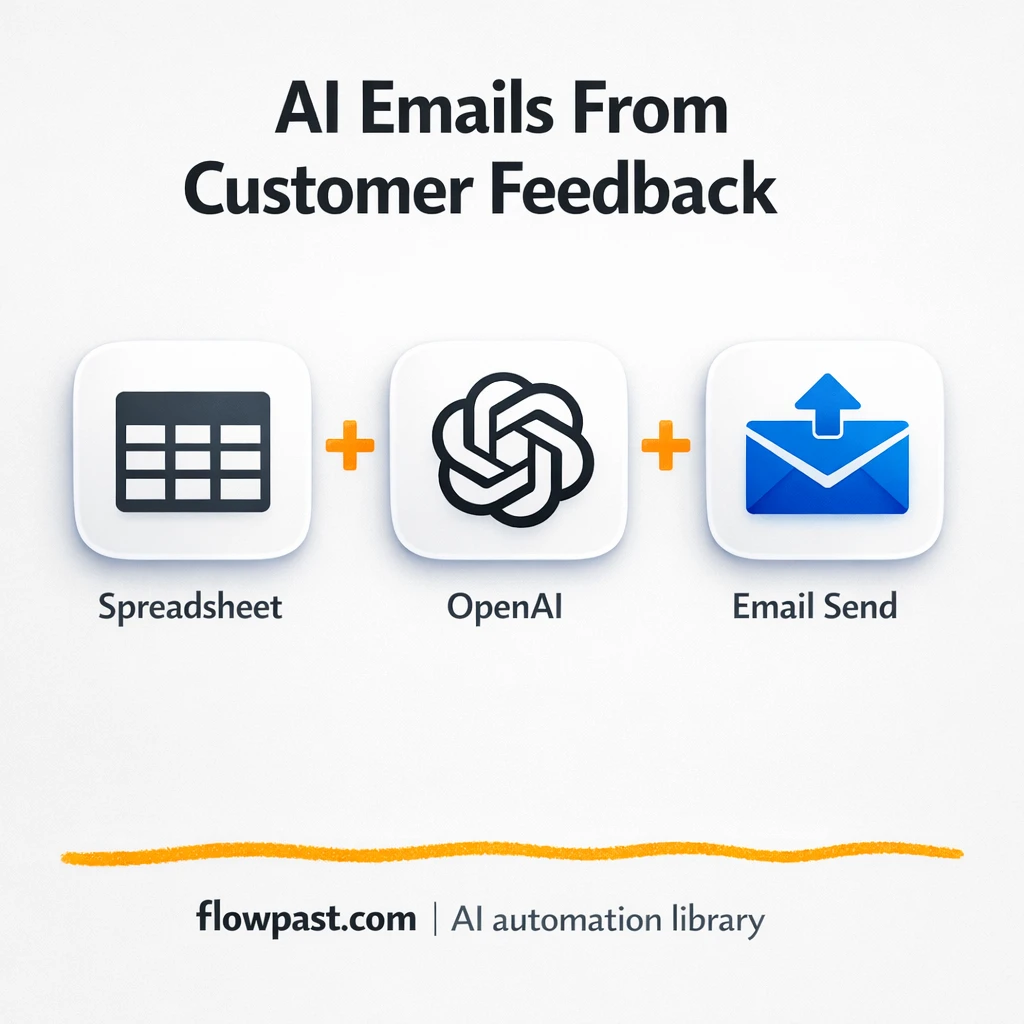
Pull feedback from Google Sheets and use OpenAI to gauge sentiment, draft on brand replies,…
Publish more, faster—without more meetings. Use proven n8n workflows to plan, draft, repurpose, schedule, and report across channels with clean handoffs and fewer mistakes.
You start with a trigger (a form submission, a new row in Google Sheets, an RSS item, or a scheduled run). The workflow then moves content through steps like drafting with OpenAI, pulling brand guidelines from a doc, and sending it to Slack or Gmail for approval. Once approved, it publishes to WordPress or queues social posts, then logs links and metrics back to your tracker. Honestly, it’s like giving your process a reliable checklist that runs itself.
Not usually. Most Flowpast workflows are ready to import, then you just connect your accounts and update a few fields like channels, prompts, and approval steps. If you can follow a checklist, you can launch something useful. For custom logic (multiple brands, complex routing, strict compliance), you might want a technical teammate—but you can still start small today and grow from there.
If you’re doing the same steps every week, automation can cut that work in half. Teams commonly save about 2 hours per campaign just by removing copy/paste, file chasing, and manual status updates.
You’ll need an n8n instance (cloud or self-hosted) and accounts for the tools you want to connect, like OpenAI, Google Sheets, Slack, Gmail, or WordPress. Have one source of truth ready, too: a spreadsheet or database for content status, links, and owners. Then pick a single workflow (for example, “brief → draft → approval → publish”), run it on one campaign, and iterate. Frankly, starting narrow is how you get ROI fast without redesigning your whole process.
Pull feedback from Google Sheets and use OpenAI to gauge sentiment, draft on brand replies,…
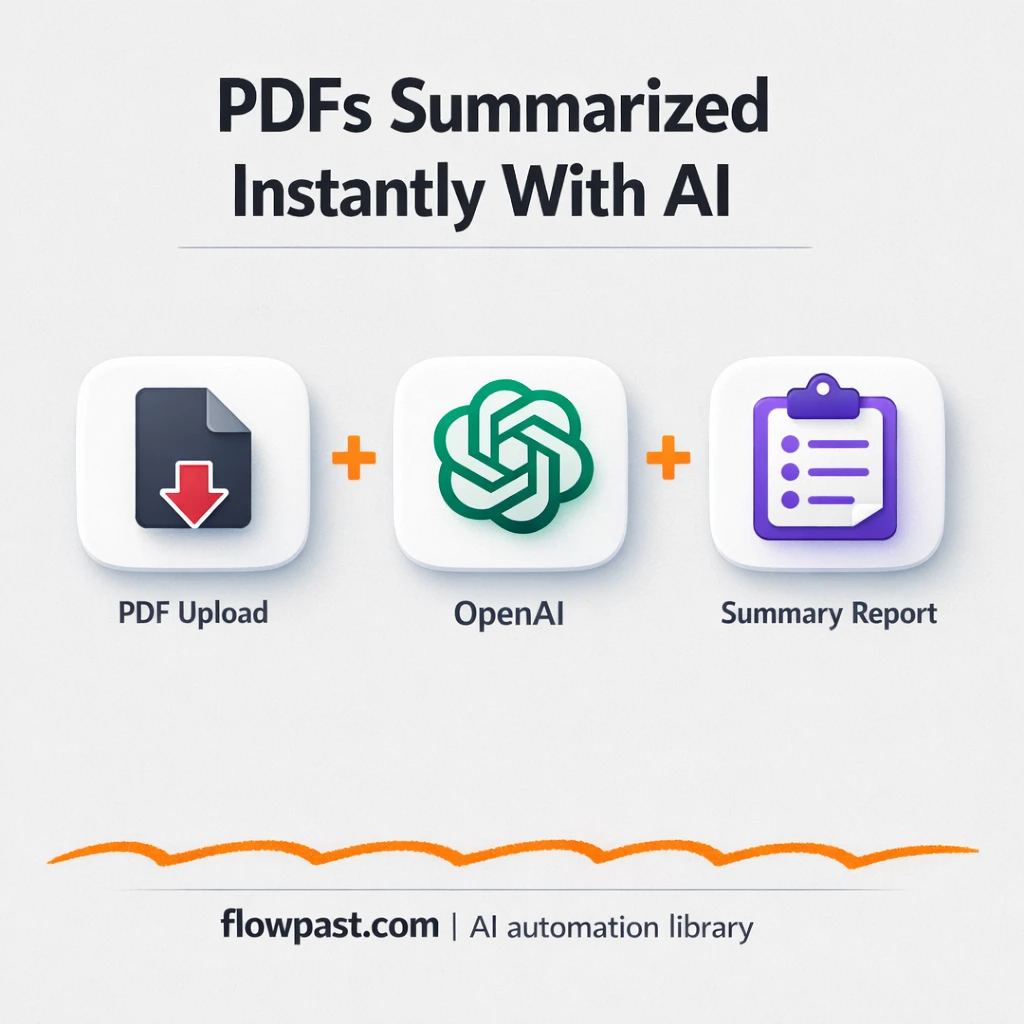
Turn any PDF into a clean, topic by topic summary with OpenAI. Share key insights…
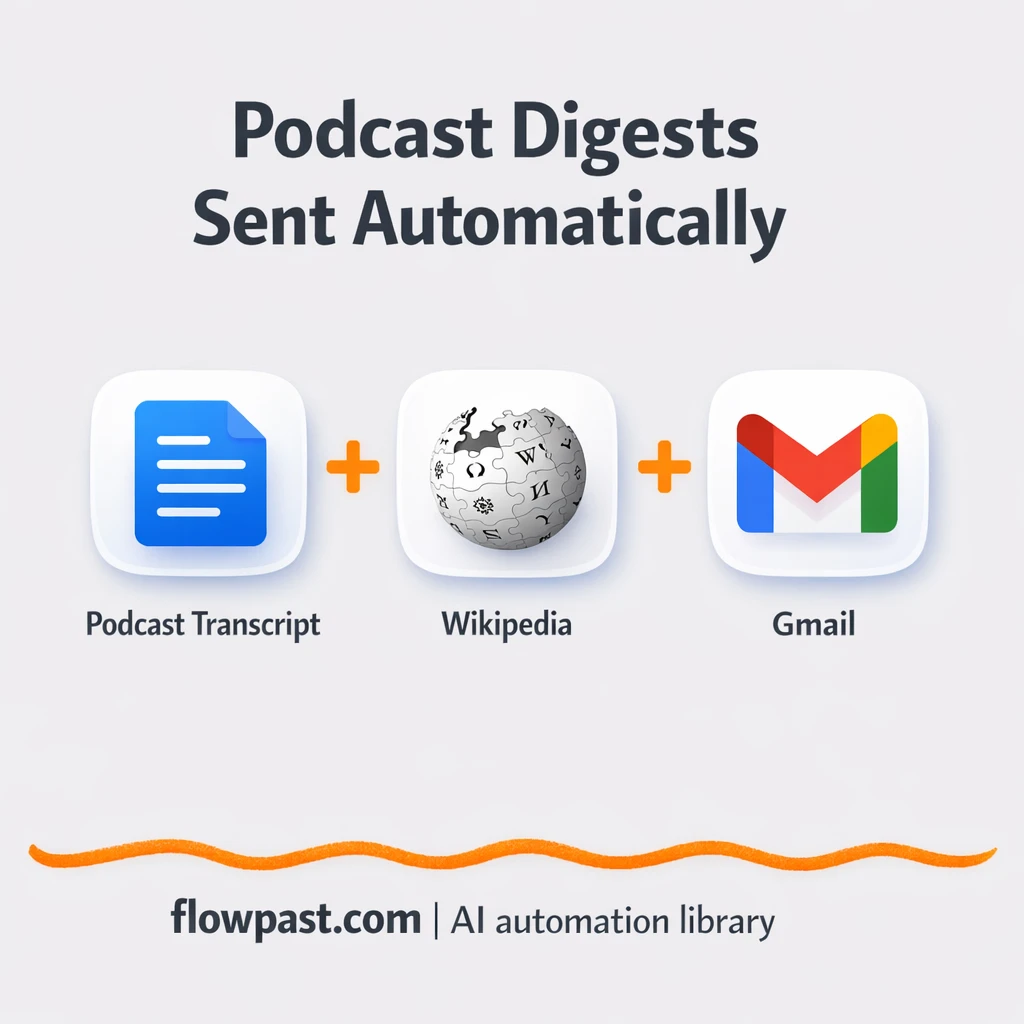
Turn a podcast transcript into a researched, reader friendly digest and send it via Gmail…
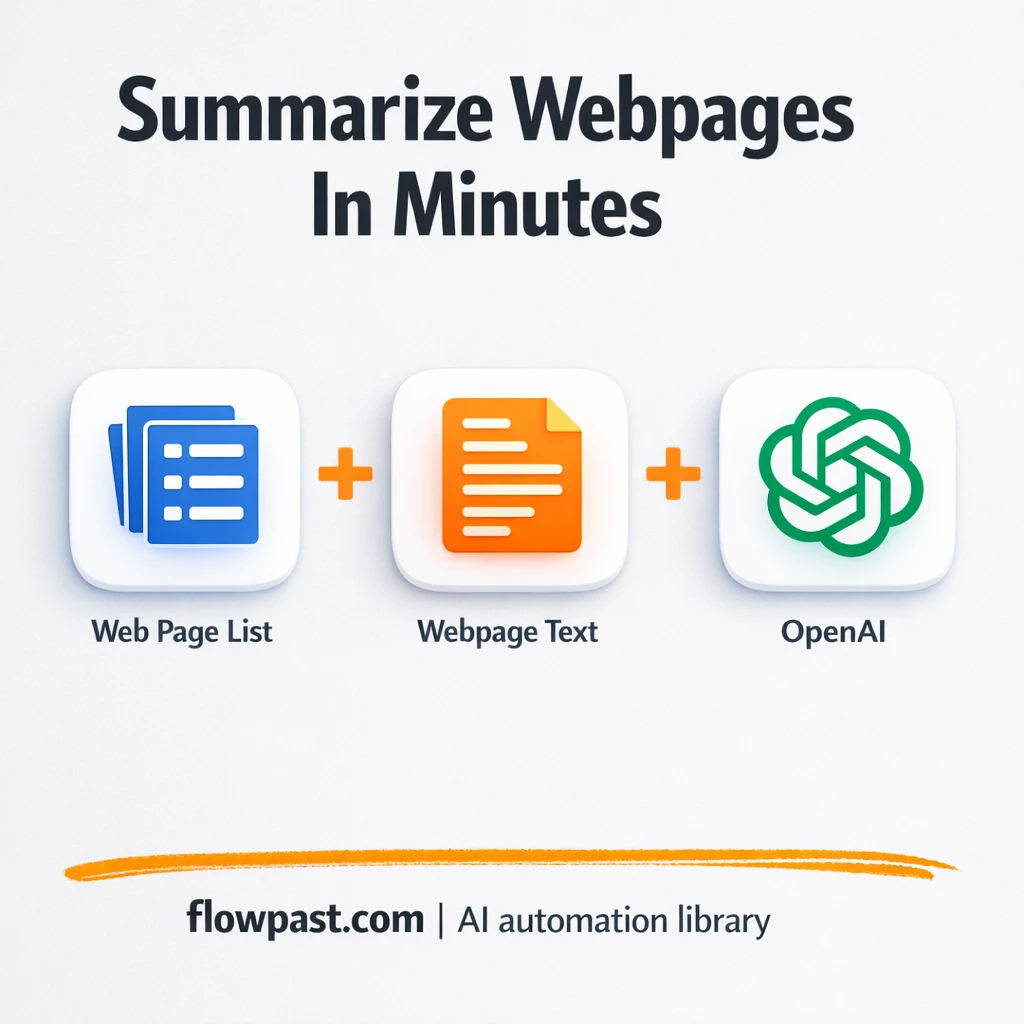
Summarize new articles with OpenAI and log clean notes in Google Sheets. Keep research consistent…
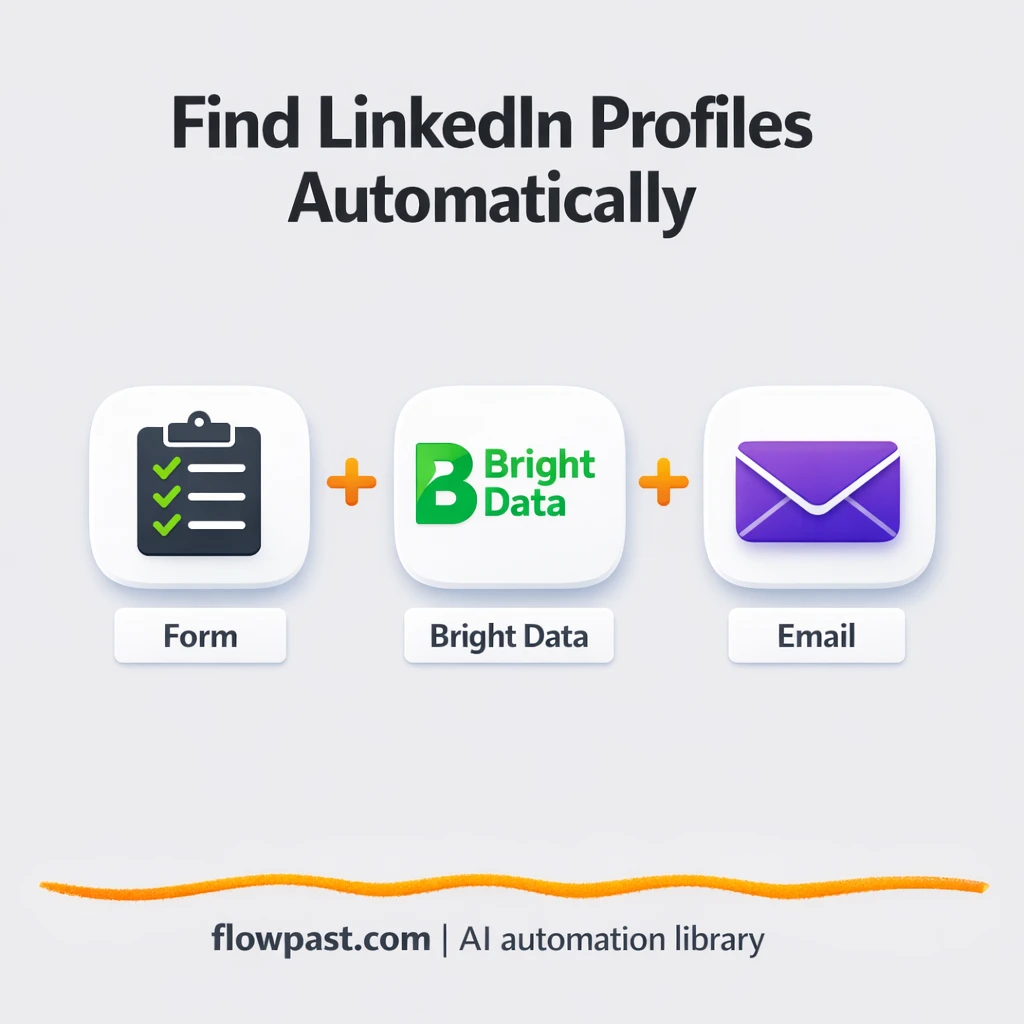
Find the right LinkedIn profile and get follow up guidance sent to Gmail. Less tab…
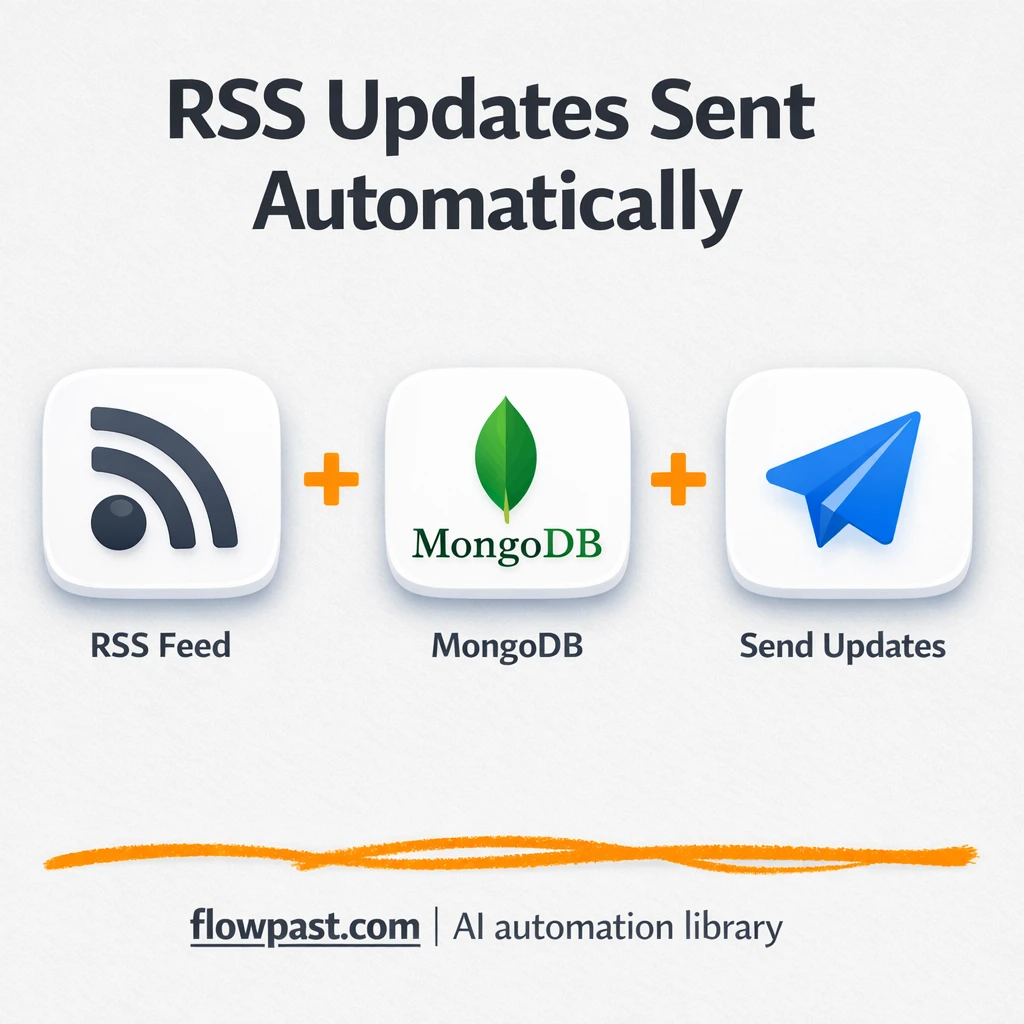
Filtered RSS items land in Slack with MongoDB de-dupe. Cut noise, avoid repeat links, and…
Get instant access to every AI workflow and prompt. One email, full access.
Join 5,000+ automation pros. No spam.
Get instant access to the template and step-by-step guide
Full access unlocked. Here's what you can do now:
Tell us what you'd like to automate — we'll show you what's possible for your team.