


n8n
Email to Notion, a cleaner inbox wiki with Telegram
Turn email into clean Notion entries and block duplicates. Telegram confirms each capture so your…
Run projects without the chaos. Automate task updates, reminders, approvals, and status reporting across your tools so you ship on time, keep clients happy, and stay aligned.
You need an n8n workspace and accounts for the apps you want to connect (for example Jira, Slack, Notion, or Google Sheets). Most workflows require API access or OAuth login, which you can set up in minutes. If a workflow uses AI, you’ll also add an OpenAI (or similar) API key. Start with one process—like weekly status reporting—then expand once you see it working. Flowpast workflows include clear setup steps so you’re not guessing.
Turn email into clean Notion entries and block duplicates. Telegram confirms each capture so your…
Bulk delete Slack channel messages with a Slack bot and preview first. Reduce mistakes after…
Track risky GitHub events and notify Slack only when it matters. Catch unknown pushes, new…
Typeform signups land in Google Sheets with confirmation and follow-up emails ready. Track who paid…
Route email and web form inquiries into Slack and Google Sheets, with a Gmail receipt…
Store versioned backups in GitLab and get Slack confirmations for every run. No missing exports,…
Turn Gmail messages into neat rows in Google Sheets with sender, subject, and a clear…
New Gmail messages trigger Telegram alerts and AI acknowledgments. Filter newsletters and no-reply senders. Reply…
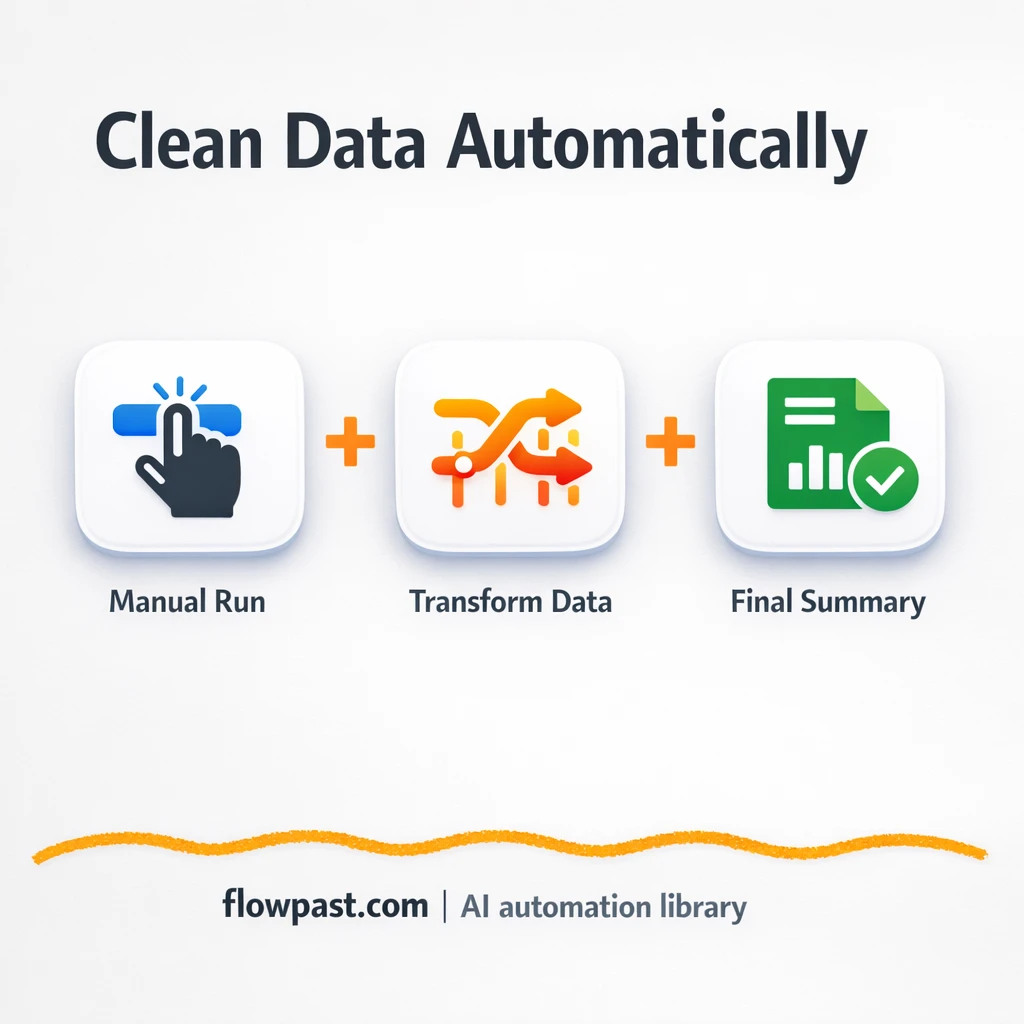
Turn messy inputs into consistent fields before they hit Airtable or Google Sheets. Fewer mapping…
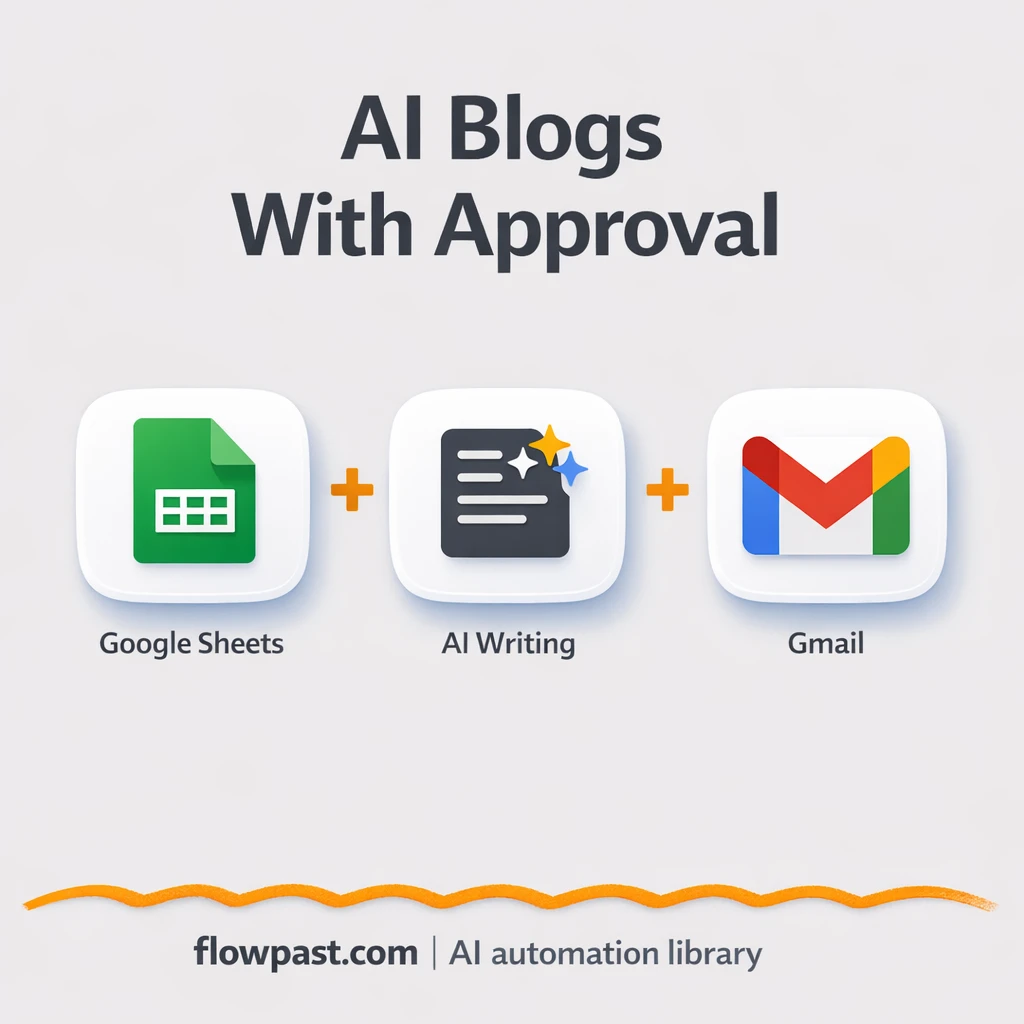
Turn Google Forms inputs into polished blog drafts, send reviews through Gmail, and track approvals…
Get instant access to every AI workflow and prompt. One email, full access.
Join 5,000+ automation pros. No spam.
Get instant access to the template and step-by-step guide
Full access unlocked. Here's what you can do now:
Tell us what you'd like to automate — we'll show you what's possible for your team.