


n8n
Bright Data + SMTP: curated deal emails sent for you
Bright Data pulls MediaMarkt deals and OpenAI ranks the best picks. Send a clean HTML…
Automate recurring reports and KPI dashboards across your tools. Pull data, clean it, and share weekly updates to Sheets, Slack, or email—without late nights or copy-paste errors.
Most automations follow a simple pattern: collect data, standardize it, then distribute it. A workflow might pull metrics from APIs or databases, append them to Google Sheets or Airtable, and refresh a dashboard view. Next, it can calculate KPIs, flag anomalies, or ask OpenAI to write a short executive summary in plain language. Finally, it sends the report to Slack, Gmail, or saves it to Google Drive on a schedule. You get consistent reporting without the weekly scramble.
Usually, no. If you can map “this metric goes into that column” and follow prompts, you’ll be fine. Many Flowpast workflows are plug-and-play with clear setup steps, and you can start with one report before expanding.
For many teams, it saves about 2 hours per report cycle, sometimes more when multiple sources are involved. The bigger win is consistency: numbers update the same way every time, so you stop re-checking formulas and hunting missing fields. Agencies often feel this first, because client reporting piles up fast. You also save context-switching time, which is frankly the hardest part to measure but the easiest to feel. When the report arrives automatically, you can focus on decisions, not assembly.
You’ll need access to the tools that hold your data (like Google Sheets, Airtable, or a Postgres database) and permission to connect them in n8n. Most setups require API keys or OAuth logins, plus a clear definition of your KPIs (names, time window, and grouping). If you want AI-written summaries, you’ll also add an OpenAI key. Start small: one data source, one destination, one scheduled send. Then expand once the first report is stable.
Bright Data pulls MediaMarkt deals and OpenAI ranks the best picks. Send a clean HTML…
Capture consistent website screenshots with uProc, save them to Dropbox, then send via Amazon SES.…
Pull fresh CSV data into Google Sheets from a URL, filter what matters, and update…
CSV files update one Google Sheets list automatically. Deduplicate, keep only subscribed rows, and sort…
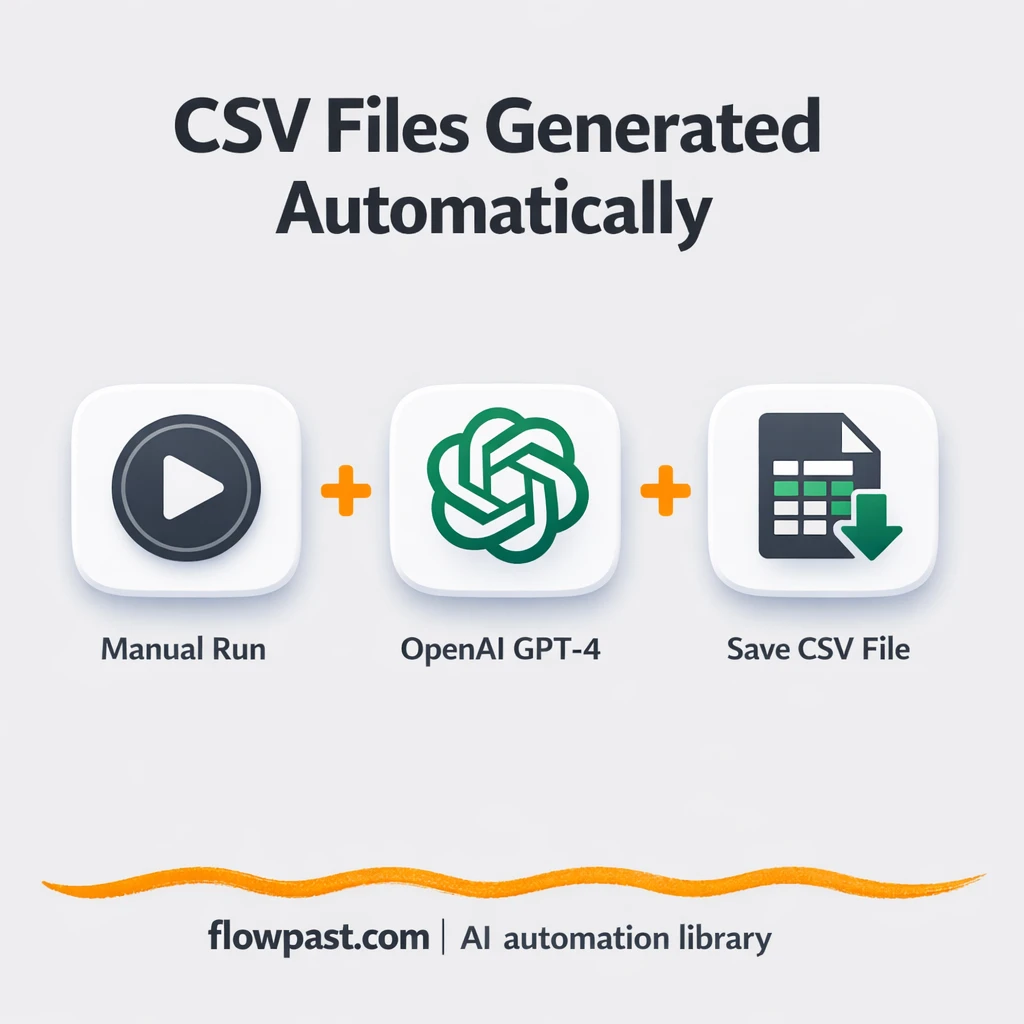
Generate realistic test users with GPT-4 and export a clean CSV for Excel. Consistent columns,…
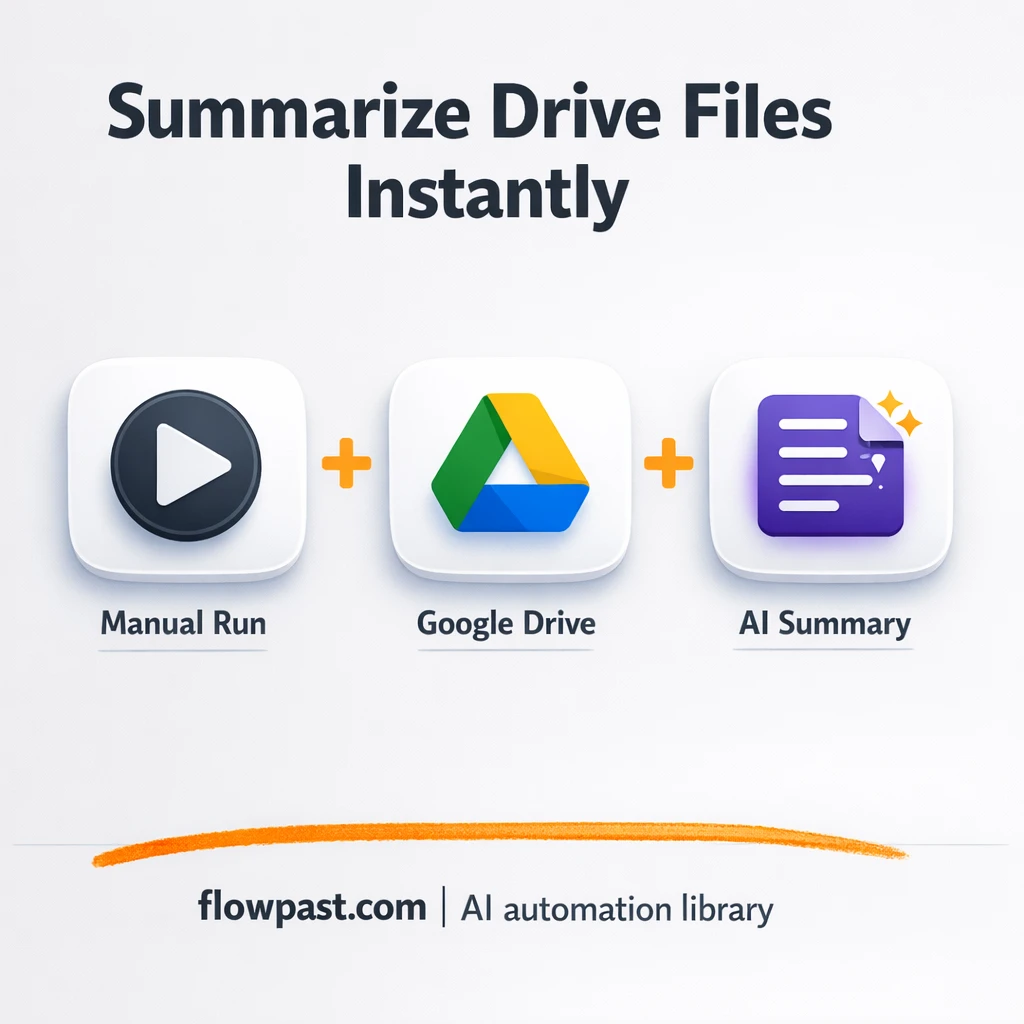
Turn Google Drive PDFs into clear AI summaries sent to Slack. Keep everyone aligned, cut…
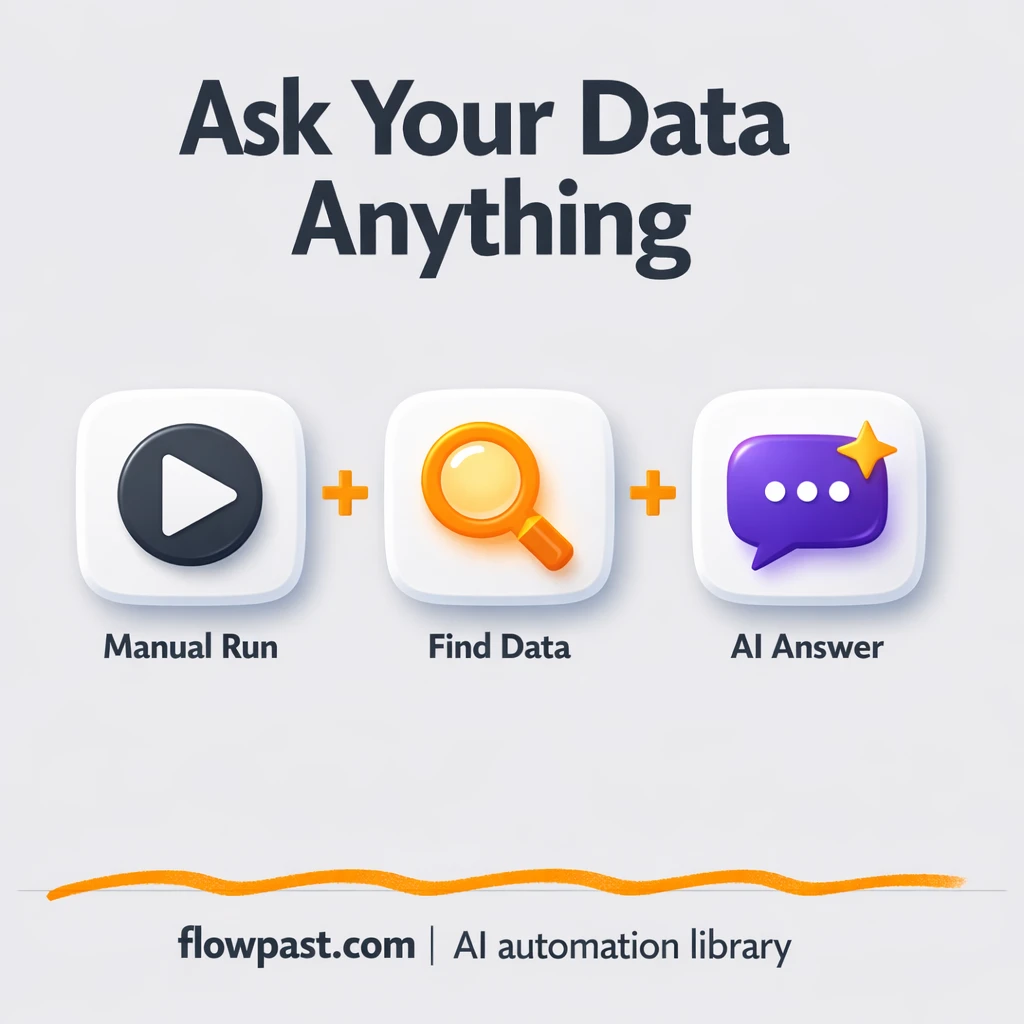
Turn Google Drive docs into reliable answers with OpenAI. Reduce repeat questions, onboard faster, and…
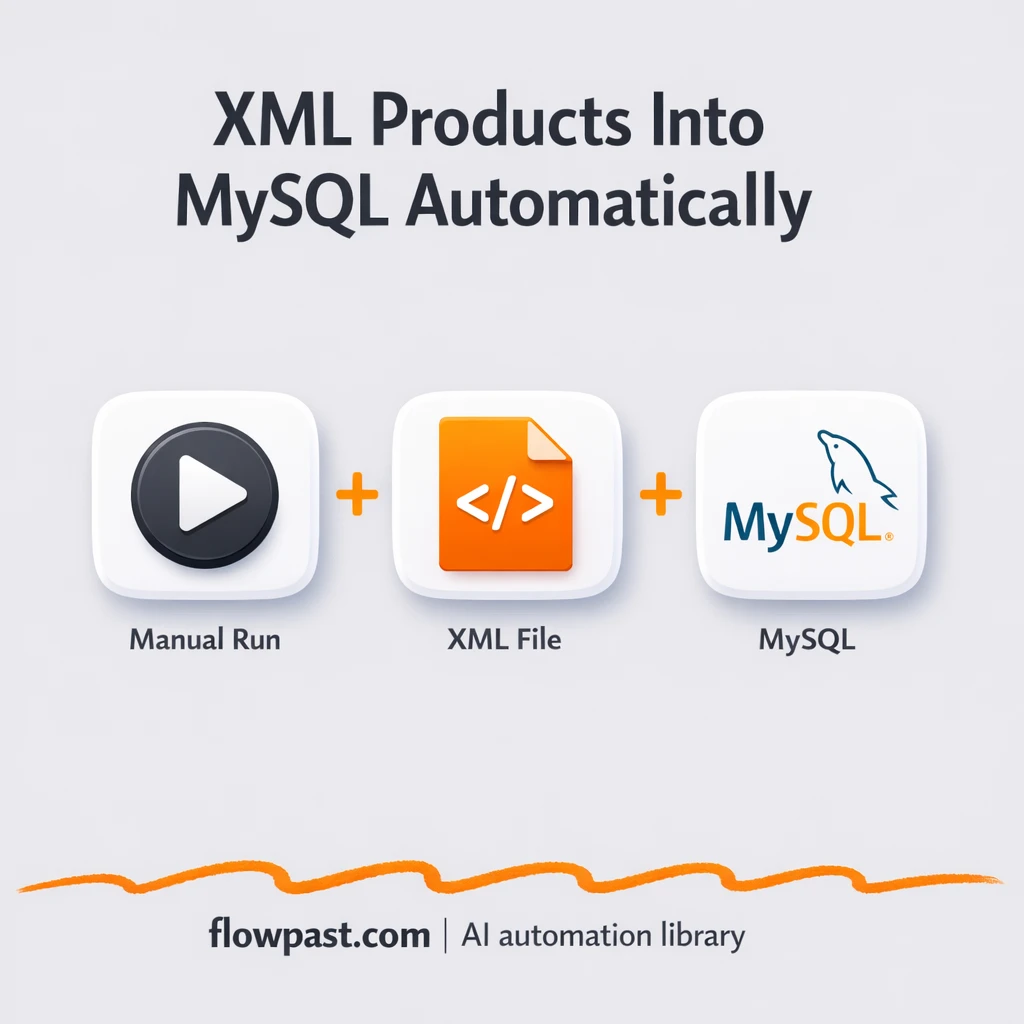
Load XML product feeds into MySQL as clean rows. Reduce duplicates, broken imports, and manual…
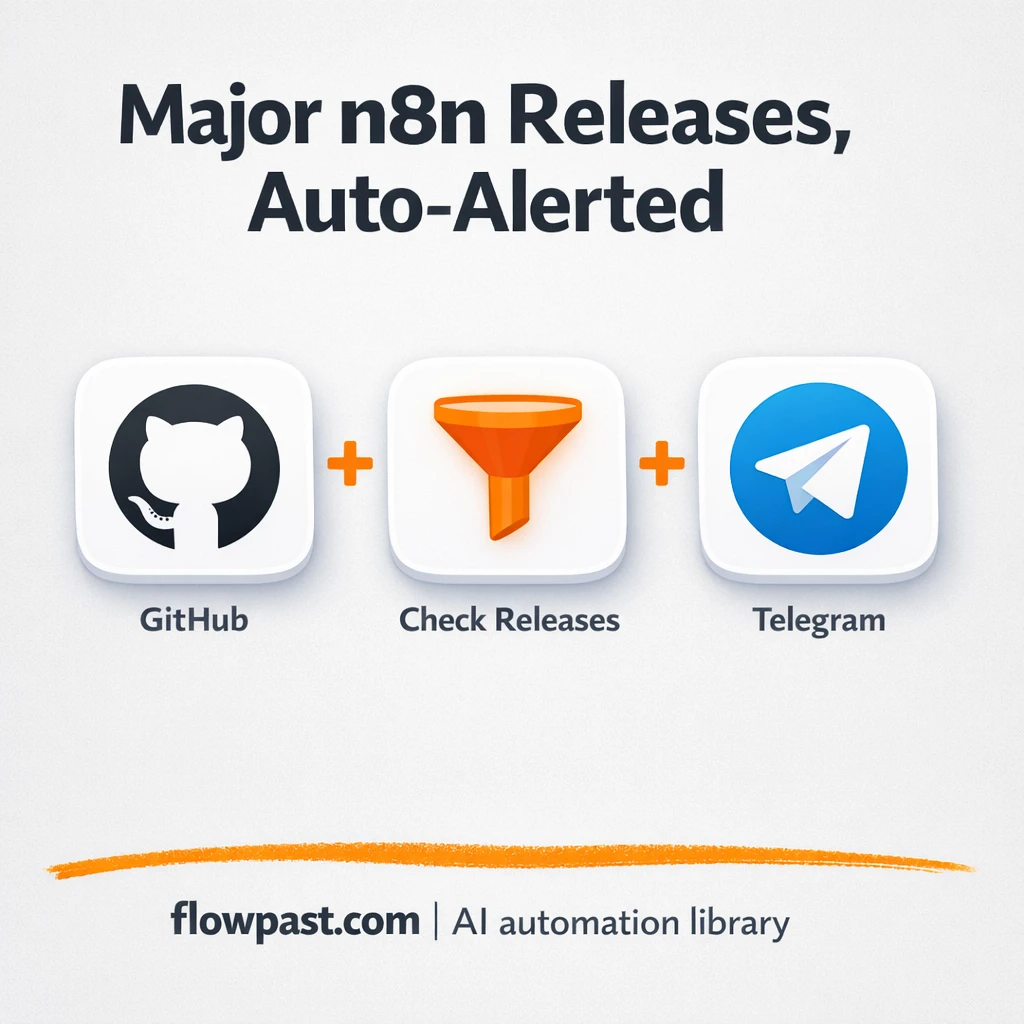
Get major GitHub release alerts sent to Telegram and AWS SES email. Stay ahead of…
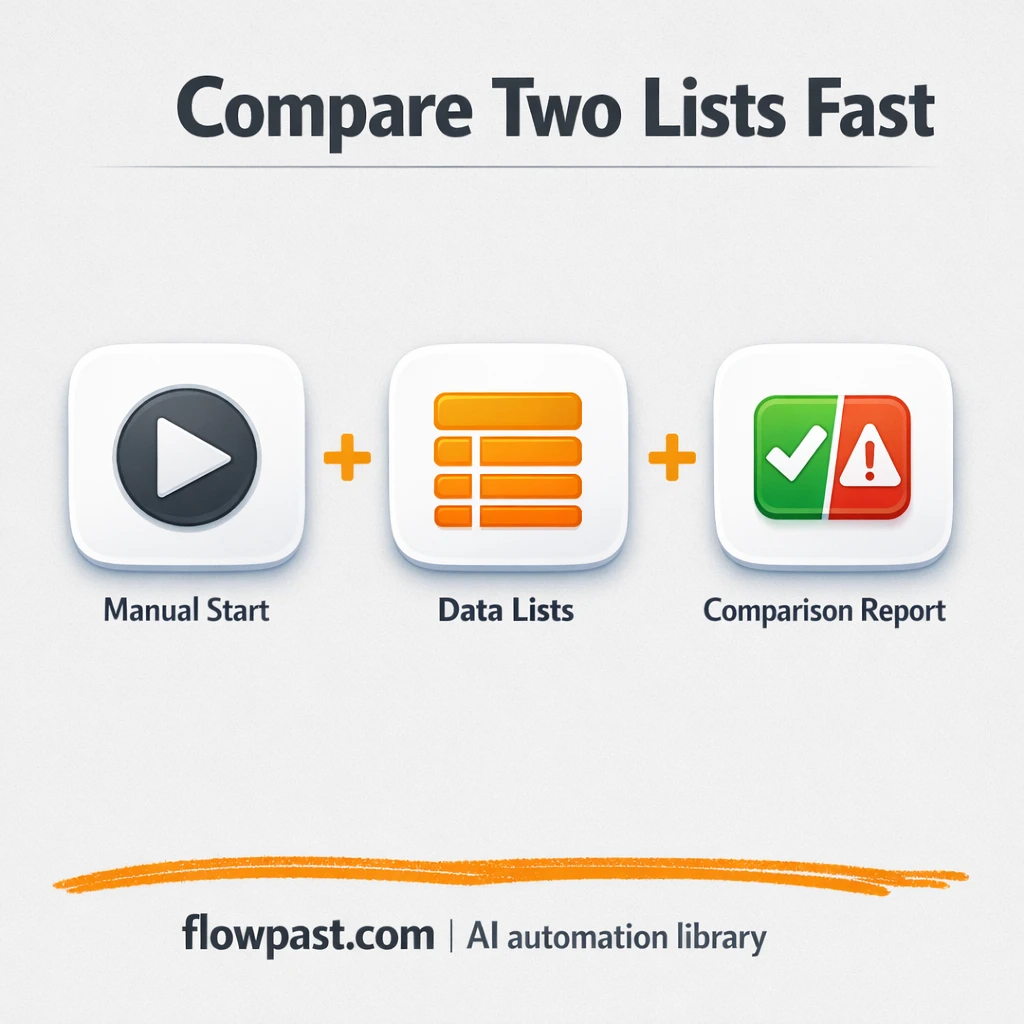
Compare two lists by a shared key and flag what changed. Send clean differences to…
Get instant access to every AI workflow and prompt. One email, full access.
Join 5,000+ automation pros. No spam.
Get instant access to the template and step-by-step guide
Full access unlocked. Here's what you can do now:
Get personalized help setting up your workflow.
Free 15-minute consultation — no commitment required.