


n8n
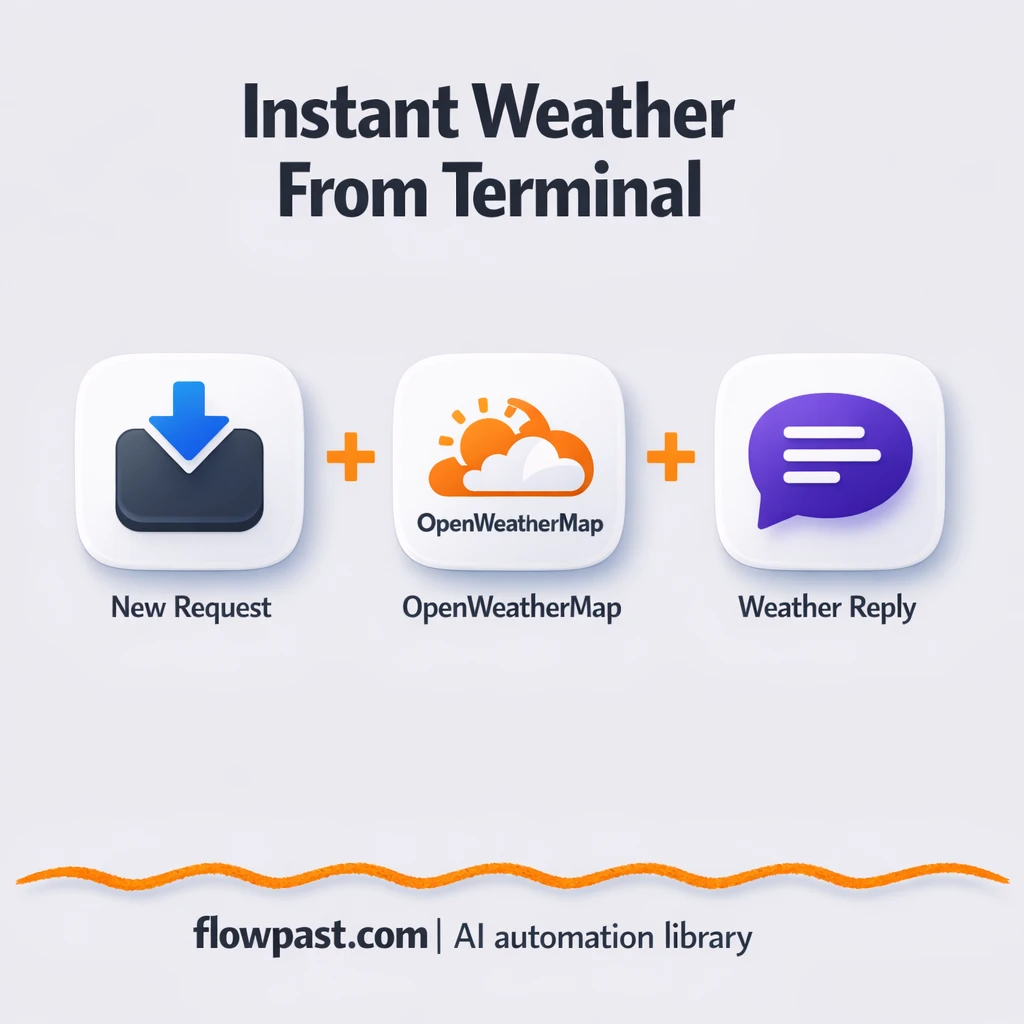
OpenWeatherMap to Slack, instant weather answers
Get current conditions from OpenWeatherMap sent to Slack on request. Skip tab hopping and wrong…
Turn scattered data into decisions. Automate competitor tracking, news monitoring, and market research summaries—delivered to Slack, Sheets, or email so you act faster.
A workflow pulls information from sources you choose—like RSS feeds, Google Search results, web pages, or internal docs—on a schedule or when something changes. It then cleans and structures the data (remove duplicates, extract entities, tag topics). Next, AI can summarize findings, compare against prior notes, and flag what matters. Finally, it delivers insights to the tools you already use, such as Slack, email, or Google Sheets, and keeps an audit trail you can reference later.
Not really. Most Flowpast workflows are ready to run, and you’ll mainly connect accounts and pick sources. If you can follow a checklist, you can launch one.
If you currently spend about 2 hours a day scanning tabs, newsletters, and competitor sites, automation can cut that in half by handling collection, deduping, and first-pass summaries. The bigger win is consistency. You stop missing updates because you were busy. Many teams also reduce meeting prep time because the same workflow produces a daily brief and a weekly roll-up, already organized by topic, competitor, or product line.
You need an n8n instance (cloud or self-hosted), access to your target sources, and API keys for any services used (for example, OpenAI or Google Search). Some workflows use web scraping; in that case you’ll want stable URLs and, sometimes, a proxy provider. Start with one use case—like a daily competitor digest—then expand once you like the format. If you can’t share data externally, choose workflows that run inside your environment and store results in your own Sheets, database, or drive.
Get instant access to every AI workflow and prompt. One email, full access.
Join 5,000+ automation pros. No spam.
Get instant access to the template and step-by-step guide
Full access unlocked. Here's what you can do now:
Get personalized help setting up your workflow.
Free 15-minute consultation — no commitment required.