


n8n
Typeform + Notion: sentiment logged, wins in Slack
Typeform feedback is scored for sentiment and routed to Notion and Slack. Spot wins fast…
Route requests, assign owners, set due dates, and send updates automatically. Stop chasing tasks in email and chat, and keep every project moving with clear next steps.
A workflow watches for new requests where they already appear: Gmail, Slack, forms, or a CRM. It pulls the important bits (who asked, what’s needed, due date, links), then creates a task in a tool like ClickUp or Notion. Next, it assigns an owner using rules (team, client, workload, keyword) or AI classification, and posts confirmations to Slack/email. Finally, it nudges when tasks are stuck and logs activity to Google Sheets for visibility.
Not really. Most Flowpast workflows are plug-and-play: connect your accounts, choose a few options, and you’re live.
If you’re manually copying requests into a task tool, assigning owners, and sending reminders, automation can save about 2 hours per week for a solo operator and far more for a team. The bigger win is consistency: every request gets captured, routed, and tracked the same way. That means fewer missed handoffs and fewer “did anyone do this?” messages. Over a month, that reclaimed time often pays for the workflow by itself.
You’ll need an n8n workspace (cloud or self-hosted) and accounts for the apps you want to connect, like Slack, Gmail, ClickUp, and Google Sheets. Most setups take about 20 minutes: authorize integrations, map fields (task title, description, due date), and set assignment rules. If you want AI routing, add an OpenAI or Gemini key. Frankly, the only “hard” part is deciding your process—who owns what and when a task is considered done.
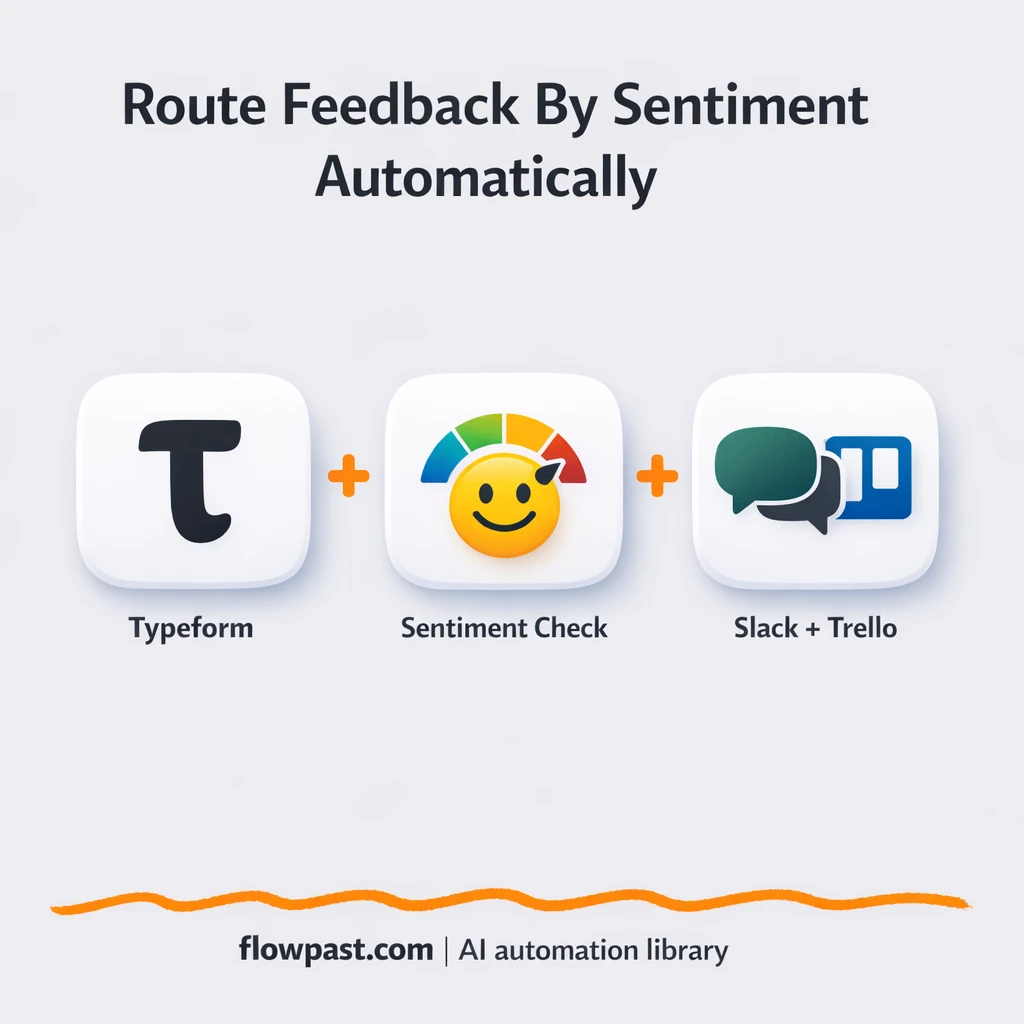
Typeform feedback is scored for sentiment and routed to Notion and Slack. Spot wins fast…
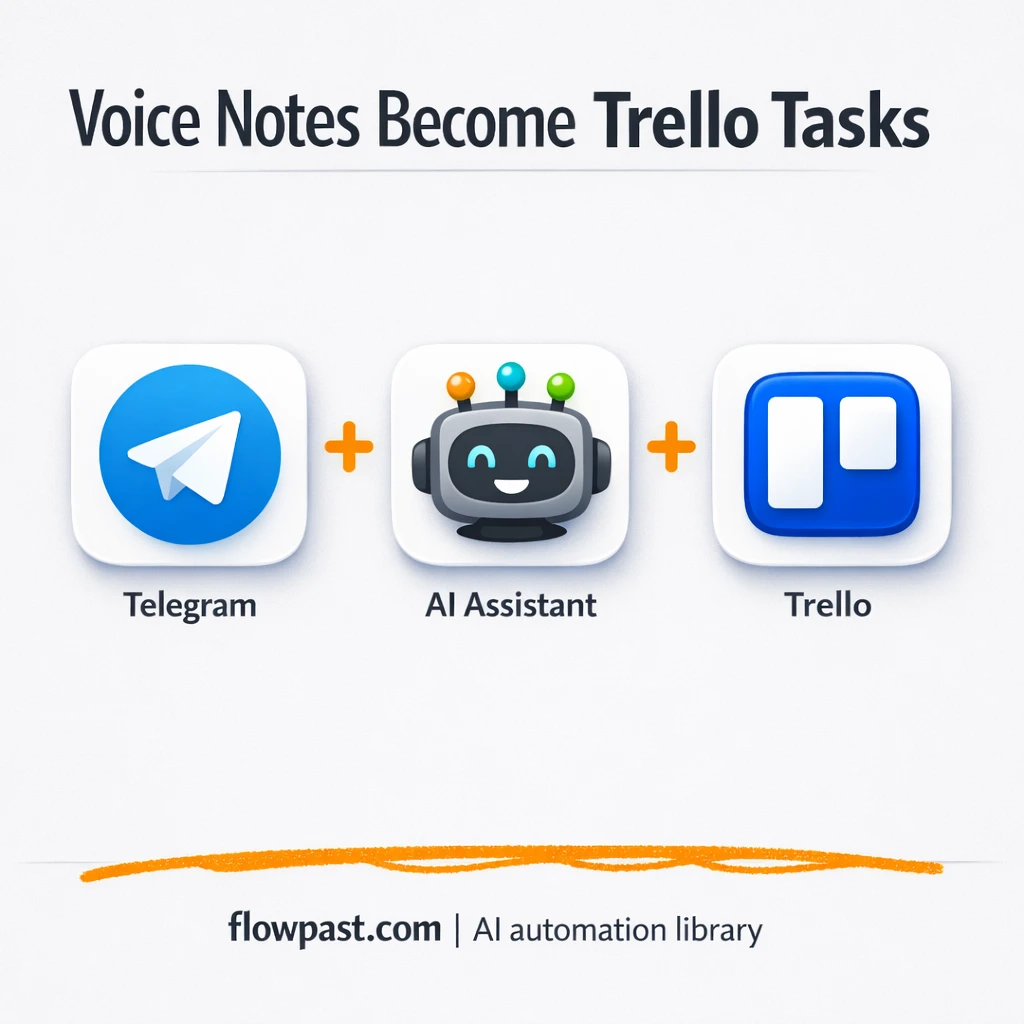
Send a Telegram voice note and get a Trello card created with a clean title…
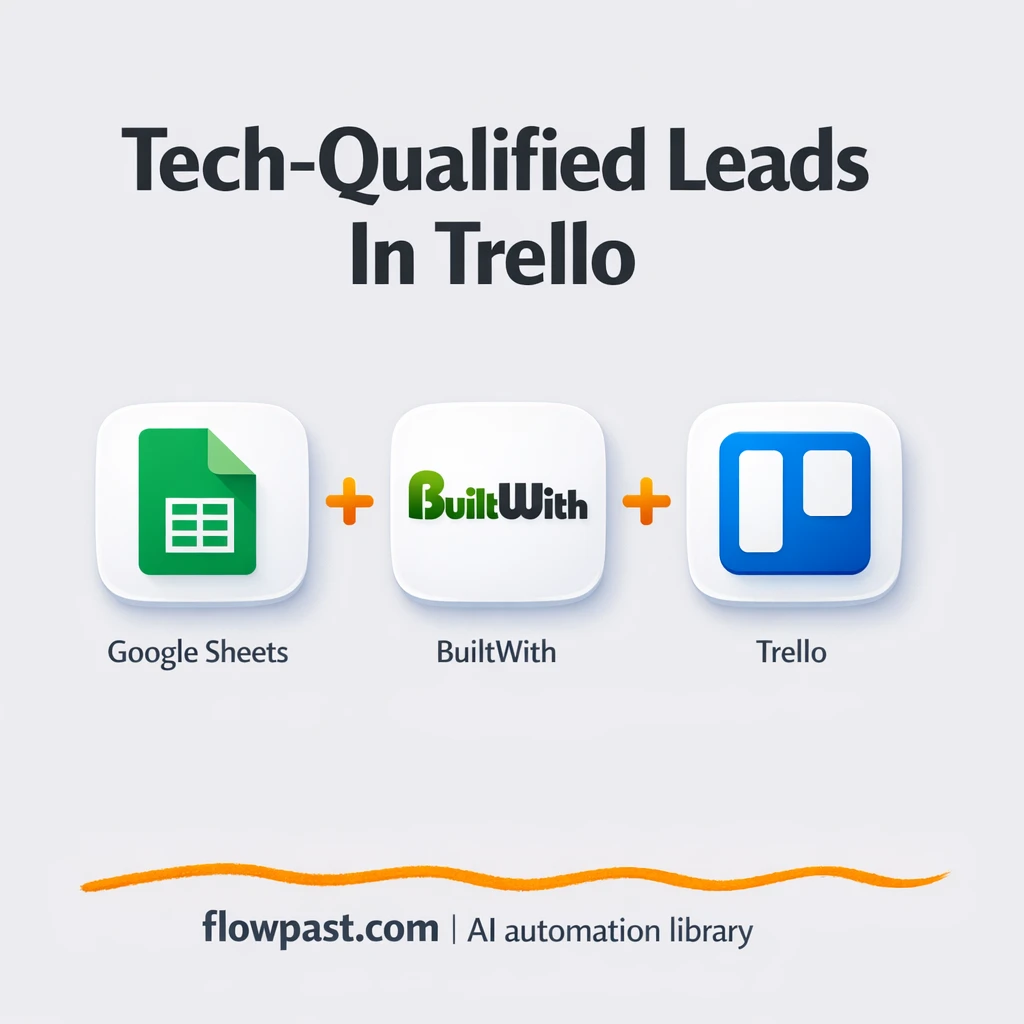
Turn a Google Sheets domain list into Trello cards enriched with BuiltWith. Cut research and…

Turn Gmail support emails into Trello tickets and notify Slack automatically. Keep every request visible,…
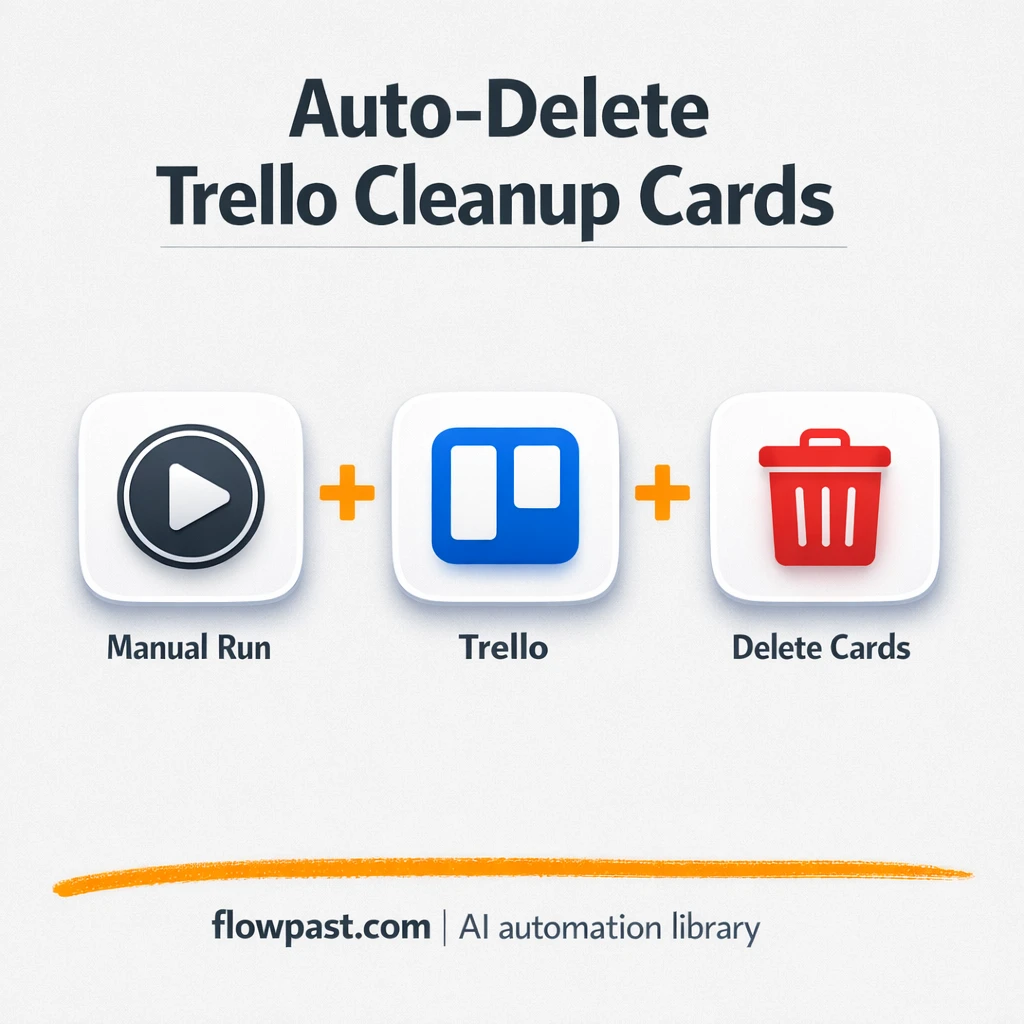
Delete Trello cards tagged Mark for Deletion and log what was removed in Google Sheets.…
Turn Trello boards into clear status updates with OpenAI and share to Slack. No re-reading…
Shopify orders sync into Zoho CRM with clean customer records. No retyping, missed follow ups,…
Route Typeform feedback by sentiment into Trello and Notion. Keep praise searchable and issues actionable.…
Get instant access to every AI workflow and prompt. One email, full access.
Join 5,000+ automation pros. No spam.
Get instant access to the template and step-by-step guide
Full access unlocked. Here's what you can do now:
Get personalized help setting up your workflow.
Free 15-minute consultation — no commitment required.