


n8n
Notion + Pushover: patent filings tracked for you
Track new patent filings and log them in Notion automatically. Get Pushover alerts for priority…
Automate vulnerability scans, alerts, and reporting so issues don’t slip through. Route findings to the right team, track fixes, and keep clients updated with less busywork.
You set a trigger (a schedule, a new deployment, or a webhook), then the workflow runs a scan or pulls results from your scanning tool’s API. Next, it normalizes the output, filters noise (like known low-risk items), and routes what matters. For example, high-severity findings can go to Slack and email, while everything is logged to Google Sheets for tracking. You can also generate a client-ready summary with OpenAI and assign owners automatically.
Not usually. Most Flowpast workflows are plug-and-play: connect your accounts, choose a scan schedule, and pick where alerts should go. If you want custom logic (like different rules per client or environment), a little comfort with APIs and webhooks helps, but you can still start simple and improve over time.
If you’re currently pulling scan reports, copying findings into a tracker, and chasing people for fixes, automation can cut that in half. The biggest wins come from auto-triage (only pinging the right person) and auto-reporting (no more manual summaries). For agencies, it also reduces back-and-forth with clients because updates are consistent and on schedule. Frankly, the time saved often shows up as fewer fire drills, not just fewer minutes on a task.
An n8n workspace and access to your scanning results, typically via an API, webhook, or emailed report. You’ll also want one destination for alerts (Slack or Gmail) and one place to track remediation (often Google Sheets). Start with a single site or client, run it for about 2 weeks, then tighten the rules to reduce noise. If you don’t have an API, you can still automate intake using email parsing or webhooks from your existing tools.
Track new patent filings and log them in Notion automatically. Get Pushover alerts for priority…
OpenAI reviews new GitHub pull requests and posts clear comments with a Reviewed by AI…
Send security checks and failure stats into InfluxDB, then alert your team in Slack. Catch…
Keep your Coolify deployment current by comparing GitHub releases automatically. Skip manual version checks and…
Get Docker update alerts with AI summarized release notes in Telegram. Approve or skip with…
Score Jira dependency tickets and notify owners in Slack, while logging outcomes in Google Sheets.…
Provision PostgreSQL or MySQL databases via SSH and email results in Gmail. Cut errors, keep…
Provision a repeatable MERN server with GitHub and Docker installed. Fewer setup mistakes and smoother…
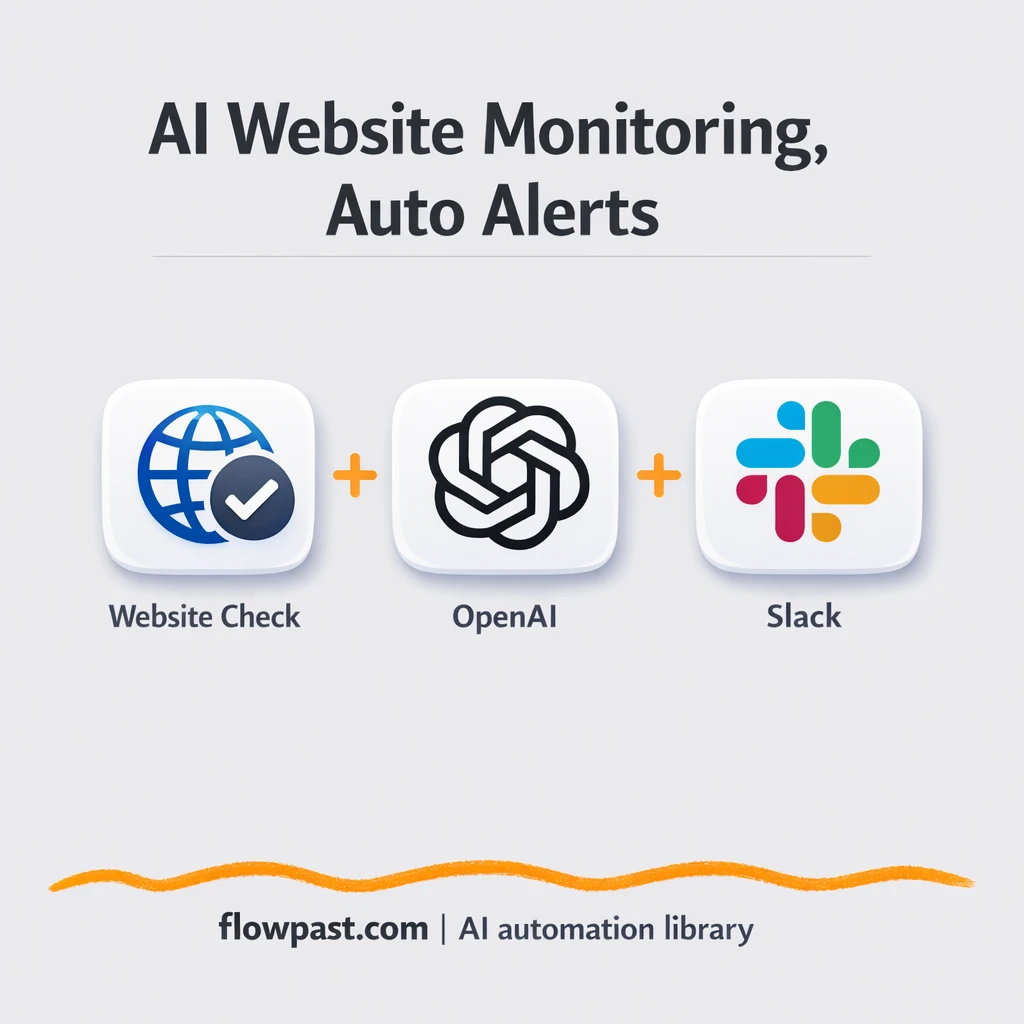
Track multiple sites using Google Sheets and get clear Slack alerts for slowdowns or security…
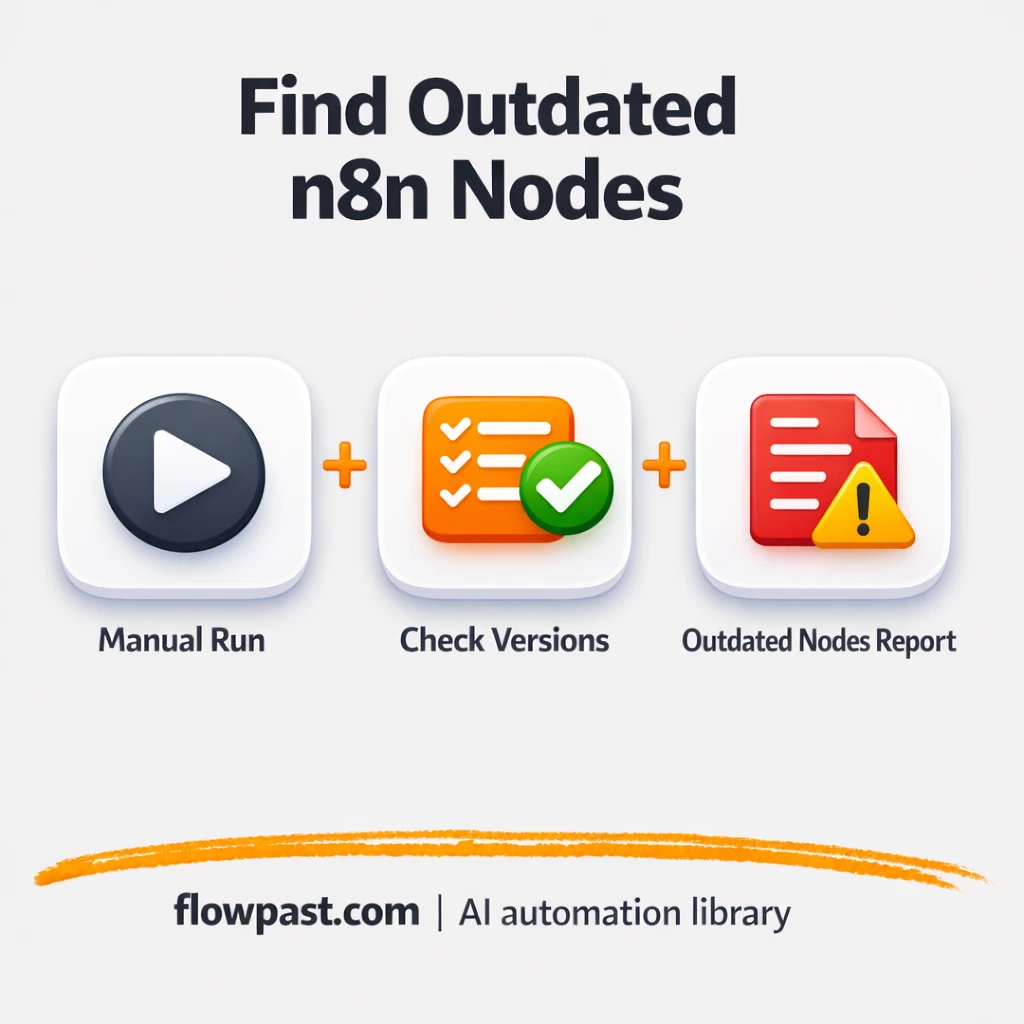
Scan your Slack steps and log outdated versions to Google Sheets. Avoid surprise breakages after…
Get instant access to every AI workflow and prompt. One email, full access.
Join 5,000+ automation pros. No spam.
Get instant access to the template and step-by-step guide
Full access unlocked. Here's what you can do now:
Get personalized help setting up your workflow.
Free 15-minute consultation — no commitment required.