


n8n
Google Sheets to Email, clean reconciliation summaries
Compare ledger and gateway data in Google Sheets, then send an Email summary with mismatch…
Sync sales, expenses, and payouts into one clean ledger. These workflows reduce manual entry, prevent duplicates, and keep your books ready for month-end and taxes.
Most workflows follow a simple loop: capture financial data, normalize it, then write it to your system of record. For example, n8n can pull Stripe charges and payouts, extract details from Gmail receipts, and map everything into Google Sheets or QuickBooks Online. Deduping rules prevent double-posting, while matching logic ties fees, refunds, and deposits together. You can also add alerts when totals don’t line up, so issues get fixed before month-end.
Not really. If you can connect accounts and fill in a few fields, you can run most templates.
It depends on volume, but many teams save about 2 hours a week right away, and more during month-end. The biggest wins come from eliminating manual entry, chasing receipts, and fixing duplicates. Automation also reduces “context switching,” which honestly is what drains your day. If you manage multiple clients or brands, savings stack fast because the same workflow runs for each one. You’ll also spend less time explaining numbers to stakeholders.
You’ll need access to n8n (cloud or self-hosted) and admin/API access to the apps you want to sync, like QuickBooks Online, Stripe, Gmail, or Google Sheets. Most setups require creating a few credentials (OAuth or API keys) and choosing where records should land. Plan to define basic rules: date format, currency, category mapping, and what counts as a duplicate. Start with one flow, test it on last week’s data, then turn on scheduling.
Compare ledger and gateway data in Google Sheets, then send an Email summary with mismatch…
Match Stripe payouts to your bank feed and log every fix in Google Sheets. Fewer…
Stripe tax totals sync into Google Sheets with a clean jurisdiction breakdown, while Slack confirmations…
Send finance questions from Slack and log the final answer in Google Sheets. Keep an…
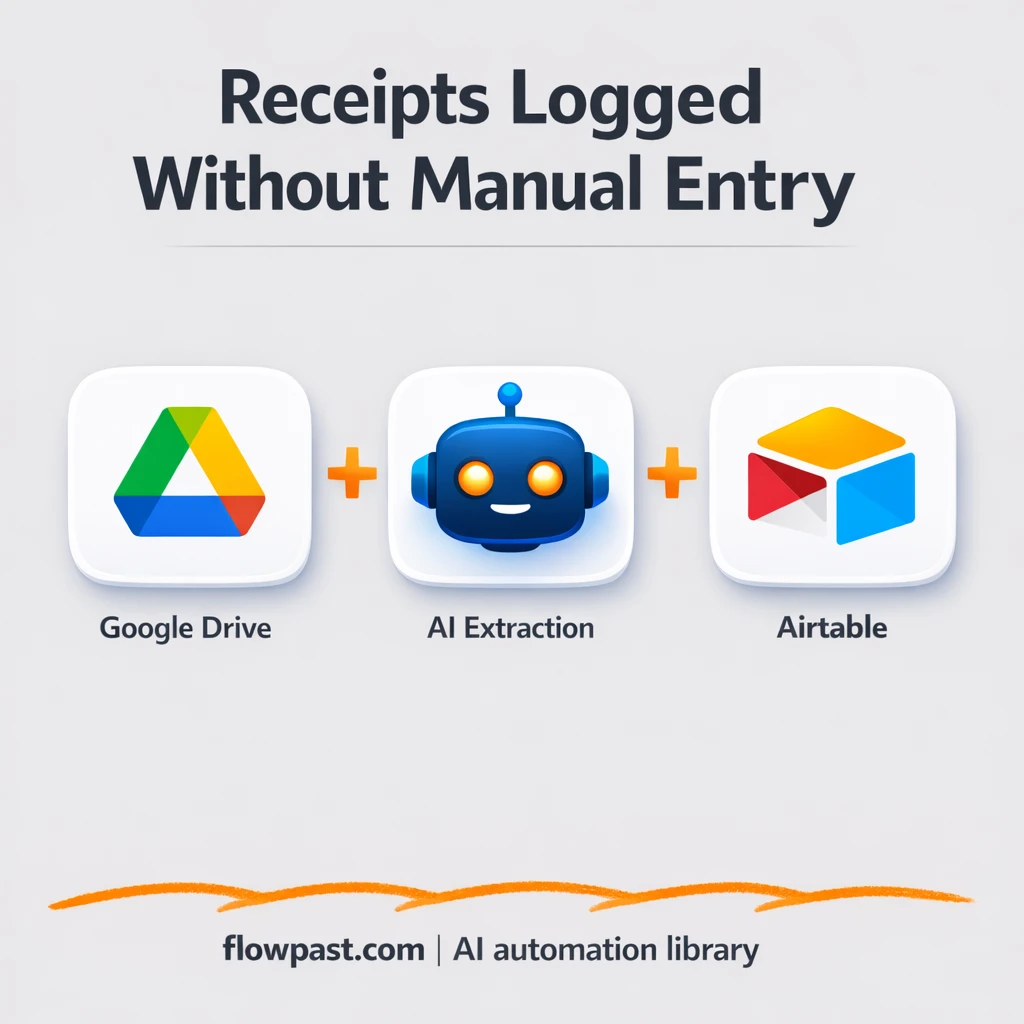
Receipt photos in Google Drive become clean Airtable expense records. No copy paste or guesswork.…
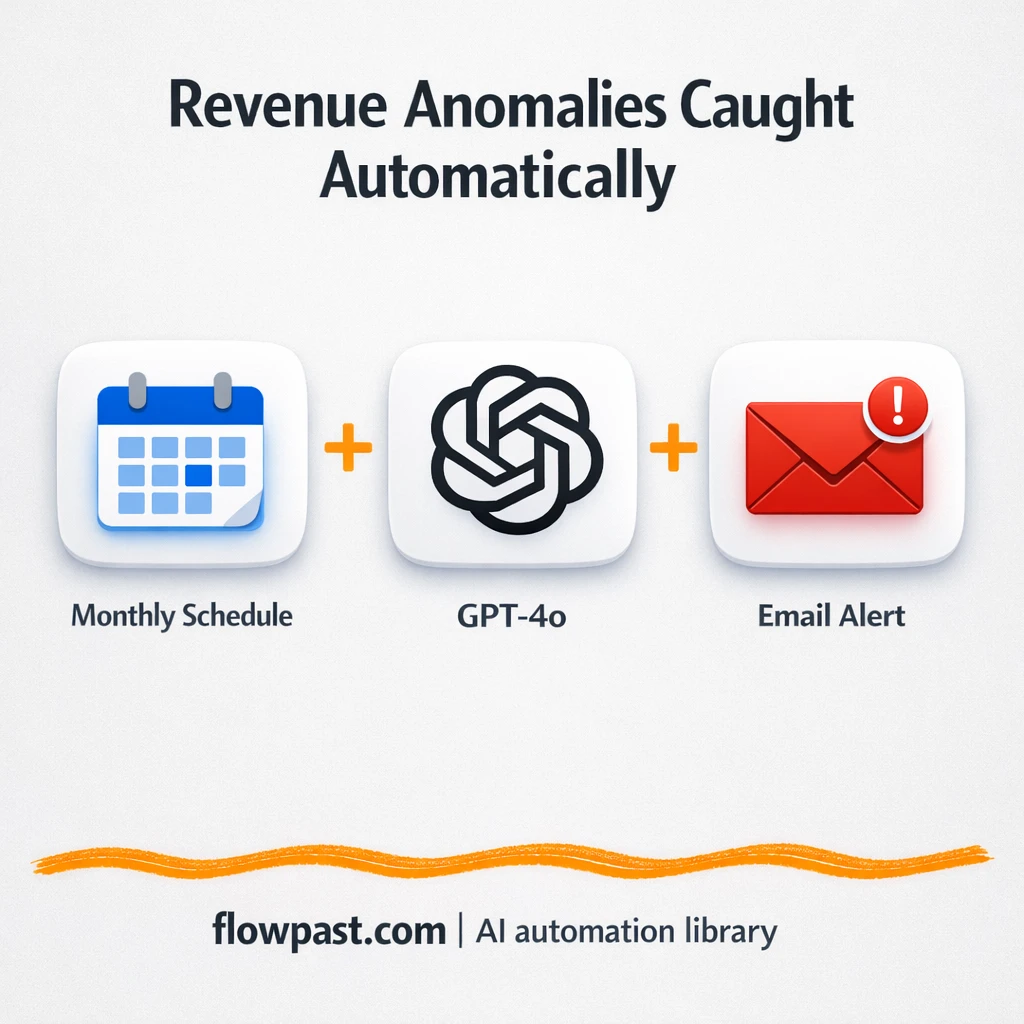
OpenAI reviews month-end transactions and emails anomaly reports. Catch revenue and tax mismatches early, with…
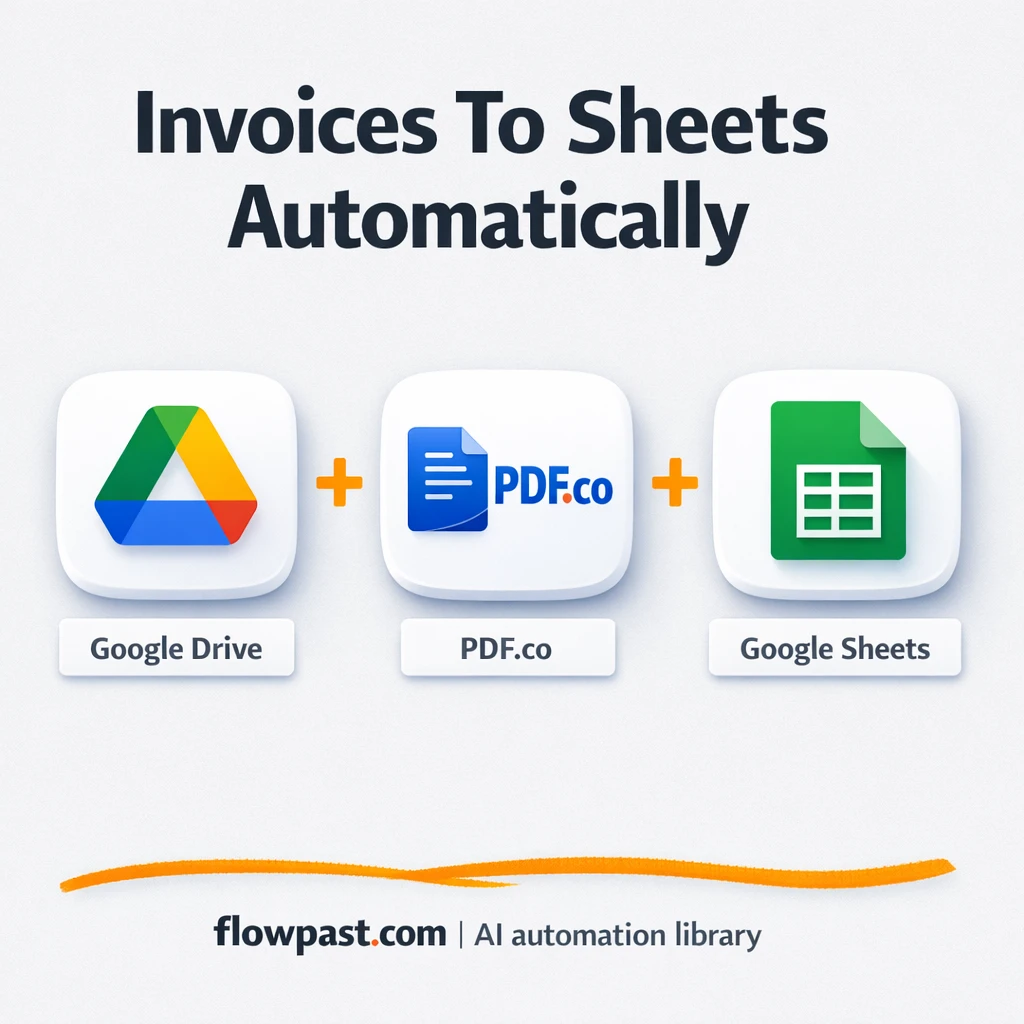
PDF invoices in Google Drive get parsed by PDF.co and logged in Google Sheets with…
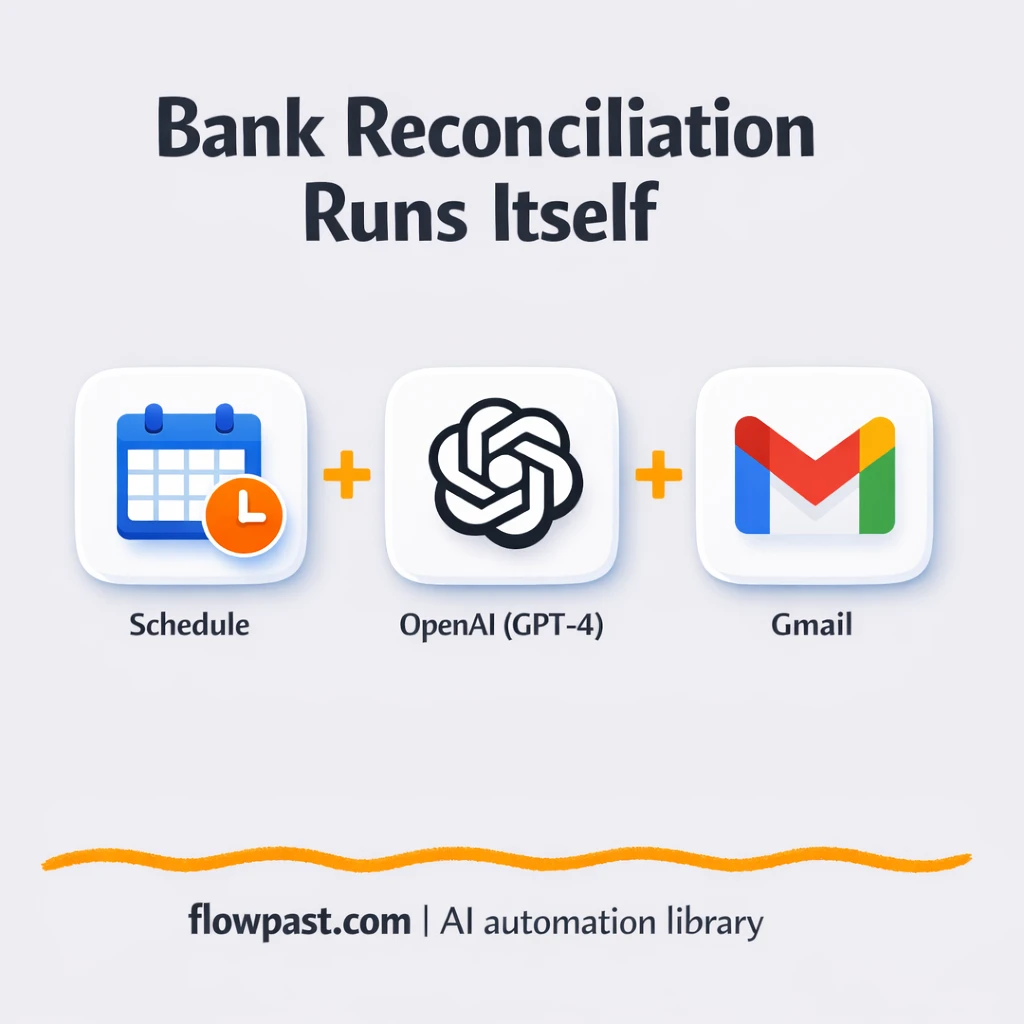
Turn bank transactions into clean categories, flagged anomalies, and a ready to send summary in…
Send receipt photos, PDFs, or voice notes in Telegram and see clean rows in Google…
Send Telegram payment messages into Google Sheets as clean rows. Cut copy paste errors and…
Get instant access to every AI workflow and prompt. One email, full access.
Join 5,000+ automation pros. No spam.
Get instant access to the template and step-by-step guide
Full access unlocked. Here's what you can do now:
Get personalized help setting up your workflow.
Free 15-minute consultation — no commitment required.