



n8n
Jotform + Asana: client onboarding without chaos
Turn Jotform intakes into ready Asana projects with a consistent proposal draft. Reduce handoffs and…
Sync apps, clean messy data, and load it where you need it—Sheets, Airtable, Postgres, or HubSpot. Stop copy‑pasting, reduce errors, and keep reporting trustworthy.
A workflow pulls data from one or more sources (like HubSpot, Google Sheets, or a webhook), then transforms it to match your target structure. That can include cleaning names, converting dates, mapping fields, or removing duplicates. Next, it loads the result into a destination such as Airtable or PostgreSQL. Most setups run on a schedule or trigger in real time. You also get logs and alerts, so failures don’t stay hidden.
Usually, no. You can start with a prebuilt n8n workflow, connect your accounts, and update a few fields. If you want custom logic (complex joins, advanced SQL, tricky API auth), basic technical help is useful, but many teams run solid syncs without it.
If you’re exporting CSVs, cleaning columns, and re-uploading every week, automation can cut this in half—or more—because the work simply stops being manual. Many teams get back about 2 hours per week per system they used to reconcile. The bigger win is fewer mistakes: one bad copy-paste can throw off a report, a forecast, or even billing. Once the sync is stable, you spend time reviewing insights, not fixing data.
You’ll need access to the tools you’re connecting (logins or API keys), plus a clear “source of truth” destination like Google Sheets, Airtable, or PostgreSQL. Decide how often it should run: real time, hourly, or daily. It also helps to define a unique ID (email, order ID, deal ID) so updates don’t create duplicates. Start small with one pipeline, then expand once the data looks right.
Turn Jotform intakes into ready Asana projects with a consistent proposal draft. Reduce handoffs and…
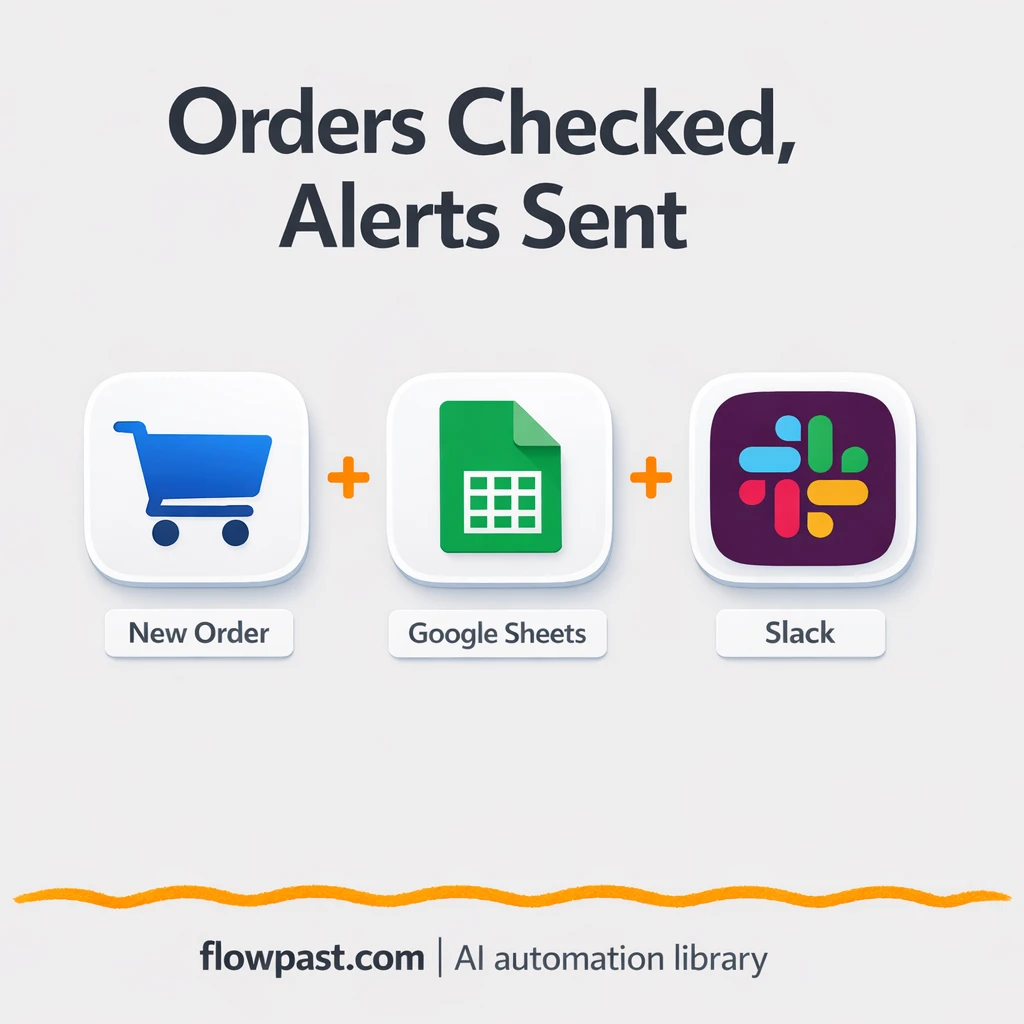
Check inventory in Google Sheets whenever an order arrives, then alert the right Slack channel…
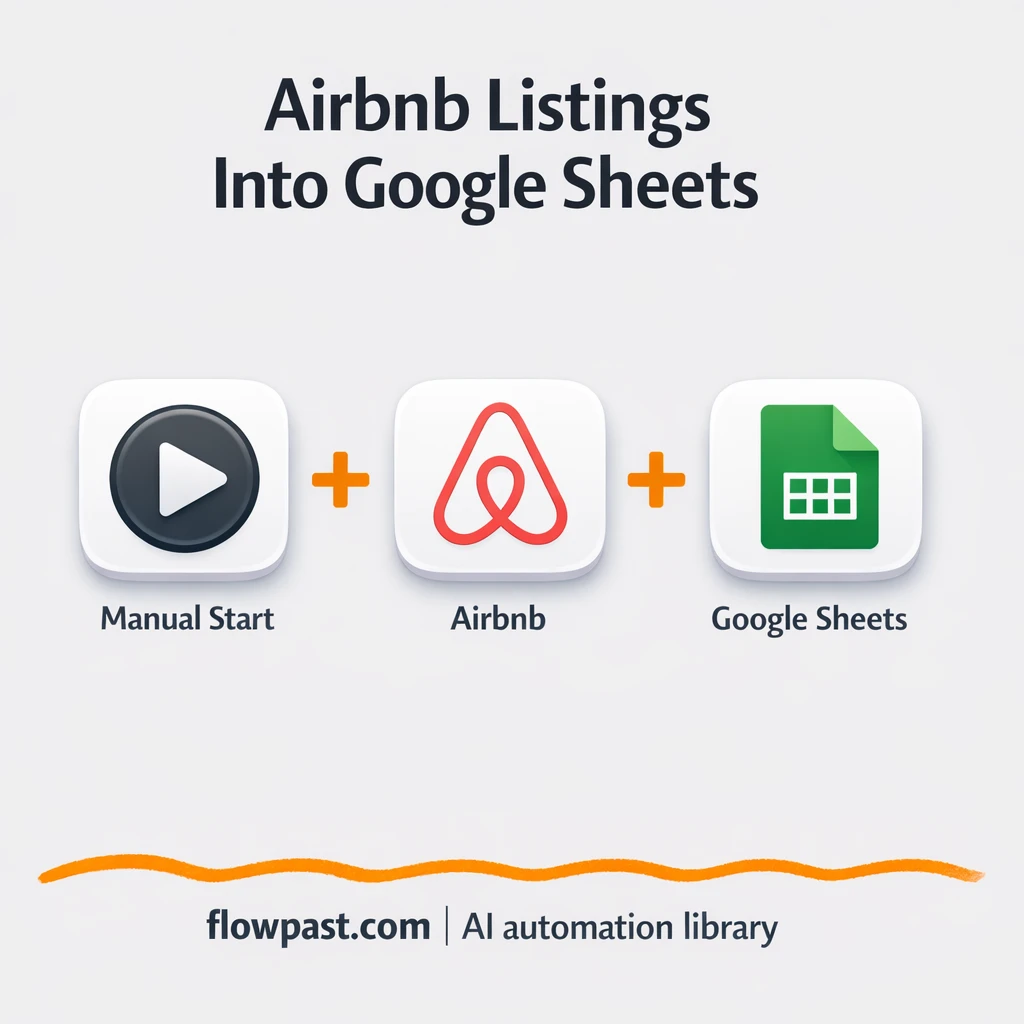
Send Airbnb search results into Google Sheets in a clean table. Compare prices, ratings, and…
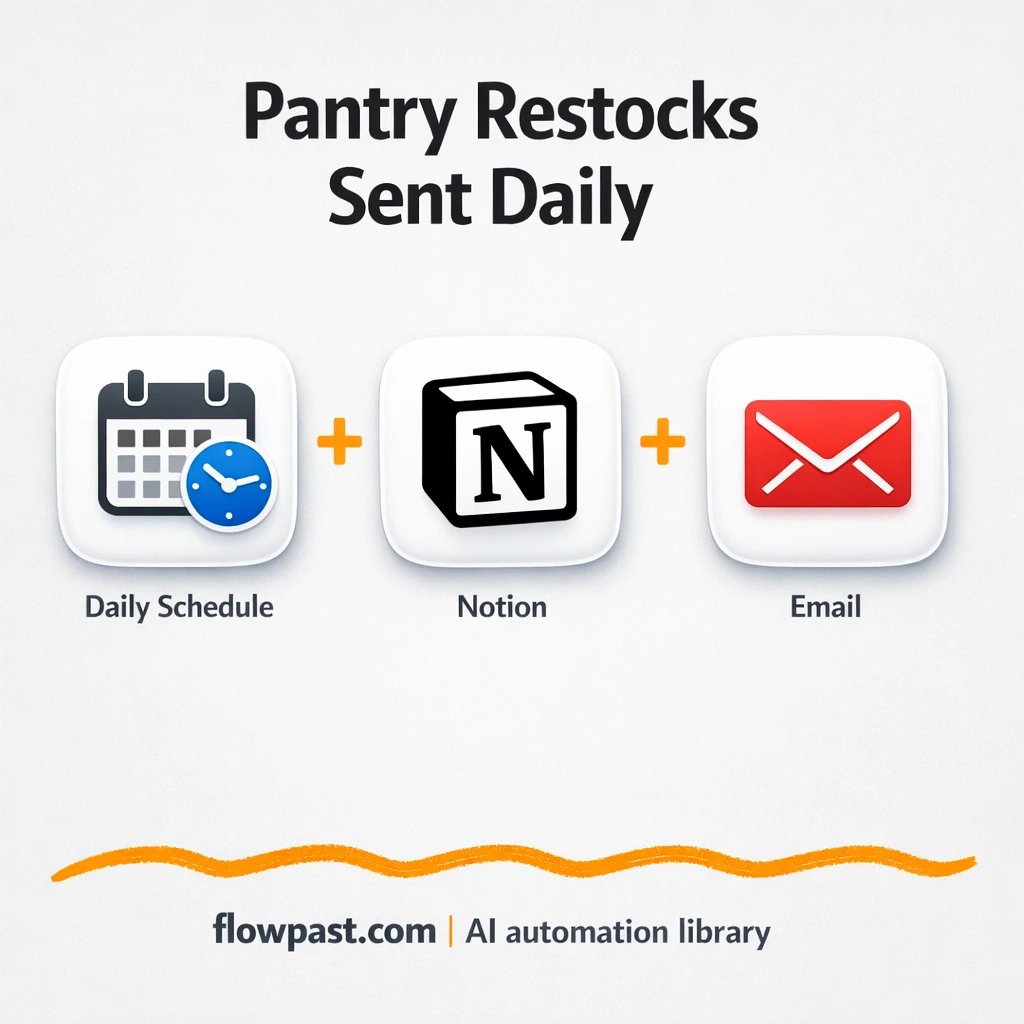
Notion checks pantry levels and updates your Grocery List, then Gmail sends a clean checklist.…
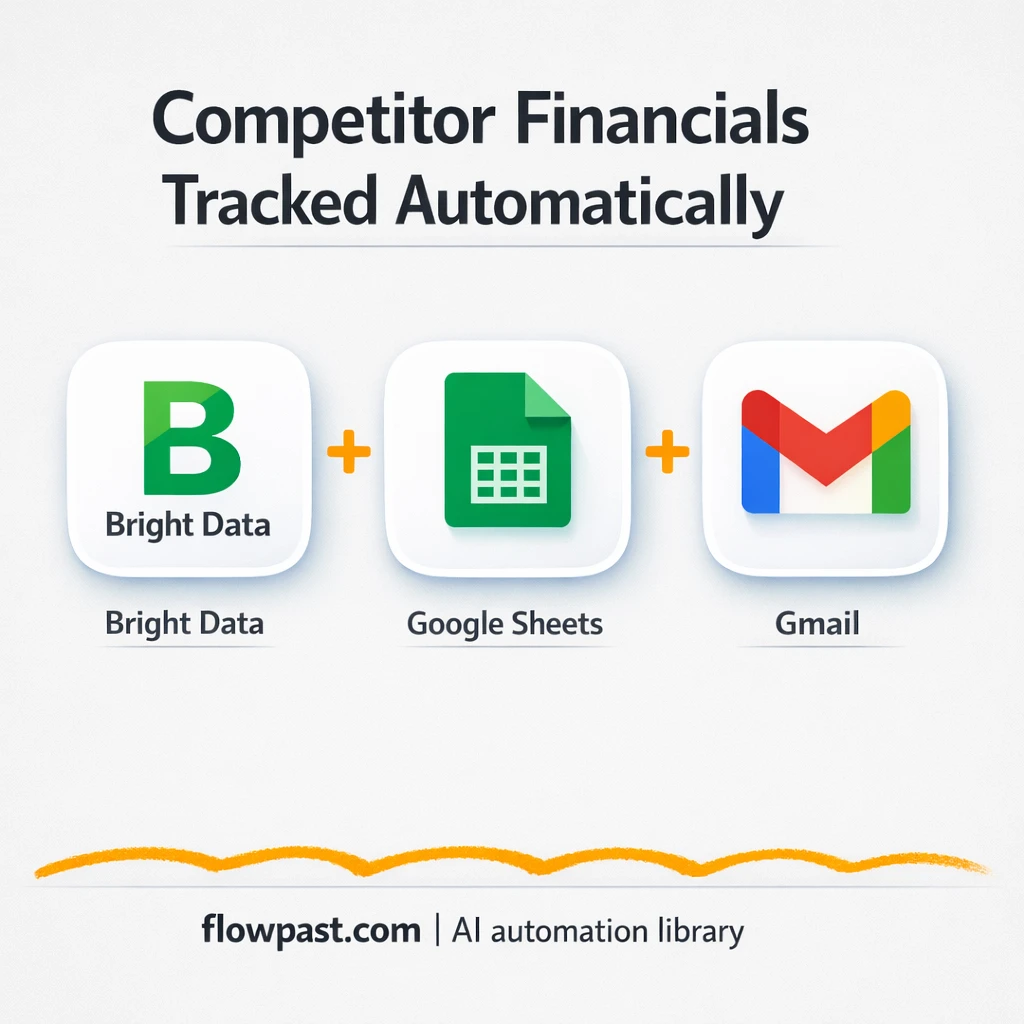
Track competitor funding and filings in Google Sheets, then get a clear Gmail summary of…
Send recipes to a Telegram bot and keep them organized in Google Sheets. Search, create,…
Brave Search results land in Google Sheets as tidy rows for tracking. Consistent columns across…
Territory metrics flow into Google Sheets and a Slack summary. Add market context and consistent…
Typeform leads flow into HubSpot with email checks, enrichment, and scoring. No messy spreadsheets or…

Turn rep activity into coaching notes with OpenAI and Google Sheets. Keep scorecards consistent, spot…
Get instant access to every AI workflow and prompt. One email, full access.
Join 5,000+ automation pros. No spam.
Get instant access to the template and step-by-step guide
Full access unlocked. Here's what you can do now:
Get personalized help setting up your workflow.
Free 15-minute consultation — no commitment required.