


n8n
Dropbox + Google Drive: ZIP files delivered clean
Compress files into a neat ZIP and send it to Dropbox or Google Drive. Fewer…
Stop chasing missing files and failed exports. Use ready-to-run backup automation workflows to save critical data, verify backups, and alert your team fast—without manual steps.
A workflow runs on a schedule or when something changes, like a new file in Google Drive. It exports or copies data, stores it in a safe location (often Amazon S3), then confirms the backup completed. Many teams also log results to a sheet or database for proof. If a step fails, you get an alert in Slack or Gmail with the context you need to act. You can also add retention rules to keep 30-day copies and delete older ones automatically.
Not usually. Most Flowpast workflows are plug-and-play: connect your accounts, pick folders or files, and set a schedule.
If you currently do weekly backups by hand, automation typically saves about 2 hours a week between exporting, uploading, double-checking, and sending updates. The bigger win is avoiding rework when someone forgets a step. Agencies also save time by standardizing the same backup routine across every client. And when a restore is needed, you’ll spend minutes finding the right version instead of digging through old folders.
You’ll need accounts for the tools you want to back up and a place to store copies, like Google Drive or Amazon S3. In n8n, you connect those accounts with credentials, then choose a trigger (daily schedule is common) and your backup path. Make sure you have enough storage and decide how long to keep backups, like 30 days. For peace of mind, add alerts to Slack or Gmail and run a test restore once, frankly, before you rely on it.
Compress files into a neat ZIP and send it to Dropbox or Google Drive. Fewer…
Send workflow exports to Dropbox on a schedule, archive older copies with date stamped names,…
Capture consistent website screenshots with uProc, save them to Dropbox, then send via Amazon SES.…
Save versioned backups to Dropbox and keep an Airtable inventory updated. Restore fast, audit changes…
Save shared file links straight into Dropbox folders and confirm uploads right away. Add Slack…
Upload files to Dropbox and get a true direct download link back in Slack. Reuse…
New Word files in OneDrive turn into polished PDFs and send via Gmail to reviewers.…
Update XML titles safely and publish the latest file to Dropbox. Skip fragile manual edits…
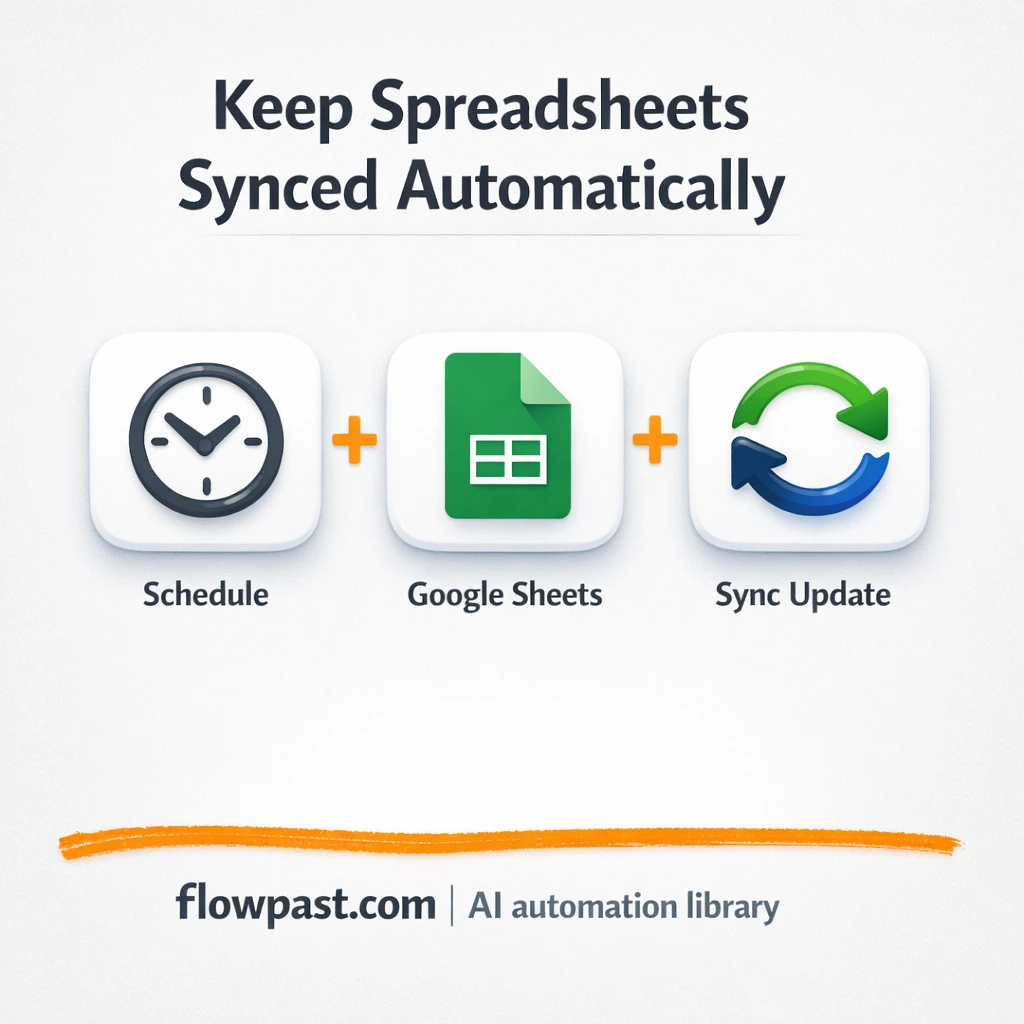
Mirror one master Google Sheets into two shared copies, automatically. Cut copy paste mistakes and…
Get instant access to every AI workflow and prompt. One email, full access.
Join 5,000+ automation pros. No spam.
Get instant access to the template and step-by-step guide
Full access unlocked. Here's what you can do now:
Get personalized help setting up your workflow.
Free 15-minute consultation — no commitment required.