


n8n
Mistral OCR + Google Docs: clean PDFs, ready to edit
Turn PDFs into clean, editable Google Docs using Mistral OCR and Google Drive. No retyping…
Turn ideas into ranked posts faster. Automate keyword research, briefs, drafts, updates, and publishing so your team ships consistent SEO content without constant manual busywork.
You start with a trigger, like a new row in Google Sheets or a form submission with a topic. The workflow then gathers inputs (keywords, competitors, links, brand notes), generates a brief and draft with AI, and routes it for approval in Slack or email. Once approved, it formats the content, uploads assets to Google Drive, and publishes to WordPress. Many teams also schedule refresh checks every month to keep older posts ranking.
Not really. Most Flowpast workflows are plug-and-play: connect your accounts, map a few fields, and run a test. If you can use spreadsheets and follow prompts, you will be fine. For more advanced setups—like custom prompts, internal link rules, or multi-site publishing—basic n8n editing helps, but you can still start simple and improve later.
For many teams it cuts content admin work in half, and that’s the part that quietly eats your week. Brief creation, formatting, image/file handling, and publishing checks are usually the biggest wins. If you publish a few posts a week, saving about 2 hours per post adds up fast. The best part is fewer context switches, so writers and editors stay focused on quality.
An n8n account (or self-hosted n8n), access to your content repository (often Google Drive or Notion), and a publishing target like WordPress. You’ll also want a place to track topics and statuses, typically Google Sheets or Airtable. If the workflow uses AI, you will need an API key (for example OpenAI). From there, import the workflow, connect credentials, run a sample item, and adjust the prompt to match your brand voice.
Turn PDFs into clean, editable Google Docs using Mistral OCR and Google Drive. No retyping…
Turn one topic into a sourced Markdown research report using Tavily and Google Sheets. Keep…
Turn Gmail press releases and PDF or Word files into a clean draft with a…
Turn Google Sheets into a TikTok content queue. Videos save to Google Drive and publish…
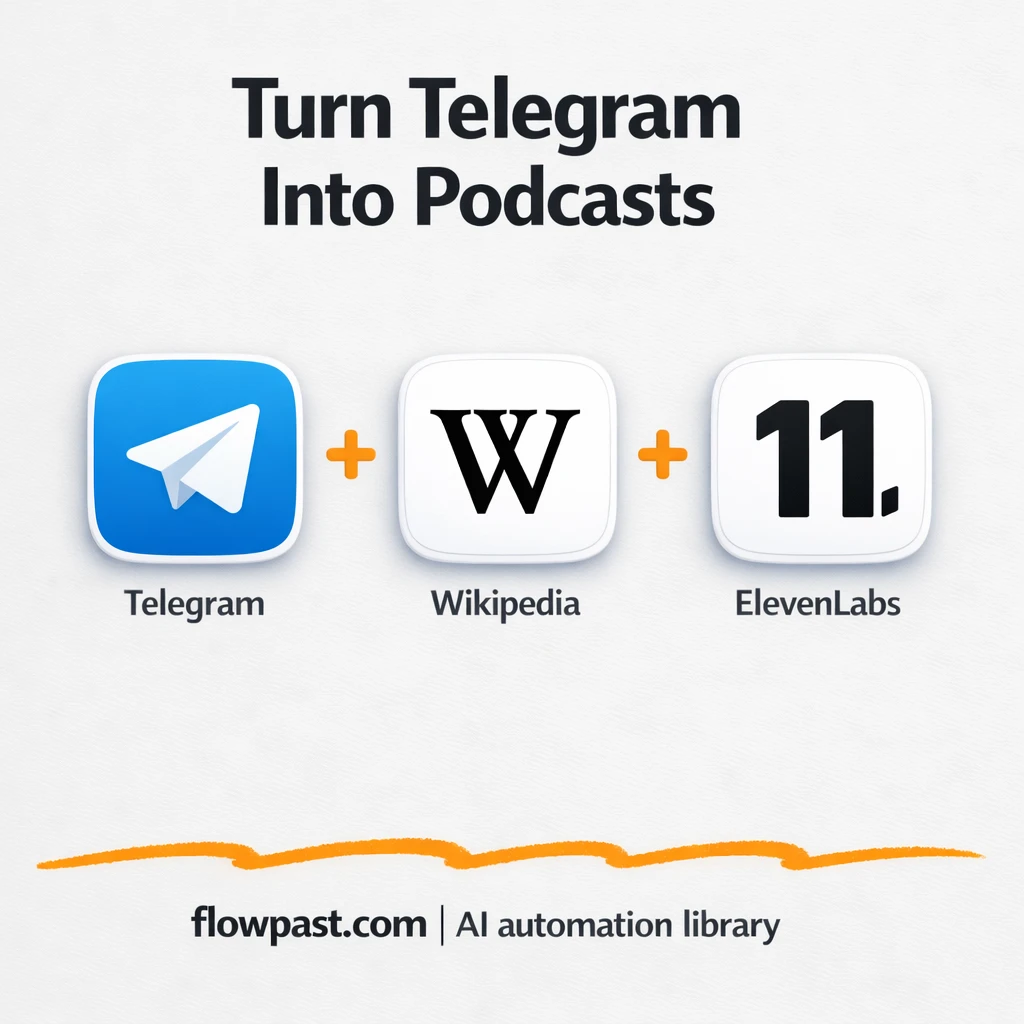
Send a topic in Telegram and get a polished mini podcast back with ElevenLabs. Skip…
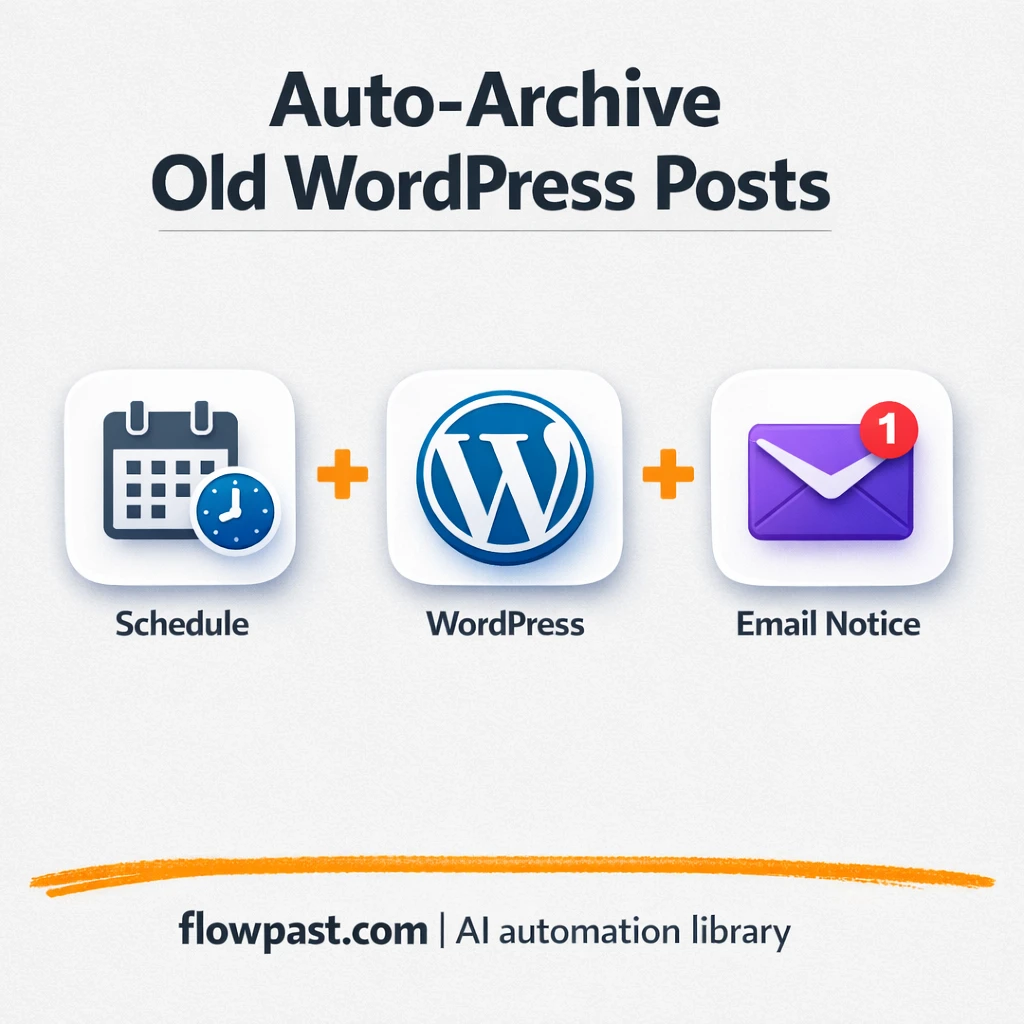
WordPress archives posts older than a set cutoff and tags them as archived. Gmail sends…
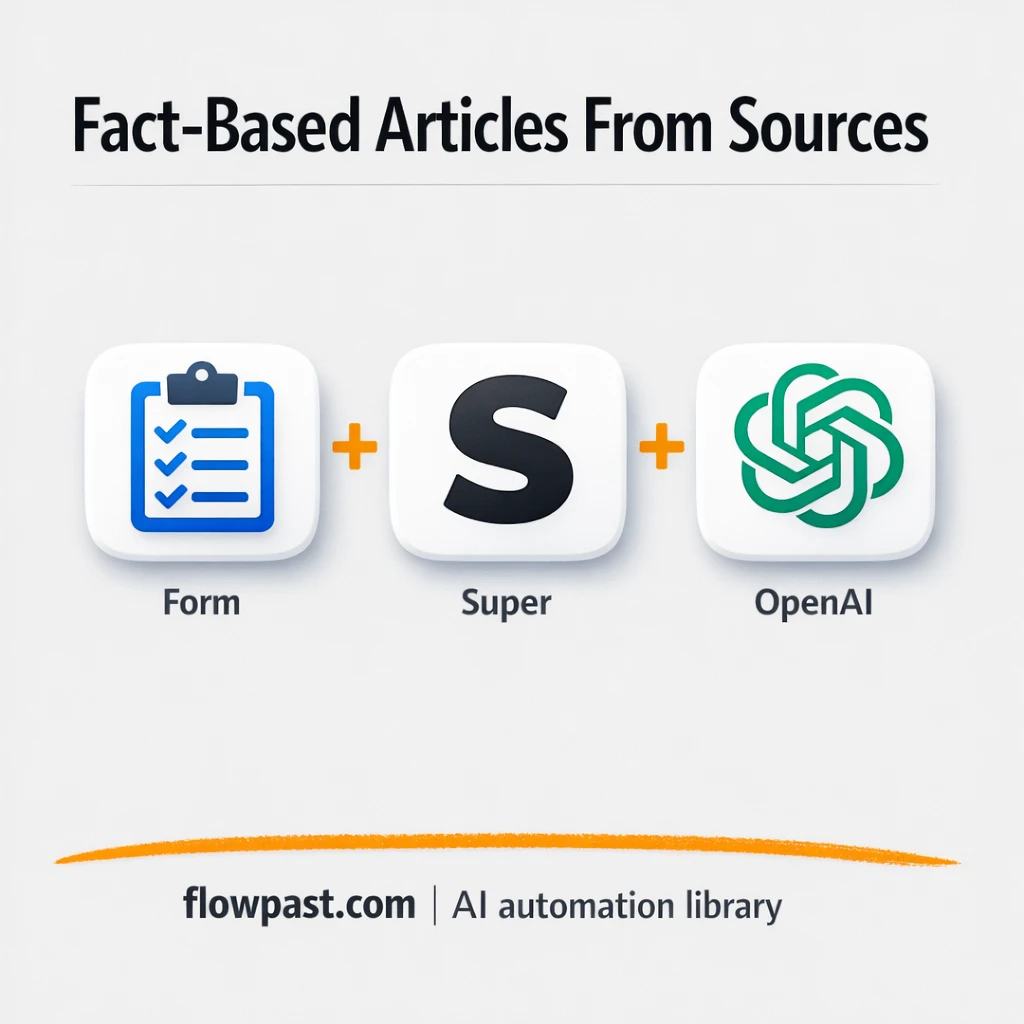
Create fact checked drafts using OpenAI with citations pulled from Google Drive and PDFs. Fewer…
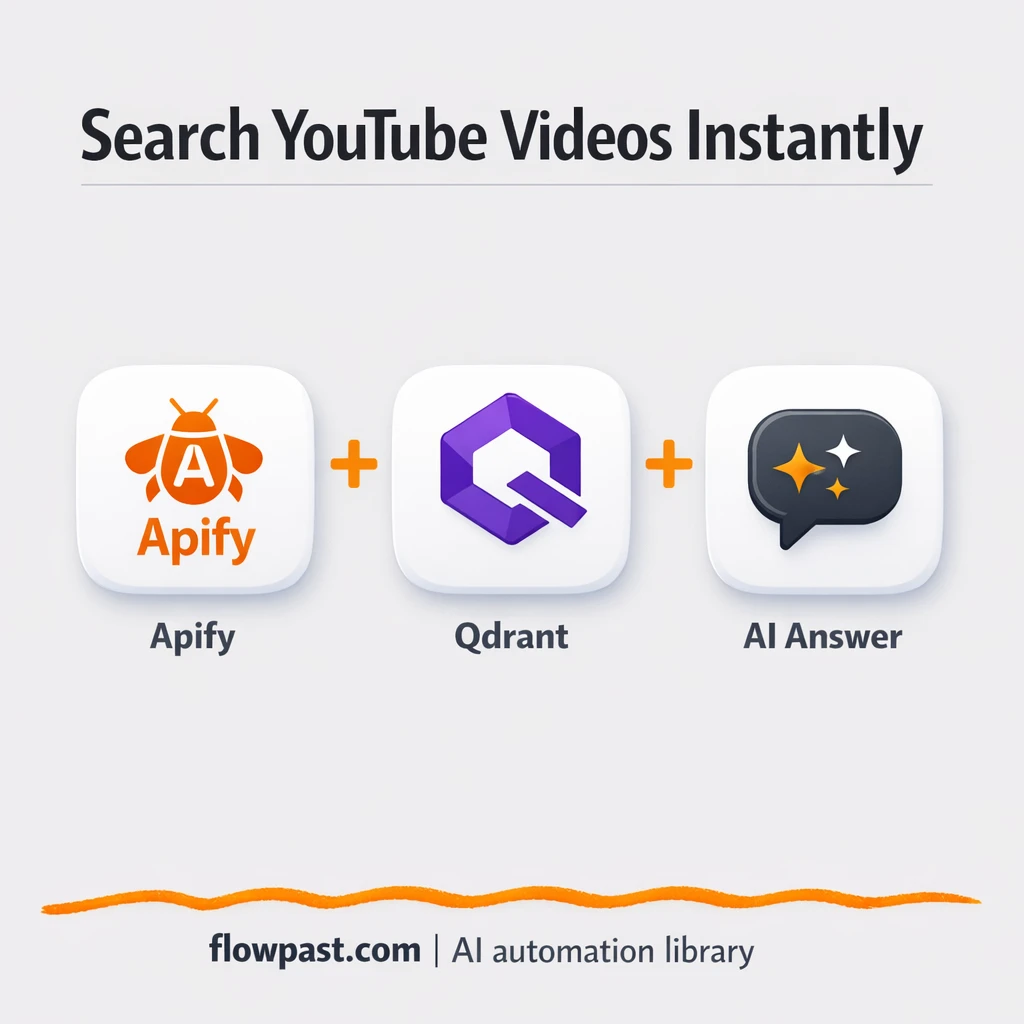
Turn YouTube transcripts into a searchable library with OpenAI. Skip rewatching and tab hunting. Get…
Turn Google Sheets and MySQL data into share ready insights and charts sent via Gmail.…
New RSS items publish to WordPress with the right featured image, then share to Telegram.…
Get instant access to every AI workflow and prompt. One email, full access.
Join 5,000+ automation pros. No spam.
Get instant access to the template and step-by-step guide
Full access unlocked. Here's what you can do now:
Get personalized help setting up your workflow.
Free 15-minute consultation — no commitment required.