


n8n
Google Sheets to Email, clean reconciliation summaries
Compare ledger and gateway data in Google Sheets, then send an Email summary with mismatch…
Automate payments, match transactions to invoices, and keep books clean. Stop chasing receipts and fixing spreadsheet errors—get faster close, fewer disputes, and clearer cash flow.
A workflow pulls payment events from tools like Stripe (charges, refunds, payouts) and compares them to your source of truth, such as invoices in Google Sheets or entries in QuickBooks Online. It then matches records using rules like amount, date, customer email, invoice number, or payout batch ID. When something doesn’t line up, it creates an exception and pings you in Slack or Gmail. Many teams also auto-tag fees, split revenue lines, and store an audit trail for later.
Not usually. Most Flowpast workflows are plug-and-play: connect your accounts, pick a spreadsheet or ledger, and set a couple matching rules.
For many small teams, it saves about 2 hours a week right away, and more during month-end. The biggest win is fewer interruptions: less hunting for receipts, fewer “is this paid?” messages, and fewer manual copy-paste errors. If you reconcile multiple payment sources (Stripe plus Shopify, for example), the time savings can jump because exceptions get isolated automatically. You also get cleaner data, so reporting and forecasting stop feeling like guesswork.
You’ll need an n8n workspace and access to the accounts you want to connect (for example Stripe and QuickBooks Online). Decide where reconciliation should land: a Google Sheet, your accounting system, or both. Then gather the fields you’ll match on (invoice ID, customer email, amount, and payout date are common). Start with one payment stream, run it for a week, and tune the exception rules before you scale it across products or clients.
Compare ledger and gateway data in Google Sheets, then send an Email summary with mismatch…
Match Stripe payouts to your bank feed and log every fix in Google Sheets. Fewer…
Stripe tax totals sync into Google Sheets with a clean jurisdiction breakdown, while Slack confirmations…
Stripe charges and refunds roll into a clean Slack report. Track net revenue, MRR and…
Send finance questions from Slack and log the final answer in Google Sheets. Keep an…
OpenAI reviews month-end transactions and emails anomaly reports. Catch revenue and tax mismatches early, with…
Turn bank transactions into clean categories, flagged anomalies, and a ready to send summary in…

Ask Telegram for Razorpay payments, orders, and refunds. Share clear chat summaries with your team.…
New invoice PDFs in Google Drive are checked against PO rows in Google Sheets. Flag…
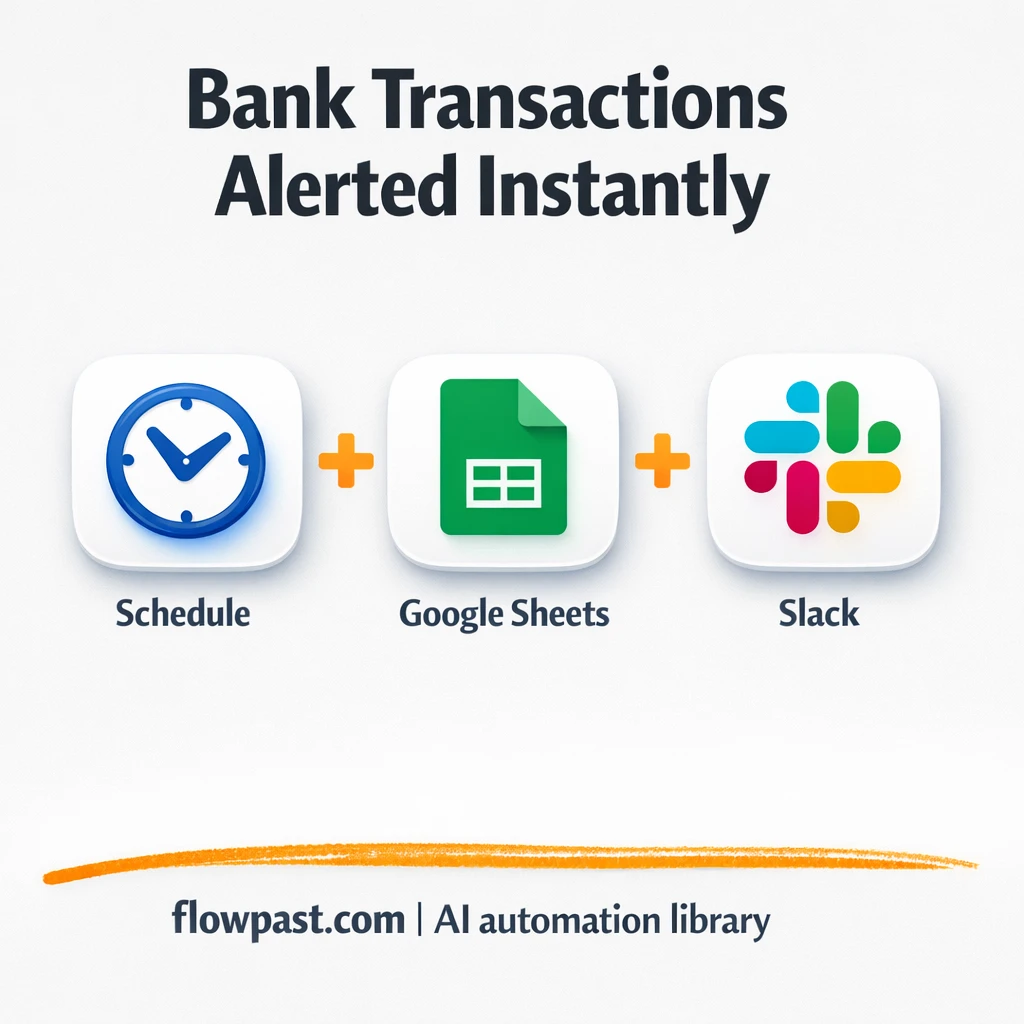
Flag risky bank transactions and alert your team in Slack while logging every event in…
Get instant access to every AI workflow and prompt. One email, full access.
Join 5,000+ automation pros. No spam.
Get instant access to the template and step-by-step guide
Full access unlocked. Here's what you can do now:
Tell us what you'd like to automate — we'll show you what's possible for your team.