


n8n
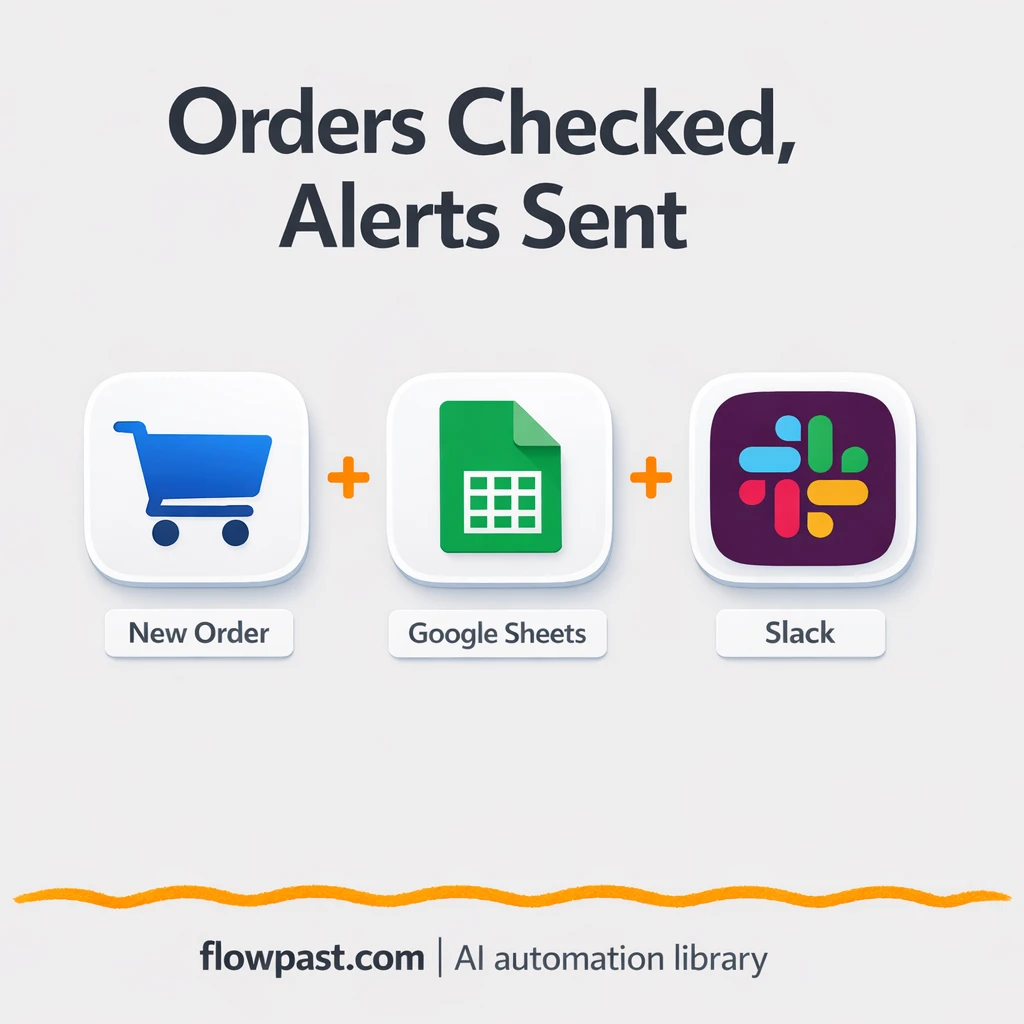
Google Sheets + Slack: stock alerts on every order
Check inventory in Google Sheets whenever an order arrives, then alert the right Slack channel…
Run projects without the chaos. Automate task updates, reminders, approvals, and status reporting across your tools so you ship on time, keep clients happy, and stay aligned.
You need an n8n workspace and accounts for the apps you want to connect (for example Jira, Slack, Notion, or Google Sheets). Most workflows require API access or OAuth login, which you can set up in minutes. If a workflow uses AI, you’ll also add an OpenAI (or similar) API key. Start with one process—like weekly status reporting—then expand once you see it working. Flowpast workflows include clear setup steps so you’re not guessing.
Check inventory in Google Sheets whenever an order arrives, then alert the right Slack channel…
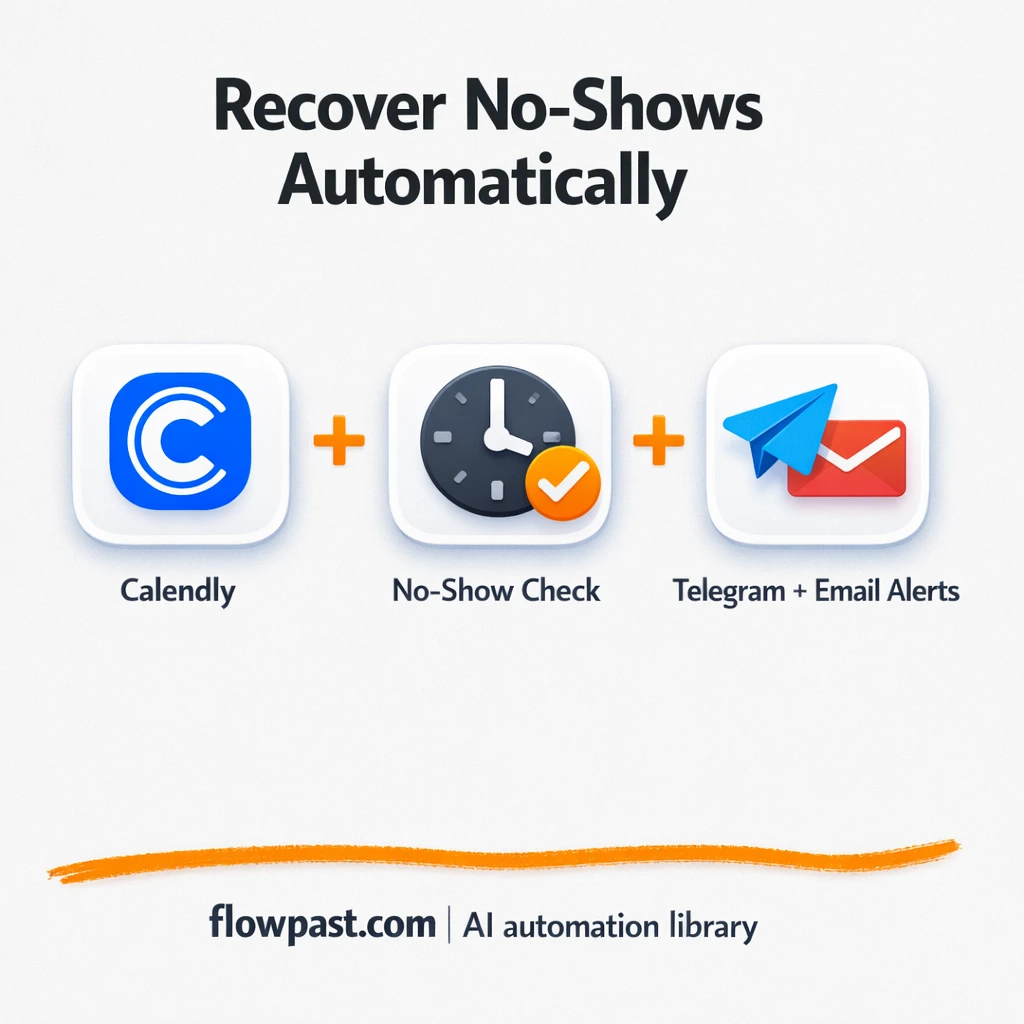
Missed Calendly meetings trigger a Telegram reschedule nudge and an email note to your rep.…
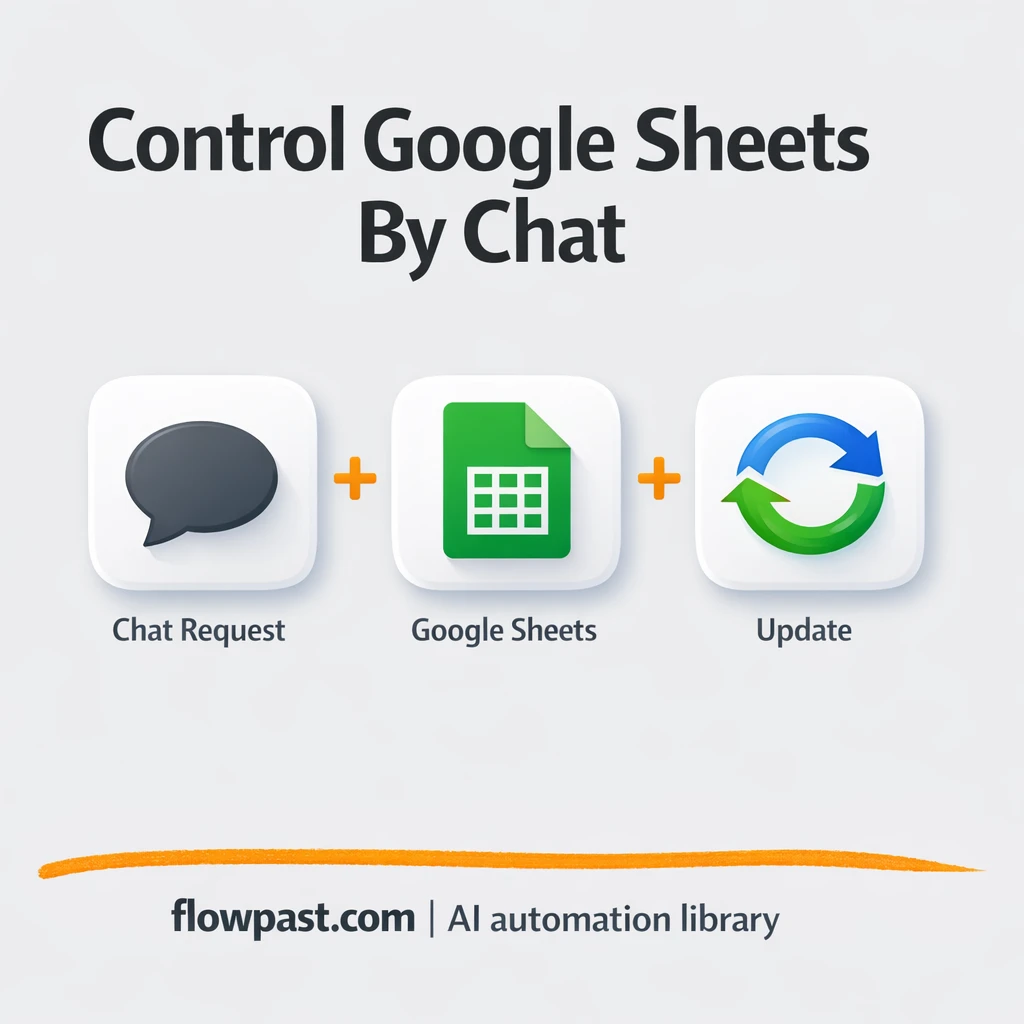
Send simple Slack messages to update Google Sheets for leads and trackers. Cut errors and…
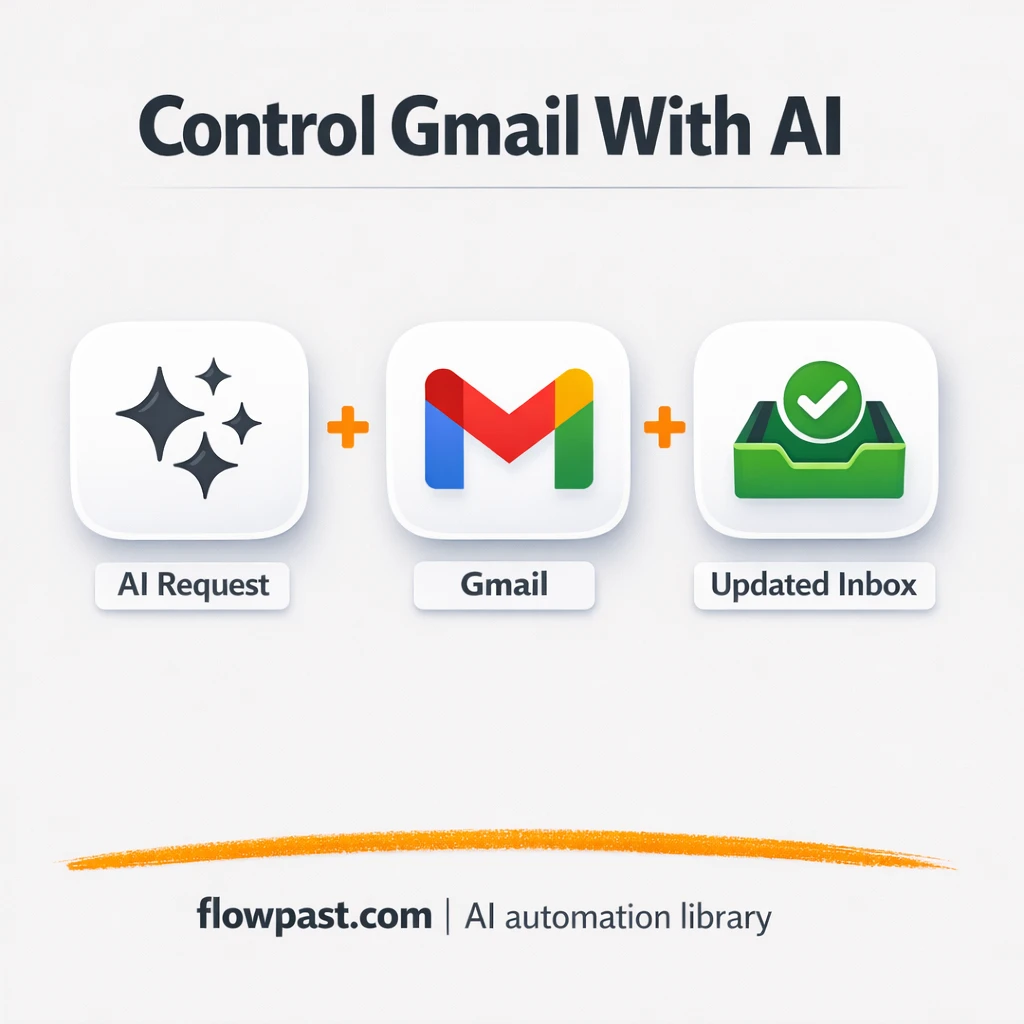
Use ChatGPT to manage Gmail with simple commands. Send replies, label threads, and mark read…
Google Tasks turns into a Slack morning brief automatically. No more rewriting or double checking…
Turn Google Sheets topics into finished POV videos and publish on YouTube. Keep posting consistent…
Track job applications in Google Sheets and get Gmail updates when statuses change. No duplicate…
Clearbit and Apollo enrich and score new leads, then send clean contacts to HubSpot with…
Turn Gmail and Google Calendar activity into Google Sheets timesheet rows. Less backfilling and cleaner…
Turn Notion ideas into a ready to post Pinterest plan sent via Gmail. Keep titles,…
Get instant access to every AI workflow and prompt. One email, full access.
Join 5,000+ automation pros. No spam.
Get instant access to the template and step-by-step guide
Full access unlocked. Here's what you can do now:
Tell us what you'd like to automate — we'll show you what's possible for your team.