


n8n
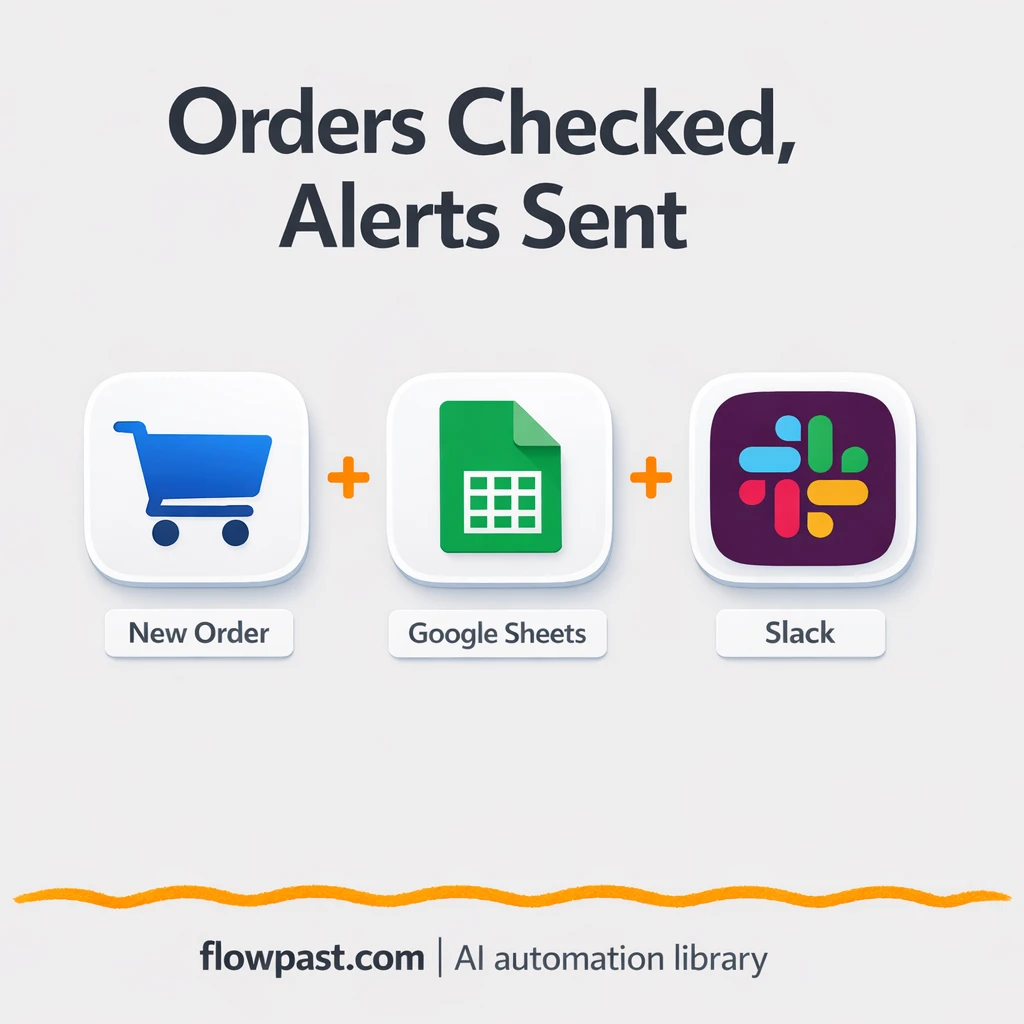
Google Sheets + Slack: stock alerts on every order
Check inventory in Google Sheets whenever an order arrives, then alert the right Slack channel…
Run projects without the chaos. Automate task updates, reminders, approvals, and status reporting across your tools so you ship on time, keep clients happy, and stay aligned.
You need an n8n workspace and accounts for the apps you want to connect (for example Jira, Slack, Notion, or Google Sheets). Most workflows require API access or OAuth login, which you can set up in minutes. If a workflow uses AI, you’ll also add an OpenAI (or similar) API key. Start with one process—like weekly status reporting—then expand once you see it working. Flowpast workflows include clear setup steps so you’re not guessing.
Check inventory in Google Sheets whenever an order arrives, then alert the right Slack channel…
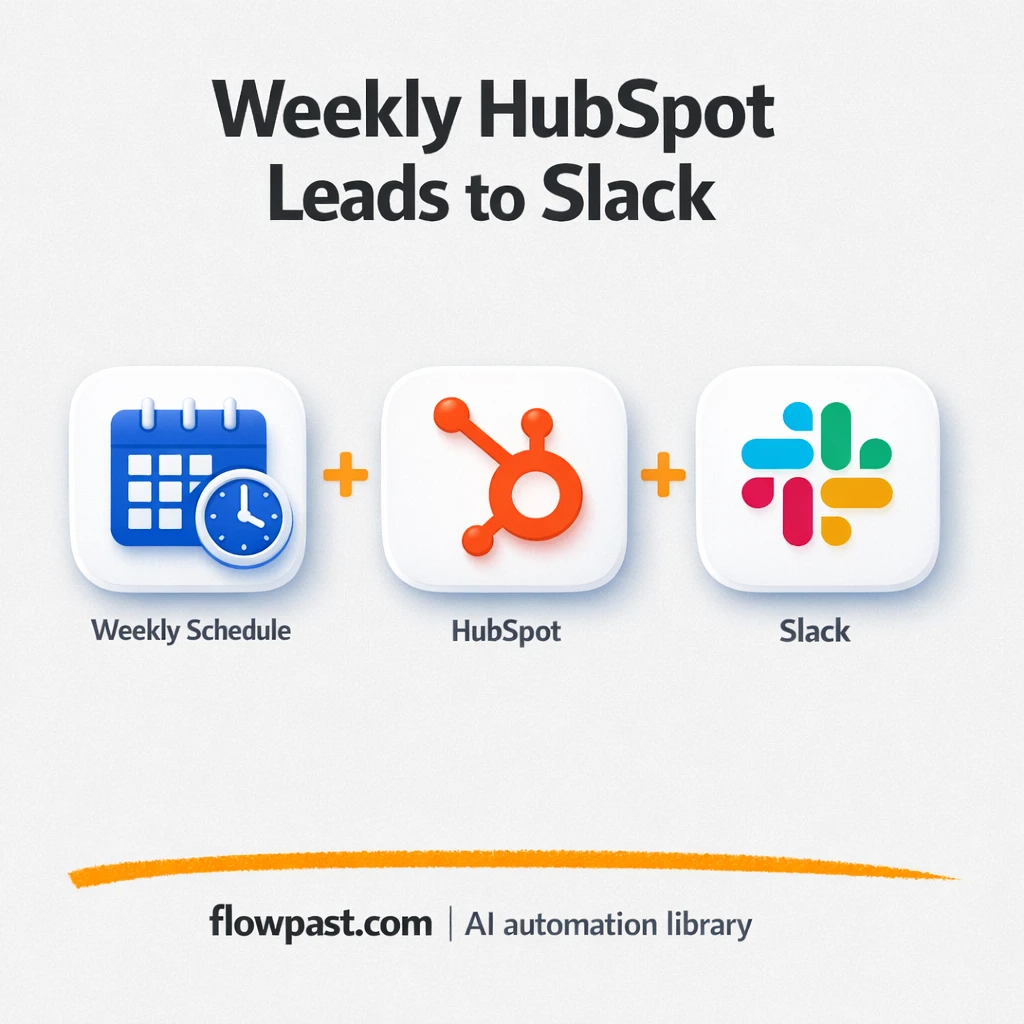
HubSpot lead and closed-won totals post to Slack each week. Keep Monday pipeline reviews consistent…
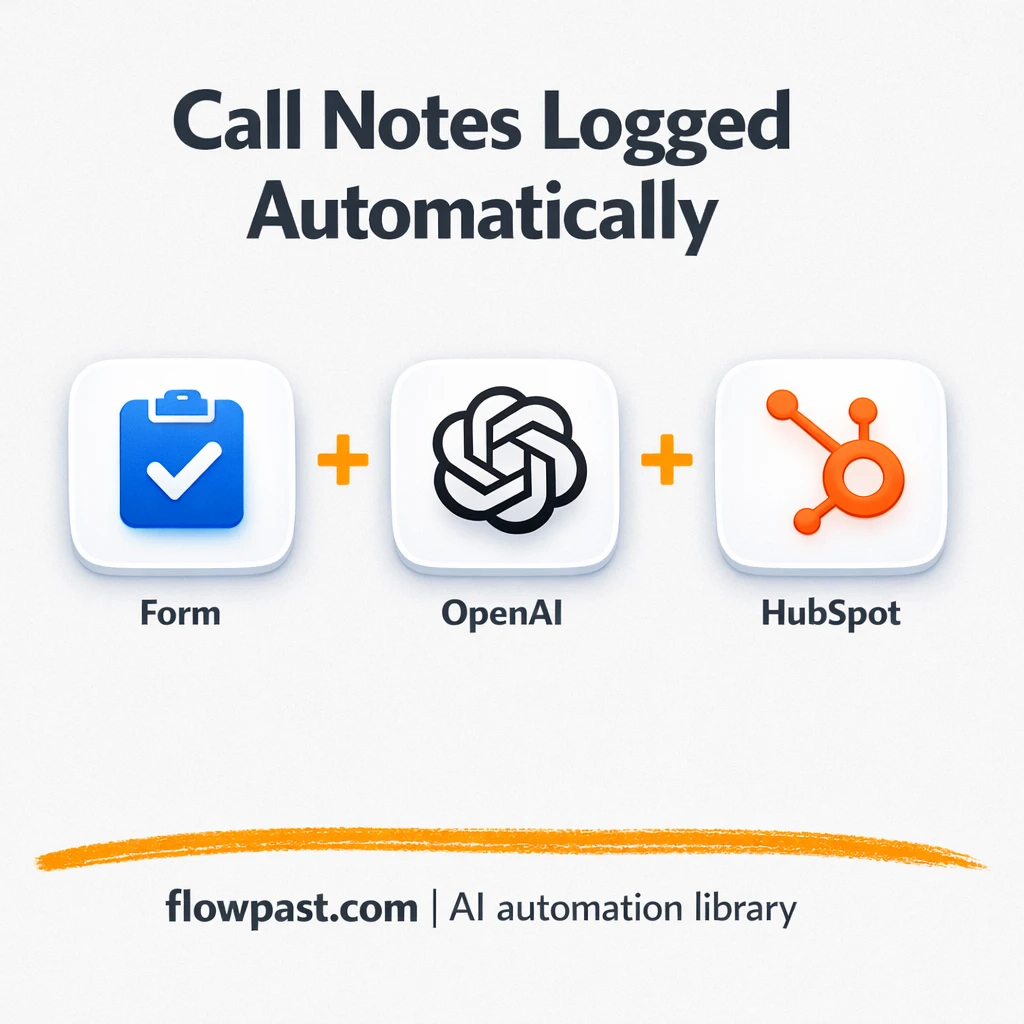
Turn messy call transcripts into clean HubSpot call logs and a clear follow up task…
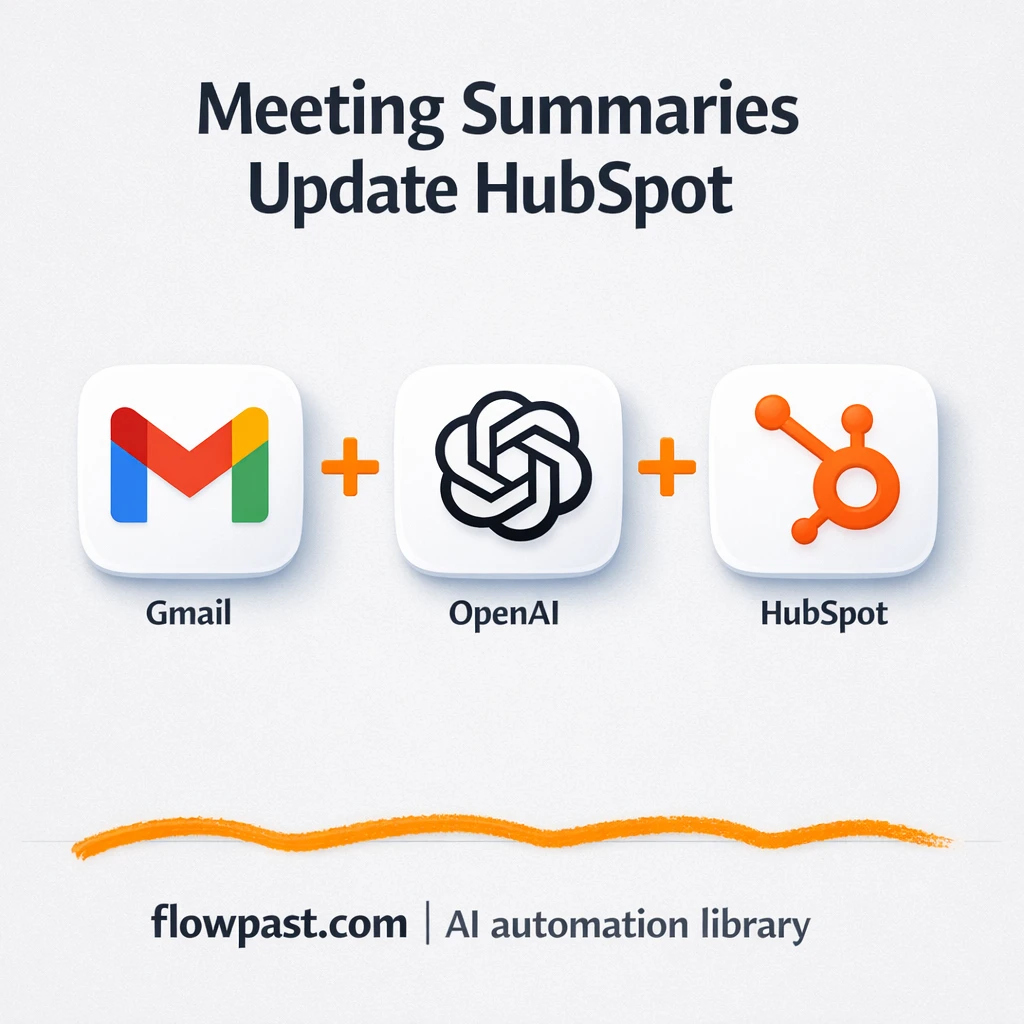
Meeting recap emails in Gmail update HubSpot contacts, deals, and notes. Cleaner pipeline data and…
HubSpot deals get scored for risk and sent to Slack when attention is needed. Keep…
Get alerted in Slack when high value contacts land in HubSpot. Keep lead review consistent,…
Route unowned HubSpot deals by region and company size, then alert your team in Slack.…
Pull SERP rankings, competitor keywords, and related ideas from DataForSEO into Airtable. Cleaner reporting, fewer…
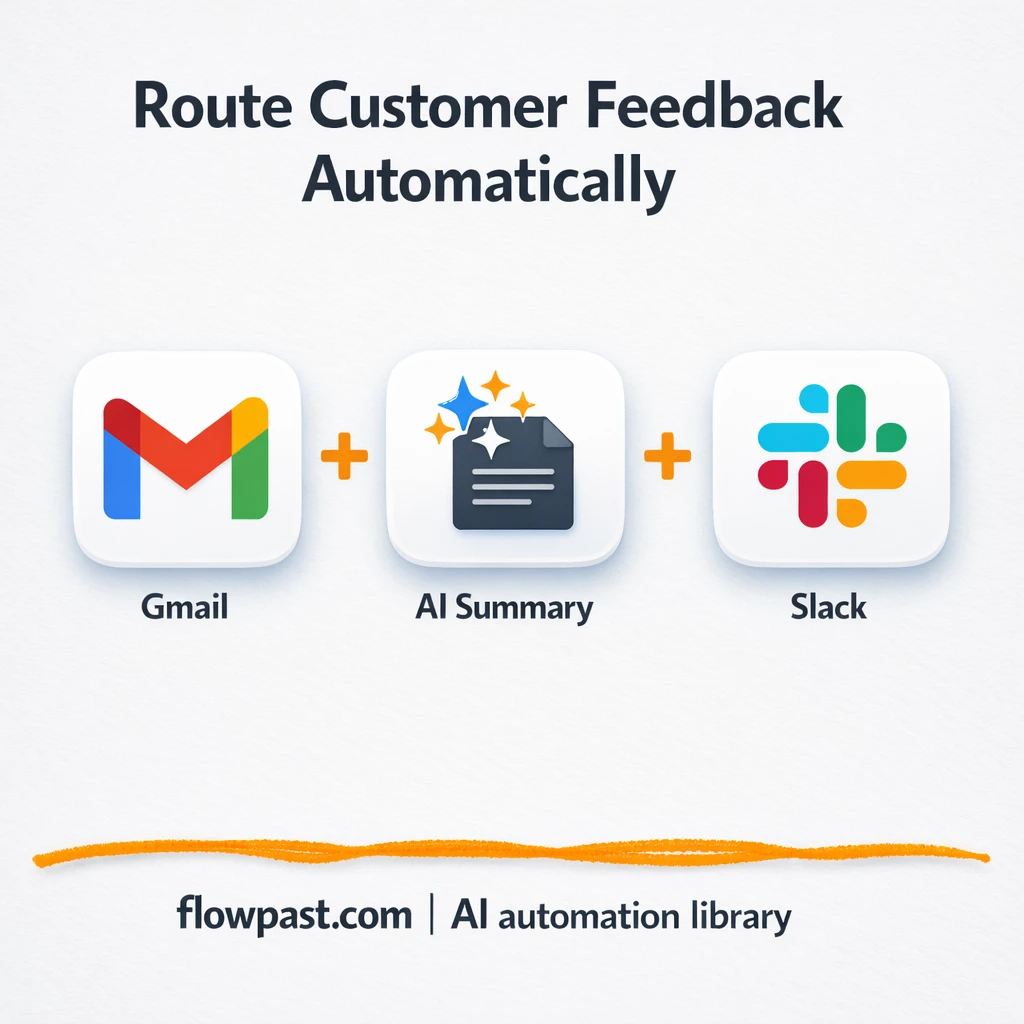
Pull feedback from Gmail and Slack into clear themes you can act on. Less digging,…
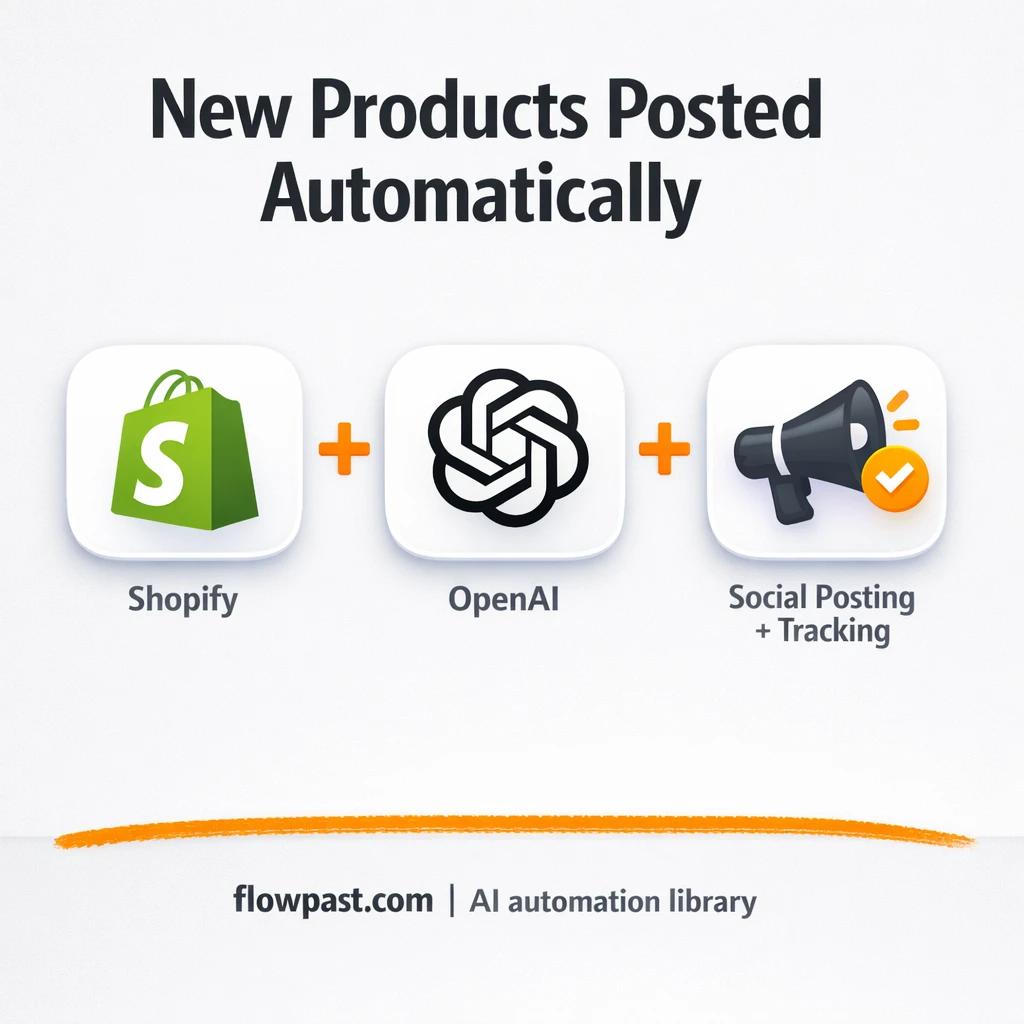
New Shopify products post to Instagram and log in Google Sheets. Keep launches consistent, reduce…
Get instant access to every AI workflow and prompt. One email, full access.
Join 5,000+ automation pros. No spam.
Get instant access to the template and step-by-step guide
Full access unlocked. Here's what you can do now:
Get personalized help setting up your workflow.
Free 15-minute consultation — no commitment required.