n8n
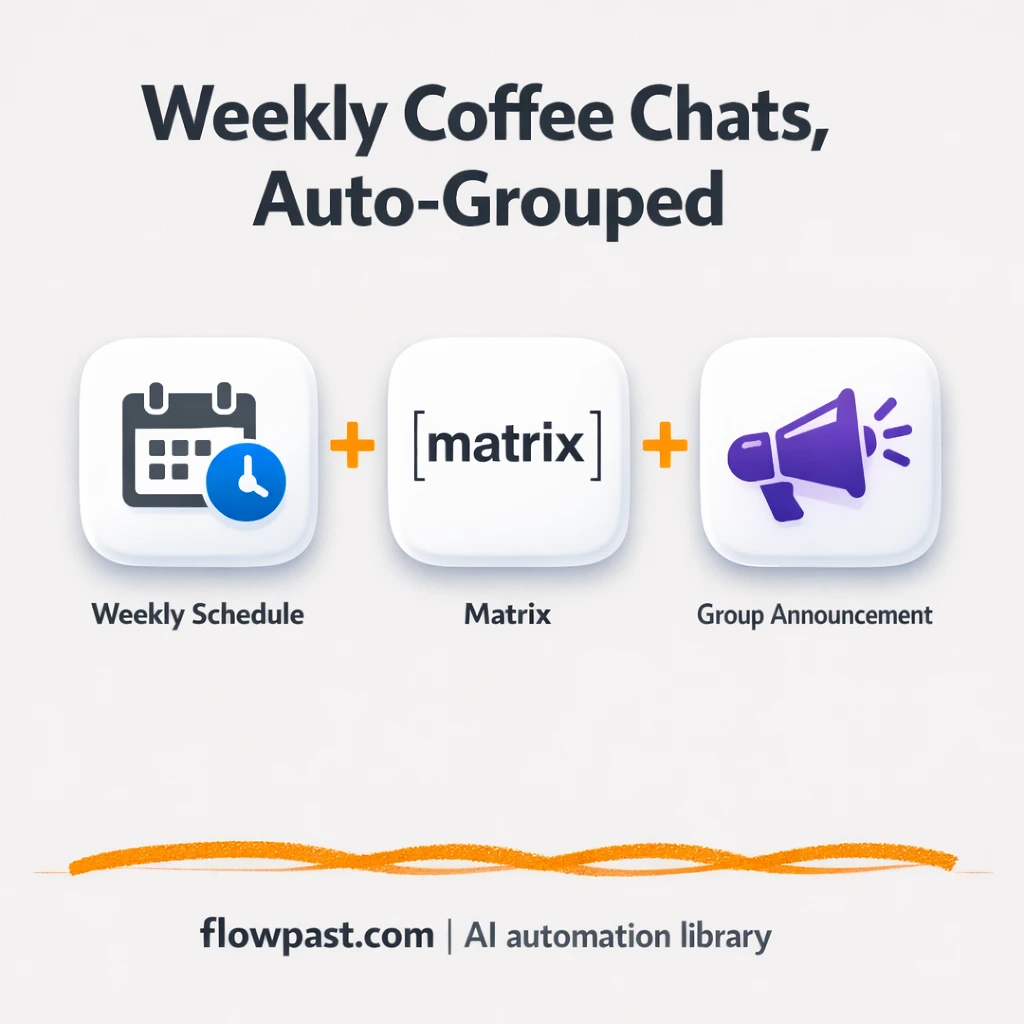
Matrix + Google Sheets: coffee chat groups, ready
Matrix coffee chat groups are created and announced automatically, with member lists tracked in Google…
Stop overbooking and last-minute fire drills. Automate workload tracking, availability checks, and weekly capacity reports across your tools so staffing decisions are faster and calmer.
It pulls signals from the places work already lives—project tasks, calendars, forms, and time logs—then turns them into a simple capacity view. A workflow can total assigned hours per person each week, compare it to availability, and flag conflicts. From there it can notify you in Slack, update a Google Sheet, or email a weekly report. If you use AI, it can also classify requests and suggest rough effort so your plan stays current.
Not usually. Most Flowpast workflows are plug-and-play: connect your accounts, pick your team members, and set the schedule. If you can follow a checklist, you can get value fast.
If you’re updating spreadsheets, chasing status, and rebuilding reports each week, automation can cut that work in half. Many teams get about 2 hours back per week just from automated rollups and reminders. The bigger win is fewer costly mistakes: fewer missed handoffs, fewer urgent reassignments, and less time spent explaining why timelines slipped. Frankly, planning becomes a quick review, not a weekly rebuild.
You’ll need an n8n workspace (cloud or self-hosted) and access to the tools you want to connect, like Google Calendar, Google Sheets, Slack, or Gmail. Start by choosing one “source of truth” for capacity (often a Sheet) and one notification channel (Slack or email). Then run the workflow on a weekly schedule and review the first report for gaps in task naming, owners, or due dates. After that, it’s mostly maintenance-free.
Get instant access to every AI workflow and prompt. One email, full access.
Join 5,000+ automation pros. No spam.
Get instant access to the template and step-by-step guide
Full access unlocked. Here's what you can do now:
Get personalized help setting up your workflow.
Free 15-minute consultation — no commitment required.