


n8n
Gmail + OpenAI: qualify leads and reply in-thread
Gmail messages get screened by OpenAI and qualified leads receive a polished, threaded reply. Cut…
Turn scattered leads into booked calls. Use ready-made n8n workflows to capture, enrich, score, route, and follow up automatically across your CRM, email, and sheets.
You connect your lead sources (forms, webhooks, LinkedIn lists, calendars, email) to a workflow that handles the busywork for you. The automation captures the lead, checks for duplicates, enriches key fields, and scores intent based on rules you set. Then it routes the lead to the right owner, updates your CRM, and triggers the next step, like a Gmail follow-up or a Slack alert. You get a consistent pipeline without constant manual updates.
Not usually. Most Flowpast workflows are plug-and-play: connect accounts, map a few fields, and you’re live. If you can use a CRM and spreadsheets, you can run these. For advanced setups (custom scoring, multiple pipelines, strict dedupe rules), a light comfort with logic helps, but you don’t need to code. Frankly, the hardest part is deciding your process, not building the automation.
Many teams save about 2 hours a day by removing repetitive work like copying leads into HubSpot, cleaning lists, chasing missing fields, and sending “first touch” emails. Response times also improve because notifications and follow-ups happen instantly, even after hours. That usually means fewer stale leads and more booked calls. The best wins come from combining capture, enrichment, and outreach in one workflow instead of using separate tools.
An n8n instance (cloud or self-hosted), access to your lead source (like a form or webhook), and a destination such as HubSpot or Google Sheets. You’ll also need API keys or OAuth connections for tools like OpenAI, Gmail, and Slack. Start with one pipeline step, like “new lead → CRM + alert,” then add enrichment and email sequencing once the basics are stable. If you already have a lead spreadsheet, you can import it and automate cleanup first.
Gmail messages get screened by OpenAI and qualified leads receive a polished, threaded reply. Cut…
Apify scraped leads land in Google Sheets already cleaned. Skip messy exports, duplicates, and broken…
Turn new Fastmail emails into ready to review draft replies using OpenAI. Keep your voice…
Clean duplicate contacts before they hit your CRM. Use Google Sheets and Airtable to remove…
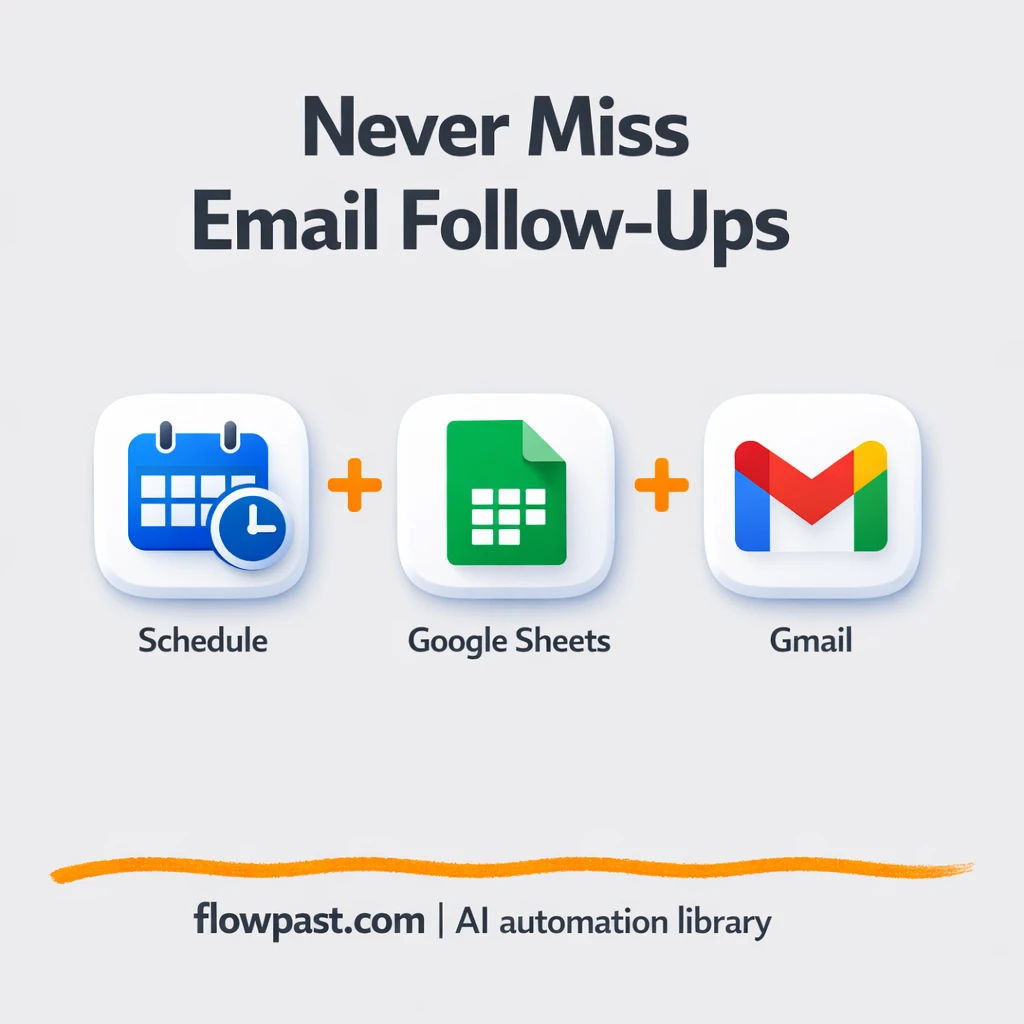
Send staged Gmail follow ups from Google Sheets and log replies back automatically. Keep your…
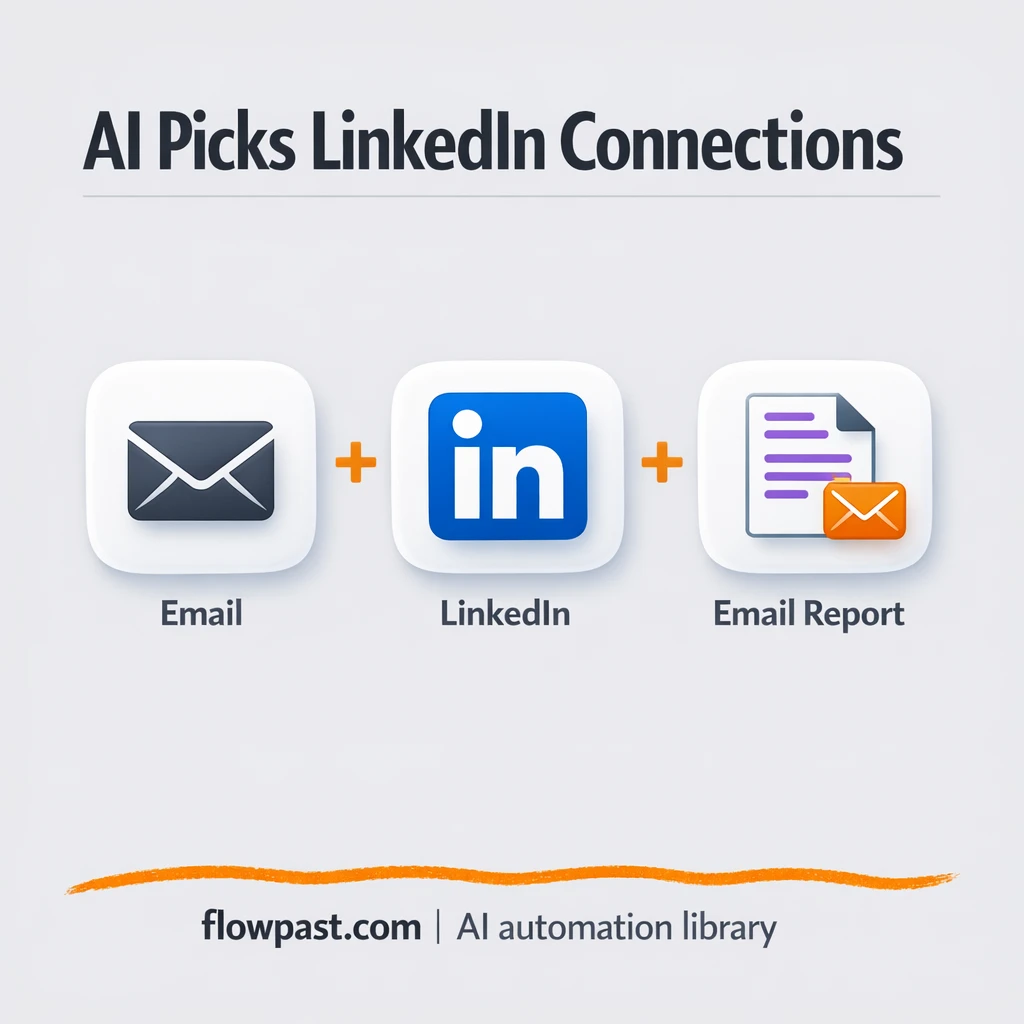
Send a request by email and get AI-picked LinkedIn prospects back as a clean shortlist.…
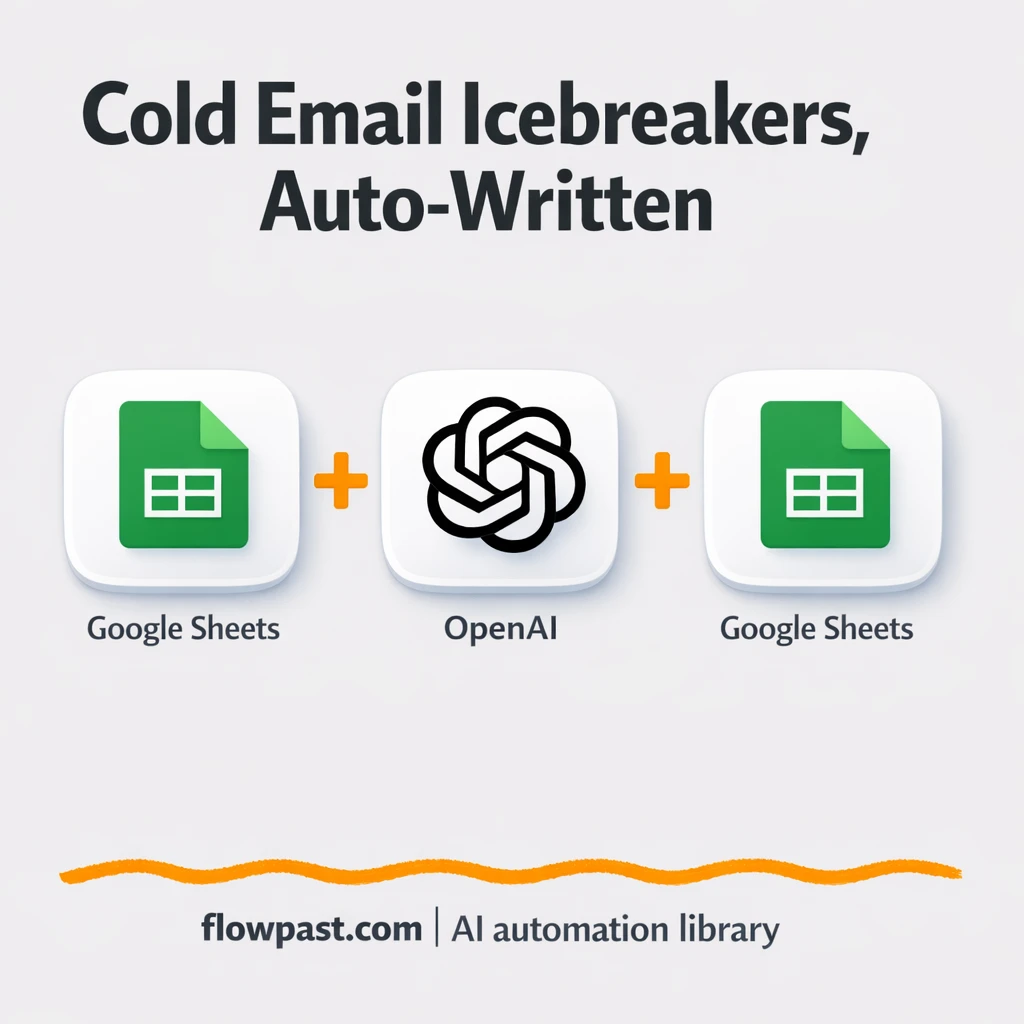
OpenAI writes cold email icebreakers from your Google Sheets leads. Keep tone consistent, cut mistakes,…
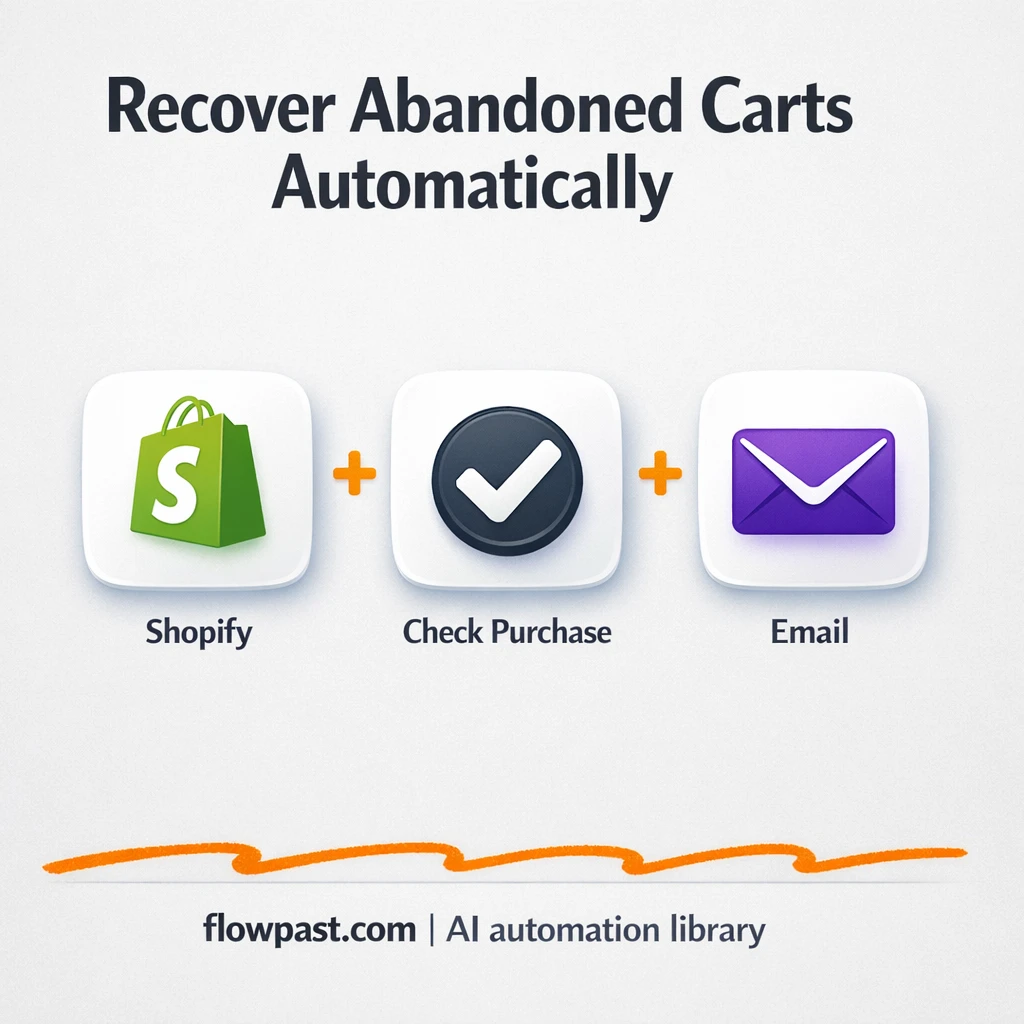
Send Shopify abandoned cart emails via SMTP with exact items and a checkout link. Avoid…
Upload any CSV and get a clean, deduped list in Google Sheets, with an optional…
Send every new Shopify order to Slack with a clear summary and admin link. Keep…
Get instant access to every AI workflow and prompt. One email, full access.
Join 5,000+ automation pros. No spam.
Get instant access to the template and step-by-step guide
Full access unlocked. Here's what you can do now:
Tell us what you'd like to automate — we'll show you what's possible for your team.