n8n
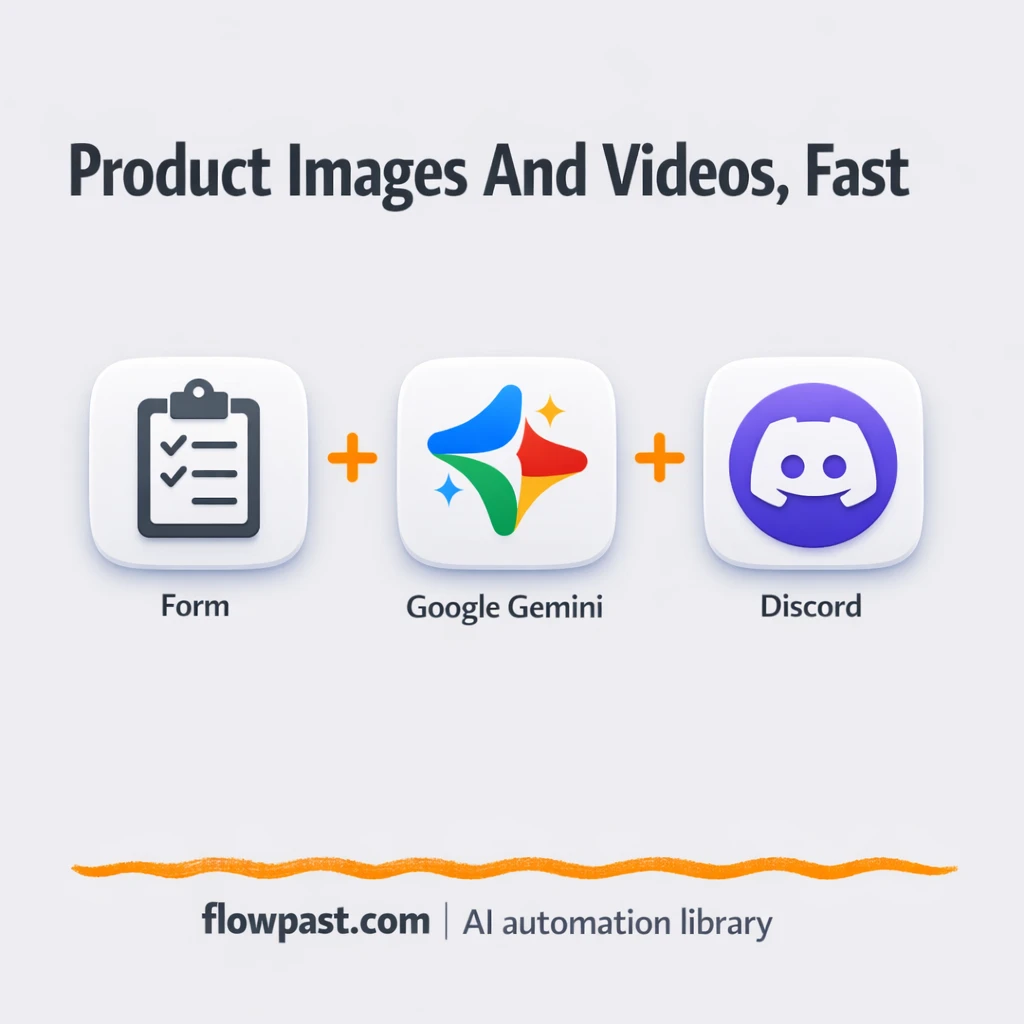
Discord + Google Forms, product creatives done for you
Send one product brief in Google Forms and get image and video asset URLs back.…
Automate your UGC and short-form pipeline—from briefs and creator outreach to script, captions, approvals, and posting—so you publish more consistently without burning out your team.
You connect the tools you already use (like Google Sheets, Drive, and TikTok) to an n8n workflow, then set triggers such as a new row, form submission, or uploaded file. The workflow can generate scripts and captions with OpenAI, create a checklist for edits, and route approvals to the right person. Once approved, it can rename and store assets, schedule posting, and log results back to your tracker. Honestly, it’s like turning your best process into software.
Not really. Most Flowpast workflows are plug-and-play, and you’ll mainly paste API keys, map a few fields, and choose where files and approvals should go.
If your team makes Shorts weekly, automation usually saves about 2 hours per video across admin work alone. That includes briefing, follow-ups, file naming, uploading, and status updates. The bigger win is fewer reworks because scripts, hooks, and brand rules are generated from the same source every time. Agencies also like that reporting becomes automatic, so you’re not rebuilding client updates at the end of the week. You end up shipping more without extending timelines.
You’ll need an n8n instance (cloud or self-hosted), access to your accounts (Google Drive/Sheets, TikTok, etc.), and one AI provider key like OpenAI. Pick a single “source of truth” first: a Sheet, Airtable base, or Notion database. Then run the workflow with a few test briefs and one creator asset to confirm naming, storage paths, and approval steps. After that, you can add scheduling and reporting when you’re ready.
Get instant access to every AI workflow and prompt. One email, full access.
Join 5,000+ automation pros. No spam.
Get instant access to the template and step-by-step guide
Full access unlocked. Here's what you can do now:
Get personalized help setting up your workflow.
Free 15-minute consultation — no commitment required.