


n8n
dns.google to Slack, DNS snapshots you can trust
Run DNS lookups via dns.google and post a clean snapshot to Slack. Spot missing MX…
Track competitor moves without living in tabs. Automate updates on pricing, content, ads, and reviews, then summarize insights and alert your team in Slack, email, or Sheets.
A workflow starts by collecting signals on a schedule or trigger: competitor pages, Google results, RSS items, social posts, or price pages. It then extracts what matters (titles, pricing, features, screenshots, keywords), compares it to the last snapshot, and flags meaningful changes. Next, AI can summarize the “so what” in plain language and suggest next actions. Finally, it logs everything to Google Sheets or Notion and sends alerts to Slack, email, or Telegram.
Usually, no. You’ll pick a ready-made workflow, connect your accounts, and paste competitor URLs or keywords. If you can use Google Sheets and Slack, you can run most setups.
If you’re doing this manually, it’s easy to lose about 2 hours a week per competitor once you include checking pages, taking notes, and writing summaries. Automation handles the monitoring and first draft for you, so you focus on decisions. Many teams end up reviewing a single weekly digest plus a few urgent alerts. For agencies, that means faster client reporting and fewer last-minute scrambles when a competitor launches something new.
You need an n8n workspace (self-hosted or cloud), a list of competitors (URLs, handles, or keywords), and at least one destination for your output like Google Sheets or Slack. For AI summaries, connect OpenAI, Google Gemini, or another model provider. Some sources may require an API (for example SerpAPI for Google results) or scraping tools for hard-to-access pages. If you’re not sure, start with RSS and public pages, then expand once the basics are running.
Run DNS lookups via dns.google and post a clean snapshot to Slack. Spot missing MX…
Trend insights are sent to Slack and logged in Google Sheets. No tab hopping or…
ScrapeGraphAI gathers web, news, and scholar sources into Google Sheets. Keep every run consistent and…
Track regulatory updates without chasing bookmarks. New items are stored in PostgreSQL and sent via…
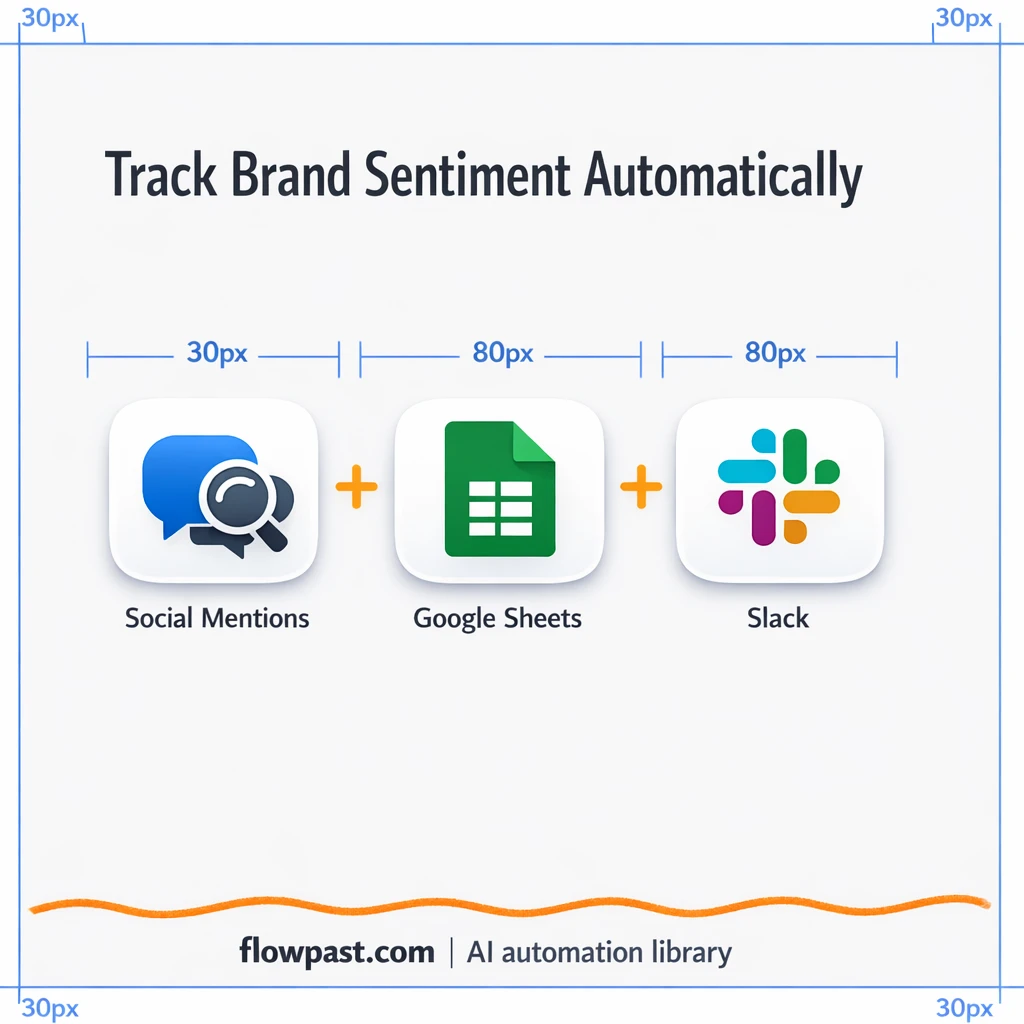
Track brand mentions across social channels and log them in Google Sheets. Slack flags critical…
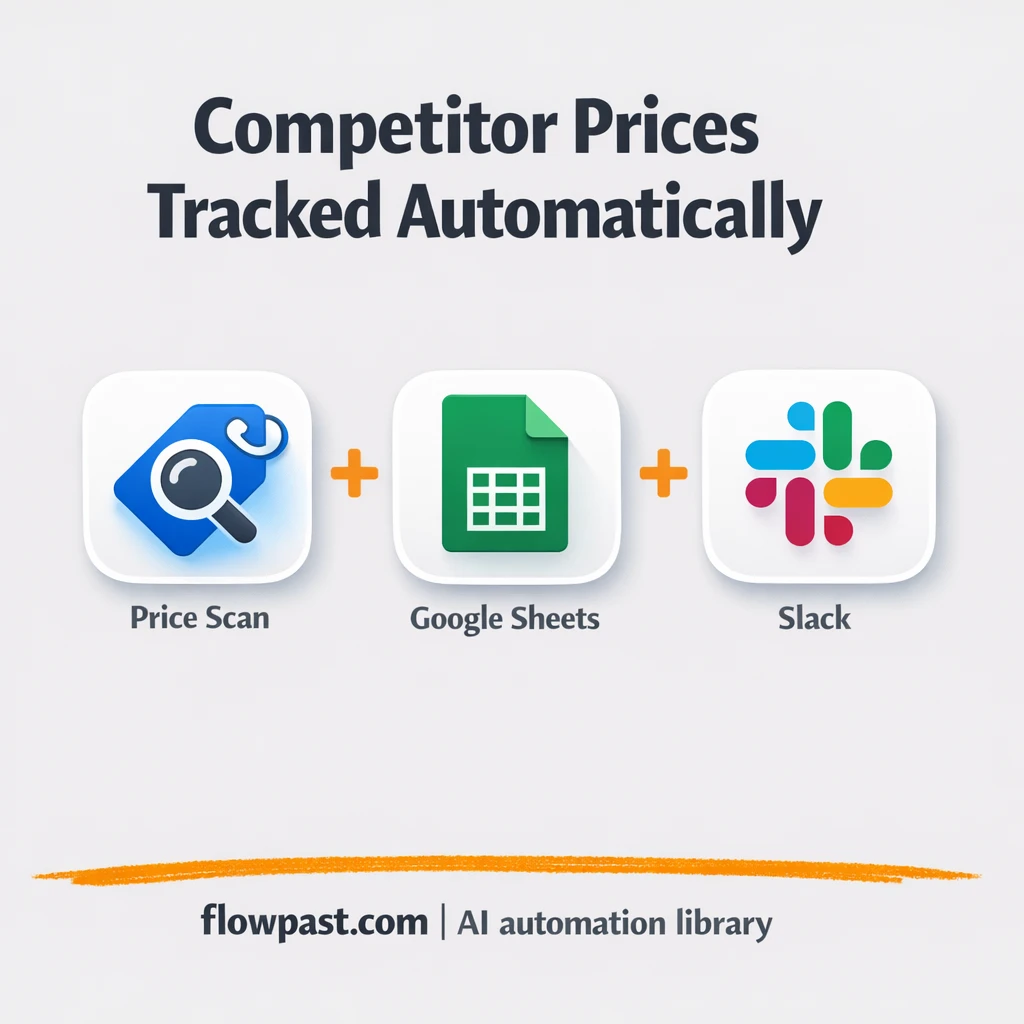
Track competitor prices in Google Sheets and get Slack alerts when they shift. Keep margins…

Collect YouTube search results and score videos into Google Sheets. Compare views, likes, and channel…
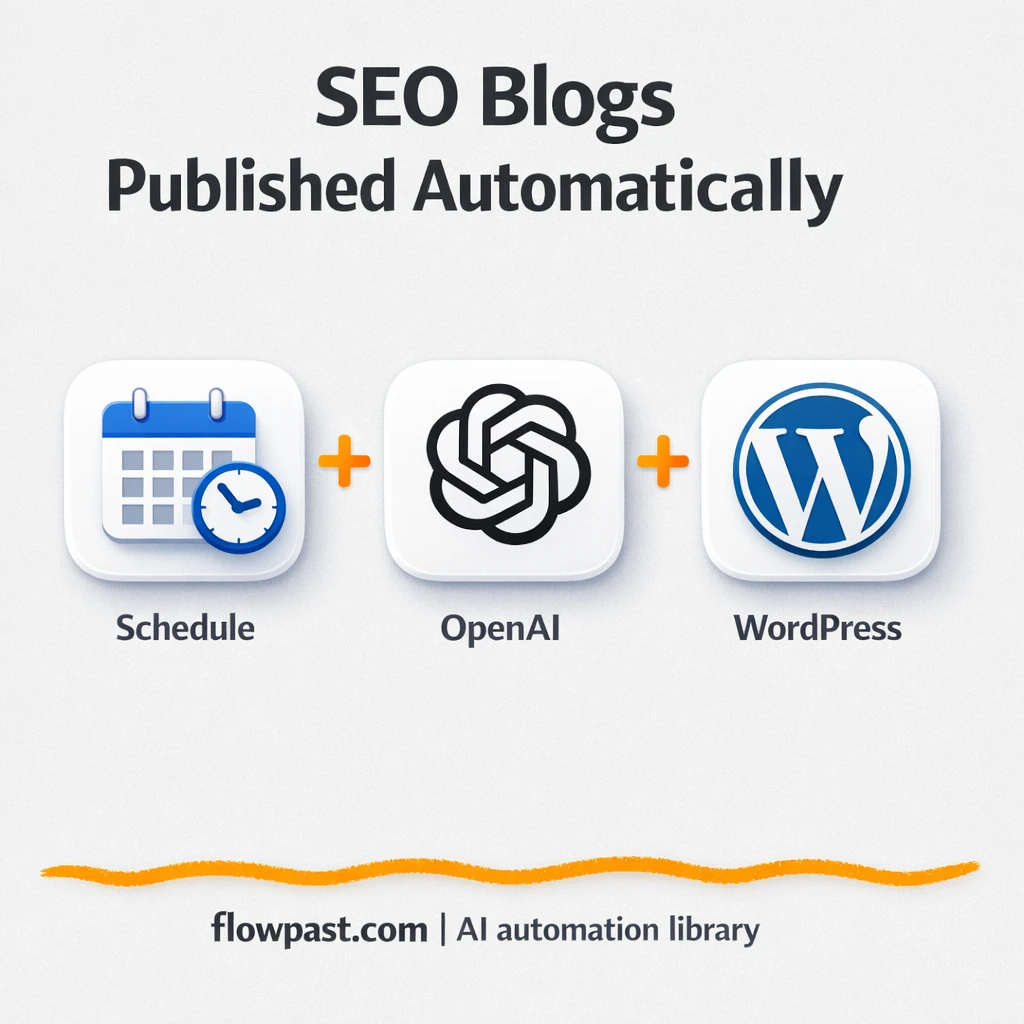
Perplexity research becomes WordPress ready posts with internal links and sitemap updates. Reduce busywork and…
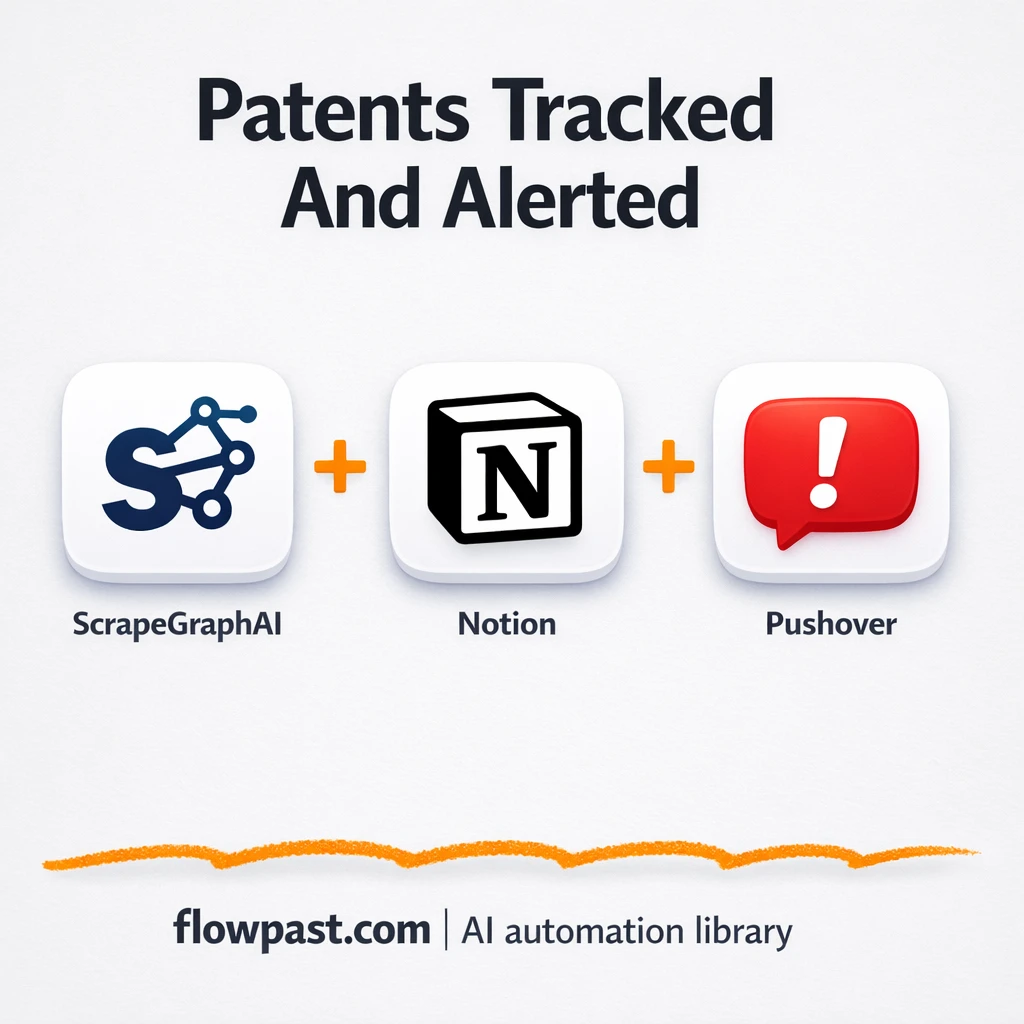
Track new patent filings and log them in Notion automatically. Get Pushover alerts for priority…
Send personalized cold email sequences from Supabase through Mailgun. Keep follow ups consistent and tracked.…
Get instant access to every AI workflow and prompt. One email, full access.
Join 5,000+ automation pros. No spam.
Get instant access to the template and step-by-step guide
Full access unlocked. Here's what you can do now:
Get personalized help setting up your workflow.
Free 15-minute consultation — no commitment required.