


n8n
Slack + Google Docs: instant answers you can trust
Slack questions get draft replies grounded in Google Docs. Stay accurate, keep your tone consistent,…
Stop inbox chaos. Use ready-made n8n workflows to triage emails, send smart auto-replies, route requests to the right person, and log conversations—so nothing slips and you respond fast.
A workflow watches your inbox (Gmail or Outlook) for new messages, then applies rules and AI steps. It can detect intent like “lead,” “support,” or “invoice,” pull out details (name, company, deadline), and choose an action. Common actions include labeling, assigning, sending an auto-reply, or drafting a response for approval. Many teams also push a summary to Slack and log the thread to Google Sheets. Honestly, it’s like having a first-line inbox assistant that never sleeps.
No. On Flowpast you can start with a proven n8n workflow template, connect your accounts, and tweak a few fields like your brand voice and routing rules. If you can set up a filter in Gmail, you can run most of these.
For most teams, it saves about 2 hours a day once triage and routine replies are automated. The big wins come from removing repeat work: sorting, tagging, copying details into trackers, and sending the same “got it—here’s next steps” reply. It also cuts down context switching, which is what really drains you. If you handle sales inquiries or support requests, faster first responses often means more booked calls and fewer unhappy follow-ups. Your inbox becomes a pipeline, not a to-do list.
You’ll need an n8n workspace (self-hosted or cloud), access to your email account (Gmail or Microsoft Outlook), and any destinations you want to update, like Slack or Google Sheets. If you use AI drafting, add an OpenAI API key (or another supported model provider). Start with one mailbox and one use case, like “new lead auto-reply + Slack alert.” Then expand to routing, logging, and approval steps once it’s stable.
Slack questions get draft replies grounded in Google Docs. Stay accurate, keep your tone consistent,…
New Microsoft Outlook emails get categorized with OpenRouter and filed into the right folders. Less…
Get a clean daily digest from Gmail with OpenRouter summaries. Spot key threads, tasks, and…
New candidates in Google Sheets get booked in Google Calendar and invited via Gmail. No…
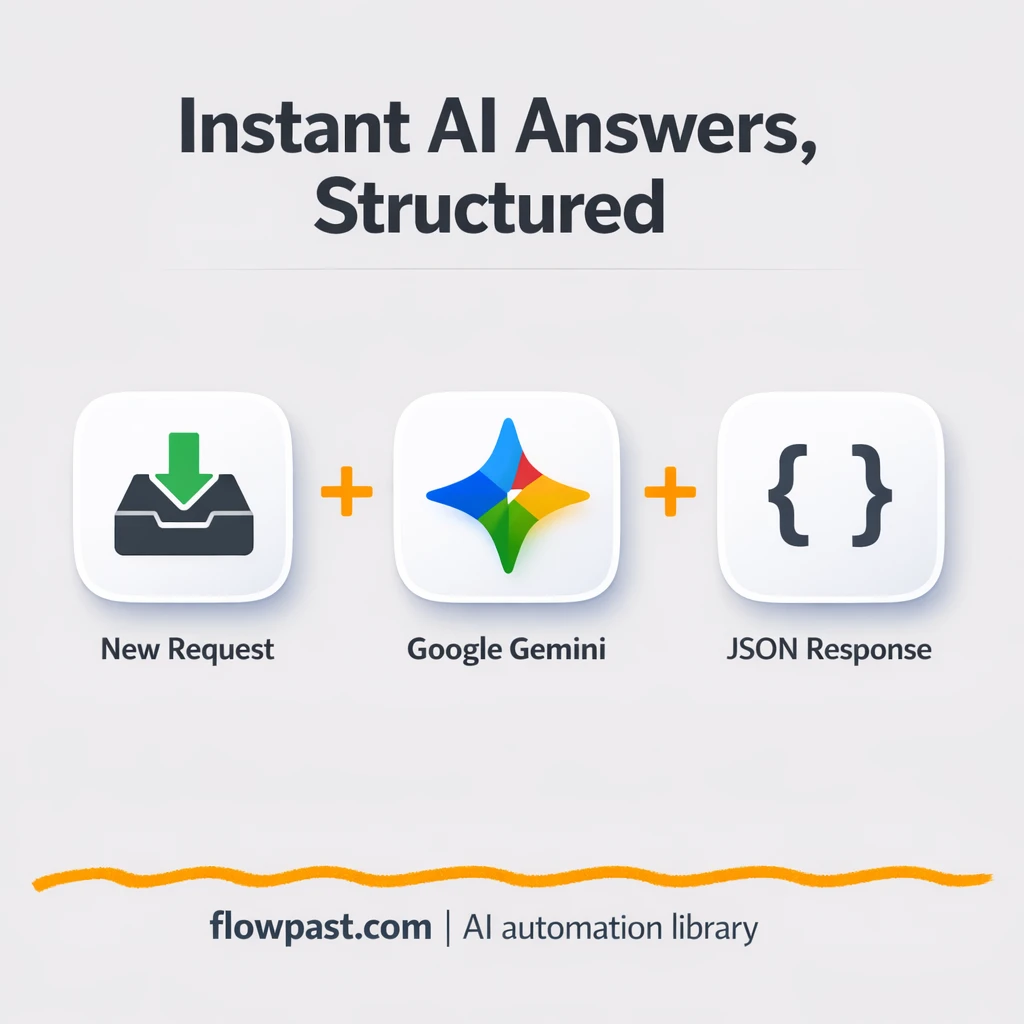
Send questions from Slack to Google Gemini and get structured answers with citations. Cut copy…
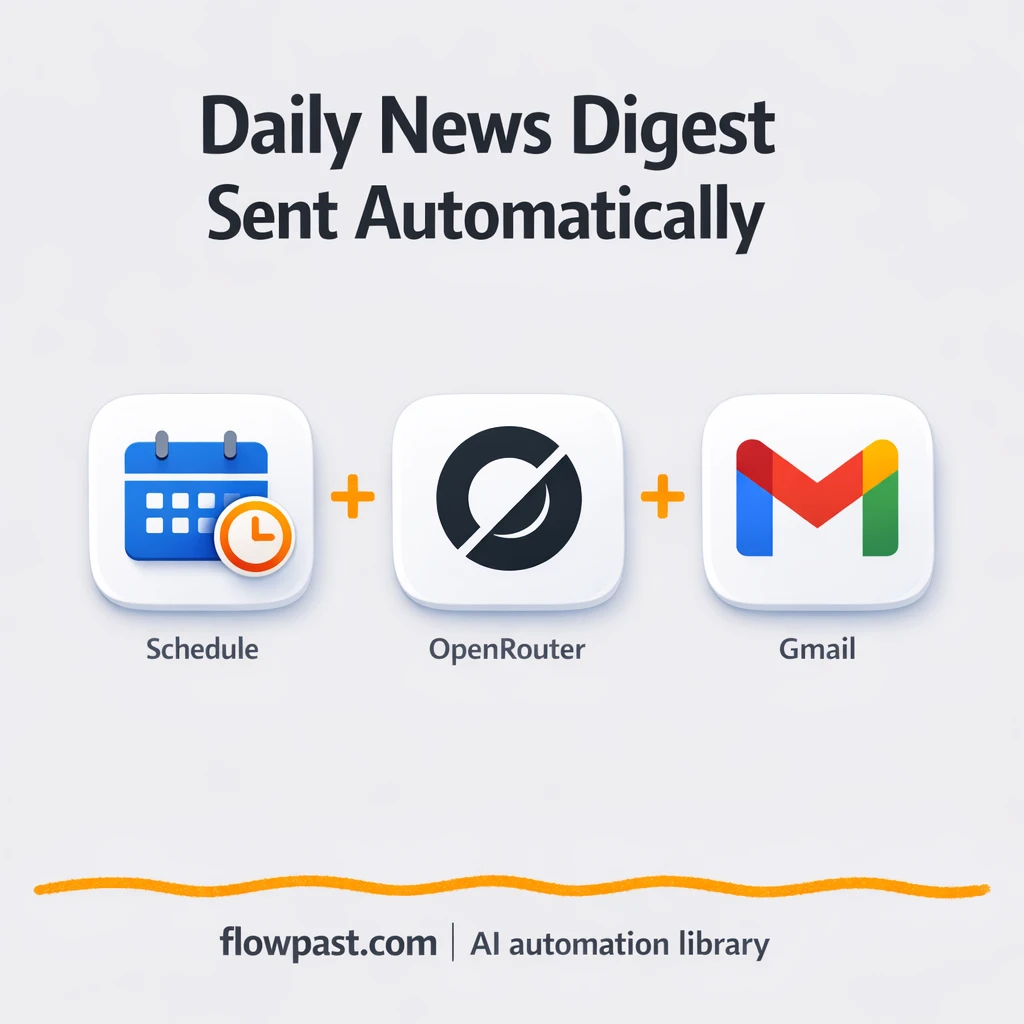
Tavily finds top AI stories and Gmail delivers a clean daily summary. Keep your team…
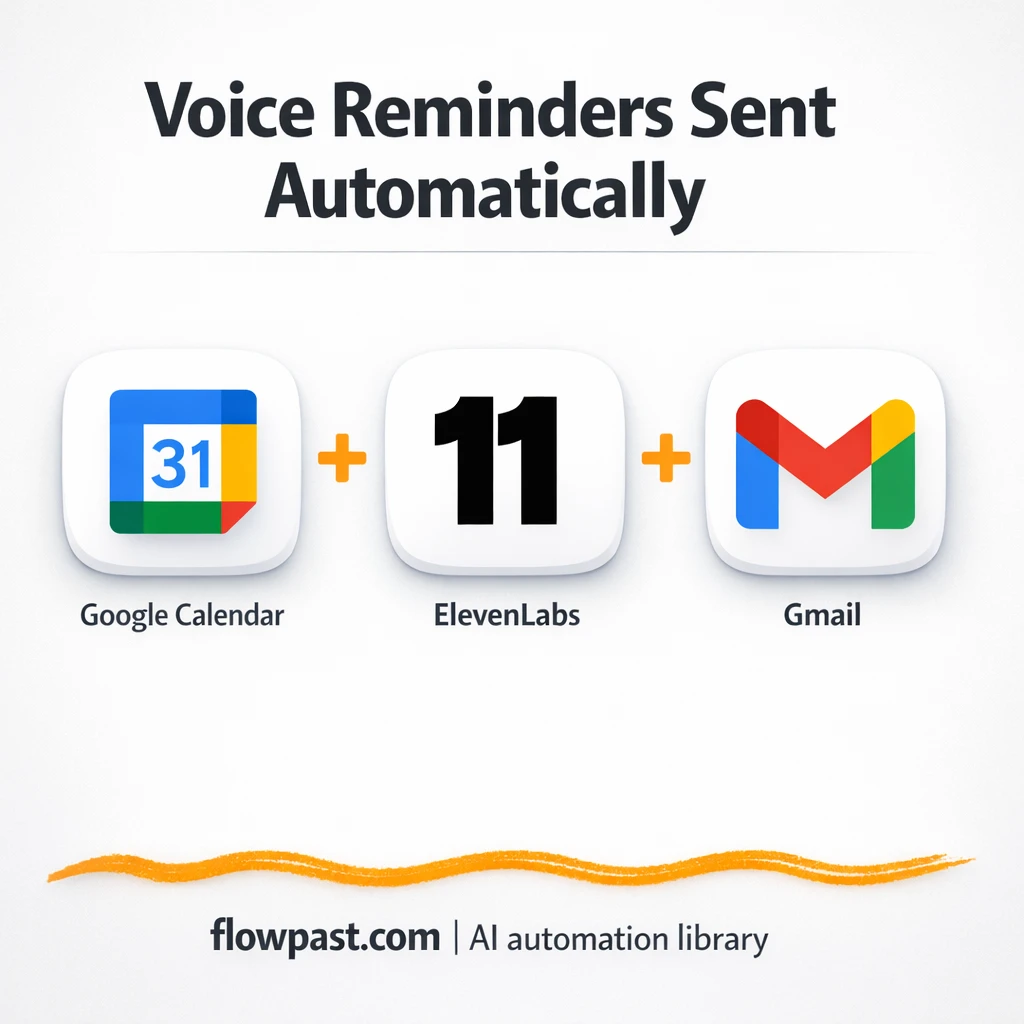
Turn Google Calendar events into voice reminder emails via Gmail. Reduce no shows and missed…
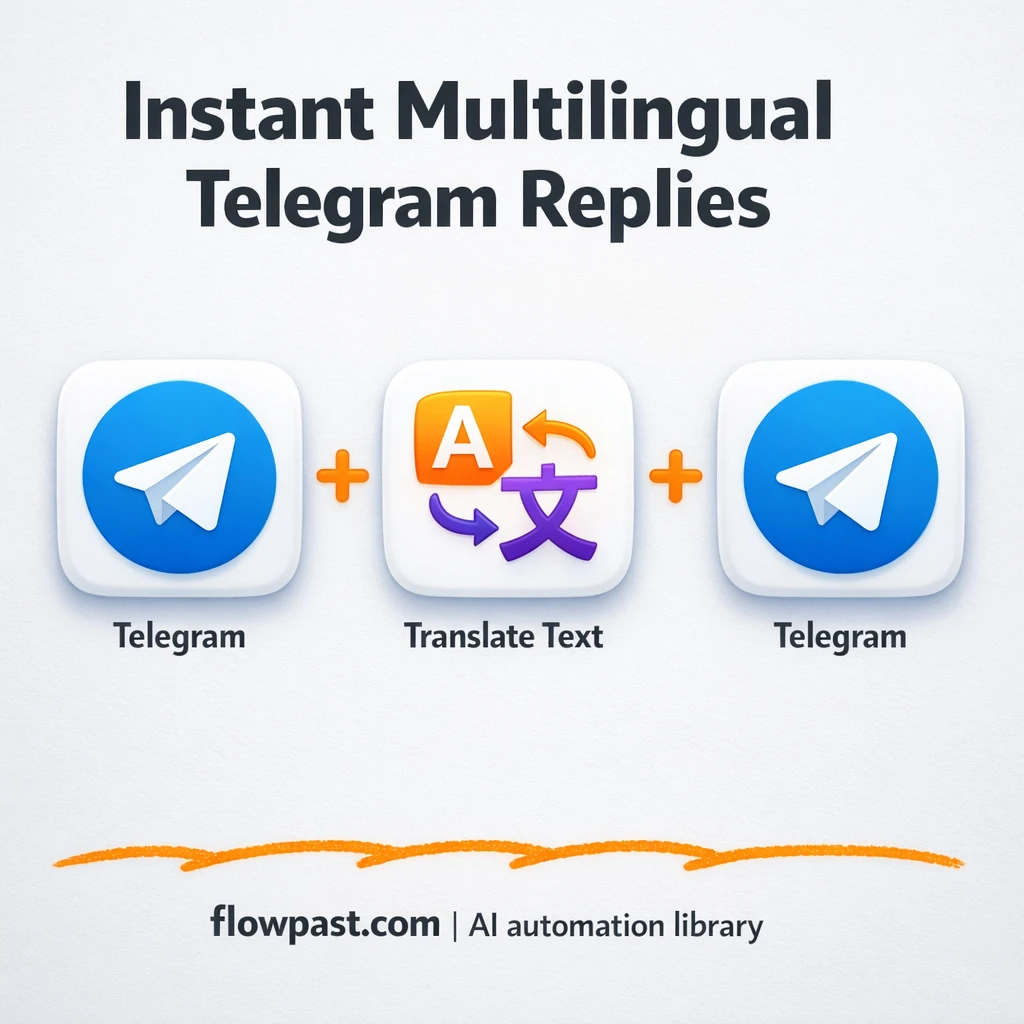
Turn Telegram messages into polished translations with OpenAI. Keep tone consistent, reduce copy paste, and…
Turn todays Gmail threads into a clear Daily Pulse email with OpenAI. Catch follow ups,…
Send prescriptions from Google Sheets to Email and WhatsApp automatically. Reduce missed handoffs, keep a…
Get instant access to every AI workflow and prompt. One email, full access.
Join 5,000+ automation pros. No spam.
Get instant access to the template and step-by-step guide
Full access unlocked. Here's what you can do now:
Get personalized help setting up your workflow.
Free 15-minute consultation — no commitment required.