


n8n
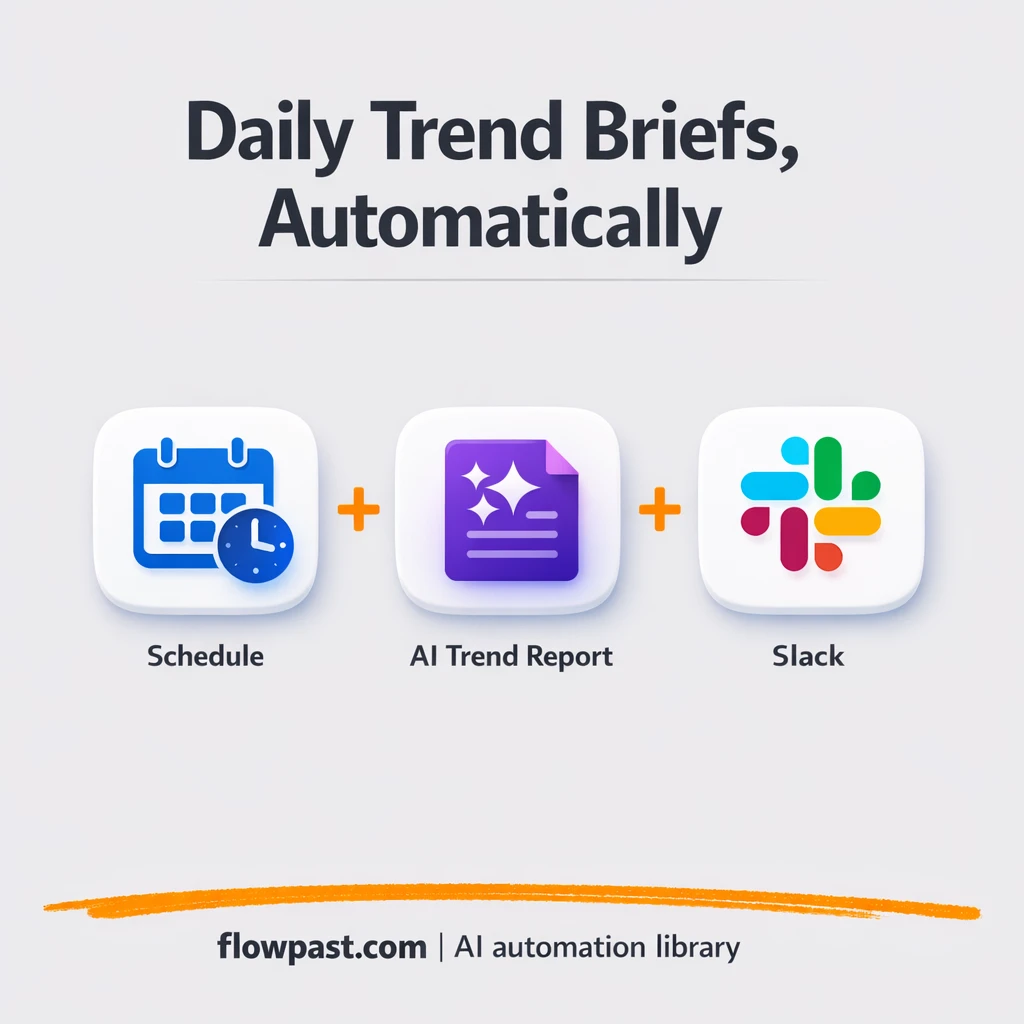
Slack + Google Sheets, trend reports sent daily
Trend insights are sent to Slack and logged in Google Sheets. No tab hopping or…
Run projects without the chaos. Automate task updates, reminders, approvals, and status reporting across your tools so you ship on time, keep clients happy, and stay aligned.
You need an n8n workspace and accounts for the apps you want to connect (for example Jira, Slack, Notion, or Google Sheets). Most workflows require API access or OAuth login, which you can set up in minutes. If a workflow uses AI, you’ll also add an OpenAI (or similar) API key. Start with one process—like weekly status reporting—then expand once you see it working. Flowpast workflows include clear setup steps so you’re not guessing.
Trend insights are sent to Slack and logged in Google Sheets. No tab hopping or…
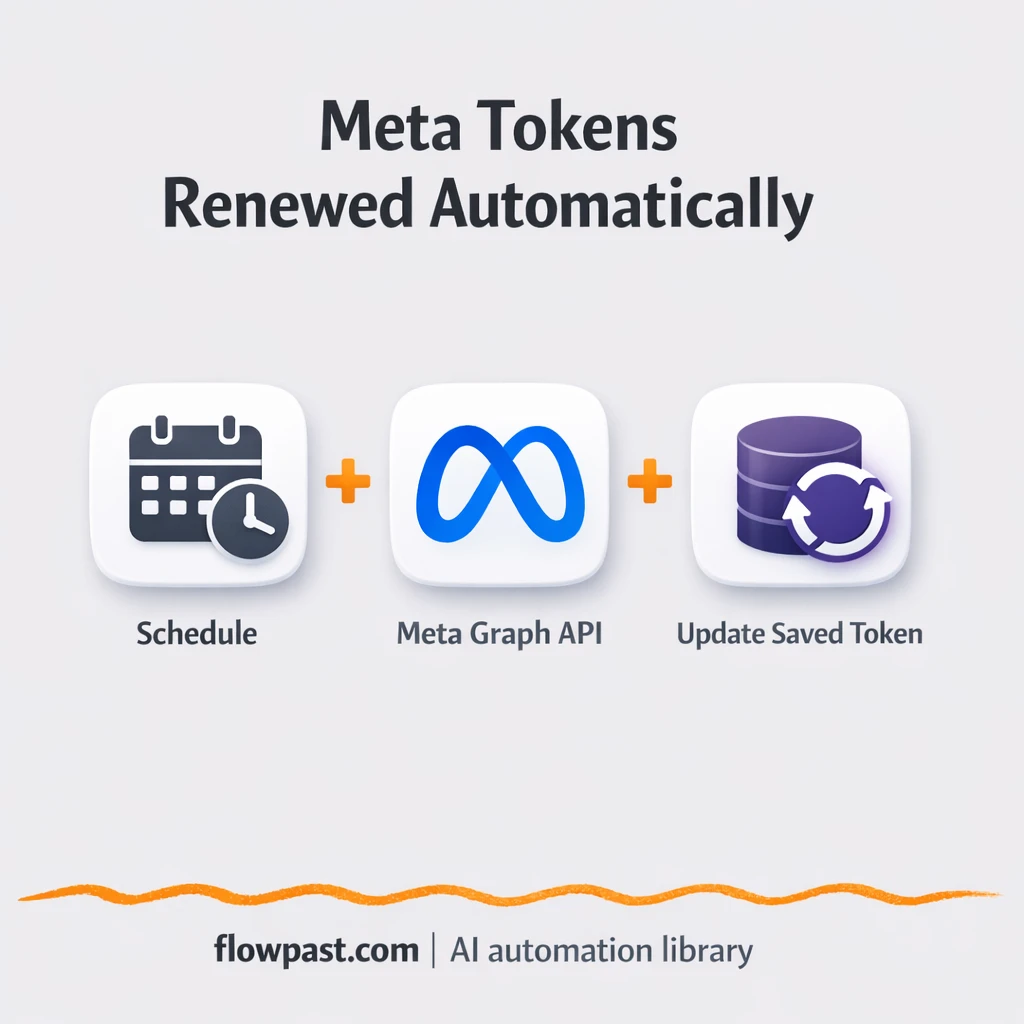
Keep Meta access tokens refreshed and prevent silent posting failures. Get Slack alerts only when…
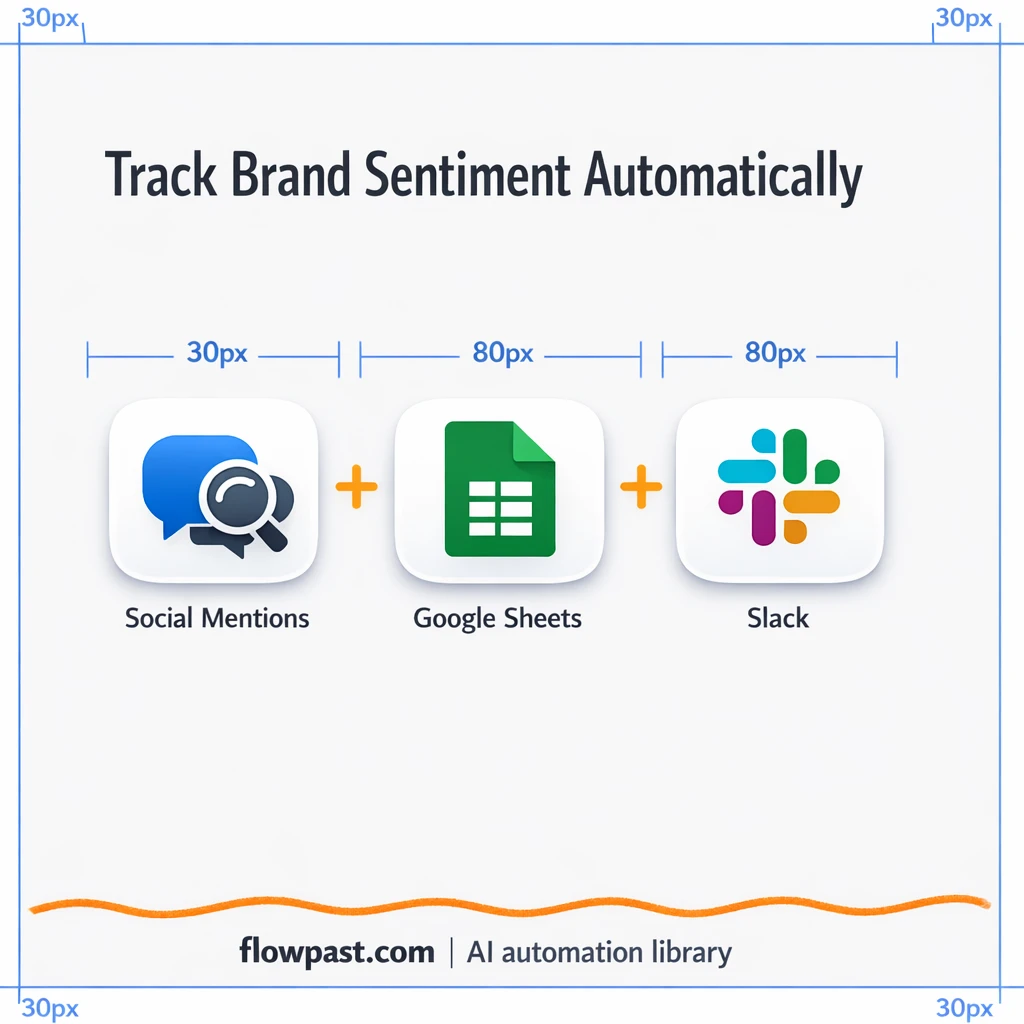
Track brand mentions across social channels and log them in Google Sheets. Slack flags critical…
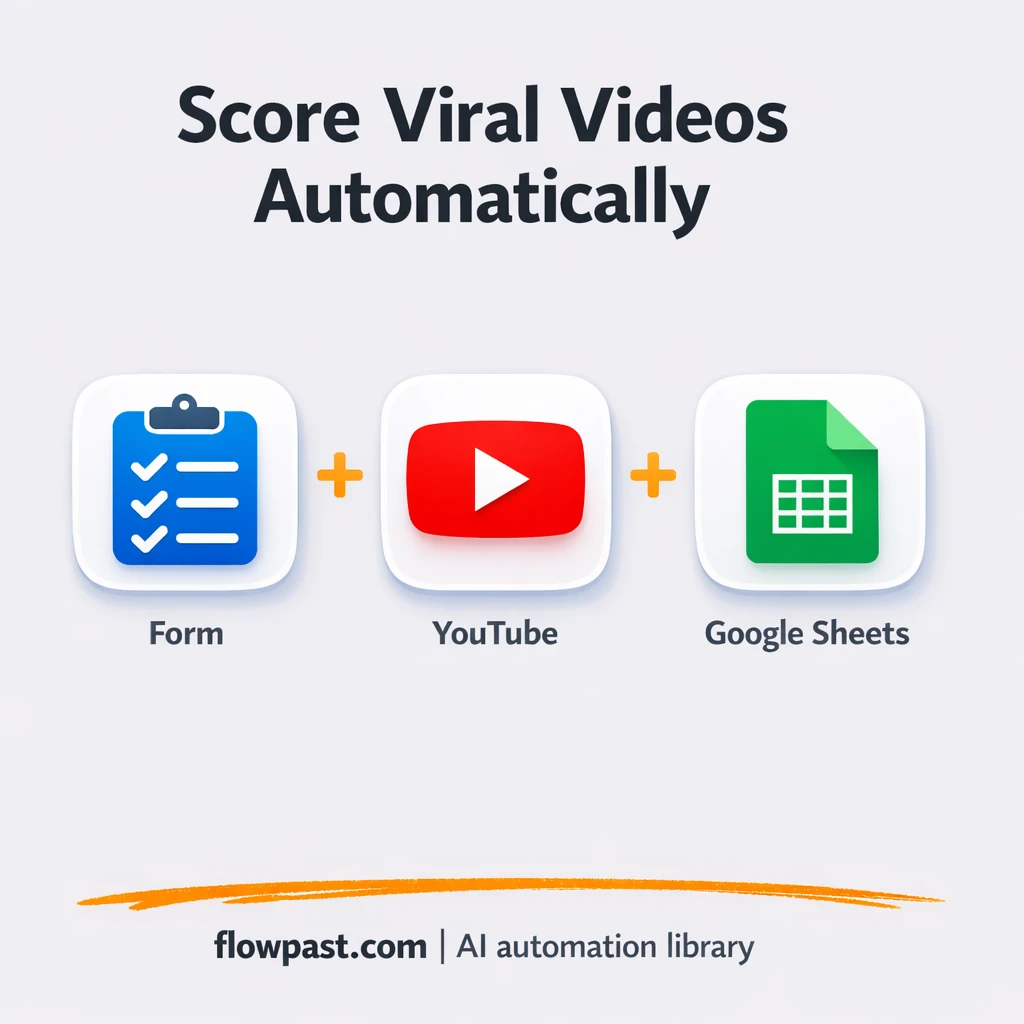
Collect YouTube search results and score videos into Google Sheets. Compare views, likes, and channel…
Docsify becomes a searchable docs portal using OpenAI generated Markdown and Mermaid diagrams. Keep every…
Turn GitHub Releases into polished, ready-to-paste notes using OpenRouter. Keep changelogs consistent, reduce errors, and…
Keep every Typebot flow safely stored in GitHub with clean version history. Restore fast after…
Turn Gmail and Google Calendar activity into Google Sheets timesheet rows. Less backfilling and cleaner…
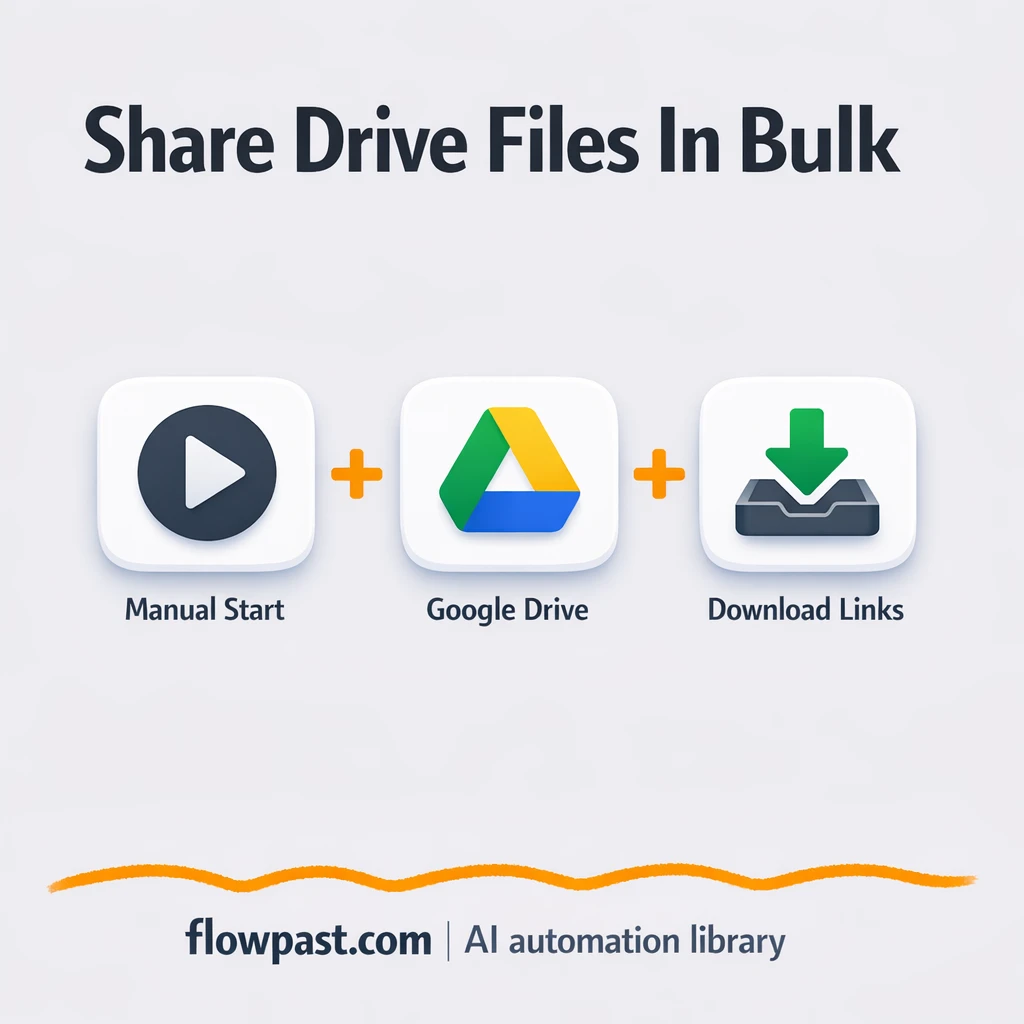
Turn a Google Drive folder into a Google Sheets list of working download links. Fix…
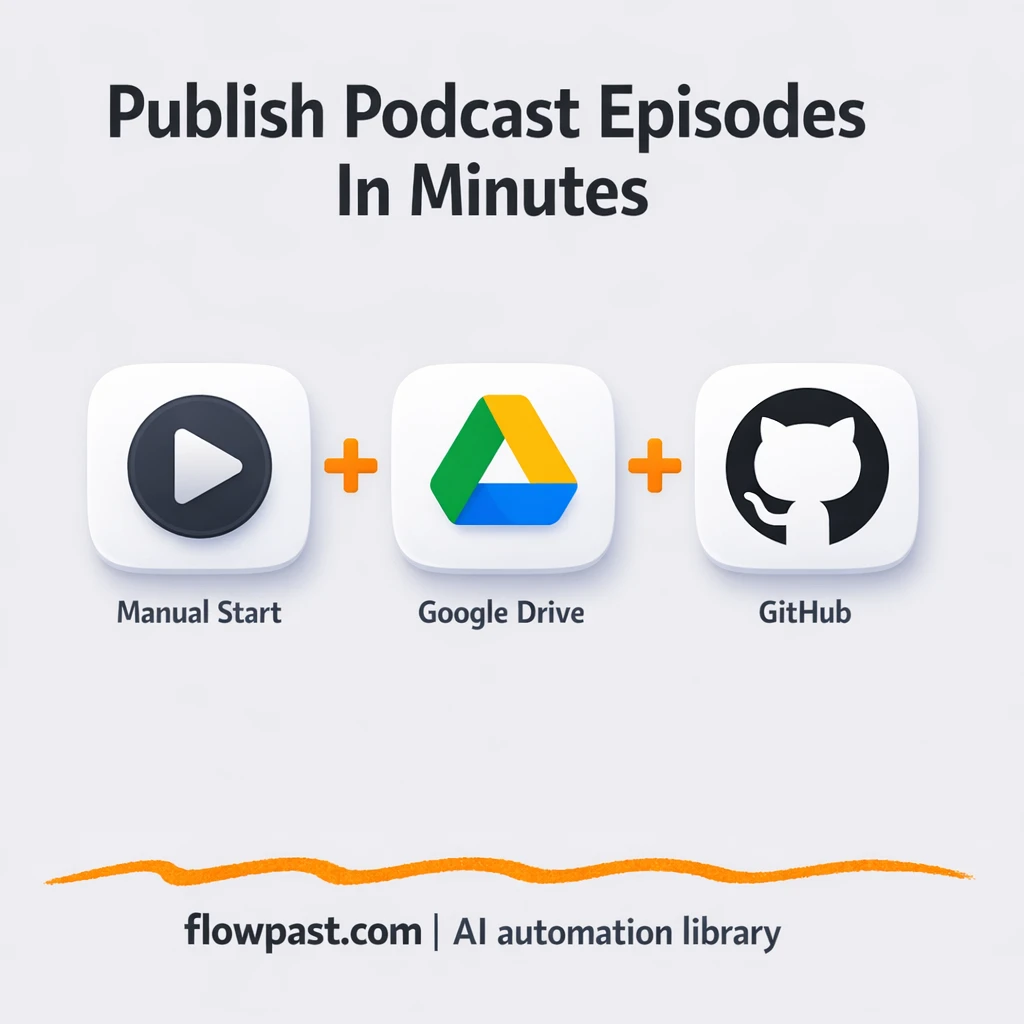
Upload each MP3 to Google Drive, then update your GitHub RSS feed cleanly. Fewer publishing…
Get instant access to every AI workflow and prompt. One email, full access.
Join 5,000+ automation pros. No spam.
Get instant access to the template and step-by-step guide
Full access unlocked. Here's what you can do now:
Tell us what you'd like to automate — we'll show you what's possible for your team.