


n8n
RocketReach to Asana, qualified leads routed fast
RocketReach enriches inbound leads, then Asana gets the best ones. Cut bounce worthy contacts and…
Route requests, assign owners, set due dates, and send updates automatically. Stop chasing tasks in email and chat, and keep every project moving with clear next steps.
A workflow watches for new requests where they already appear: Gmail, Slack, forms, or a CRM. It pulls the important bits (who asked, what’s needed, due date, links), then creates a task in a tool like ClickUp or Notion. Next, it assigns an owner using rules (team, client, workload, keyword) or AI classification, and posts confirmations to Slack/email. Finally, it nudges when tasks are stuck and logs activity to Google Sheets for visibility.
Not really. Most Flowpast workflows are plug-and-play: connect your accounts, choose a few options, and you’re live.
If you’re manually copying requests into a task tool, assigning owners, and sending reminders, automation can save about 2 hours per week for a solo operator and far more for a team. The bigger win is consistency: every request gets captured, routed, and tracked the same way. That means fewer missed handoffs and fewer “did anyone do this?” messages. Over a month, that reclaimed time often pays for the workflow by itself.
You’ll need an n8n workspace (cloud or self-hosted) and accounts for the apps you want to connect, like Slack, Gmail, ClickUp, and Google Sheets. Most setups take about 20 minutes: authorize integrations, map fields (task title, description, due date), and set assignment rules. If you want AI routing, add an OpenAI or Gemini key. Frankly, the only “hard” part is deciding your process—who owns what and when a task is considered done.
RocketReach enriches inbound leads, then Asana gets the best ones. Cut bounce worthy contacts and…
Turn one client intake into an Asana project and a Google Docs contract. No copying…
Turn new client intake into a ready Asana project plus a Slack channel. Standardize tasks,…
Turn Gmail messages into Zendesk tickets and log each case in Google Sheets. Keep requests…
Send HighLevel opportunities into Google Sheets, then email a clean HTML summary in Gmail. No…
Send HighLevel leads a Gmail follow up, then flag replies in Slack. Stay on top…
GoHighLevel lead scores trigger Slack alerts and Google Sheets logs. No more guessing who to…
HighLevel closed won deals log into Google Sheets and post a clean Slack summary. No…
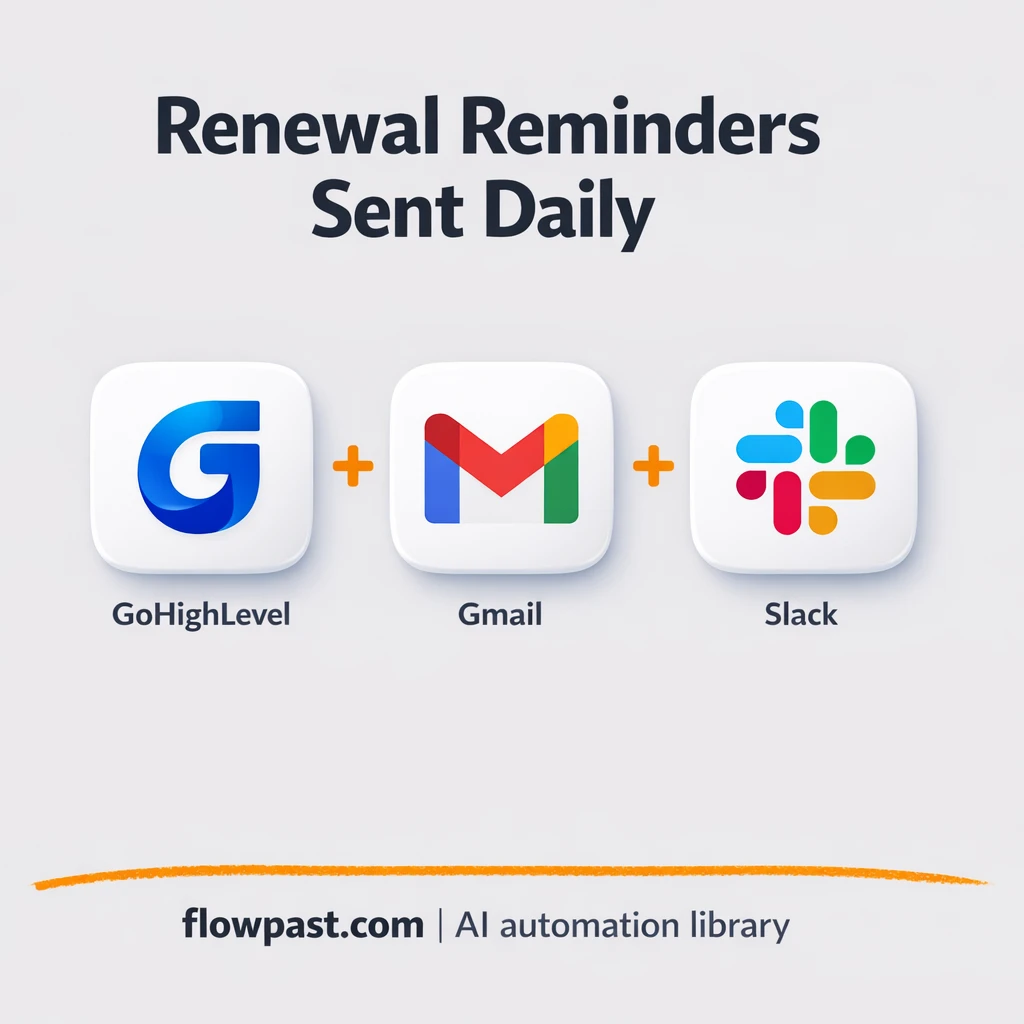
Pull expiring contracts from GoHighLevel, email clients via Gmail, alert owners in Slack, and log…
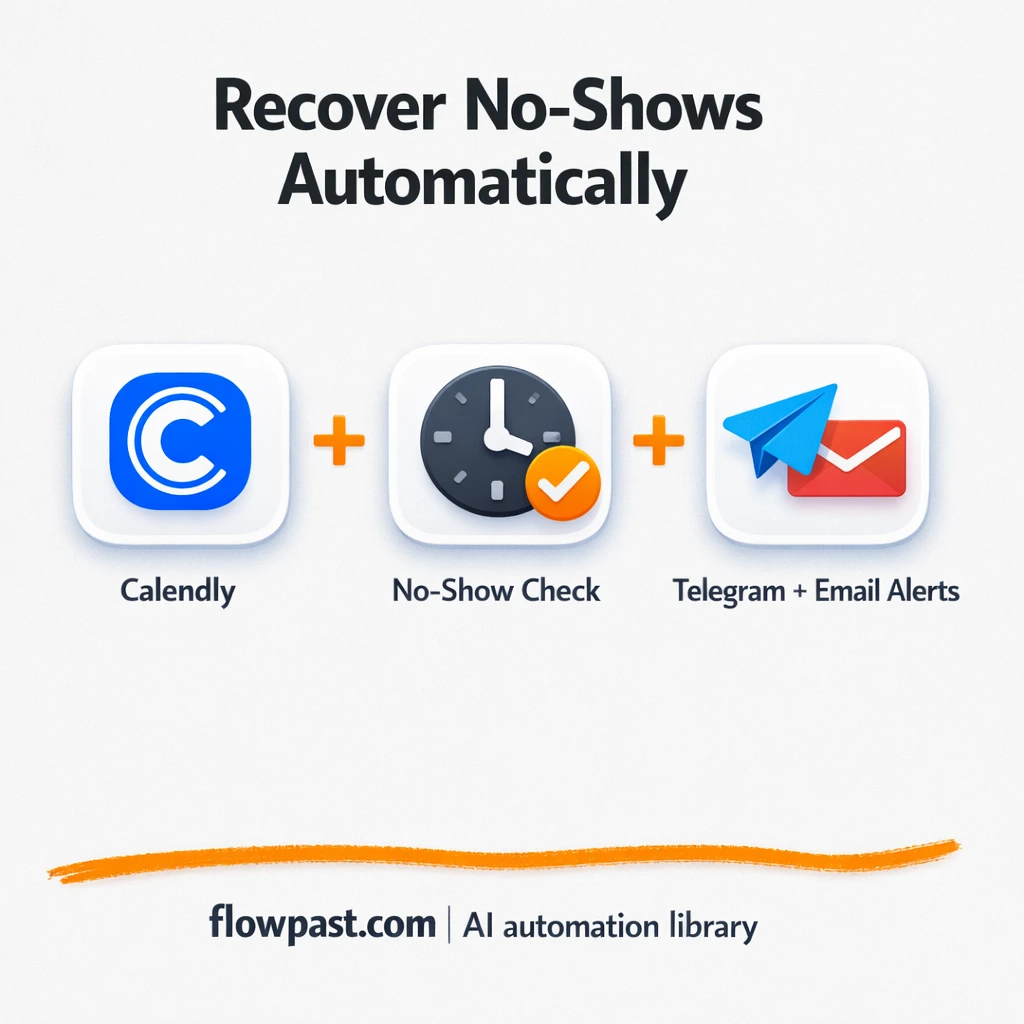
Missed Calendly meetings trigger a Telegram reschedule nudge and an email note to your rep.…
Get instant access to every AI workflow and prompt. One email, full access.
Join 5,000+ automation pros. No spam.
Get instant access to the template and step-by-step guide
Full access unlocked. Here's what you can do now:
Tell us what you'd like to automate — we'll show you what's possible for your team.