


n8n
Mattermost + Google Calendar: coffee chats scheduled
Create rotating coffee chat groups in Mattermost and send Google Calendar invites automatically. No chasing…
Stop the back-and-forth. Automate booking, confirmations, reminders, and follow-ups across Calendly, Google Calendar, Gmail, and Slack so meetings happen faster and no-shows drop.
A workflow listens for a trigger—like a new Calendly booking, a Google Calendar invite, or a form submission—then runs the steps you define. It can check availability, add attendees, and create or update events automatically. Next, it sends confirmations and reminders via Gmail or Slack, and logs the meeting in Google Sheets or your CRM. If a meeting is rescheduled or canceled, the workflow keeps everything in sync so your team isn’t chasing updates.
Not necessarily. Most Flowpast workflows are ready to import, then you just connect accounts (Google Calendar, Calendly, Gmail) and tweak a few fields like meeting type, reminder timing, and notification channel. If you can use Zapier-style tools, you’ll be comfortable. More advanced setups—like routing bookings by territory or pulling context from a spreadsheet—are optional and can be added later.
For many teams, it cuts scheduling busywork in half. You stop rewriting the same emails, chasing confirmations, and fixing calendar mistakes. If you book about 10–20 meetings a week, that can mean saving about 2 hours weekly just on follow-ups and reminders, plus fewer no-shows. The bigger win is speed: leads get booked while they’re still interested, which often improves show rates and pipeline quality.
You need an n8n instance (cloud or self-hosted) and accounts for the apps you want to connect, such as Google Calendar, Calendly, Gmail, and Slack. You’ll authorize each integration once, then test with a real booking. Have your event types, time zone rules, and reminder messages ready so you can personalize quickly. If you’re using a team calendar, confirm permissions for creating and editing events before you go live.
Create rotating coffee chat groups in Mattermost and send Google Calendar invites automatically. No chasing…
Gmail scans booking requests and checks Google Calendar before replying. Fewer back and forth emails,…
Outlook Calendar events appear in Notion automatically. Keep your meeting tracker accurate, with links and…
Sync Discord scheduled events into Google Calendar automatically. No double entry or stale invites. Your…
Send Slack interview reminders from Google Calendar automatically. Interviewers get the right link and prep…
Turn Zoom transcripts into clear Google Docs notes and post a Slack recap with the…
Zoom recordings save to Google Drive and key meeting details log in Airtable. Keep every…
Google Calendar events get matching Zoom links automatically. Filter out in person and canceled meetings.…
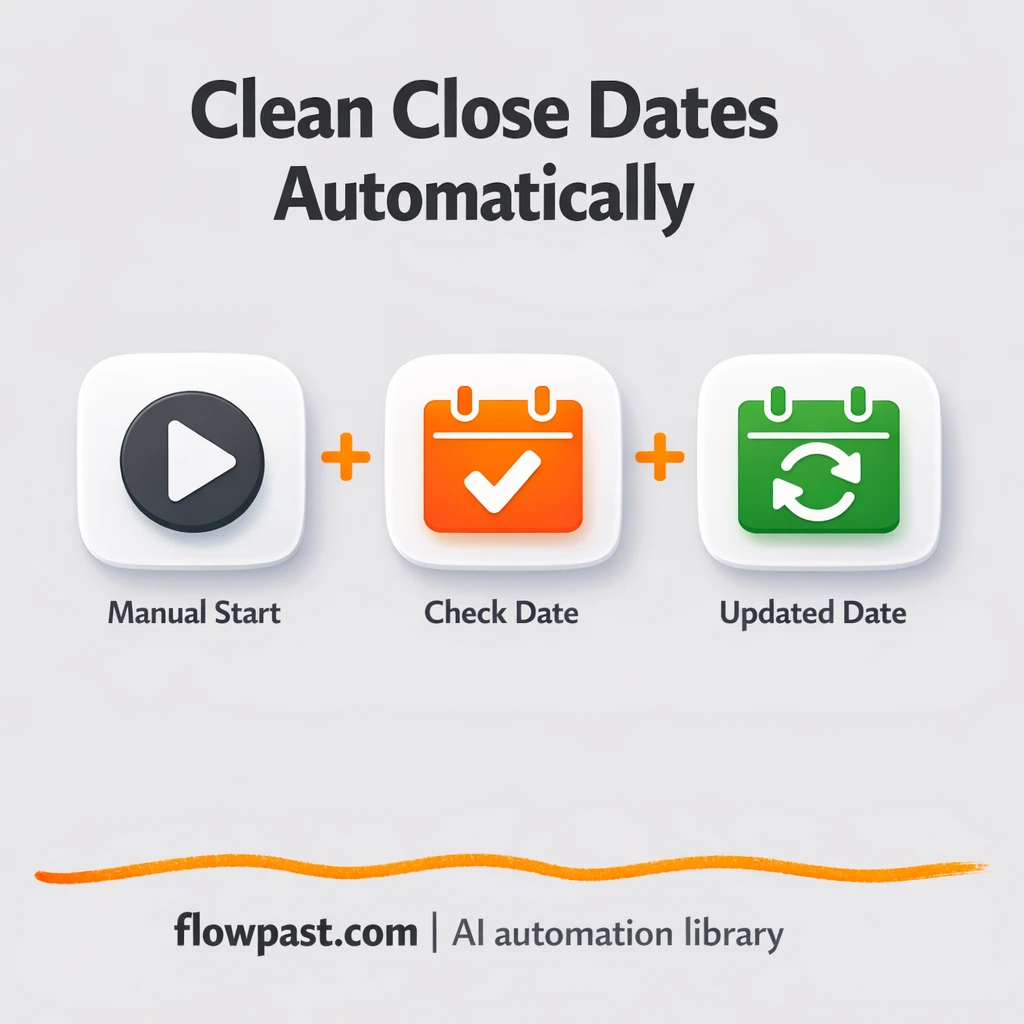
Keep close dates consistent in HubSpot and Google Sheets. Validate messy entries, auto fill smart…
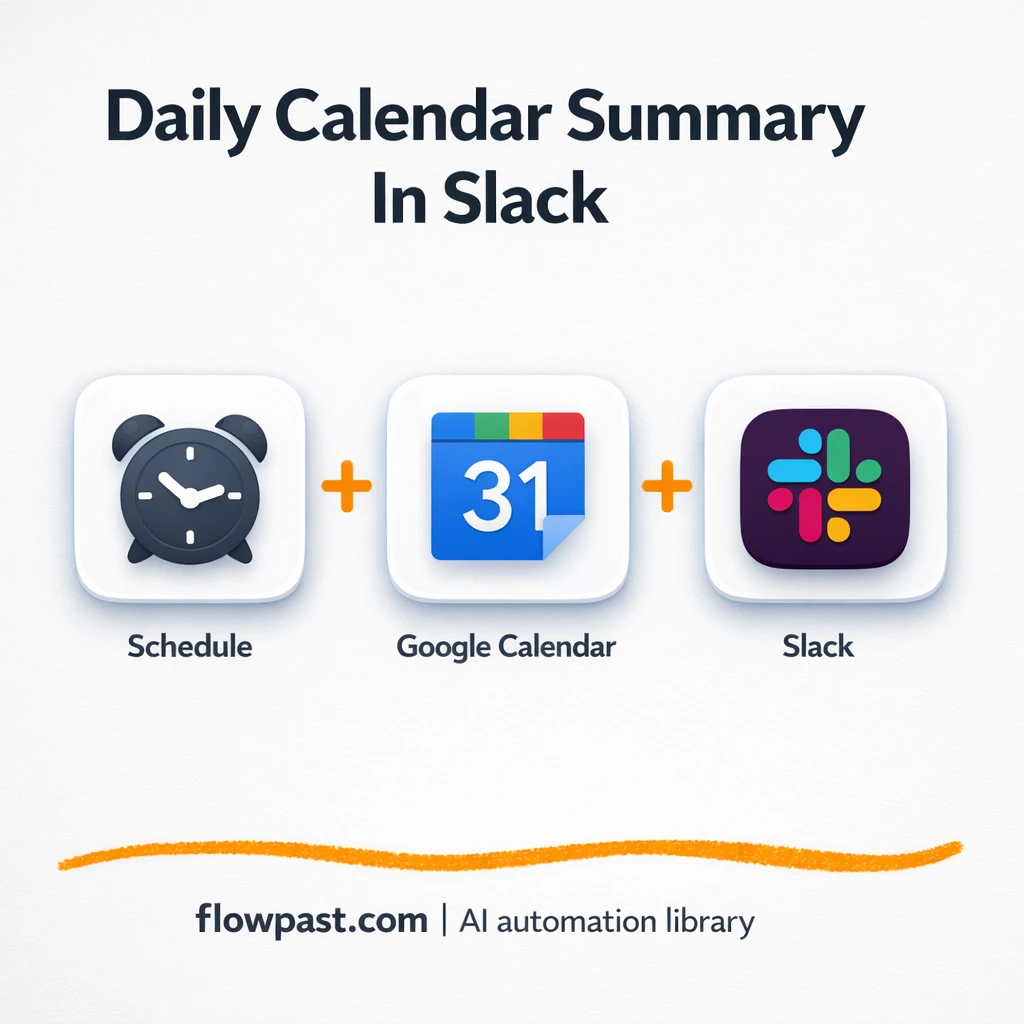
Get a clean daily schedule briefing from Google Calendar in Slack. Reduce morning tab hopping…
Get instant access to every AI workflow and prompt. One email, full access.
Join 5,000+ automation pros. No spam.
Get instant access to the template and step-by-step guide
Full access unlocked. Here's what you can do now:
Tell us what you'd like to automate — we'll show you what's possible for your team.