


n8n
News API to WordPress, tech posts published for you
Turn News API headlines into polished WordPress posts using OpenAI. Keep your site active, cut…
Turn one piece of content into many—blogs, LinkedIn posts, email snippets, and scripts—without extra busywork. Automate drafting, formatting, approvals, and publishing in n8n.
A workflow starts by grabbing a source asset, like a Google Doc, YouTube link, or a pasted transcript. It then uses AI (often OpenAI) to summarize, pull themes, and rewrite into multiple formats: LinkedIn posts, email blurbs, hooks, or short-video scripts. Next, it applies your rules—tone, length, hashtags, CTAs—and routes drafts to Notion or Docs for approval. Once approved, it schedules or publishes and logs everything for reuse.
Usually, no. Most Flowpast workflows are plug-and-play: connect your accounts, choose a template, and set a few options like brand voice and target channels. If you can run a campaign tool, you can run this. For advanced setups (custom prompts, multi-step approvals, or database syncing), a marketer or ops lead can still handle it with light guidance.
It often turns a 2-hour repurposing session into about 30 minutes of review and tweaks, because the drafting, formatting, and routing are done for you. The bigger win is consistency: you stop losing half a day to “making it fit” every platform. Teams also cut rework by keeping prompts, brand rules, and templates in one place. Frankly, that’s where the real savings show up.
You’ll need an n8n workspace and at least one source location (Google Docs, Notion, or a URL to a video/article). Most workflows also require an AI key, like OpenAI, and a destination such as LinkedIn. If you want approvals, add a shared Notion database or a Docs folder. For publishing at specific times, connect a schedule trigger and decide who gets notified in Slack.
Turn News API headlines into polished WordPress posts using OpenAI. Keep your site active, cut…
Turn LINE messages into polished Chinese, pinyin, and English replies using OpenRouter. Reduce copy paste…
Send a YouTube link in Telegram and get a structured summary back. Skip rewinding and…
Turn plain video ideas into Veo 3 ready JSON with Azure OpenAI, then send it…
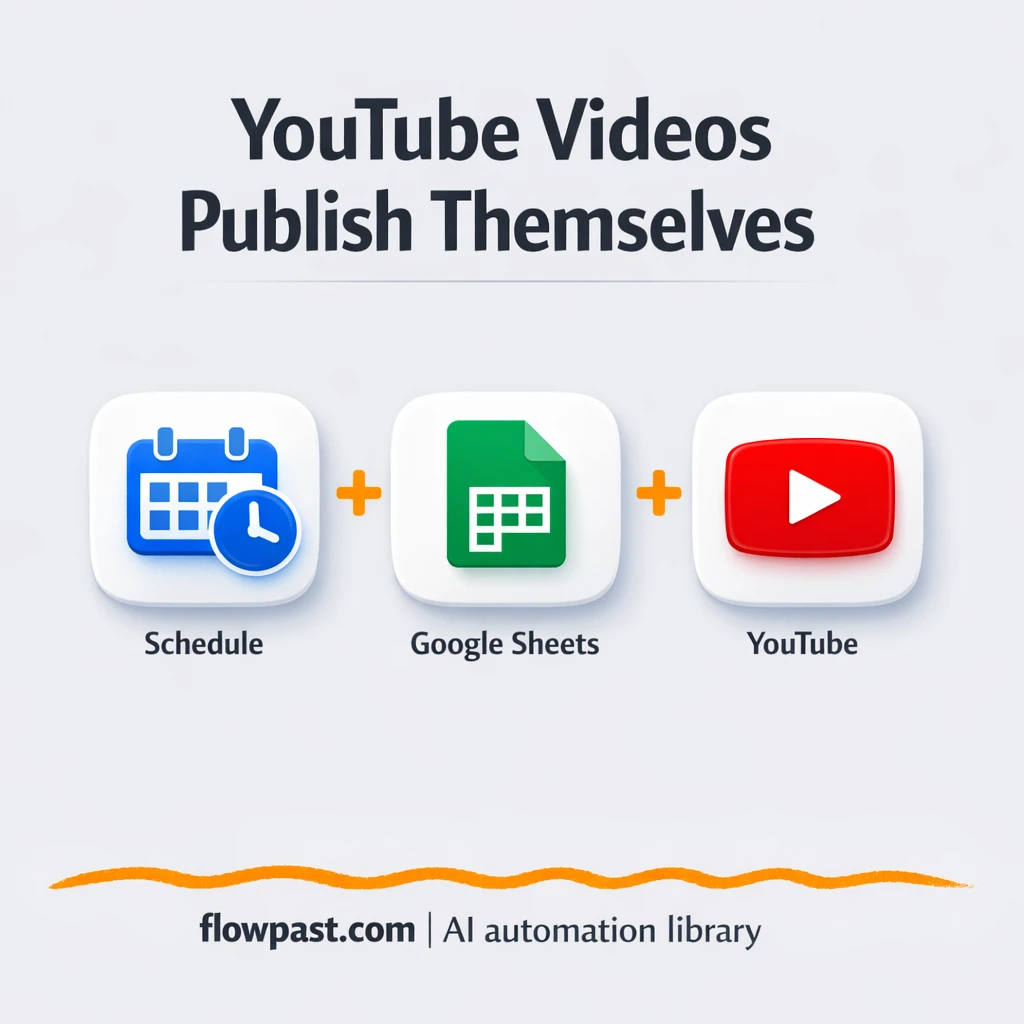
Publish YouTube videos from Google Sheets with files in Google Drive. Keep metadata consistent, prevent…
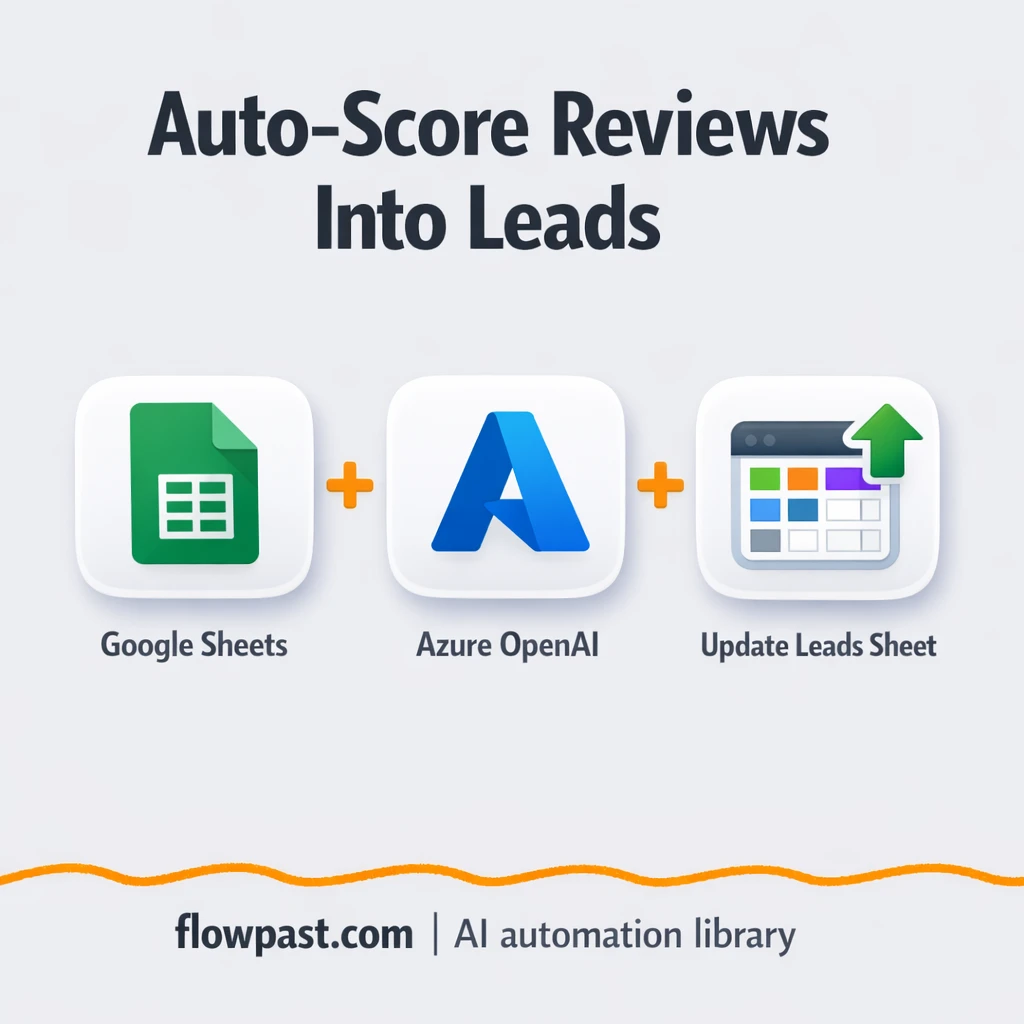
New Google Sheets feedback gets scored, tagged, and summarized with Azure OpenAI. Spot churn risk…
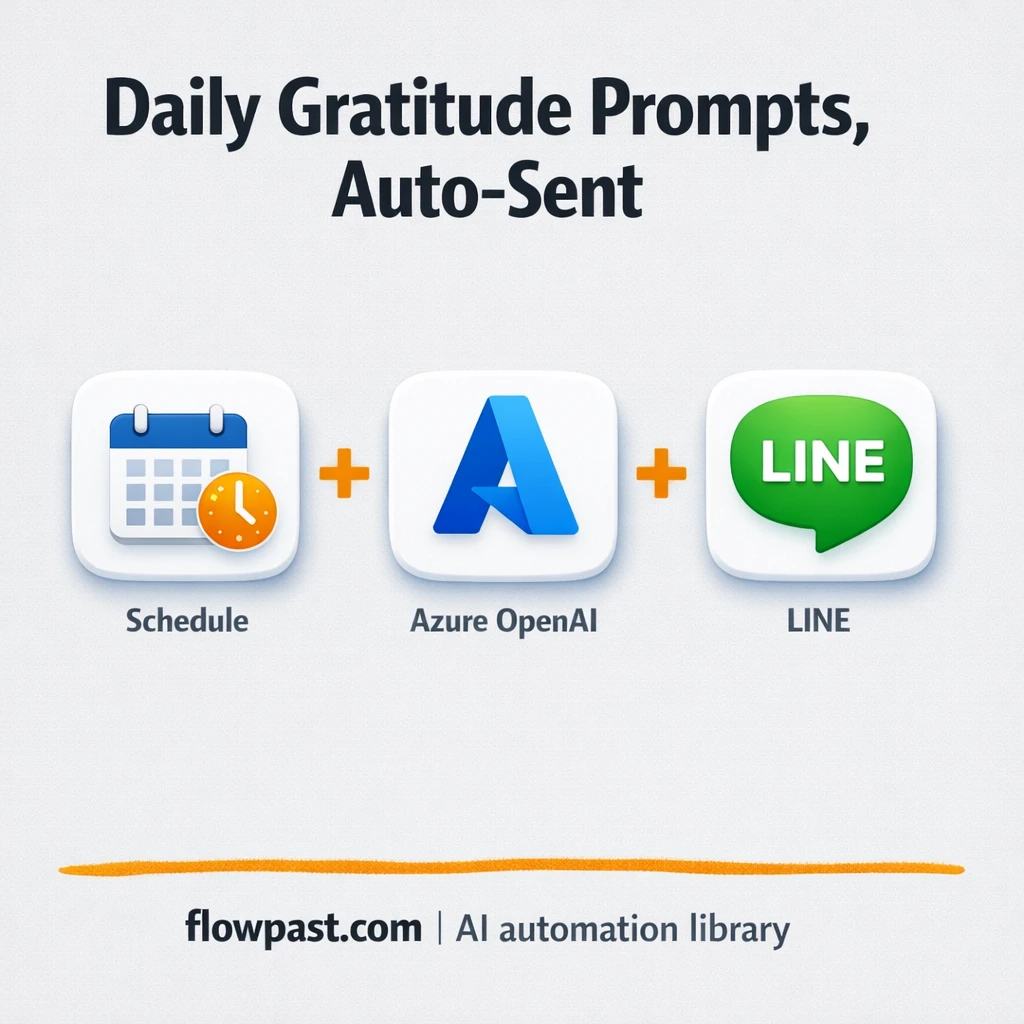
Azure OpenAI writes fresh gratitude prompts and sends them to LINE automatically. Keep wellness nudges…
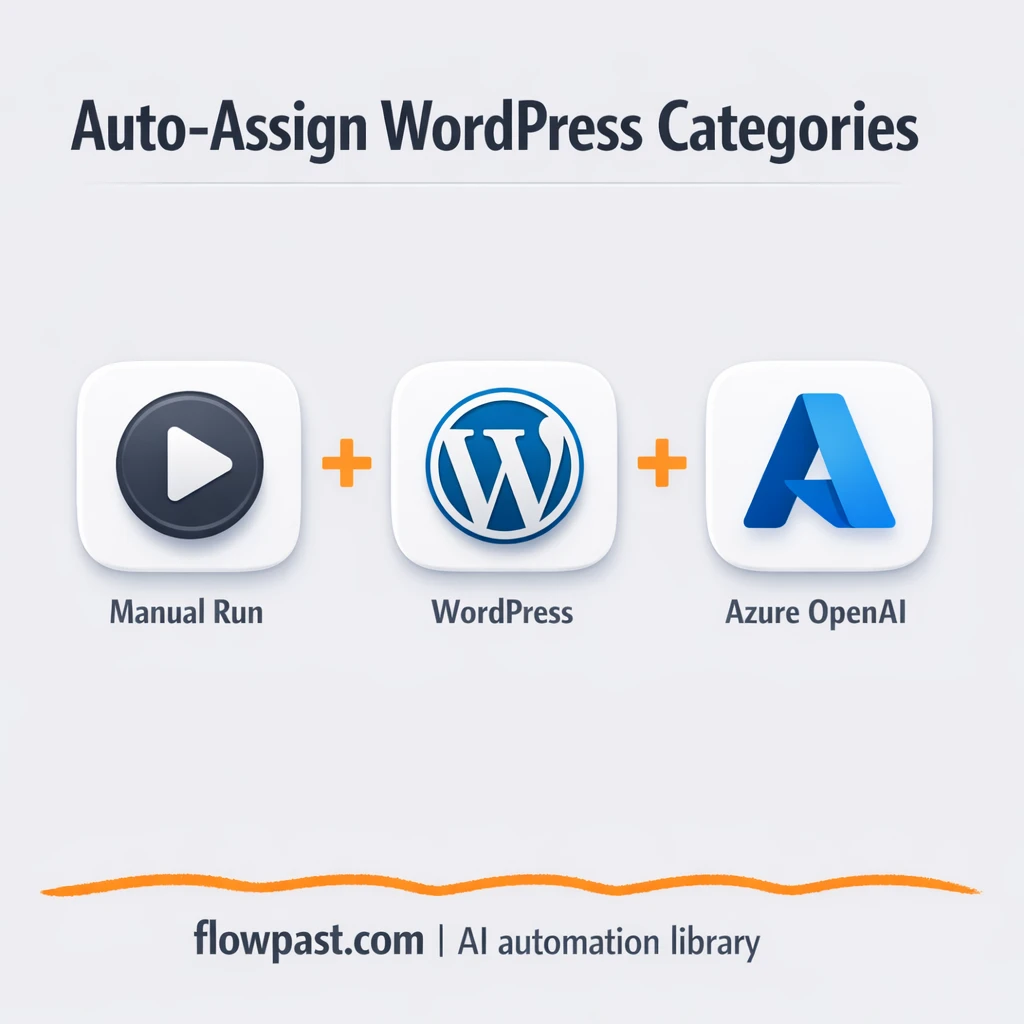
Pull live WordPress categories and let Azure OpenAI map each topic to the right category…
Turn Gmail newsletters into LinkedIn posts with OpenAI. Keep a steady posting voice without rewriting…
New Google Drive images upload to Cloudinary and become LinkedIn post drafts sent by email.…
Get instant access to every AI workflow and prompt. One email, full access.
Join 5,000+ automation pros. No spam.
Get instant access to the template and step-by-step guide
Full access unlocked. Here's what you can do now:
Get personalized help setting up your workflow.
Free 15-minute consultation — no commitment required.