n8n
Coda + Slack: leads logged clean and consistent
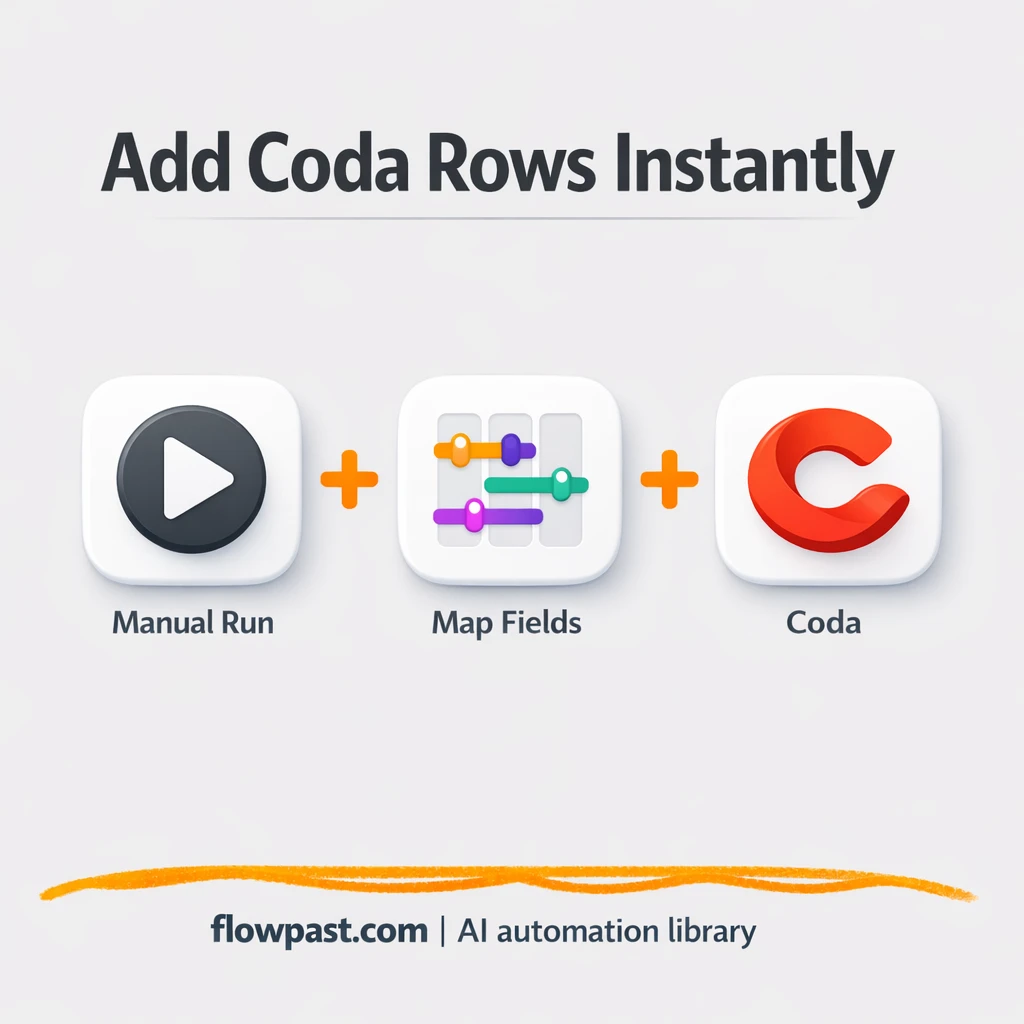
Send lead details from Slack into Coda as clean new rows. Keep your pipeline accurate,…
Automate weekly and monthly reporting without spreadsheets chaos. Pull data from your tools, clean it, and deliver clear dashboards and summaries to Slack or email—on schedule.
You connect the tools where your data lives (ads, CRM, project apps, spreadsheets), then schedule a workflow to pull new records, clean them up, and publish results. Many teams write metrics into Google Sheets or Airtable, then push a short KPI summary to Slack or Gmail. You can also add AI to explain changes, flag odd spikes, and turn raw tables into a readable weekly update. The workflow runs on a timer or when new data arrives.
No. Most Flowpast workflows are plug-and-play: connect accounts, choose a report template, and set a schedule. If you can handle basic settings like date ranges and filters, you’ll be fine. When you want something custom—like blending HubSpot pipeline with campaign spend—light tweaks help, but you don’t need to code.
For many teams, it cuts reporting work in half, and sometimes more. If you spend about 2 hours every week exporting data, cleaning it, and writing updates, automation can turn that into a quick review and a few edits. The bigger gain is consistency. You stop missing deadlines, and you stop sending numbers you don’t fully trust. That makes reviews faster and conversations more useful.
You’ll need access to the accounts you want to report on (for example Google Sheets, Slack, HubSpot, Airtable) and permission to connect them in n8n. Pick a workflow, add your credentials, and set where the output should go (a sheet, a table, an email, or a Slack channel). Some setups also need a shared dashboard file or a destination database. Frankly, the only “hard” part is agreeing on the KPIs first.
Join 15,000+ automation enthusiasts. Get expert tutorials, workflow templates, and pro tips delivered to your inbox every Tuesday.
No spam. Unsubscribe anytime.