


n8n
CustomJS + Google Drive: extract only PDF pages
Pull a PDF from a link, extract only the pages you need with CustomJS, and…
Turn emailed PDFs and scans into clean, approved invoice records. Extract line items, match POs, flag duplicates, and sync to Sheets or accounting tools so you get paid faster.
A workflow watches for new invoices in places like Gmail, Google Drive, or an upload form. It runs OCR to read the document, then uses AI to map fields (vendor, invoice number, due date, subtotal, tax, total, line items) into a consistent structure. Next, it checks rules: totals match, currency is expected, invoice number isn’t a duplicate, and required fields are present. Finally, it routes approvals and syncs the data to Google Sheets or accounting tools.
Usually, no. If you can connect Gmail and Google Drive, you can run most templates and just edit a few fields like your approval channel or spreadsheet columns.
For many teams, it cuts invoice admin in half. Instead of spending about 2 hours a week downloading PDFs, typing details, and chasing approvals, you review exceptions and approve what’s already structured. The bigger win is consistency: fewer typos, fewer duplicates, and less back-and-forth with vendors. Honestly, the first month often pays for itself once you stop rework and late-payment fire drills.
You’ll need an n8n workspace, access to where invoices arrive (like Gmail or Google Drive), and an AI/OCR provider such as OpenAI. Most setups also use a destination like Google Sheets for tracking, or a webhook to pass data into your accounting system. Have a few sample invoices ready, including tricky ones (multi-page, different currencies, odd layouts). Start with extraction, then add validation and approvals once the data looks right.
Pull a PDF from a link, extract only the pages you need with CustomJS, and…
Turn Typeform submissions into branded PDF invoices with APITemplate.io. Fewer typos, consistent templates, faster billing.…
Send customer details from Google Sheets into QuickBooks Online to create customers, draft invoices, and…
Typeform receipt uploads become clean Airtable expense rows. Cut copy paste errors, speed approvals, and…
Receipt images go from Mindee into Airtable with vendor, date, tax, and totals captured. Fewer…
PDFMonkey sends finished PDFs to Google Drive automatically. Keep files named, stored, and easy to…
Turn receipt images into clean expense fields with Mindee and log them in Google Sheets.…
New Clockify invoices appear in your Notion database automatically. Keep records accurate for cashflow views…
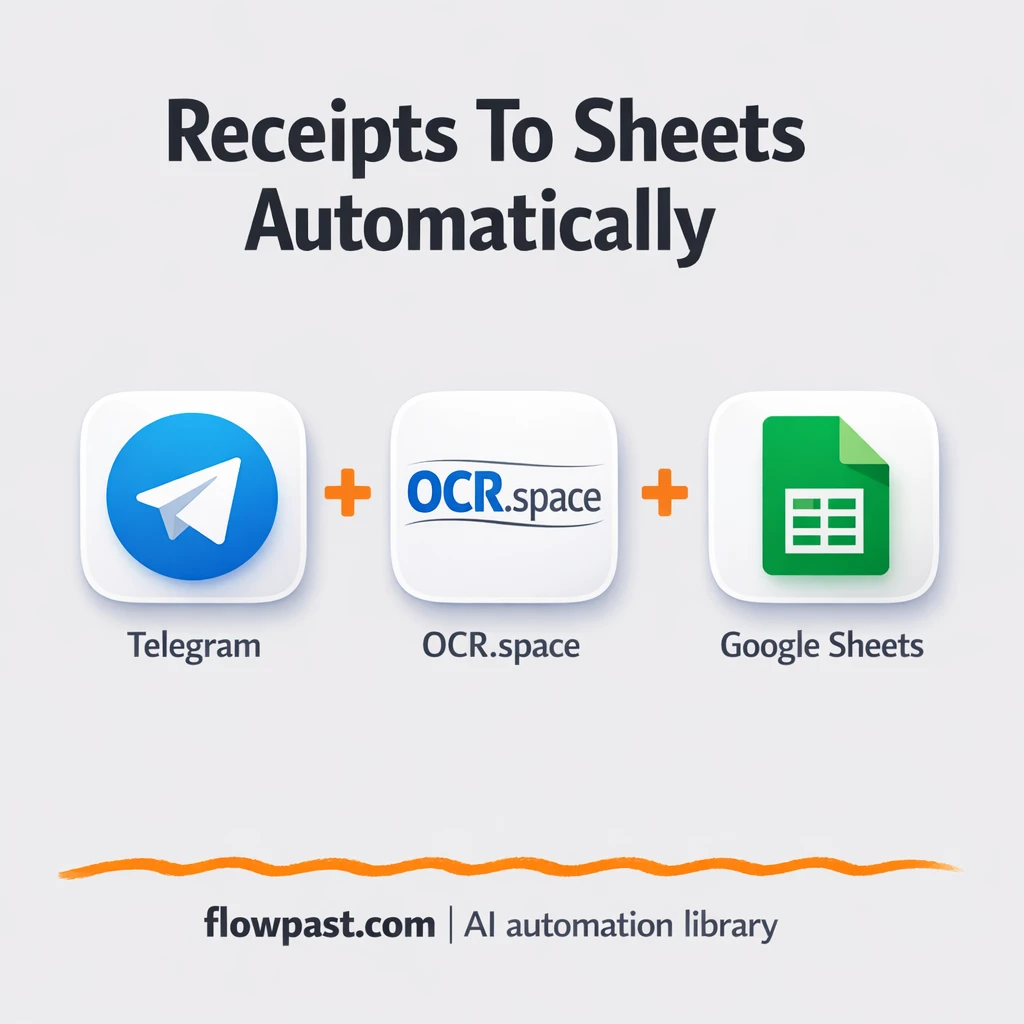
Send receipt photos in Telegram and log them to Google Sheets with OCR.space. No retyping…
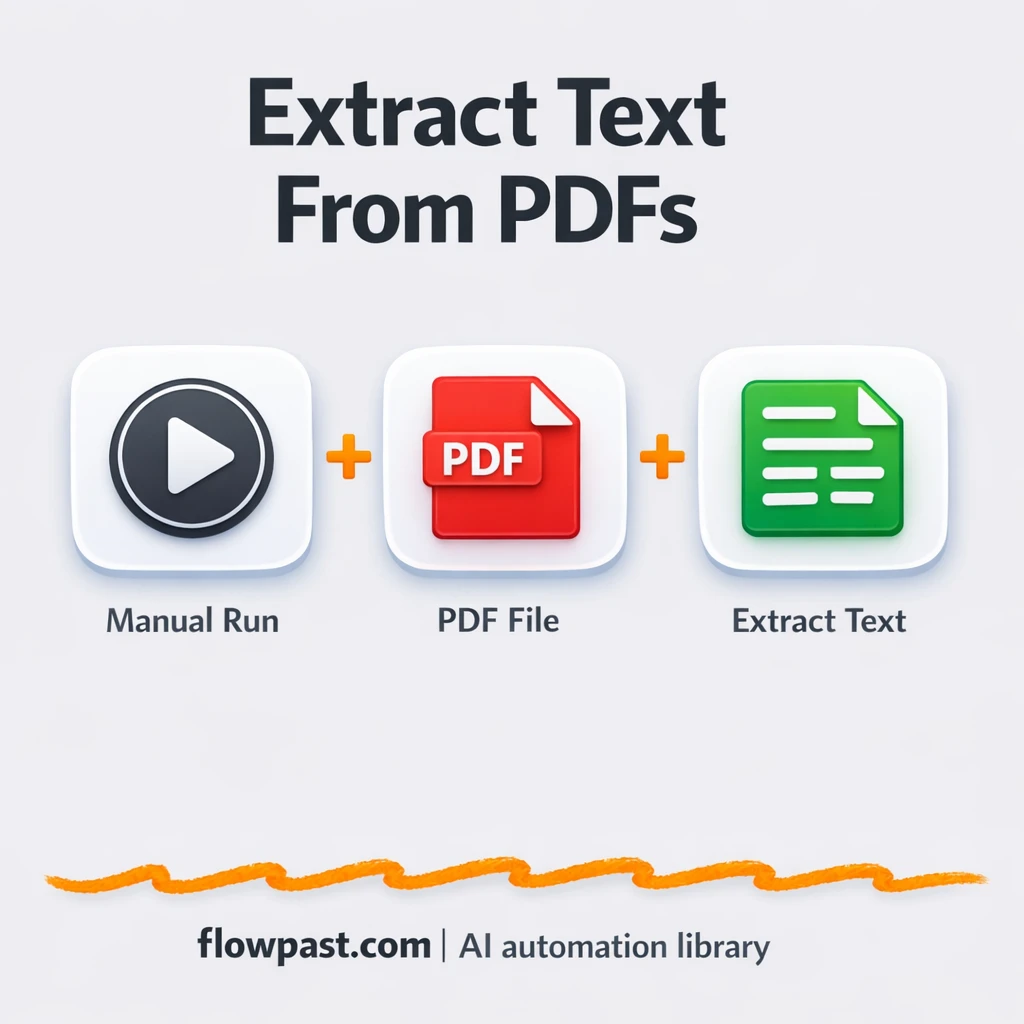
Extract text from PDF files and send it to Google Sheets. No broken formatting or…
Get instant access to every AI workflow and prompt. One email, full access.
Join 5,000+ automation pros. No spam.
Get instant access to the template and step-by-step guide
Full access unlocked. Here's what you can do now:
Get personalized help setting up your workflow.
Free 15-minute consultation — no commitment required.