

n8n
Asana + Slack: tasks logged right when work happens
Create consistent Asana tasks on demand and cut missed follow ups. Reduce Slack chasing with…
Run projects without the chaos. Automate task updates, reminders, approvals, and status reporting across your tools so you ship on time, keep clients happy, and stay aligned.
You need an n8n workspace and accounts for the apps you want to connect (for example Jira, Slack, Notion, or Google Sheets). Most workflows require API access or OAuth login, which you can set up in minutes. If a workflow uses AI, you’ll also add an OpenAI (or similar) API key. Start with one process—like weekly status reporting—then expand once you see it working. Flowpast workflows include clear setup steps so you’re not guessing.
Create consistent Asana tasks on demand and cut missed follow ups. Reduce Slack chasing with…
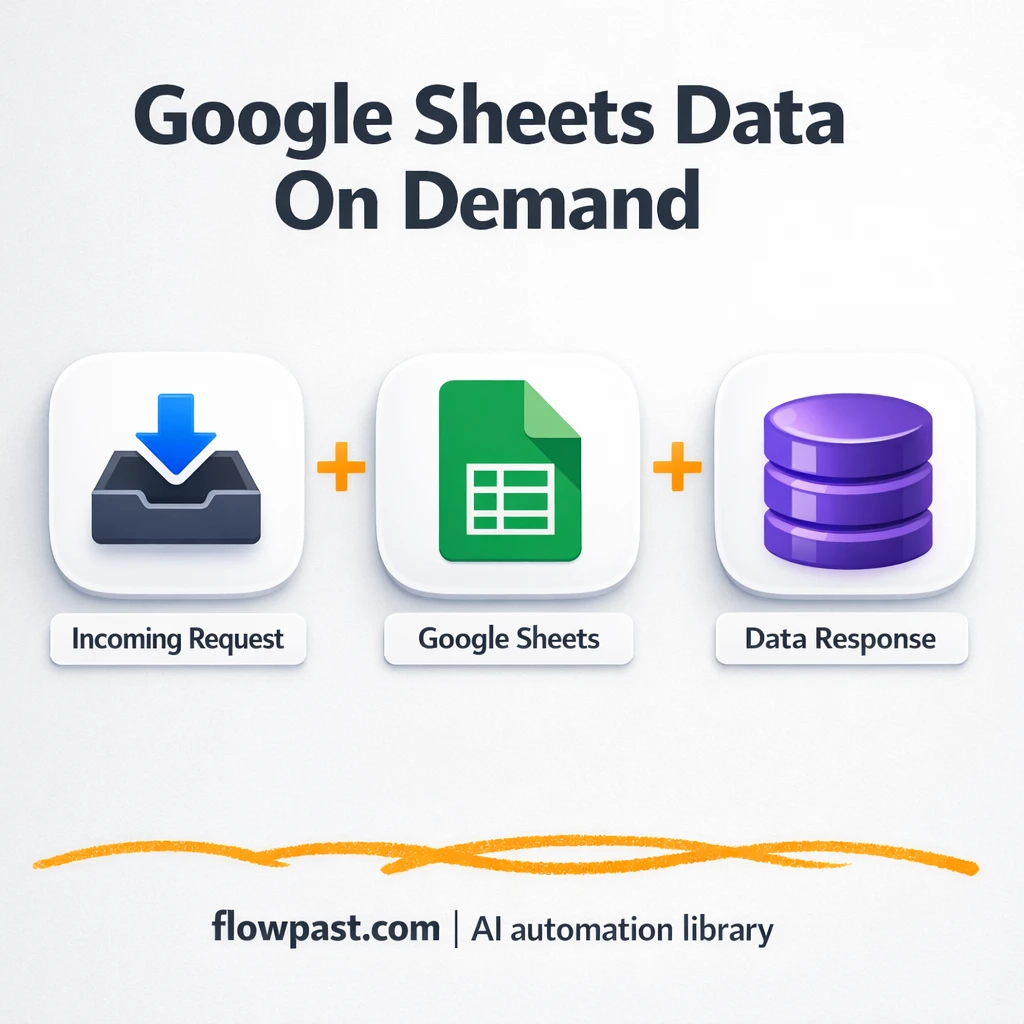
Pull the latest Google Sheets data into Slack on demand. No exports, no link chasing,…
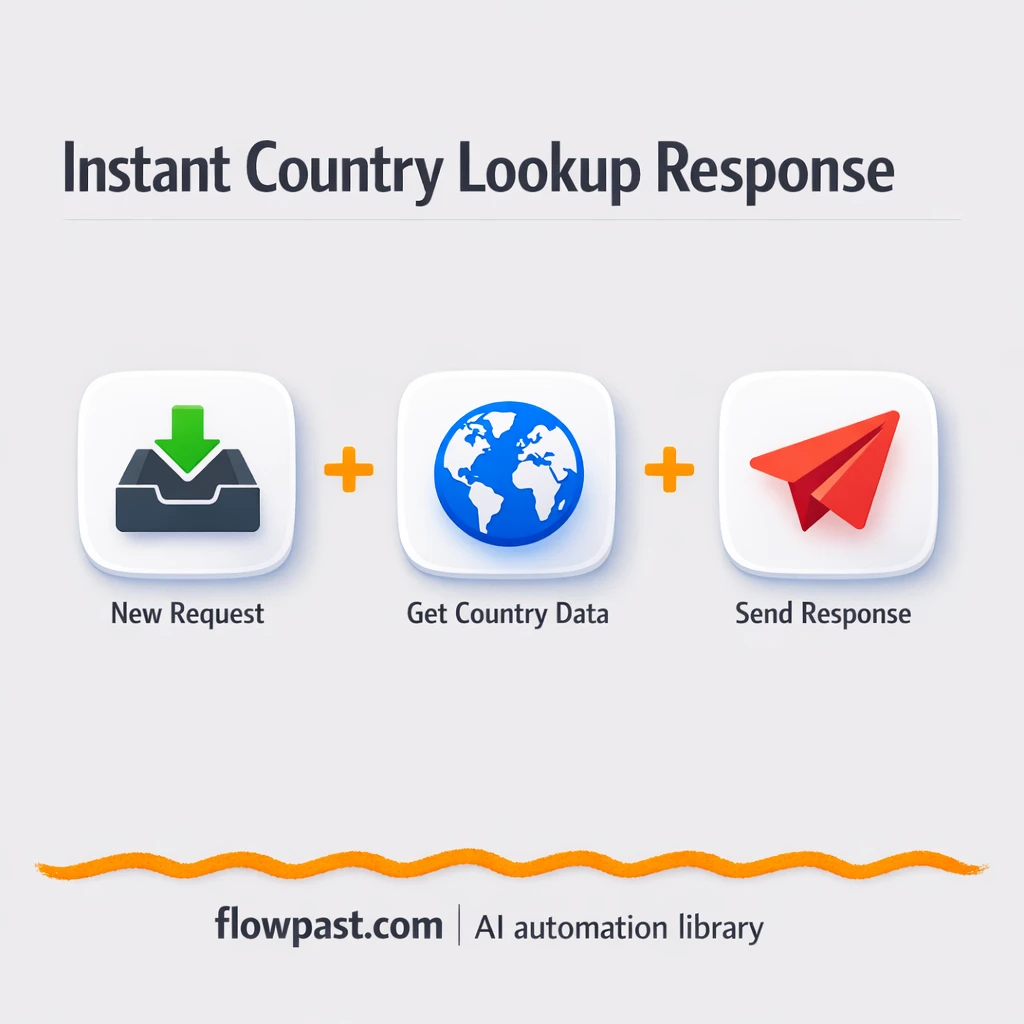
Turn Google Sheets country codes into readable country names via a simple URL. No copy…
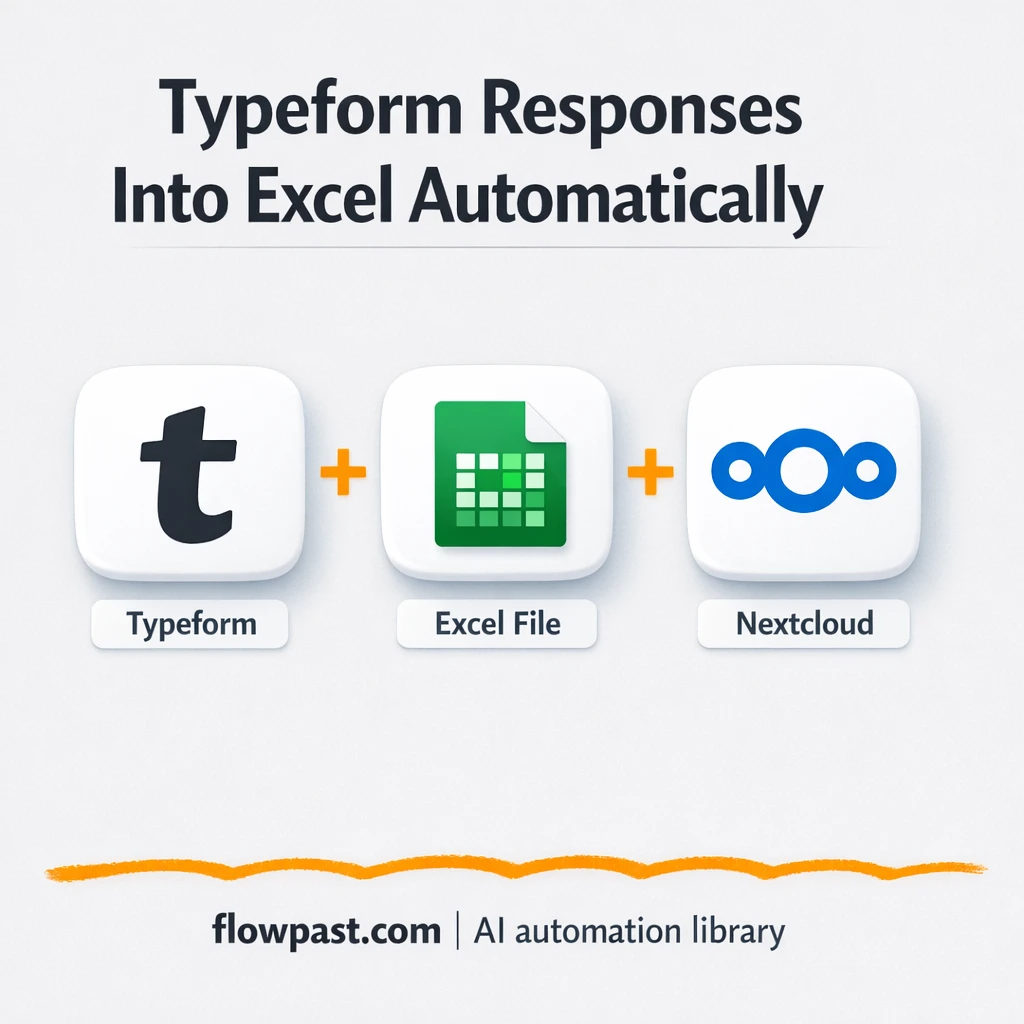
Typeform submissions append to one Excel file in Nextcloud. Keep feedback organized, avoid copy paste…
Turn Postman test calls into clean XML webhook replies. Fewer format errors, smoother partner approvals.…
Send Typeform submissions into Google Sheets for a clean ticket log. Urgent issues alert Slack,…
Mailgun sends clear error emails and can forward to Slack. Catch failures fast with the…
Mirror one master Google Sheets into two shared copies, automatically. Cut copy paste mistakes and…
Join 15,000+ automation enthusiasts. Get expert tutorials, workflow templates, and pro tips delivered to your inbox every Tuesday.
No spam. Unsubscribe anytime.