


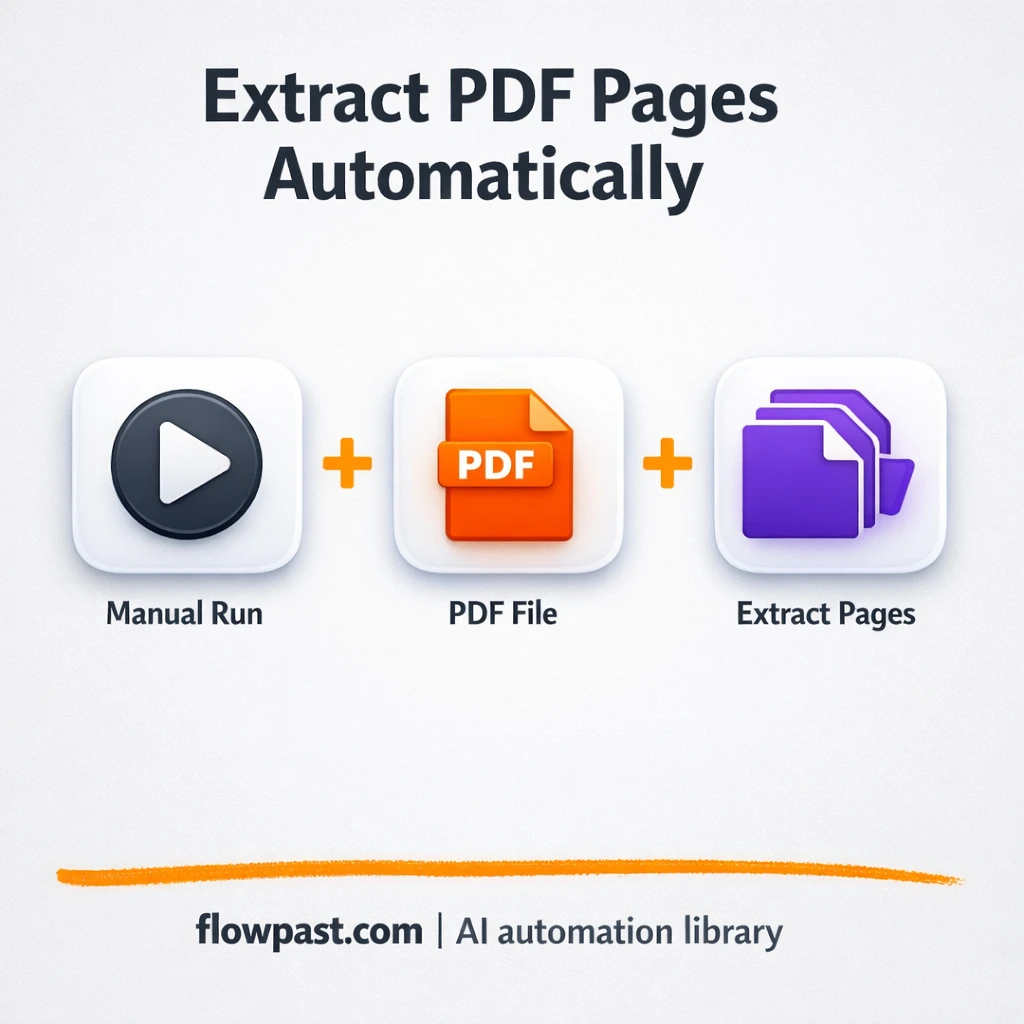
n8n
CustomJS + Google Drive: extract only PDF pages
Pull a PDF from a link, extract only the pages you need with CustomJS, and…
Turn messy docs into clean data. Automate intake, OCR, extraction, routing, and approvals so invoices, contracts, and forms move faster with fewer errors.
A workflow captures a document from places you already use, like Gmail attachments, a Google Drive folder, or an n8n Webhook upload. It then runs OCR and extraction (often with OpenAI) to pull fields such as vendor, invoice number, dates, totals, or client details. Next, it validates and enriches the data, for example matching a vendor list in Google Sheets. Finally, it routes the result for approval or files it correctly, with a clear audit trail.
Usually, no. Most Flowpast workflows are plug-and-play: connect your accounts, pick folders or labels, and map a few fields. If you can run a Zapier automation, you can run this. For edge cases (weird scans, custom templates, compliance rules), you may want light editing in n8n, but it’s mostly point-and-click. You will also get better results when you can describe what “good data” looks like.
If you process documents daily, automation often cuts the busywork in half. Think: no more renaming files, copying invoice totals, or chasing missing fields. A common setup saves about 2 hours each week for a small team, and much more when you handle lots of client paperwork. The bigger win is fewer errors and faster turnaround, which means fewer billing disputes, fewer missed deadlines, and less “where is that file?” panic.
You’ll need an n8n instance (cloud or self-hosted) and access to the apps you want to connect, like Gmail, Google Drive, and Google Sheets. For AI extraction, you’ll also need an API key for OpenAI (or another supported model via OpenRouter). Start with 5–10 sample documents, including a couple messy ones, and define the exact fields you want output. Then run tests, review the extracted data, and add a simple human approval step where accuracy matters.
Pull a PDF from a link, extract only the pages you need with CustomJS, and…
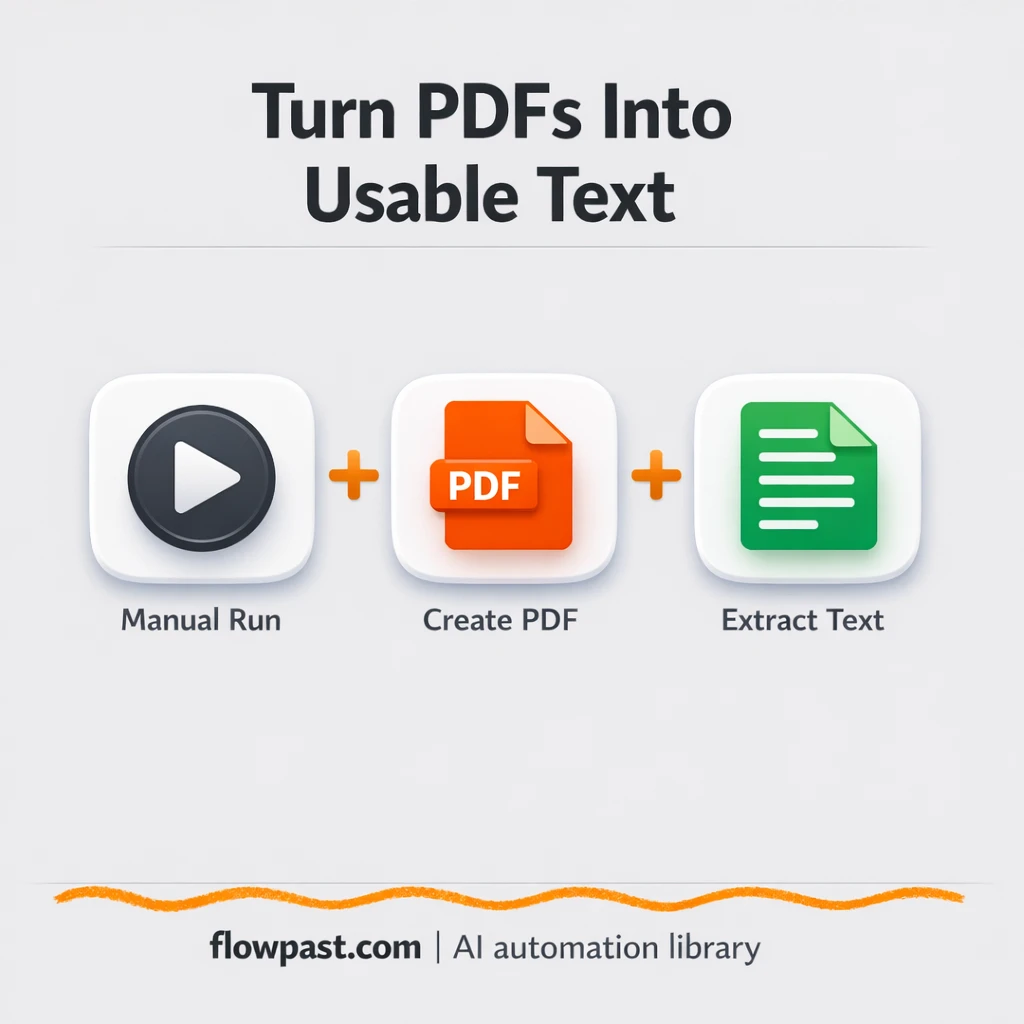
Extract text from PDFs or HTML and send it to Google Sheets. No copy paste…
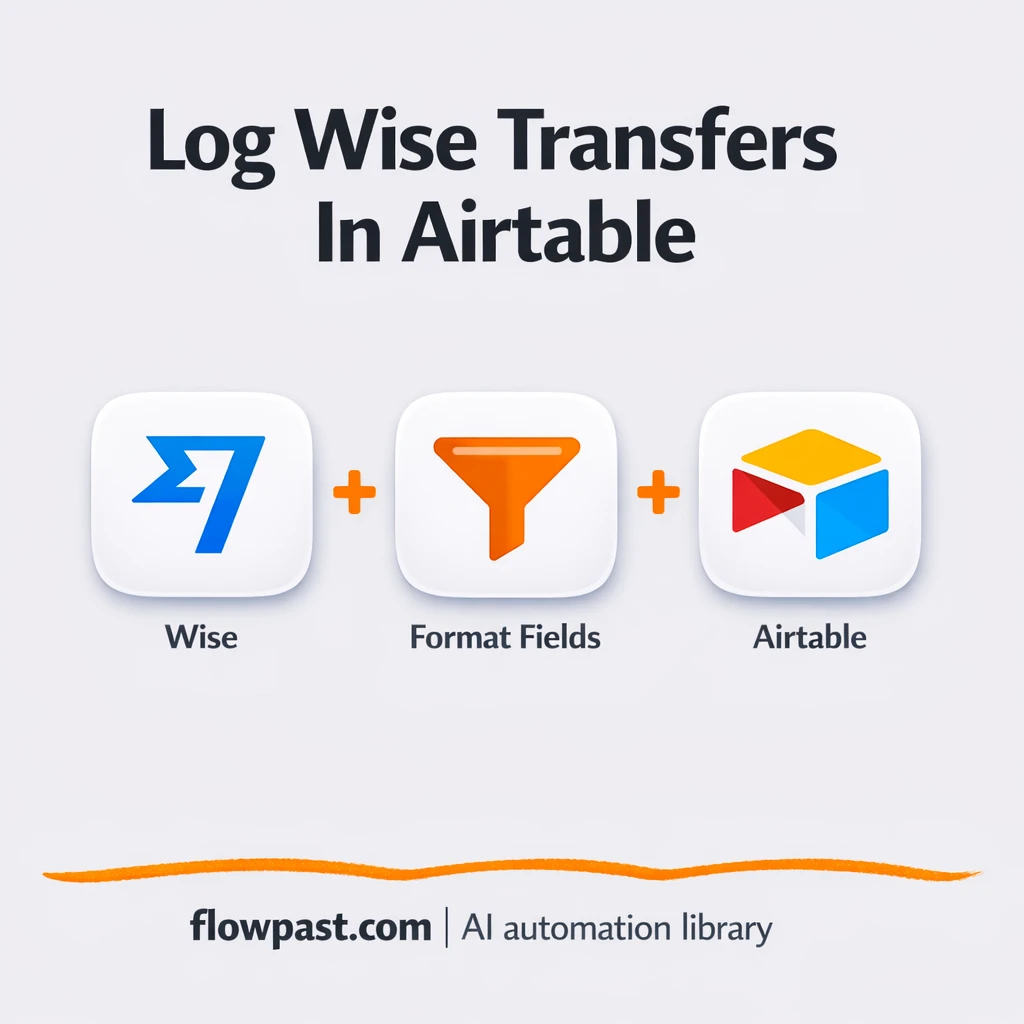
Wise transfer status updates log straight into Airtable. Keep Transfer ID, date, reference, and amount…
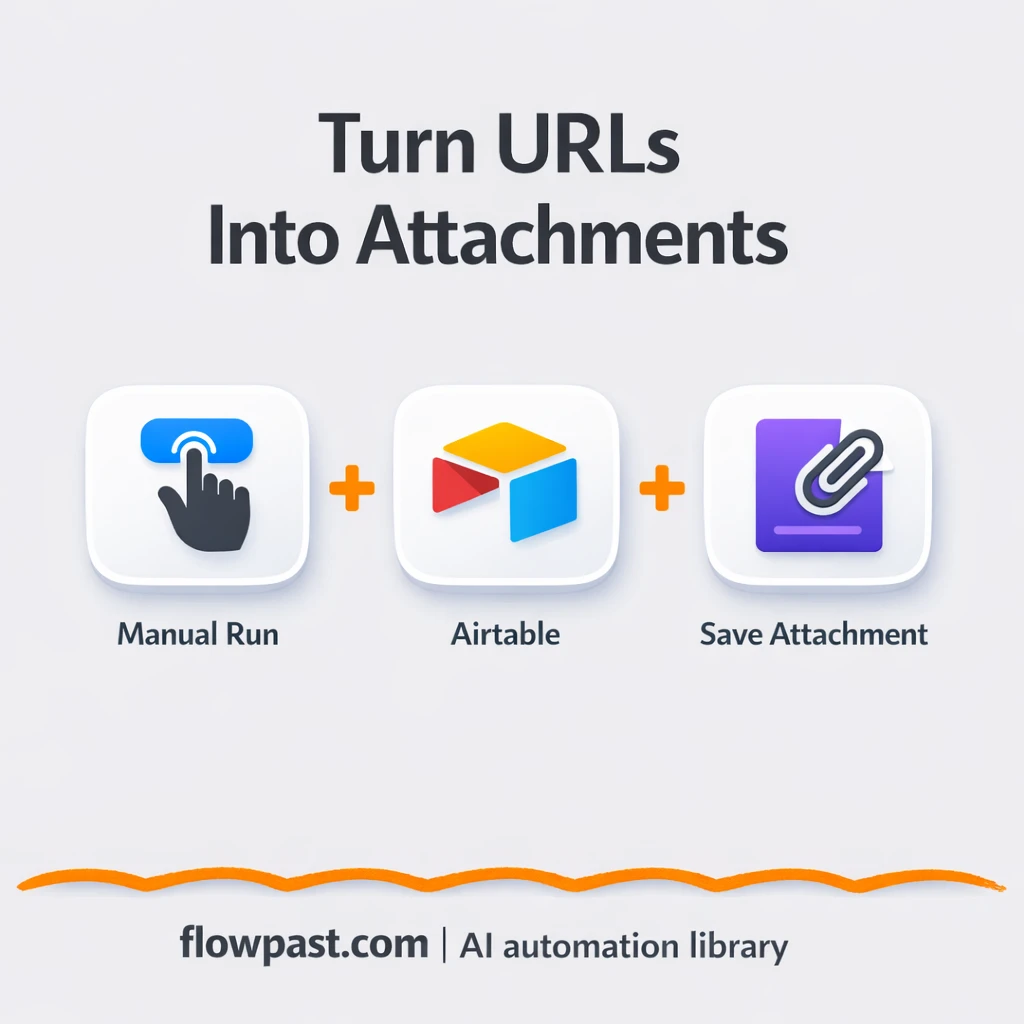
Turn Airtable image URLs into real Airtable attachments, with an optional Google Drive backup. Cleaner…
Typeform receipt uploads become clean Airtable expense rows. Cut copy paste errors, speed approvals, and…
Receipt images go from Mindee into Airtable with vendor, date, tax, and totals captured. Fewer…
Serve Google Drive PDFs as clean downloads from your website. Keep the page open, prevent…
Publish a live HTML table straight from Google Sheets. Skip copy paste, keep styling consistent,…
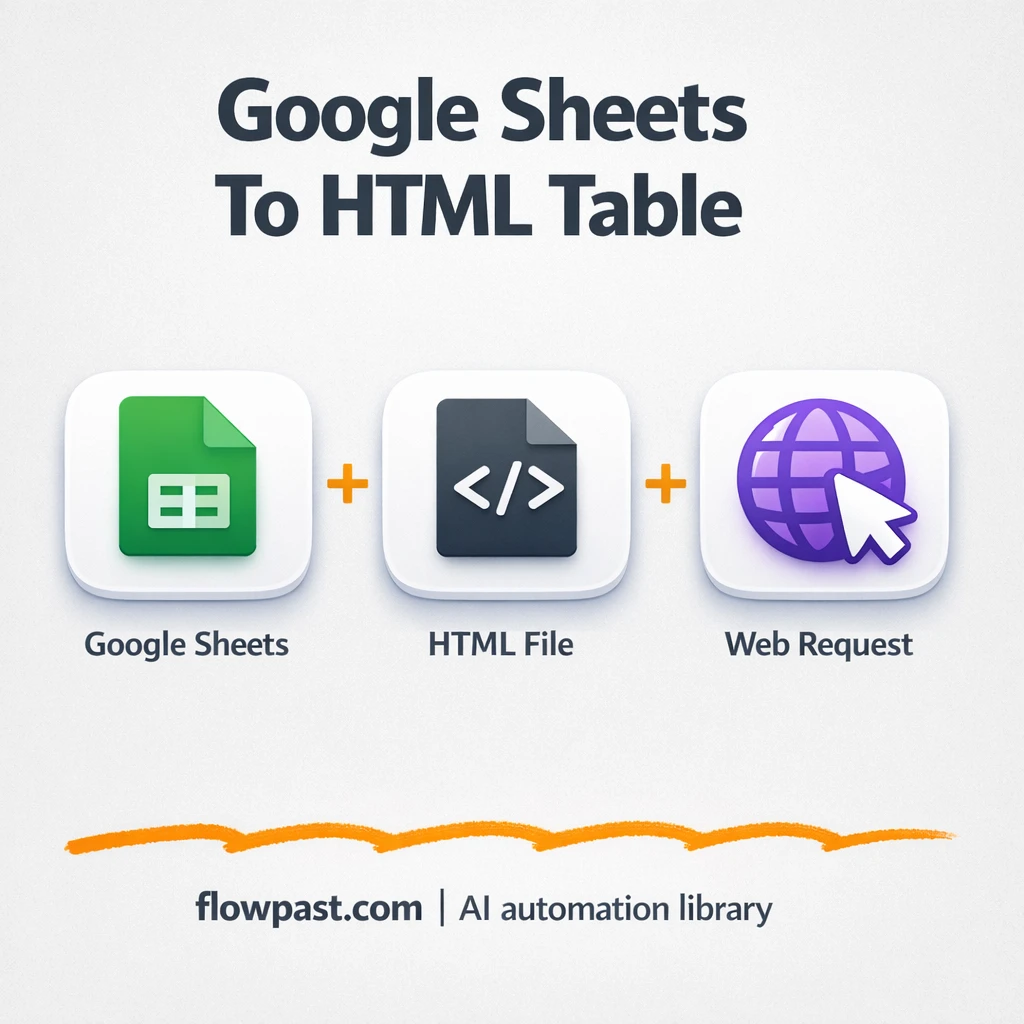
Turn Google Sheets rows into a clean HTML table link. Share in Gmail, pages, or…
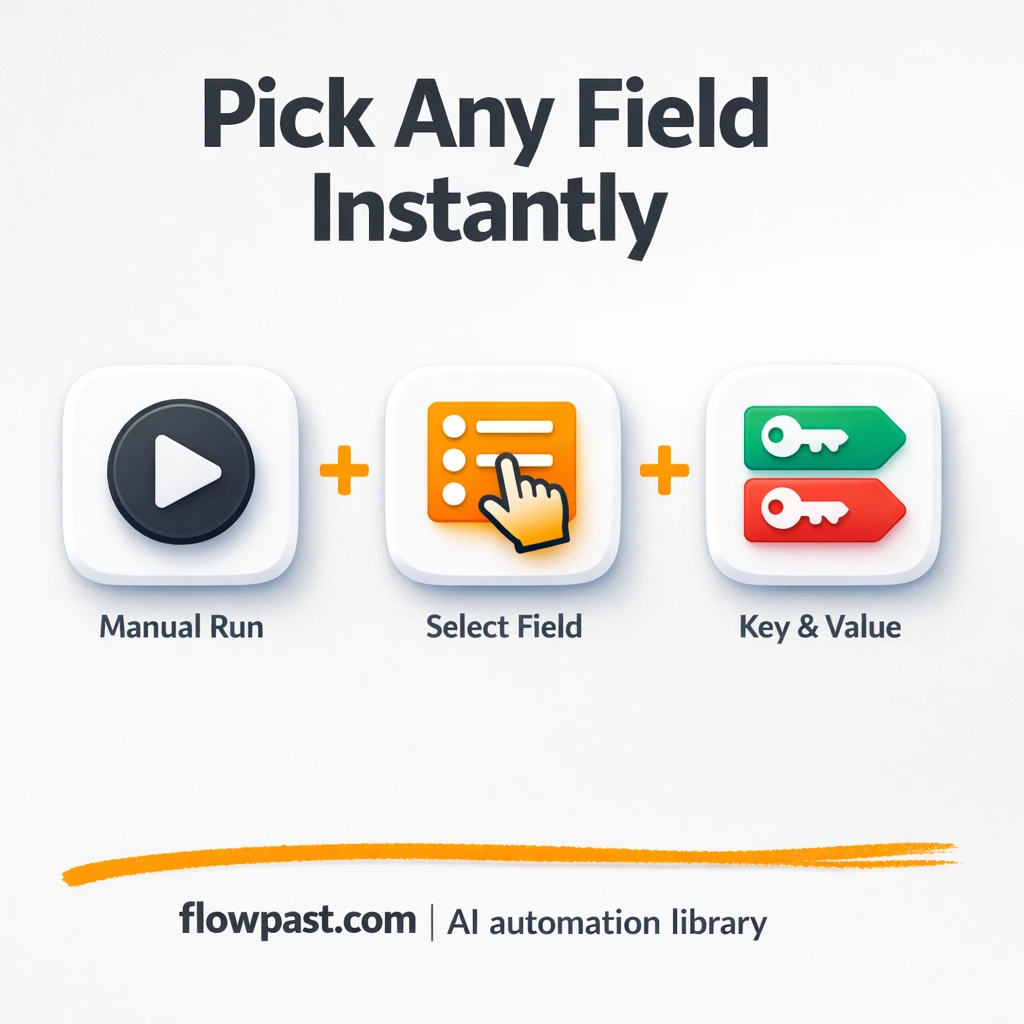
Pull one value from noisy form payloads and use it anywhere. Airtable and Gmail stay…
Get instant access to every AI workflow and prompt. One email, full access.
Join 5,000+ automation pros. No spam.
Get instant access to the template and step-by-step guide
Full access unlocked. Here's what you can do now:
Get personalized help setting up your workflow.
Free 15-minute consultation — no commitment required.