


n8n
Airtable + Twilio: weather texts sent on demand
Log every weather request in Airtable, pull the forecast, and send it via Twilio SMS.…
Stop chasing follow-ups and slipping routines. Use ready-made n8n workflows to nudge you or your team via Slack, Gmail, Telegram, and calendars—right when action matters.
A workflow watches for a trigger—time-based schedules, a new Google Calendar event, a submitted n8n Form, or a row added in Google Sheets. Then it runs the steps you define: send a reminder in Slack/Telegram, email a follow-up in Gmail, and write a completion log back to Sheets or Notion. You can add guardrails like “only remind if not marked done” or “stop after 3 nudges.” Honestly, this is where consistency comes from: fewer decisions, more done.
No. Most Flowpast workflows are plug-and-play: connect your accounts, pick your channels, and set the schedule.
If you’re manually pinging people, copying tasks between tools, and chasing updates, automation can save about 2 hours per week per person. It also saves context-switching, which is the real tax. Typical wins include auto-sending daily prompts, logging check-ins to Google Sheets, and creating weekly summaries for clients or leadership. Over a month, that’s often a full afternoon back—without losing accountability.
You’ll need an n8n instance (cloud or self-hosted) and accounts for the tools you want to connect, like Slack, Gmail, Google Calendar, Telegram, or Google Sheets. Most setups require API access or OAuth sign-in, which the workflow guides you through. Start with one routine (e.g., daily standup or content posting checklist), run it for a week, then expand. If you want AI-written reminders, add an OpenAI or Gemini key and you’re set.
Log every weather request in Airtable, pull the forecast, and send it via Twilio SMS.…

Pull current conditions from OpenWeatherMap into Google Sheets. No copy paste or wrong city mixups.…

Google Sheets rows post as clean Mattermost updates on schedule. No copy paste or missed…
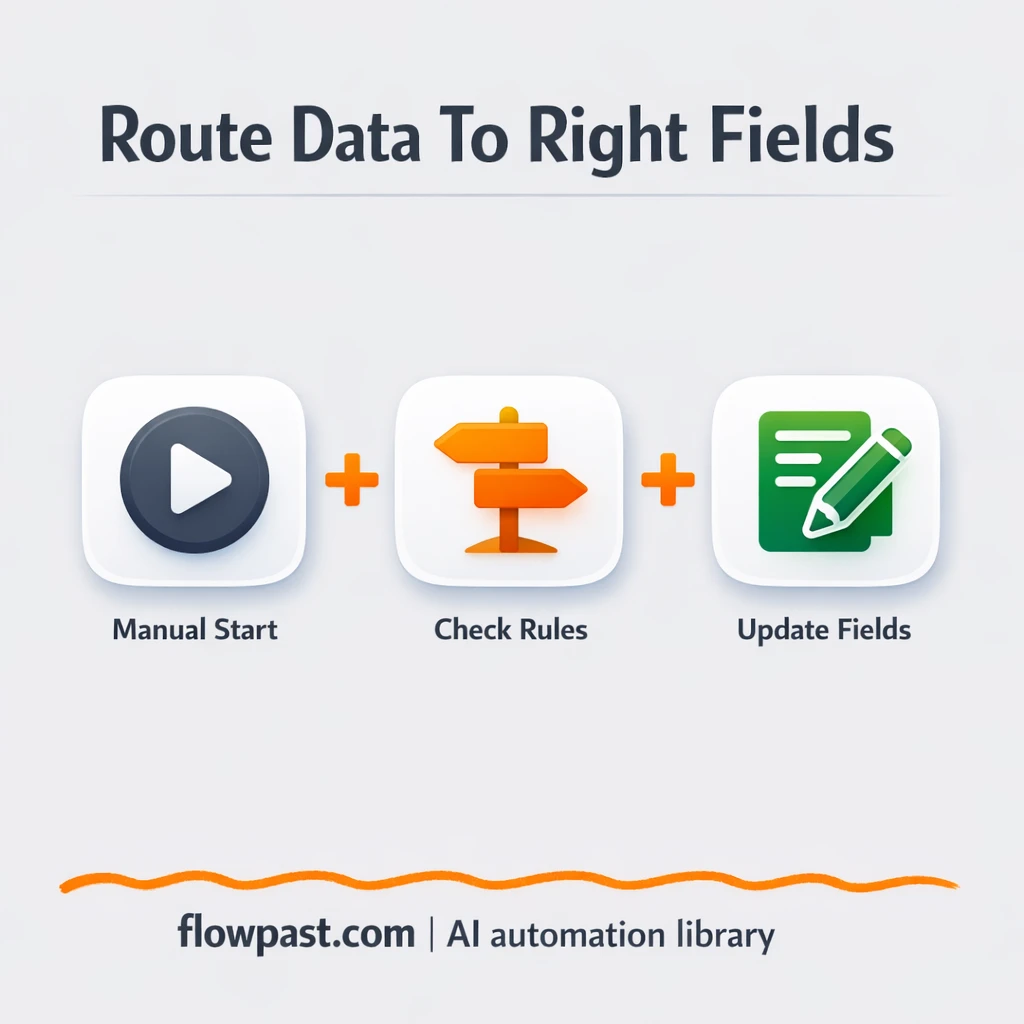
Route leads by source with HubSpot and log clean fields in Google Sheets. Fewer branching…
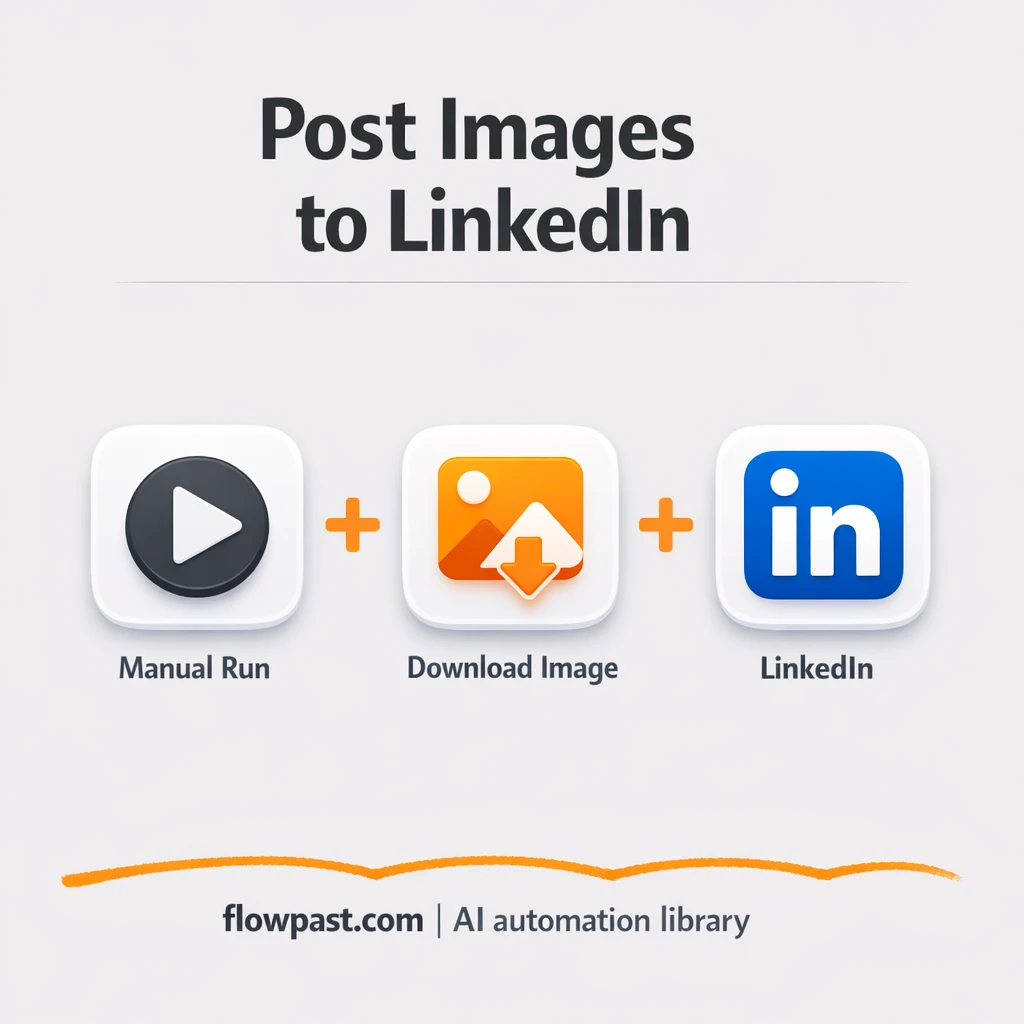
Queue your copy in Google Sheets and publish it to LinkedIn without copy paste. Stay…
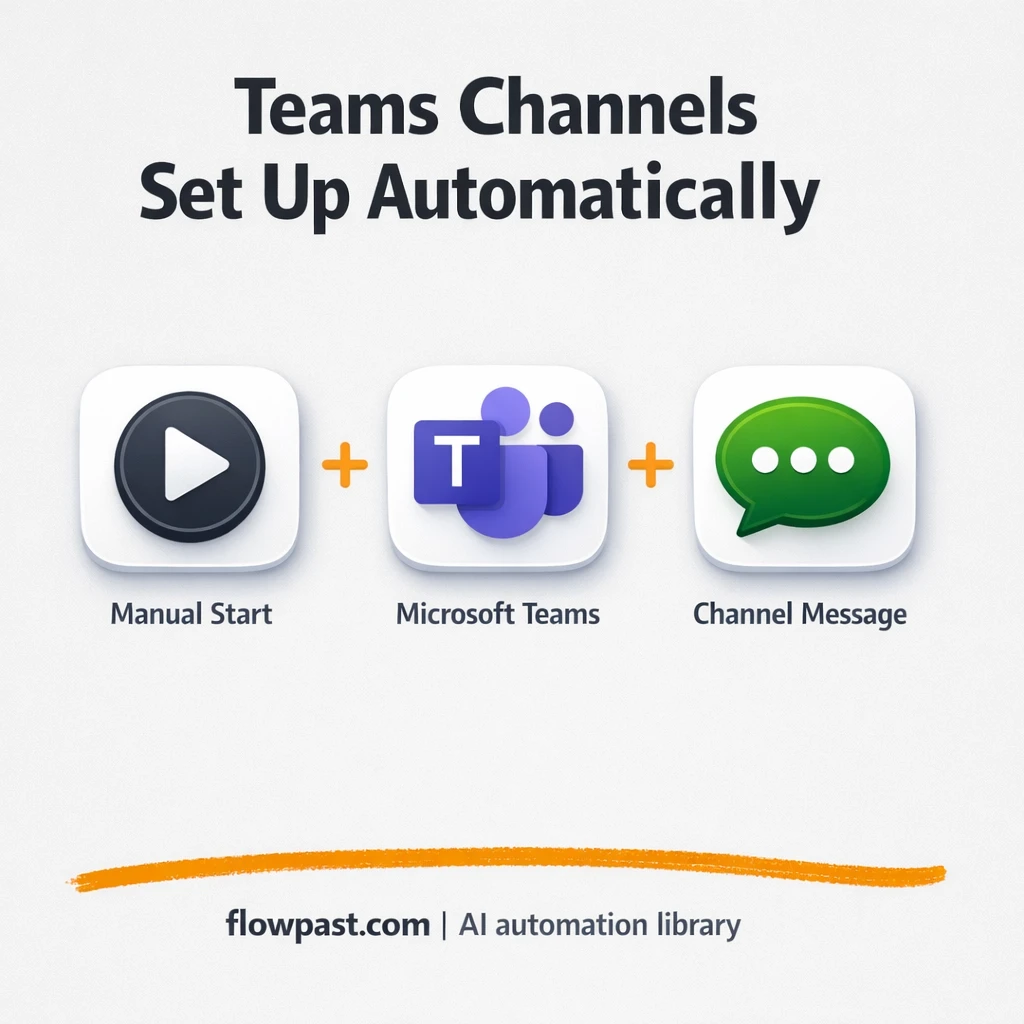
Create Microsoft Teams channels with consistent names, descriptions, and a kickoff post. Reduce setup mistakes…

Reuse one proven process instead of duplicating it everywhere. Keep results consistent across Slack and…

New IMAP emails get summarized and tagged with OpenAI, then sent to Telegram. Cut inbox…
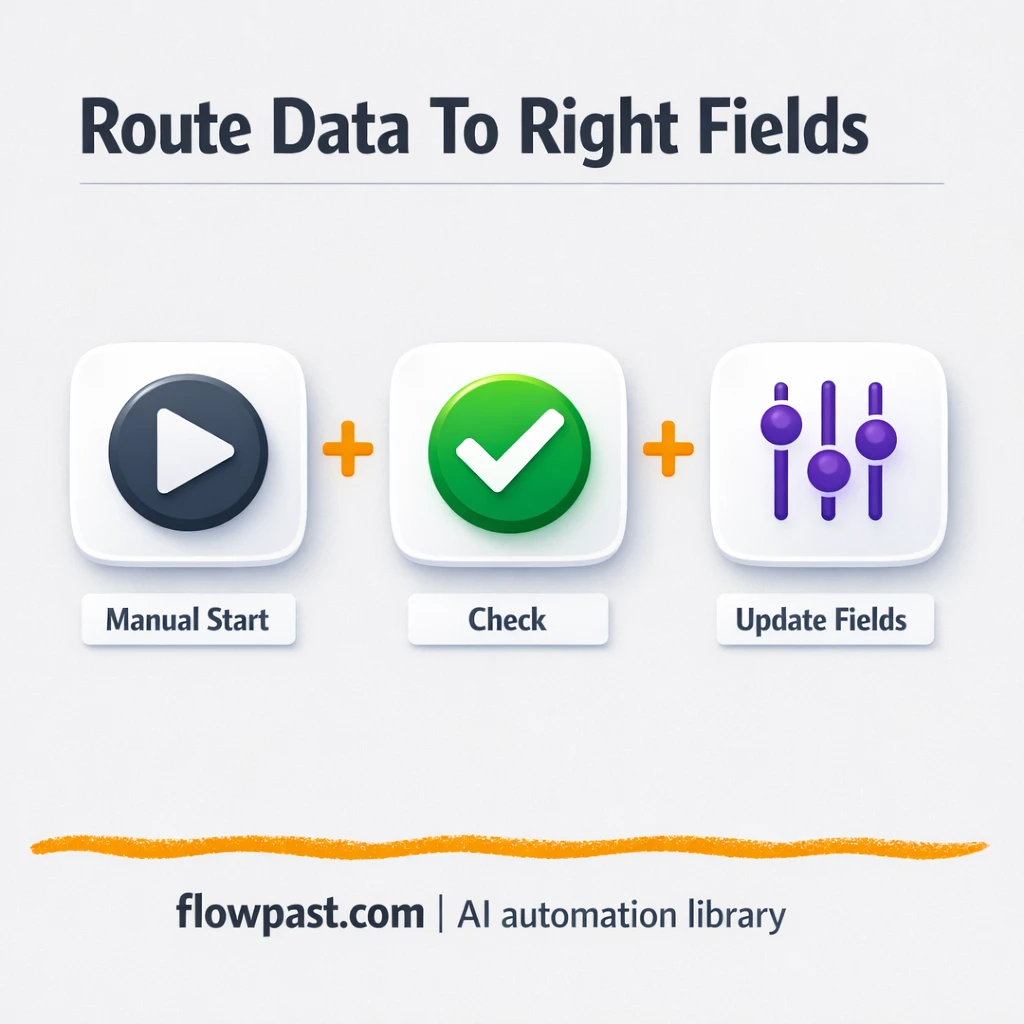
Route leads using clear rules and standardized fields. Keep decisions consistent and handoffs clean in…
Jira updates post to Microsoft Teams and email with clean context. Keep the right people…
Get instant access to every AI workflow and prompt. One email, full access.
Join 5,000+ automation pros. No spam.
Get instant access to the template and step-by-step guide
Full access unlocked. Here's what you can do now:
Tell us what you'd like to automate — we'll show you what's possible for your team.