


n8n
Google Drive ZIPs to Base64, ready for uploads
Download ZIP files from Google Drive, extract them, and convert every file to Base64 strings.…
Launch updates without the fire drills. Automate builds, tests, approvals, and release alerts so your team ships faster, reduces rollbacks, and keeps stakeholders in the loop.
Deployment & CI/CD automation connects your delivery steps into repeatable workflows. For example, a GitHub push can trigger tests, build a Docker image, and then post a status update to Slack. If checks fail, it can create a Jira ticket, assign an owner, and share logs or a short AI summary. You can also add approvals for high-risk changes. The goal is fewer manual handoffs, clearer visibility, and faster releases.
Not always. Many teams start with prebuilt workflows and just connect accounts, pick a repo, and choose who gets alerts. Honestly, if you can follow a checklist, you can usually get the basics running in about 2 hours. For more advanced setups—custom scripts, self-hosted runners, or complex branching rules—you may want a developer to help once, then your ops team can run it day to day.
If you’re currently chasing build updates, copying release notes, and manually notifying stakeholders, automation often cuts that work in half. It also reduces rework from missed steps, which is where the real savings hide. One clean workflow can replace dozens of “quick pings,” status meetings, and last-minute checks. Over a month, that typically frees up several hours per team member, plus fewer emergency interruptions.
You’ll need access to your code host (like GitHub), a place to send updates (often Slack), and permissions to create webhooks or API tokens. Some workflows also require Docker or a deployment target you already use. Start small: one repo, one environment, and one notification channel. Then add approvals, logging to Google Sheets, and Jira tickets only where they reduce risk. Flowpast workflows are designed to be editable, so you can fit them to your process.
Download ZIP files from Google Drive, extract them, and convert every file to Base64 strings.…
Send form file uploads to DigitalOcean Spaces and get a public URL back. Keep assets…
Turn your webhook endpoints into a living Swagger file you can open in Swagger UI…
Let Claude Desktop call DeepL for consistent translations on demand. No copy paste across tools.…
Get a clear post-upgrade checklist you can share in Slack and log in Google Sheets.…
Move files from Google Drive to your FTP server and confirm they arrived with a…
Publish polished HTML reports to GitHub Gist and post the share link to Slack. No…
Move queried CrateDB results into Google Sheets with consistent columns. Fewer copy paste mistakes and…
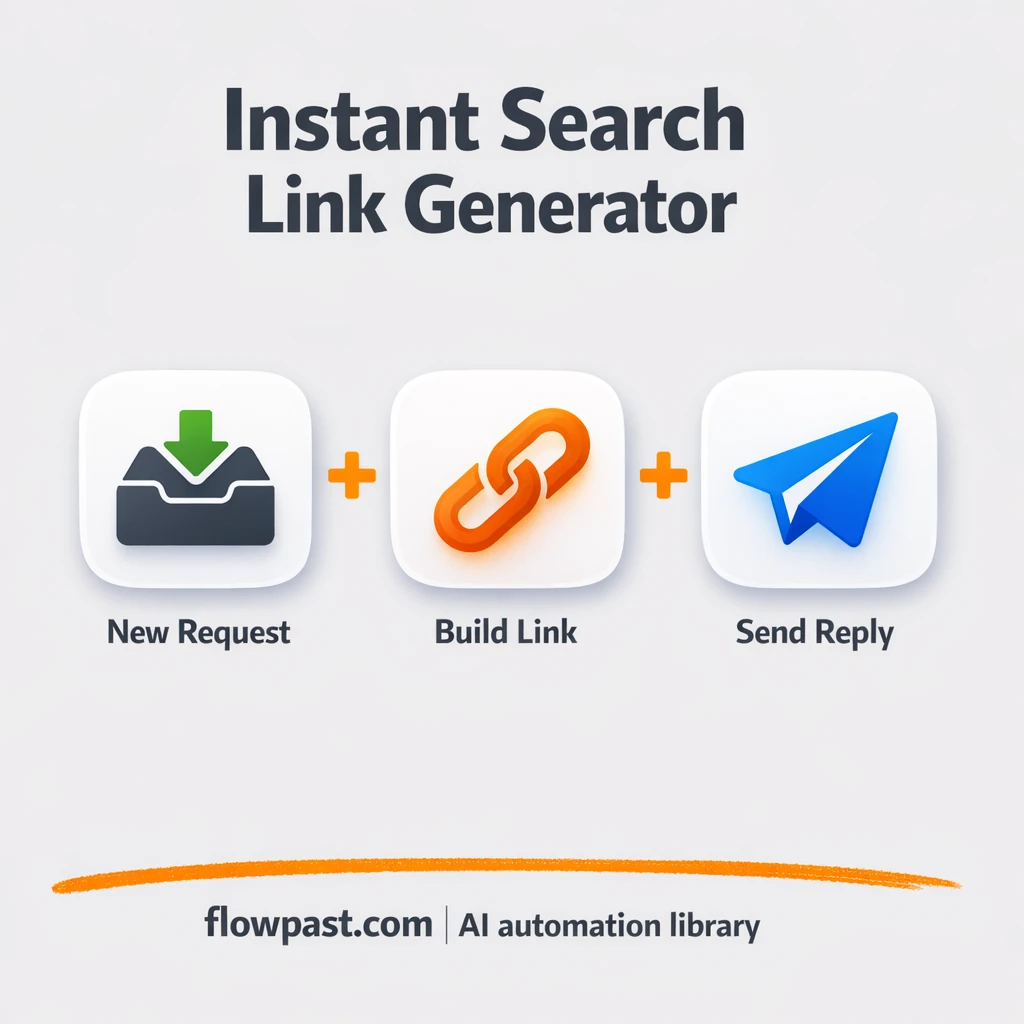
Turn simple requests into consistent search links and send them back instantly. Add Slack alerts…
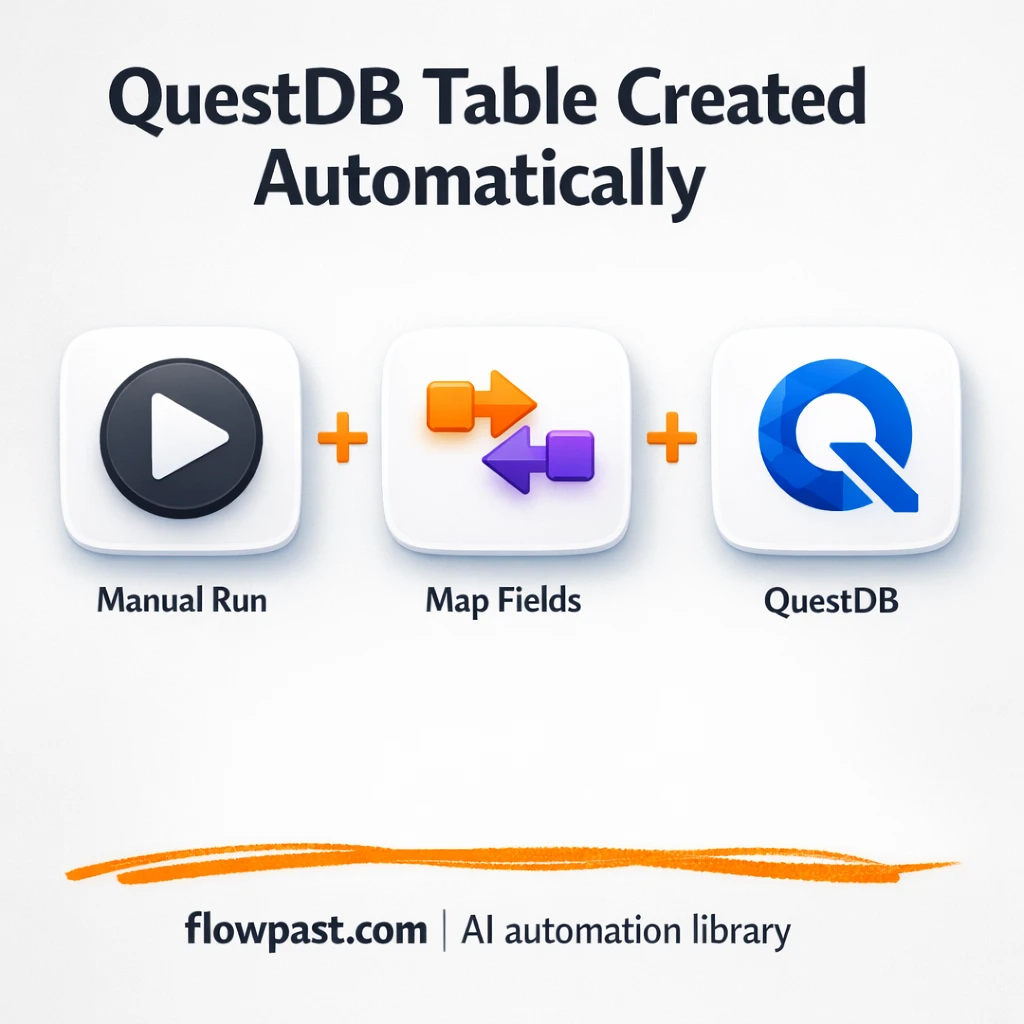
Send event data into QuestDB and mirror key rows in Google Sheets. No rechecking column…
Get instant access to every AI workflow and prompt. One email, full access.
Join 5,000+ automation pros. No spam.
Get instant access to the template and step-by-step guide
Full access unlocked. Here's what you can do now:
Get personalized help setting up your workflow.
Free 15-minute consultation — no commitment required.