


n8n
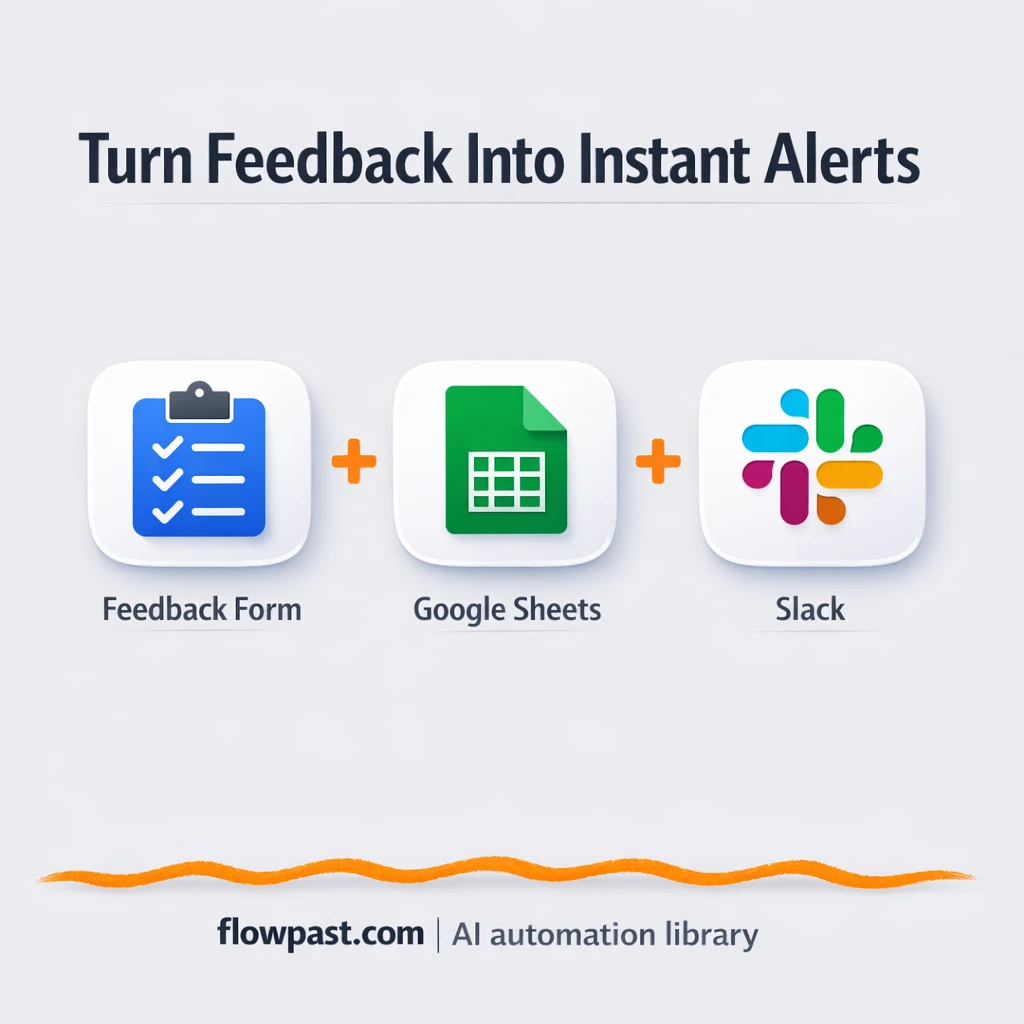
Slack + Google Sheets for instant event feedback
Event feedback lands in Google Sheets and Slack in real time. Spot urgent issues fast…
Automate weekly and monthly reporting without spreadsheets chaos. Pull data from your tools, clean it, and deliver clear dashboards and summaries to Slack or email—on schedule.
You connect the tools where your data lives (ads, CRM, project apps, spreadsheets), then schedule a workflow to pull new records, clean them up, and publish results. Many teams write metrics into Google Sheets or Airtable, then push a short KPI summary to Slack or Gmail. You can also add AI to explain changes, flag odd spikes, and turn raw tables into a readable weekly update. The workflow runs on a timer or when new data arrives.
No. Most Flowpast workflows are plug-and-play: connect accounts, choose a report template, and set a schedule. If you can handle basic settings like date ranges and filters, you’ll be fine. When you want something custom—like blending HubSpot pipeline with campaign spend—light tweaks help, but you don’t need to code.
For many teams, it cuts reporting work in half, and sometimes more. If you spend about 2 hours every week exporting data, cleaning it, and writing updates, automation can turn that into a quick review and a few edits. The bigger gain is consistency. You stop missing deadlines, and you stop sending numbers you don’t fully trust. That makes reviews faster and conversations more useful.
You’ll need access to the accounts you want to report on (for example Google Sheets, Slack, HubSpot, Airtable) and permission to connect them in n8n. Pick a workflow, add your credentials, and set where the output should go (a sheet, a table, an email, or a Slack channel). Some setups also need a shared dashboard file or a destination database. Frankly, the only “hard” part is agreeing on the KPIs first.
Event feedback lands in Google Sheets and Slack in real time. Spot urgent issues fast…
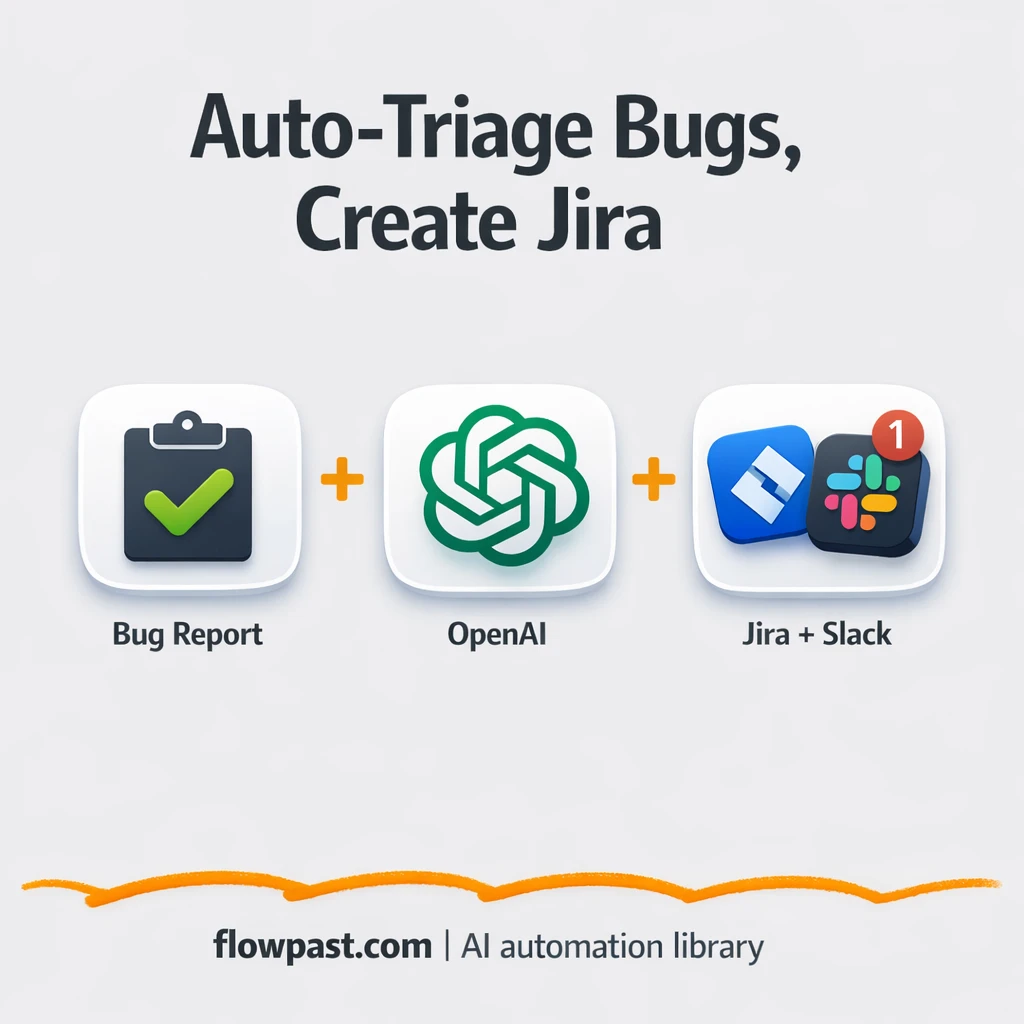
Turn messy Slack bug reports into clean Jira tickets with consistent labels and severity. Keep…
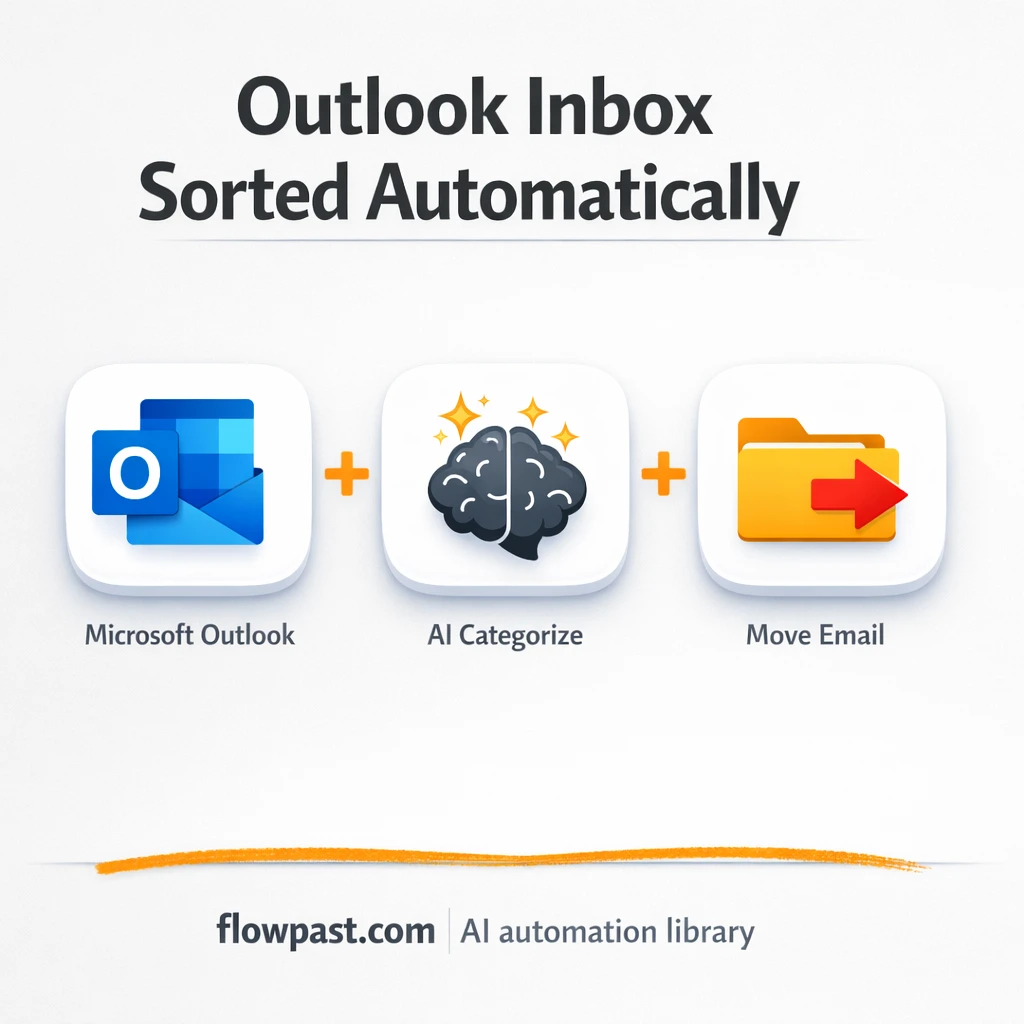
New Microsoft Outlook emails get categorized with OpenRouter and filed into the right folders. Less…
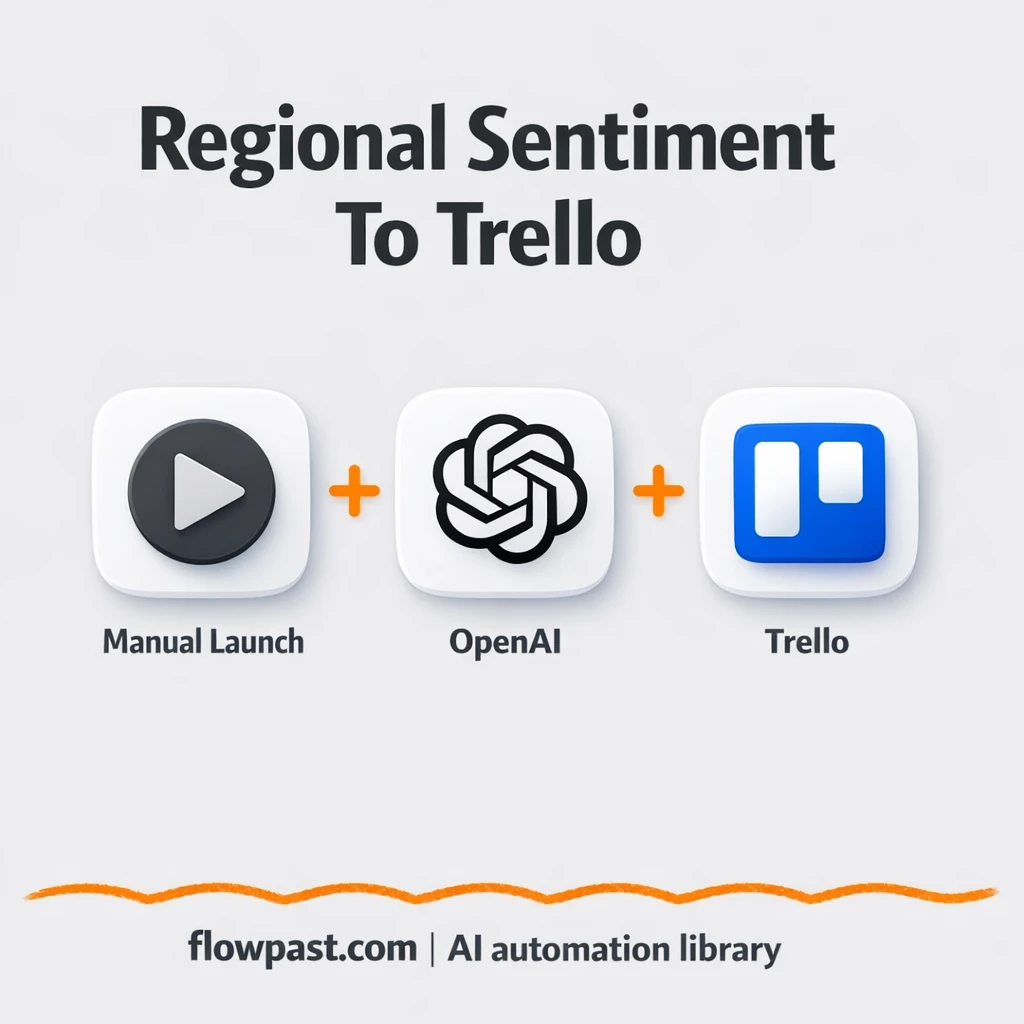
Turn Yelp searches into Trello campaign cards with OpenAI summaries. Skip copy paste and messy…
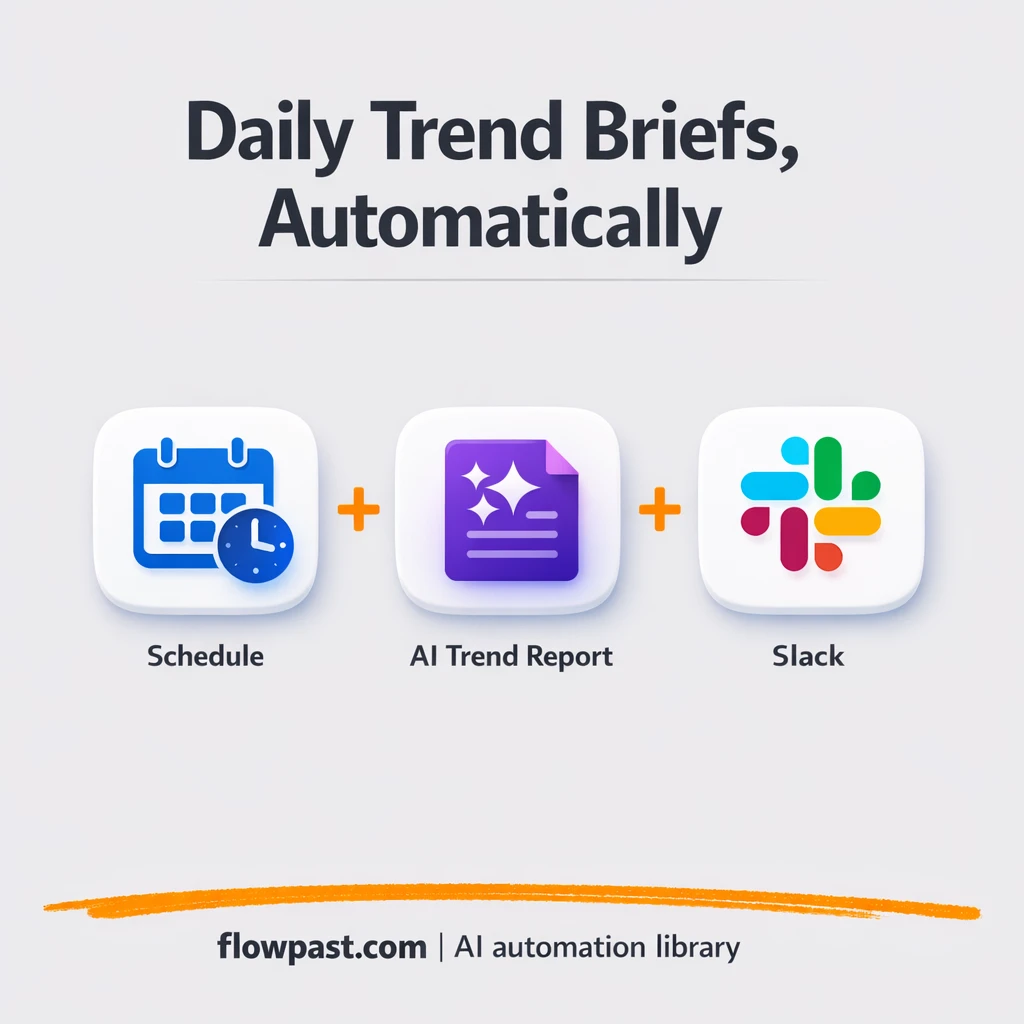
Trend insights are sent to Slack and logged in Google Sheets. No tab hopping or…
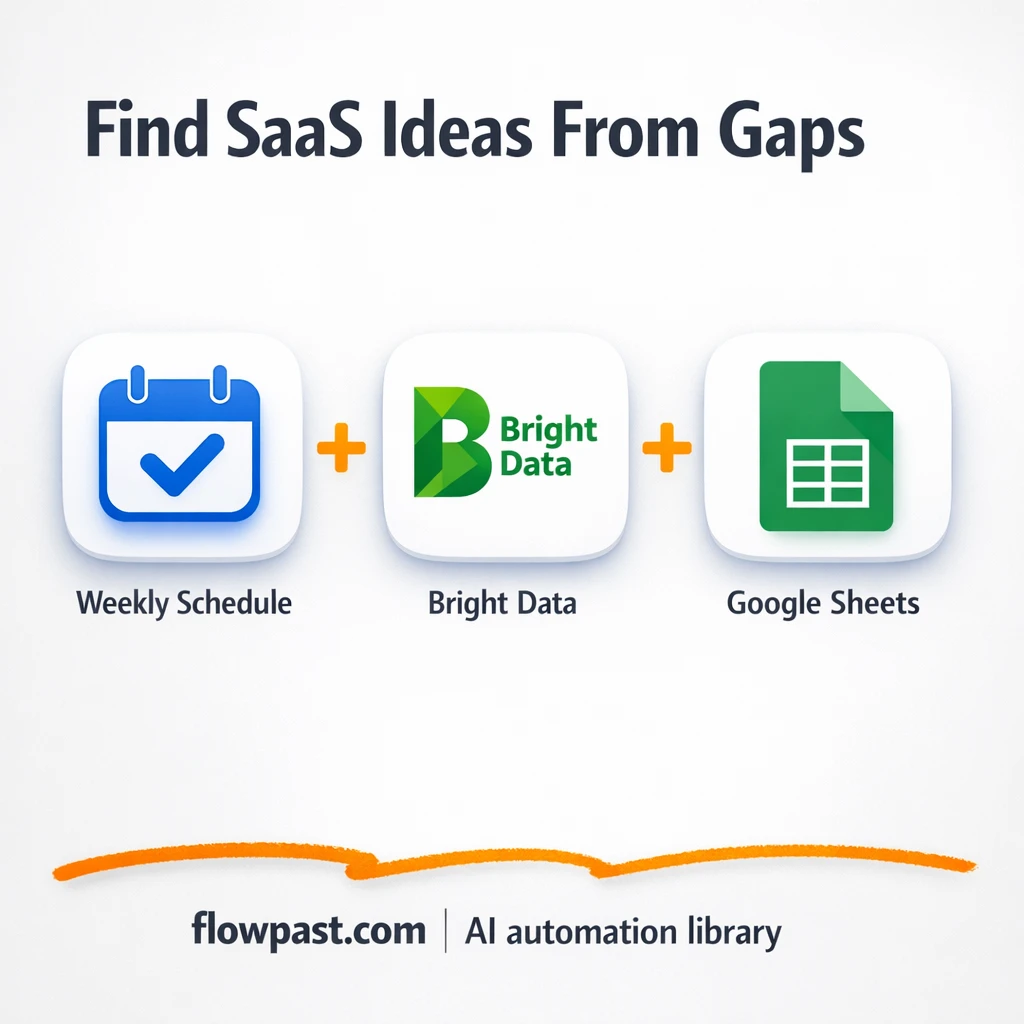
Bright Data findings flow into Google Sheets and a Gmail digest. Spot recurring complaints and…
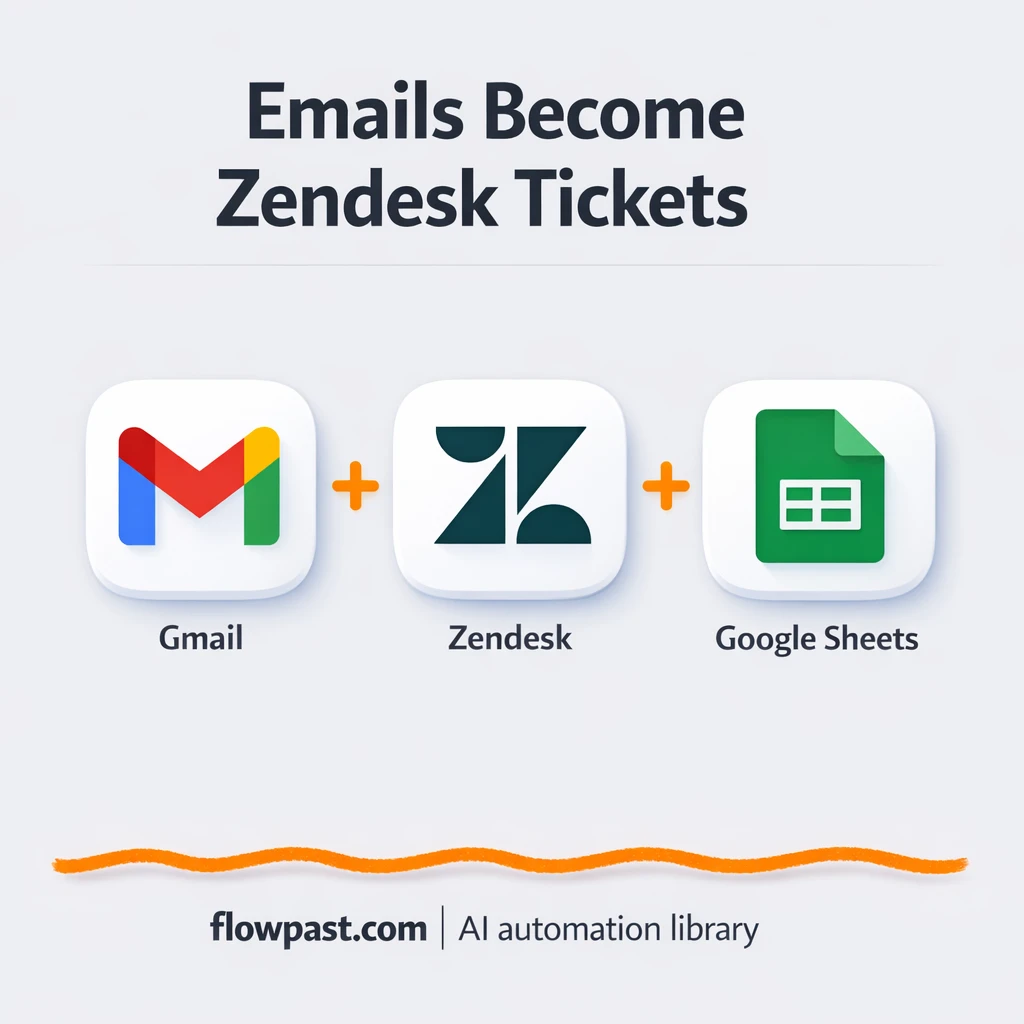
Turn Gmail messages into Zendesk tickets and log each case in Google Sheets. Keep requests…

Turn messy customer feedback into clear feature requests with OpenAI, then log them in Jira…
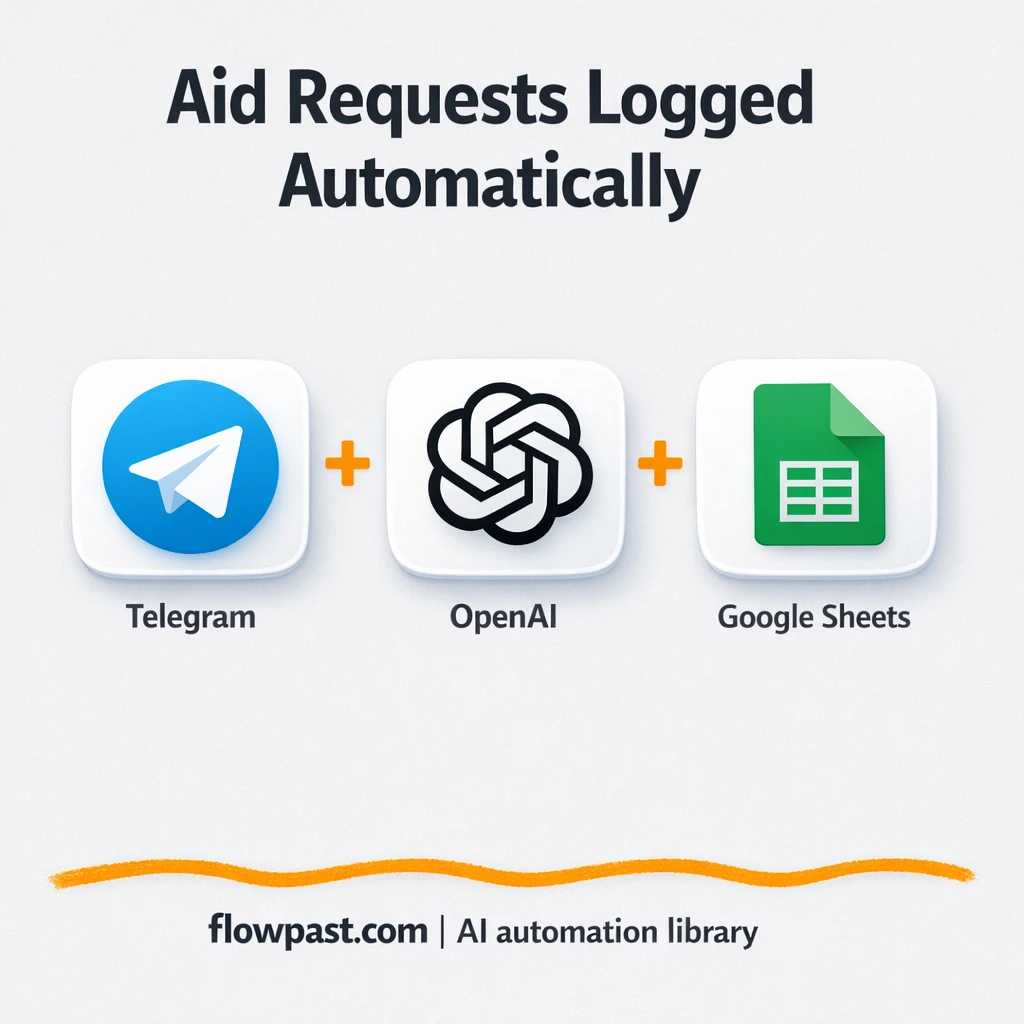
Telegram messages and Arabic voice notes are captured in Google Sheets with clear categories and…

Send new ServiceNow incidents straight to Slack with clear details and error alerts. Reduce missed…
Get instant access to every AI workflow and prompt. One email, full access.
Join 5,000+ automation pros. No spam.
Get instant access to the template and step-by-step guide
Full access unlocked. Here's what you can do now:
Get personalized help setting up your workflow.
Free 15-minute consultation — no commitment required.