


n8n
GitHub + Gmail: code reviews sent to your inbox
GitHub pushes trigger a clean Gmail review email with key risks and notes. Less context…
Stop inbox chaos. Use ready-made n8n workflows to triage emails, send smart auto-replies, route requests to the right person, and log conversations—so nothing slips and you respond fast.
A workflow watches your inbox (Gmail or Outlook) for new messages, then applies rules and AI steps. It can detect intent like “lead,” “support,” or “invoice,” pull out details (name, company, deadline), and choose an action. Common actions include labeling, assigning, sending an auto-reply, or drafting a response for approval. Many teams also push a summary to Slack and log the thread to Google Sheets. Honestly, it’s like having a first-line inbox assistant that never sleeps.
No. On Flowpast you can start with a proven n8n workflow template, connect your accounts, and tweak a few fields like your brand voice and routing rules. If you can set up a filter in Gmail, you can run most of these.
For most teams, it saves about 2 hours a day once triage and routine replies are automated. The big wins come from removing repeat work: sorting, tagging, copying details into trackers, and sending the same “got it—here’s next steps” reply. It also cuts down context switching, which is what really drains you. If you handle sales inquiries or support requests, faster first responses often means more booked calls and fewer unhappy follow-ups. Your inbox becomes a pipeline, not a to-do list.
You’ll need an n8n workspace (self-hosted or cloud), access to your email account (Gmail or Microsoft Outlook), and any destinations you want to update, like Slack or Google Sheets. If you use AI drafting, add an OpenAI API key (or another supported model provider). Start with one mailbox and one use case, like “new lead auto-reply + Slack alert.” Then expand to routing, logging, and approval steps once it’s stable.
GitHub pushes trigger a clean Gmail review email with key risks and notes. Less context…
When .env changes, GitHub opens a clean pull request to sync Xcode configs, then Gmail…
Get a clean daily meeting digest from Microsoft Outlook sent to email. No calendar hunting…
Capture event feedback and log each submission into OneDrive Excel, then email alerts via Outlook.…
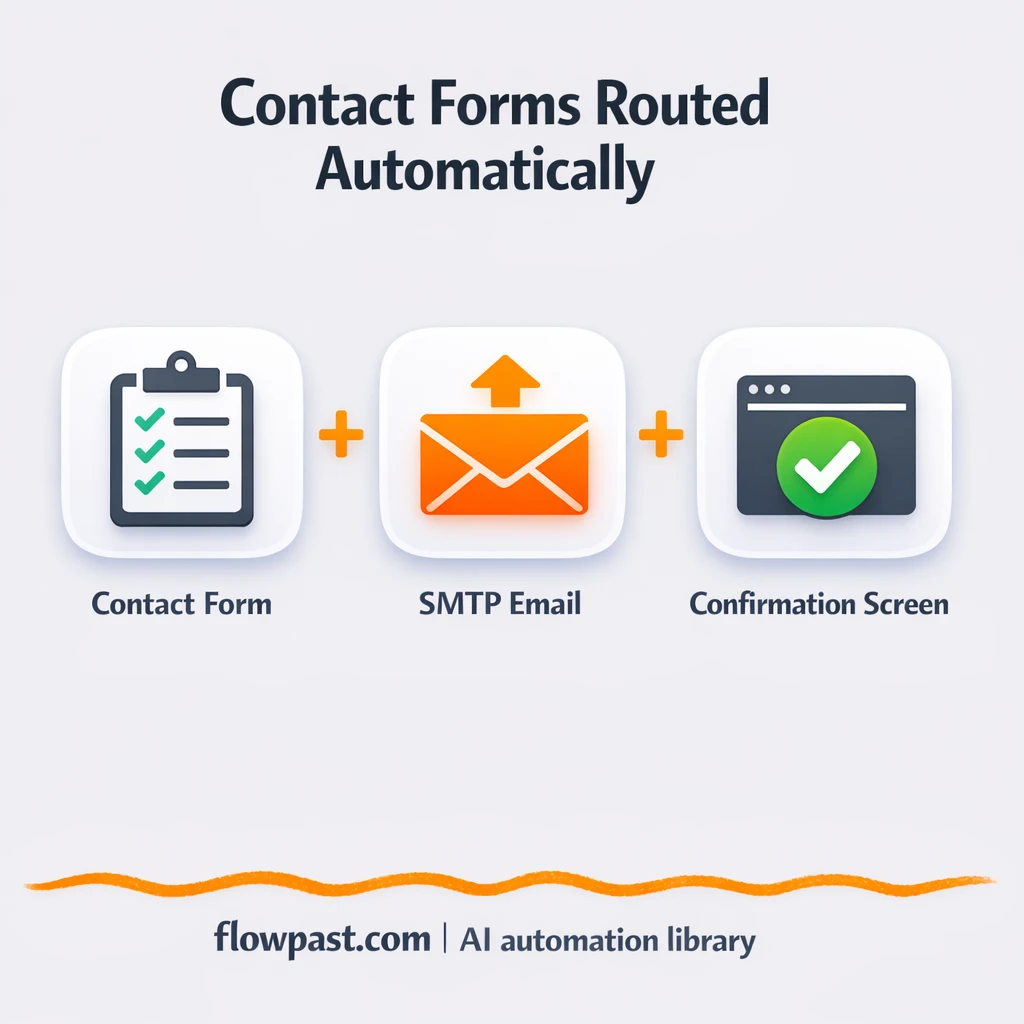
Contact form submissions go straight to Gmail with a clean, consistent email and a clear…
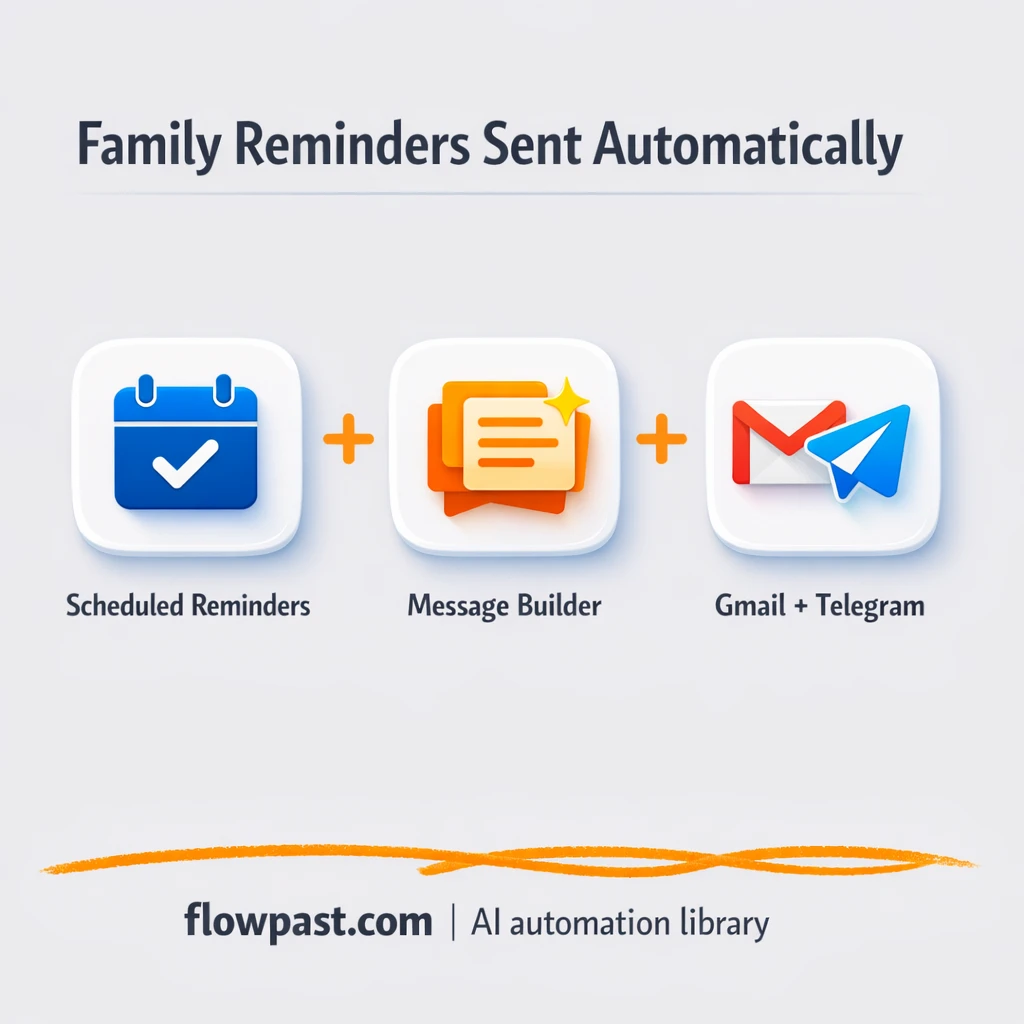
Send family routines, meal ideas, and check ins via Email and Telegram. Reduce mental load,…
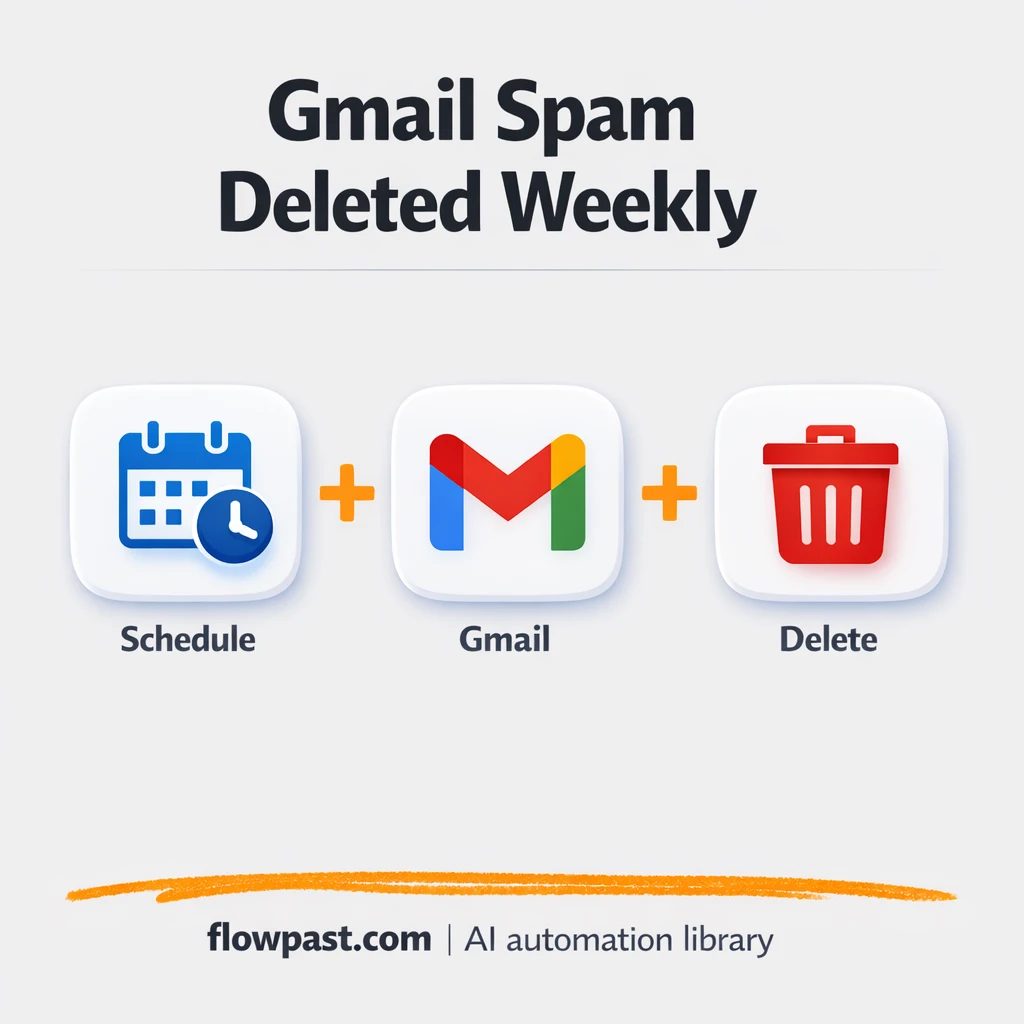
Gmail spam gets purged on a schedule you choose, with Google Calendar as the reminder-free…
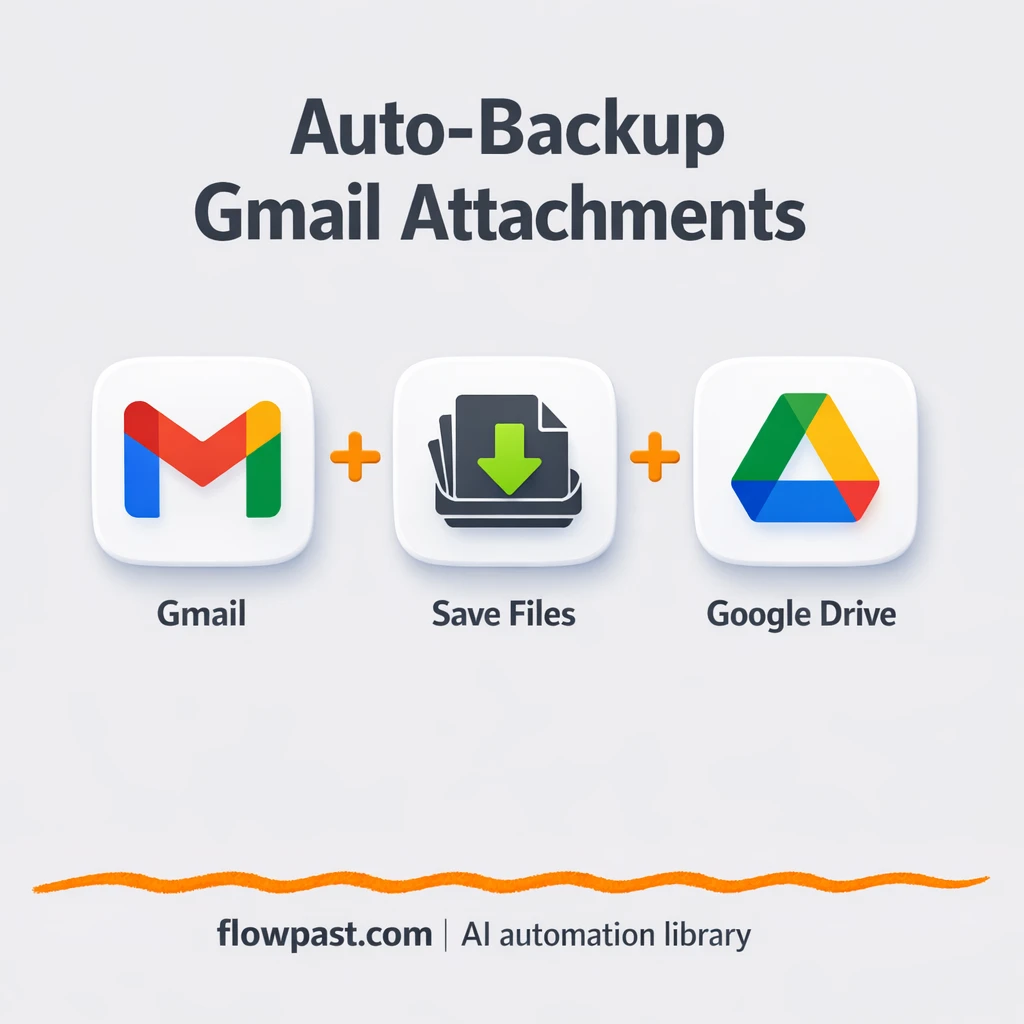
Email attachments from chosen Gmail senders are saved to Google Drive with consistent names. Keep…
Export emails from a specific Gmail sender into a clean CSV in Google Drive. Keep…
Get instant access to every AI workflow and prompt. One email, full access.
Join 5,000+ automation pros. No spam.
Get instant access to the template and step-by-step guide
Full access unlocked. Here's what you can do now:
Get personalized help setting up your workflow.
Free 15-minute consultation — no commitment required.