


n8n
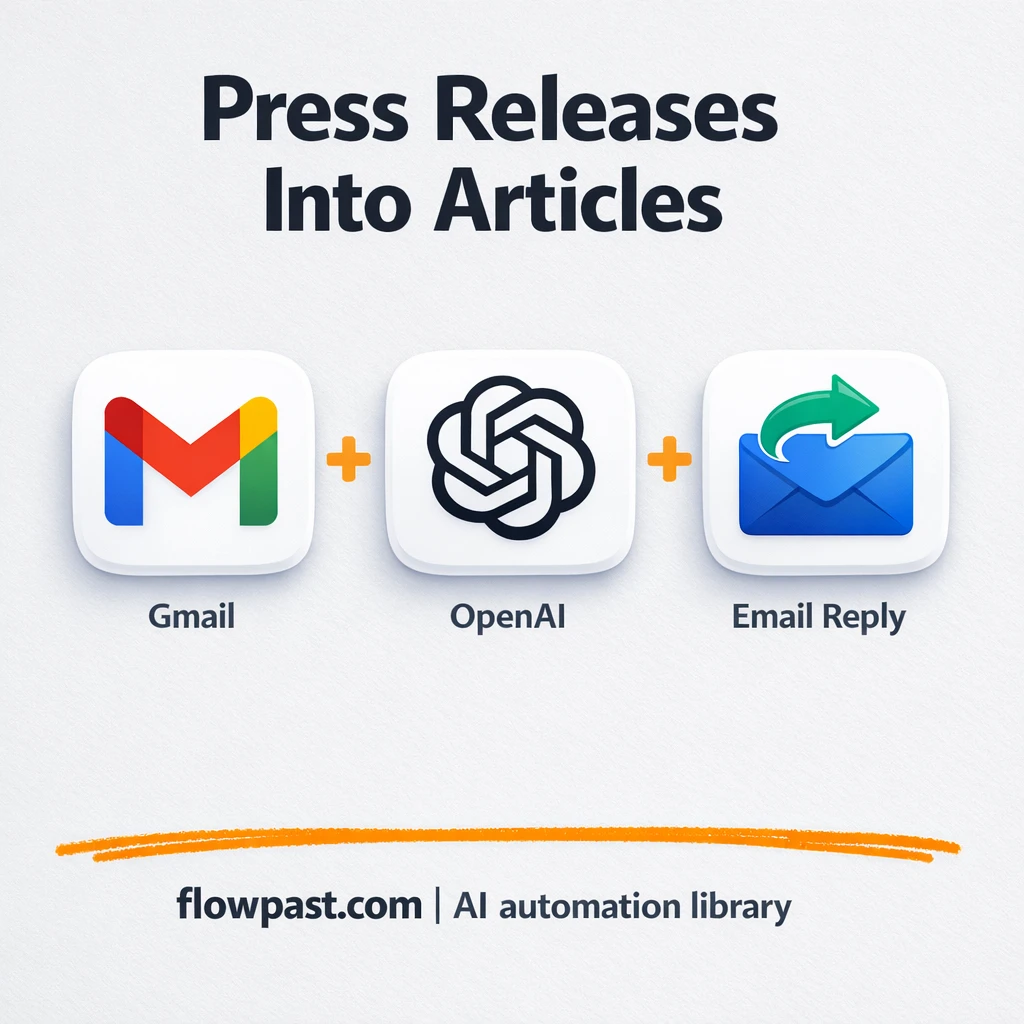
Gmail + Google Drive, press releases into clean drafts
Turn Gmail press releases and PDF or Word files into a clean draft with a…
Stop losing time to busywork. Use ready-made n8n workflows to capture tasks, route approvals, summarize updates, and keep email, calendar, and notes in sync—automatically.
You connect the tools you already use (like Gmail, Google Calendar, Slack, and Notion) inside n8n, then run a workflow when something happens. A trigger could be a new email, a form submission, or a scheduled time each morning. The workflow takes actions for you: categorize, summarize, create tasks, send reminders, or log results to Google Sheets. If you want, AI can pull out action items and write drafts so you only review and hit send.
Not usually. Most Flowpast workflows are plug-and-play: you connect accounts, choose a few options, and you’re live. Honestly, if you can set up a Zap, you can run n8n workflows. For advanced setups, you might tweak a prompt or add a filter, but you’re not required to code.
For most teams, it’s about 2 hours a week at first, then more as you expand. The biggest wins come from repeatable chores: inbox triage, meeting follow-ups, reminders, and copying updates between tools. If you’re doing daily status updates or handling lots of client email, automation often cuts that work in half. You also save “hidden time” by reducing context switching and rework, which is where productivity quietly disappears.
You need an n8n workspace (cloud or self-hosted) and accounts for the apps the workflow connects to, such as Gmail or Google Calendar. You’ll authenticate with OAuth or an API key, then add any required IDs like a Notion database or Slack channel. Many workflows include a test step so you can verify outputs before turning them on. Start with one workflow, run it for a week, then stack another once the first feels solid.
Turn Gmail press releases and PDF or Word files into a clean draft with a…
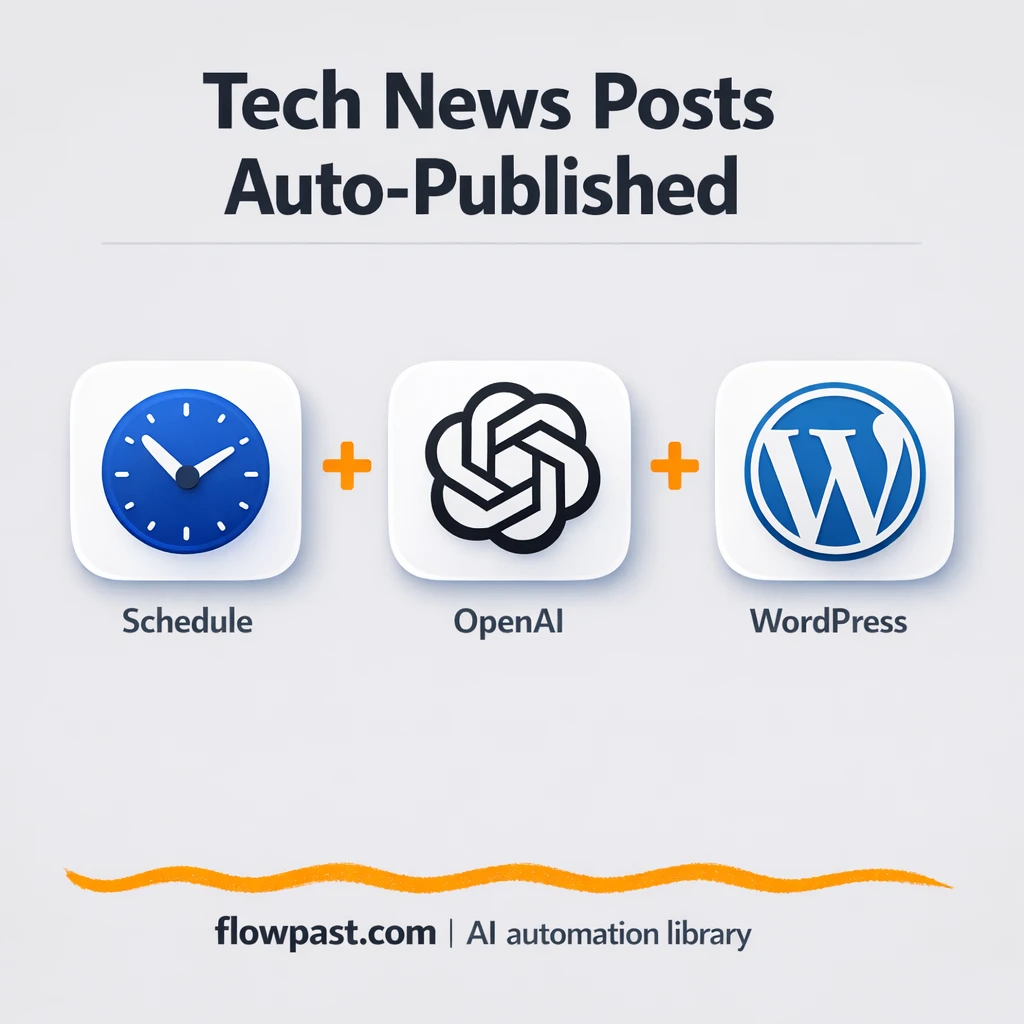
Turn News API headlines into polished WordPress posts using OpenAI. Keep your site active, cut…
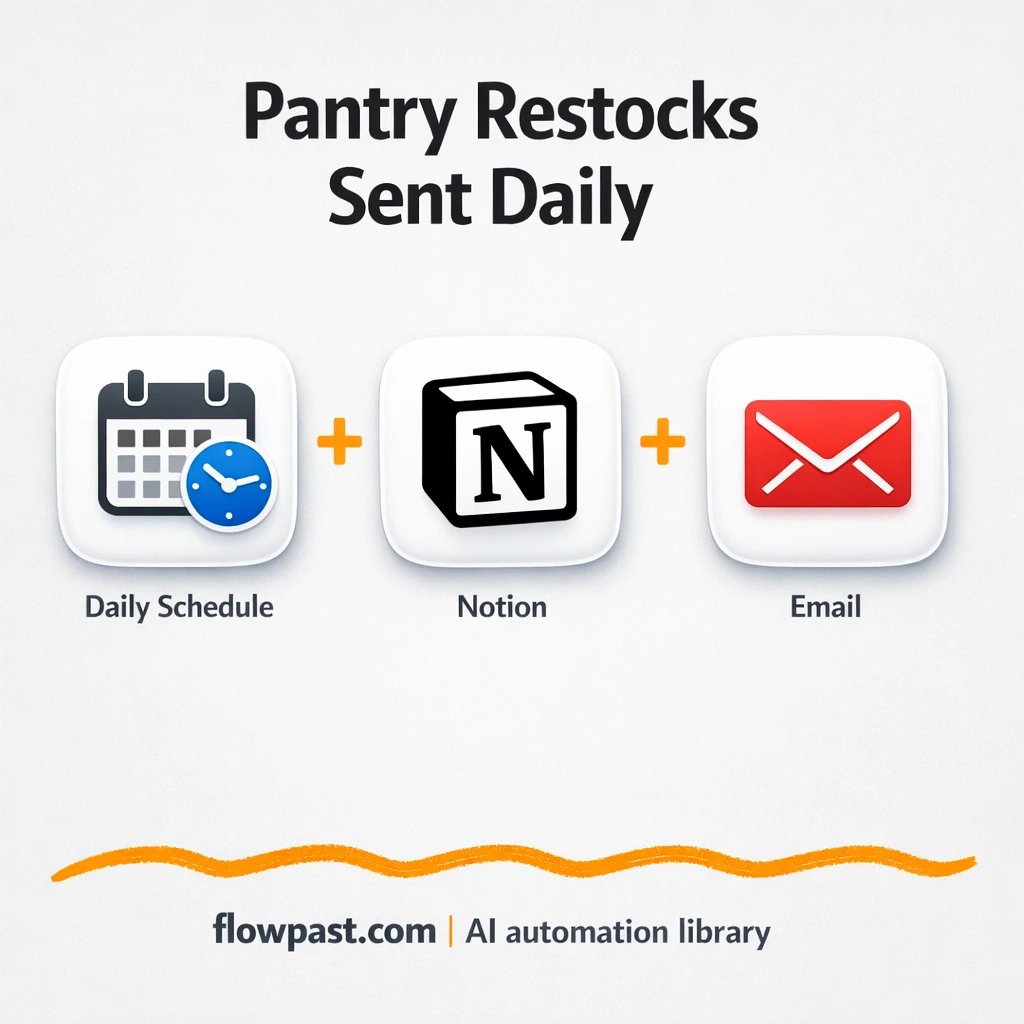
Notion checks pantry levels and updates your Grocery List, then Gmail sends a clean checklist.…
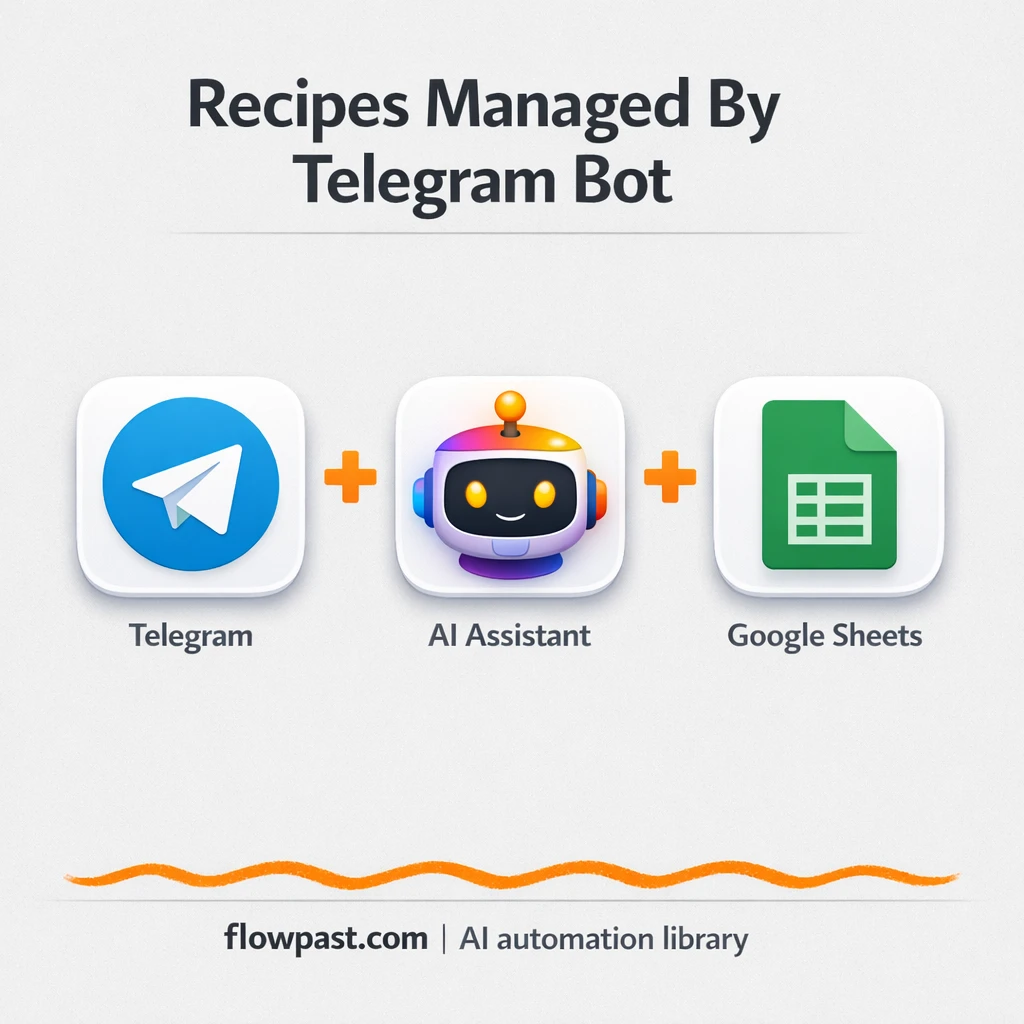
Send recipes to a Telegram bot and keep them organized in Google Sheets. Search, create,…
Get a fresh affirmation delivered to Email, with an optional copy to Telegram. No remembering,…
Drop a food photo into Google Drive and get a top nearby restaurant plus a…
Turn any Reuters link into a clear, consistent email summary using OpenAI and Gmail. Share…
Store new subscribers in Baserow and send Gmail double opt-in emails. Cut typos, duplicates, and…
Get competitor launch alerts via Gmail and log every update in Google Sheets. Stay ahead…
Turn live news into research backed blog drafts using Tavily and Google Docs. Keep citations…
Get instant access to every AI workflow and prompt. One email, full access.
Join 5,000+ automation pros. No spam.
Get instant access to the template and step-by-step guide
Full access unlocked. Here's what you can do now:
Get personalized help setting up your workflow.
Free 15-minute consultation — no commitment required.