


n8n
Parsera.io + Gmail: domain exposure reports by email
Run Google dork checks and get a clean markdown report via Gmail using Parsera.io. Cut…
Track threats without living in alerts. These n8n workflows collect intel, flag risky domains and URLs, route incidents to Slack or email, and keep a clear audit trail as you scale.
A typical workflow listens for signals (RSS feeds, webhooks, inboxes, or form submissions), then normalizes the data into a single “case.” Next it enriches the indicator: resolve the domain, check reputation sources via HTTP requests, and look for known patterns like phishing wording. OpenAI can summarize the risk and suggested next steps so non-technical teams understand it. Finally, it routes the right alert to Slack or Gmail and logs everything to Google Sheets for reporting.
Not usually. Most Flowpast workflows are plug-and-play: connect Slack/Gmail, paste an API key if needed, and choose where alerts should go. You can start with simple “notify and log” setups and expand later. If you want custom scoring rules or multiple intel feeds, a little comfort with basic logic helps, but honestly it’s still mostly point-and-click in n8n.
If you’re manually checking suspicious links, searching inboxes, and copying evidence into a sheet, automation can cut that work in half. It also reduces context switching. Instead of reacting to every ping, you’ll review a prioritized queue with summaries, links, and recommended actions already attached. For agencies and small teams, that often means reclaiming about 2 hours a week per client, while improving response consistency.
You’ll need an n8n instance (cloud or self-hosted), plus access to the accounts you want to connect, like Slack, Gmail, and Google Sheets. Some workflows also use OpenAI and third-party threat intel APIs, so keep those API keys handy. Start by choosing one monitoring source (for example, inbound phishing reports via Gmail), one notification channel, and one place to log results. Then iterate as you learn what your team actually acts on.
Run Google dork checks and get a clean markdown report via Gmail using Parsera.io. Cut…
Run DNS lookups via dns.google and post a clean snapshot to Slack. Spot missing MX…
Get Slack alerts when your log data shows a failed login spike. Cut missed security…

Turn a single IP into a clear threat report using VirusTotal and Google Docs. No…

DMARC report emails from Gmail become a clean Google Sheets table. Spot spoofing IPs and…
Filter Critical incidents from Google Sheets and send a clean Gmail summary, then log actions…

Send incident alerts from Google Sheets to OpenAI for consistent severity tags and next steps.…
Pull CVE and EDR signals into Google Sheets and email a ranked endpoint risk list.…
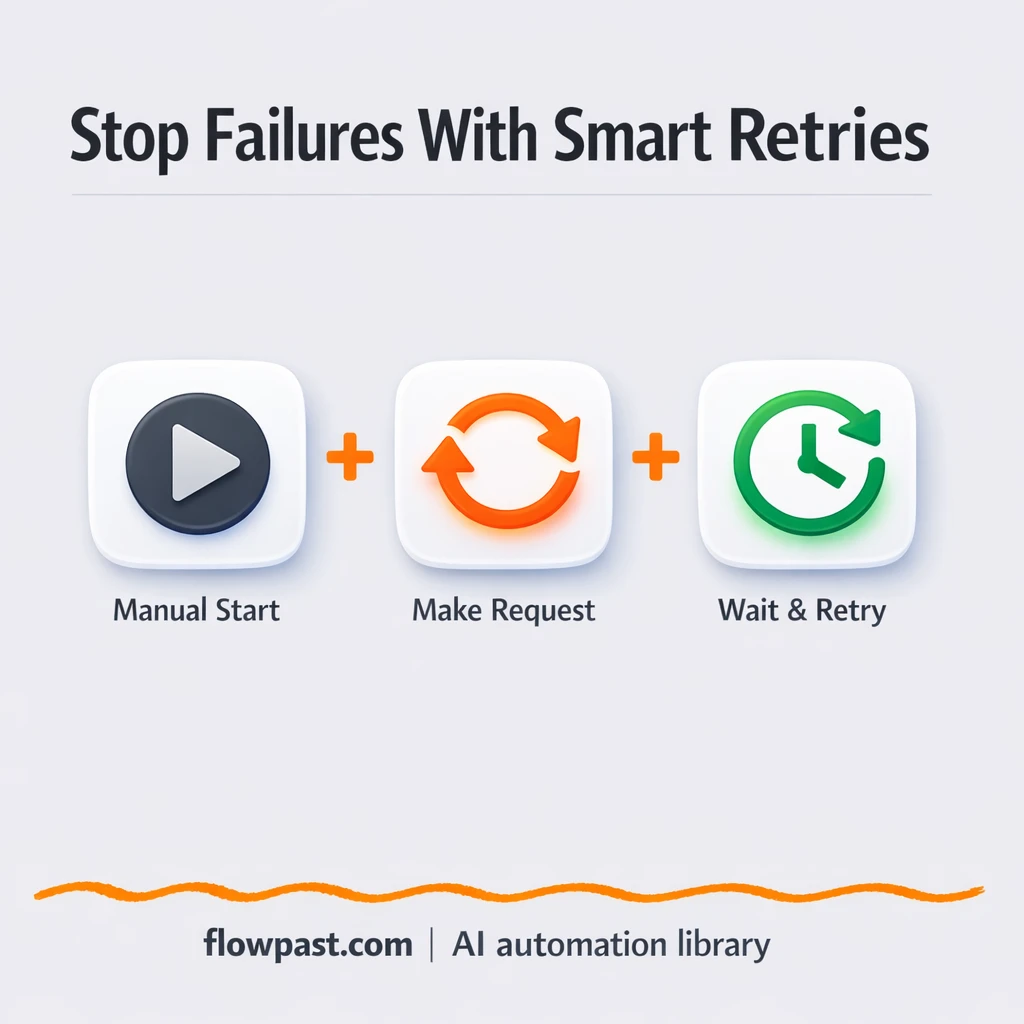
Add smart retries and delays so Google Sheets updates keep running when rate limits hit.…
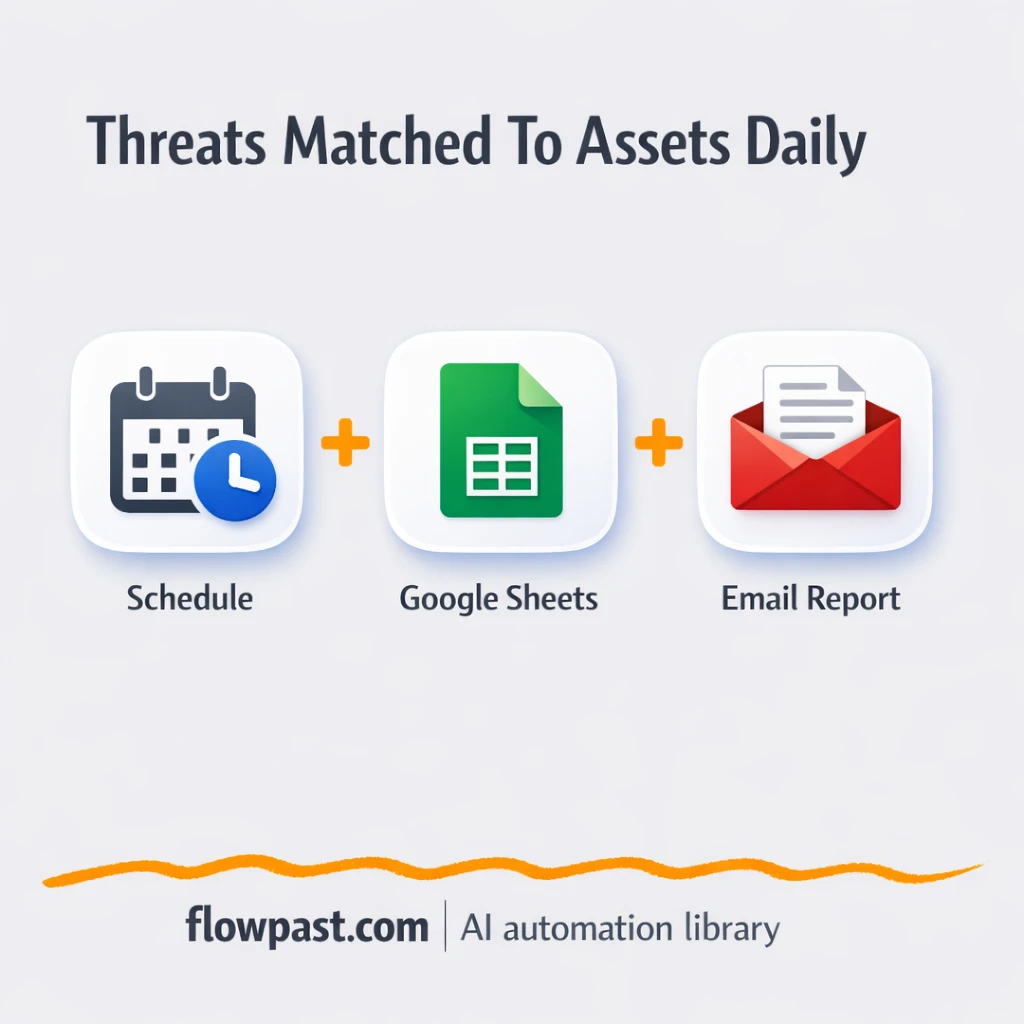
Match CVE threat rows to your asset inventory in Google Sheets, then send a clean…
Get instant access to every AI workflow and prompt. One email, full access.
Join 5,000+ automation pros. No spam.
Get instant access to the template and step-by-step guide
Full access unlocked. Here's what you can do now:
Get personalized help setting up your workflow.
Free 15-minute consultation — no commitment required.