

n8n
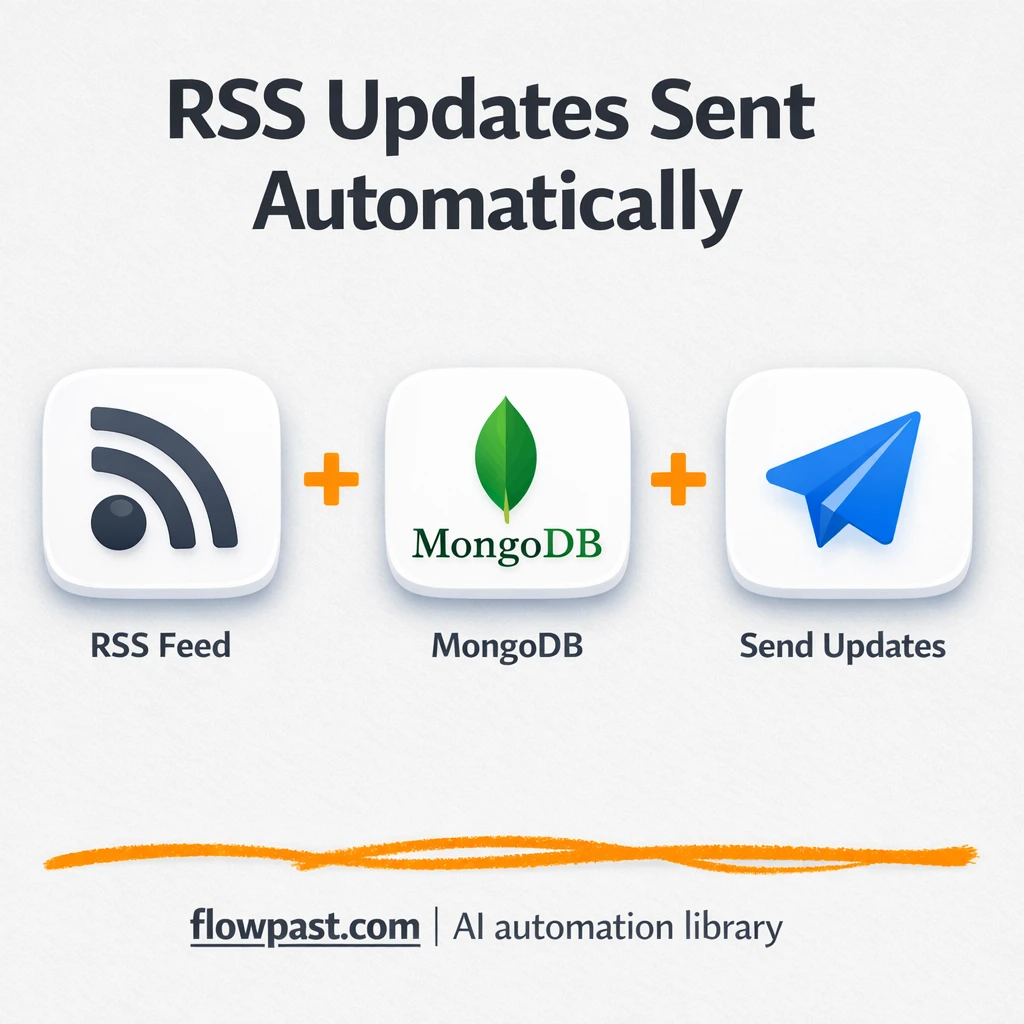
RSS to Slack alerts, deduped with MongoDB
Filtered RSS items land in Slack with MongoDB de-dupe. Cut noise, avoid repeat links, and…
Track competitor moves without living in tabs. Automate updates on pricing, content, ads, and reviews, then summarize insights and alert your team in Slack, email, or Sheets.
A workflow starts by collecting signals on a schedule or trigger: competitor pages, Google results, RSS items, social posts, or price pages. It then extracts what matters (titles, pricing, features, screenshots, keywords), compares it to the last snapshot, and flags meaningful changes. Next, AI can summarize the “so what” in plain language and suggest next actions. Finally, it logs everything to Google Sheets or Notion and sends alerts to Slack, email, or Telegram.
Usually, no. You’ll pick a ready-made workflow, connect your accounts, and paste competitor URLs or keywords. If you can use Google Sheets and Slack, you can run most setups.
If you’re doing this manually, it’s easy to lose about 2 hours a week per competitor once you include checking pages, taking notes, and writing summaries. Automation handles the monitoring and first draft for you, so you focus on decisions. Many teams end up reviewing a single weekly digest plus a few urgent alerts. For agencies, that means faster client reporting and fewer last-minute scrambles when a competitor launches something new.
You need an n8n workspace (self-hosted or cloud), a list of competitors (URLs, handles, or keywords), and at least one destination for your output like Google Sheets or Slack. For AI summaries, connect OpenAI, Google Gemini, or another model provider. Some sources may require an API (for example SerpAPI for Google results) or scraping tools for hard-to-access pages. If you’re not sure, start with RSS and public pages, then expand once the basics are running.
Join 15,000+ automation enthusiasts. Get expert tutorials, workflow templates, and pro tips delivered to your inbox every Tuesday.
No spam. Unsubscribe anytime.