

n8n
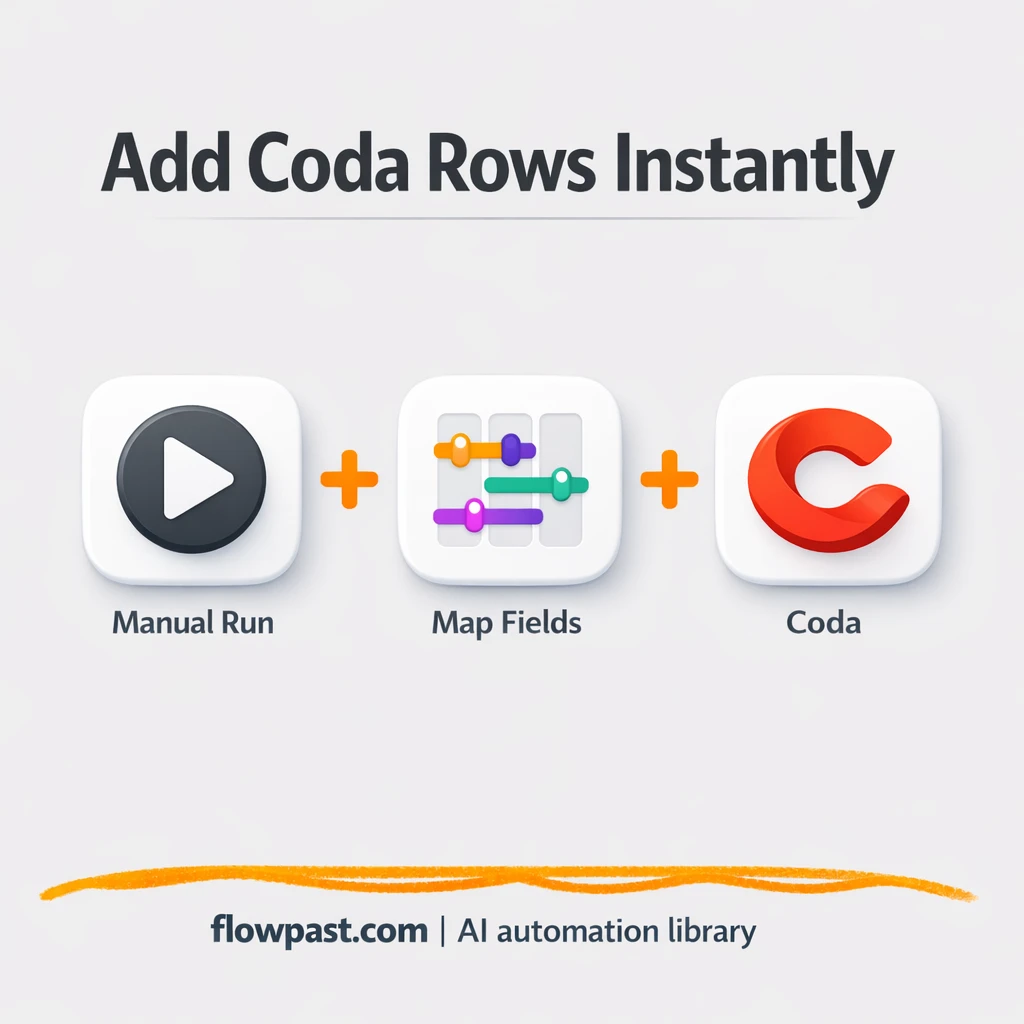
Coda + Slack: leads logged clean and consistent
Send lead details from Slack into Coda as clean new rows. Keep your pipeline accurate,…
Automate enrollment, reminders, grading handoffs, and learner support with ready-to-run n8n workflows. Connect your LMS tools, email, Sheets, and AI to save time and stay consistent.
Teams usually start with enrollment and communications. You can capture leads from forms, add them to Google Sheets, send a welcome email, and schedule follow-ups in Google Calendar. For delivery, workflows can send class reminders, collect assignments, and notify instructors when something is missing. Support is another big one: triage inbox questions, tag them by topic, and route urgent requests to the right person. Reporting also gets easier with automated weekly summaries.
Program coordinators, L&D managers, admissions teams, and training operations benefit the most, honestly—anyone doing repetitive follow-ups and manual reporting all week.
If you pick a proven workflow template, setup is often about 2 hours to connect accounts, map fields, and run a few test learners through it. More complex setups—multiple cohorts, approvals, and special rules—can take a day or two because you’ll want sign-off from instructors and compliance. The good news is you can roll out in phases. Start with reminders and reporting first, then add AI summaries or support routing once the basics are stable.
Yes. You can tweak emails, add branching for different cohorts, and enforce checks like “only send if consent is recorded.” Many teams add a review step so AI-generated text (summaries, feedback drafts, or course outlines) is approved before it reaches learners. You can also swap tools: keep Google Sheets for tracking, move files in Google Drive, or connect to your internal database later. If your process changes each term, you’ll appreciate how easy it is to duplicate and adjust workflows.
Send lead details from Slack into Coda as clean new rows. Keep your pipeline accurate,…
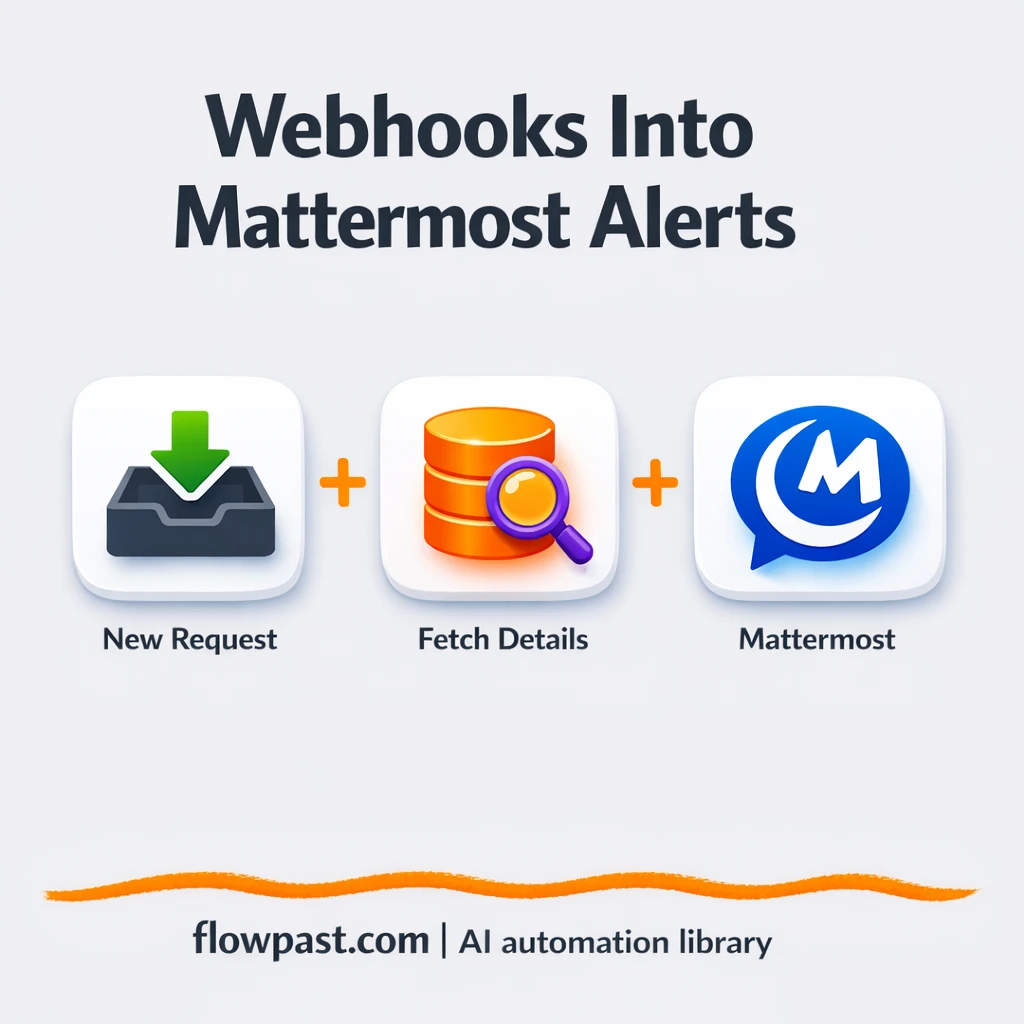
Turn webhook events into clean Mattermost alerts with the context your team needs. Fewer missed…
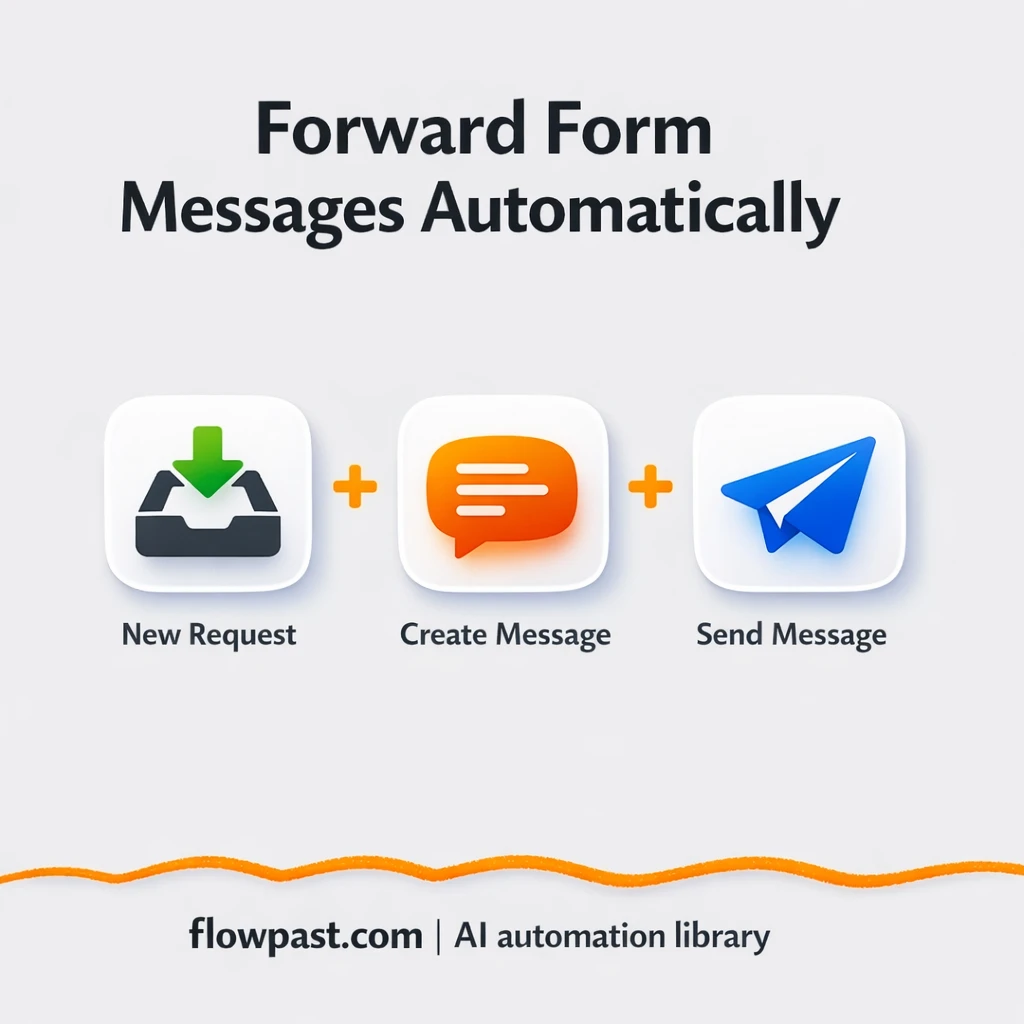
Route messy form submissions into Google Sheets and Slack with consistent fields. No copy paste…
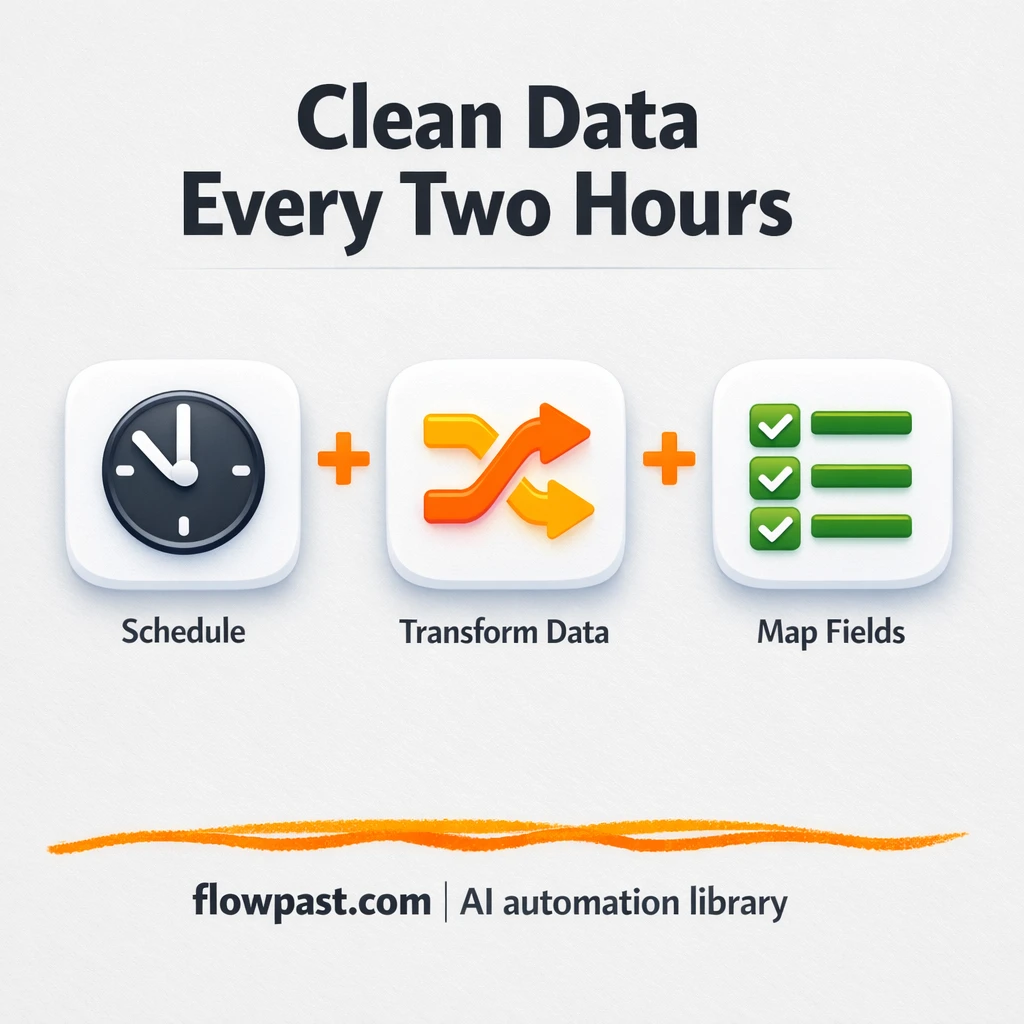
Keep Excel fields mapped cleanly in Google Sheets. No reformatting, no copy paste, no drift.…
Join 15,000+ automation enthusiasts. Get expert tutorials, workflow templates, and pro tips delivered to your inbox every Tuesday.
No spam. Unsubscribe anytime.