


n8n
Google Sheets + Gmail: catch downtime fast
Track server uptime in Google Sheets and get Gmail alerts when a site goes down.…
Run your shop smoother with ready-to-use automations for leads, bookings, reviews, and invoicing. Connect your everyday tools so follow-ups happen on time, every time.
Popular automations include turning website and social inquiries into a tracked lead, then sending a fast reply and booking link. You can auto-send appointment reminders, reschedule confirmations, and “how did we do?” review requests after a job. Many teams also sync customer details to Google Sheets, tag repeat customers, and alert staff when a high-value lead comes in. Honestly, the biggest win is consistent follow-up without someone babysitting the inbox.
Owners, front-desk staff, service managers, and anyone handling leads or scheduling benefit the most. Marketing contractors also love workflows that capture leads from forms, calls, and DMs into one place. If you manage field techs, automations help confirm appointments, share addresses, and keep notes consistent. Even a small team of two gets value, because handoffs are where things usually break.
Most teams can get a first workflow running in about 2 hours, especially if you start with one clear goal like “new lead to follow-up + calendar booking.” If your data is messy (multiple inboxes, no CRM, inconsistent customer names), plan for an extra session to clean up the flow. The fastest approach is to launch one workflow, then add steps over time: reminders, review requests, and reporting. You don’t need to automate everything on day one.
Yes. You can adjust messaging, routing rules, business hours, service areas, and which tools you sync to (for example, Google Sheets vs. a database). Many workflows include simple “if/then” logic so VIP customers, urgent jobs, or specific zip codes get prioritized. You can also add approval steps, so a manager reviews outgoing messages before they send. If your process changes seasonally, you can duplicate a workflow and swap schedules or templates in minutes.
Track server uptime in Google Sheets and get Gmail alerts when a site goes down.…
Export every Shopify customer into Google Sheets with clean columns and a Squarespace Contacts ready…
Score and enrich new leads, then route them in HubSpot with Slack alerts. Faster follow…
Squarespace newsletter signups flow into Mailchimp via Google Sheets. Skip CSV imports, avoid duplicates, and…

Omada alert emails from Gmail log into Google Sheets and send Pushover pings only for…
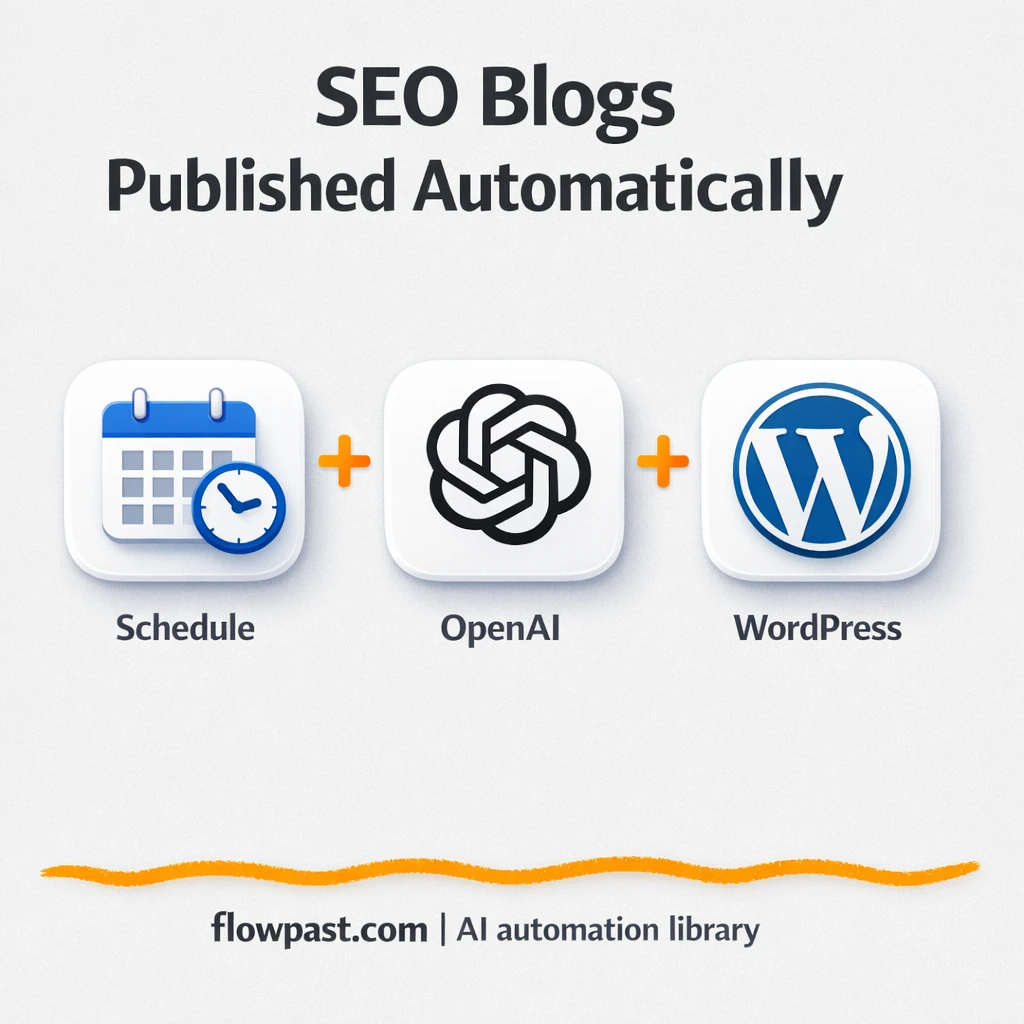
Perplexity research becomes WordPress ready posts with internal links and sitemap updates. Reduce busywork and…
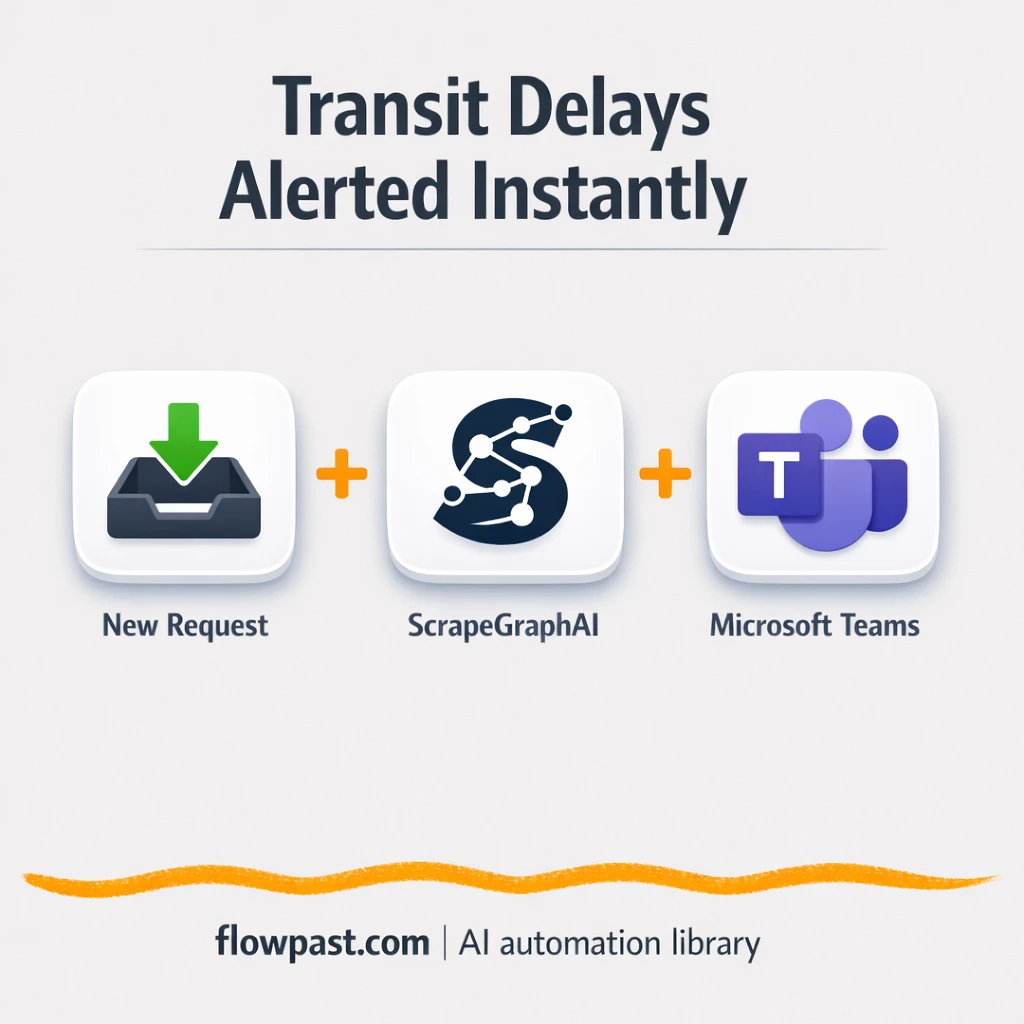
ScrapeGraphAI flags transit delays and posts clear updates to Microsoft Teams, while Dropbox stores each…
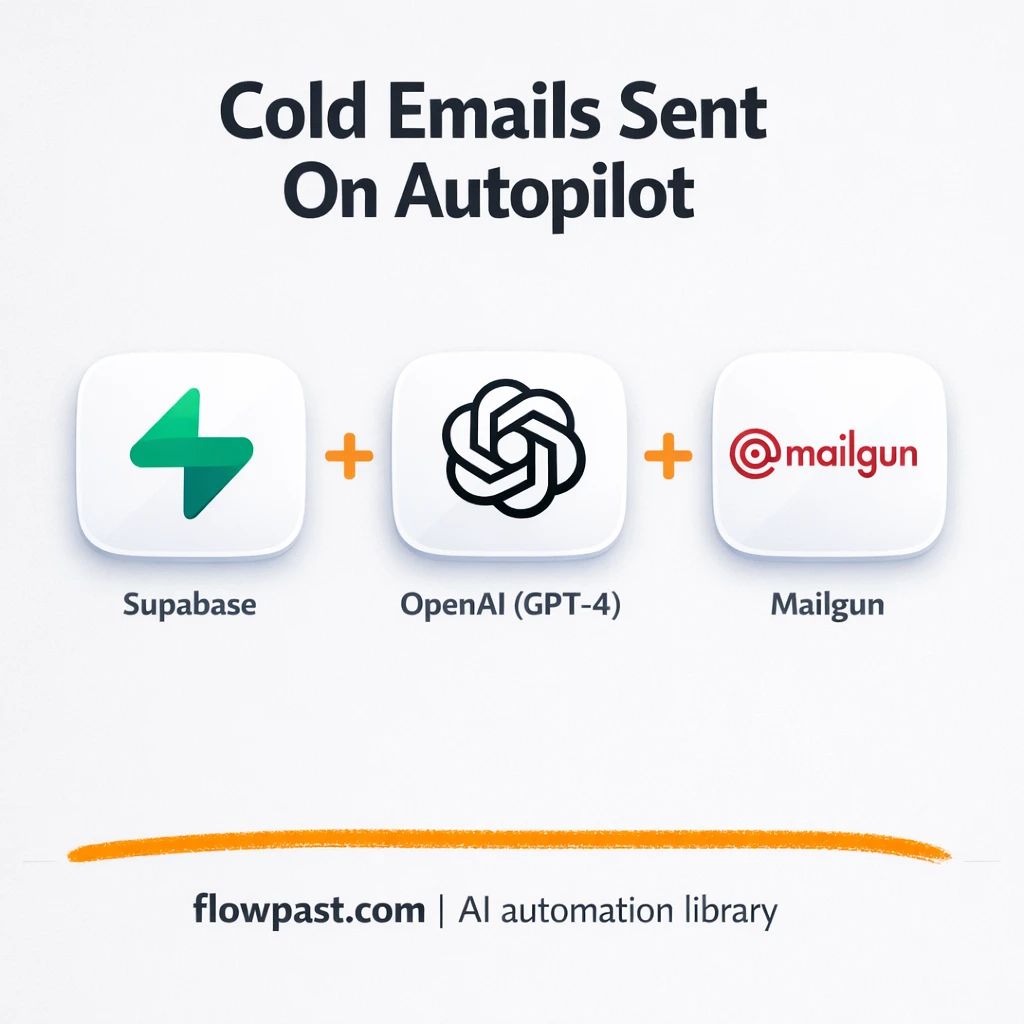
Send personalized cold email sequences from Supabase through Mailgun. Keep follow ups consistent and tracked.…

Turn Telegram chats into personalized demo emails sent via SparkPost. Prospects self-serve and you track…
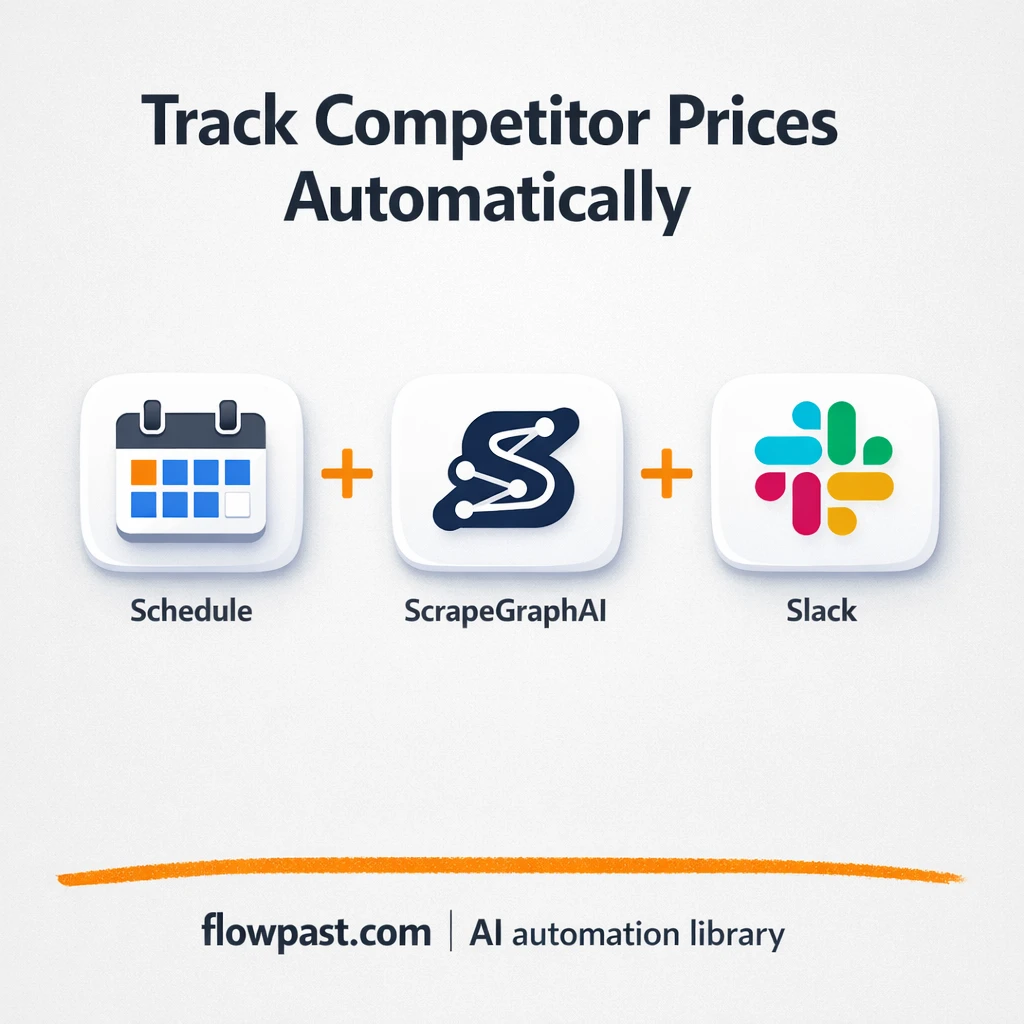
Track competitor prices and build a clean history in Baserow. Send Mailchimp trend emails and…
Get instant access to every AI workflow and prompt. One email, full access.
Join 5,000+ automation pros. No spam.
Get instant access to the template and step-by-step guide
Full access unlocked. Here's what you can do now:
Get personalized help setting up your workflow.
Free 15-minute consultation — no commitment required.