


GitHub + Slack: never forget to commit and push
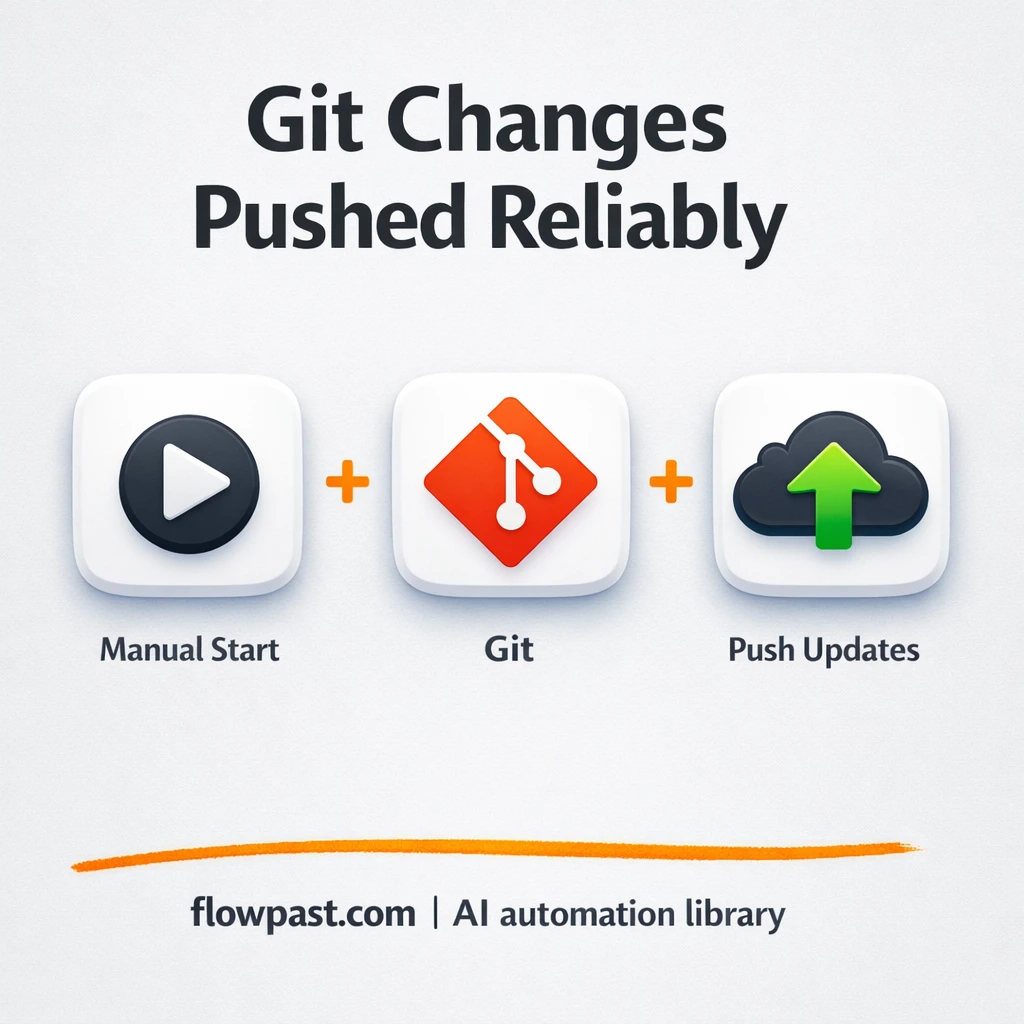

You finish a change, test it, then… it just sits there. Not staged. Not committed. Not pushed. Hours later you’re hunting for “that one tweak” again, and the repo history is missing the context you swore you’d capture.
Developers feel it first, honestly. But agency owners reviewing client work and product marketers waiting on a quick docs edit run into the same bottleneck. This GitHub Slack automation keeps your changes moving: stage, commit, review logs, push, then confirm in chat.
Below, you’ll see how the workflow runs inside n8n, what it replaces, and how to adapt it so “local-only” stops being a recurring problem.
How This Automation Works
See how this solves the problem:
n8n Workflow Template: GitHub + Slack: never forget to commit and push
flowchart LR

    subgraph sg0["Manual Run Flow"]
        direction LR
        n0@{ icon: "mdi:play-circle", form: "rounded", label: "Manual Run Trigger", pos: "b", h: 48 }
        n1["<div style='background:#f5f5f5;padding:10px;border-radius:8px;display:inline-block;border:1px solid #e0e0e0'><img src='https://flowpast.com/wp-content/uploads/n8n-workflow-icons/git.svg' width='40' height='40' /></div><br/>Stage Files"]
        n2["<div style='background:#f5f5f5;padding:10px;border-radius:8px;display:inline-block;border:1px solid #e0e0e0'><img src='https://flowpast.com/wp-content/uploads/n8n-workflow-icons/git.svg' width='40' height='40' /></div><br/>Create Commit"]
        n3["<div style='background:#f5f5f5;padding:10px;border-radius:8px;display:inline-block;border:1px solid #e0e0e0'><img src='https://flowpast.com/wp-content/uploads/n8n-workflow-icons/git.svg' width='40' height='40' /></div><br/>Review Repository"]
        n4["<div style='background:#f5f5f5;padding:10px;border-radius:8px;display:inline-block;border:1px solid #e0e0e0'><img src='https://flowpast.com/wp-content/uploads/n8n-workflow-icons/git.svg' width='40' height='40' /></div><br/>Push Changes"]
        n1 --> n2
        n2 --> n3
        n3 --> n4
        n0 --> n1
    end

    %% Styling
    classDef trigger fill:#e8f5e9,stroke:#388e3c,stroke-width:2px
    classDef ai fill:#e3f2fd,stroke:#1976d2,stroke-width:2px
    classDef aiModel fill:#e8eaf6,stroke:#3f51b5,stroke-width:2px
    classDef decision fill:#fff8e1,stroke:#f9a825,stroke-width:2px
    classDef database fill:#fce4ec,stroke:#c2185b,stroke-width:2px
    classDef api fill:#fff3e0,stroke:#e65100,stroke-width:2px
    classDef code fill:#f3e5f5,stroke:#7b1fa2,stroke-width:2px
    classDef disabled stroke-dasharray: 5 5,opacity: 0.5
    class n0 trigger
    classDef customIcon fill:none,stroke:none
    class n1,n2,n3,n4 customIcon
The Challenge: Changes sitting locally (and getting forgotten)
Most “missed commits” aren’t laziness. They happen in the messy middle of work: you fix a bug, you update a README, you jump to a meeting, then you come back and start something else. Later, you’re stuck wondering which files were touched, what the right commit message was, and whether you already pushed the change to the remote repo. The cost isn’t just time. It’s the mental load of re-checking everything, plus the risk of shipping stale code or losing context when the work finally gets committed.
The friction compounds. A few small delays turn into a workflow you don’t trust.
- Staging is easy to postpone, so partial work piles up across files.
- Commit messages get rushed because you’re writing them long after the change was made.
- You end up re-reading git logs to confirm what actually made it into the repo.
- Pushing becomes “later,” which means teammates keep pulling an older version.
The Fix: One-run stage → commit → log check → push (with chat confirmation)
This n8n workflow turns a common “I’ll push it in a minute” habit into a repeatable, reliable routine. It starts with a manual trigger, so you run it when you’re ready (right after you finish a task, or before you wrap your day). From there, it stages the target file(s) in your repository, creates a commit, then pulls back the recent commit log so you can confirm the change landed the way you expected. Finally, it pushes those commits to your remote repository, which keeps GitHub up to date. In a fuller setup, you can also route a confirmation into Slack (or Twake/Mattermost) so you have a visible “done” signal where your team already communicates.
The workflow begins when you click run in n8n. Git handles the heavy lifting: stage files, commit them, read the repository log, then push to the remote. When you add a chat step, Slack becomes your simple receipt that the repo is no longer behind.
What Changes: Before vs. After
| What This Eliminates | Impact You’ll See |
|---|---|
|
|
Real-World Impact
Say you ship 5 small changes a day (a docs tweak, a config update, a quick fix). Manually, you might spend about 5 minutes each time staging, committing, checking logs, then pushing, especially when you context-switch. That’s roughly 25 minutes daily. With this workflow, you trigger it once per change (or batch a few together), and the run itself takes about a minute or two while you keep working. It’s not magic, but it reliably saves you about 20 minutes a day and prevents the annoying “local only” surprise.
Requirements
- n8n instance (try n8n Cloud free)
- Self-hosting option if you prefer (Hostinger works well)
- Git repository access so n8n can run git actions.
- GitHub as the remote repo you push to.
- Slack to receive a push confirmation (optional).
Skill level: Intermediate. You should be comfortable with basic git concepts and where your repo lives on disk (or inside your runner).
Need help implementing this? Talk to an automation expert (free 15-minute consultation).
The Workflow Flow
Manual run kicks everything off. You click “Execute” in n8n when you’re ready to package up your latest changes. It’s intentionally simple, which is great when you want control instead of automation firing at the wrong time.
Files get staged in your repo. The workflow uses a Git action to add a specific file (the example stages README.md). If your changes live elsewhere, you swap the file path so staging matches your real work.
A commit is created right away. The next Git action commits whatever was staged. This is where you’ll want to spend a minute making the commit message template match your team’s style, because that’s what keeps history readable later.
The workflow checks the repository log, then pushes. It pulls commit logs so you can verify what’s about to go up, and then it pushes to your remote (GitHub). Add a Slack message after the push, and you’ll get a confirmation in your channel without opening a browser tab.
You can easily modify which files get staged to handle full folders or multiple paths based on your needs. See the full implementation guide below for customization options.
Step-by-Step Implementation Guide
Step 1: Configure the Manual Trigger
Start the workflow manually so you can validate the Git pipeline before automating it further.
- Add the Manual Run Trigger node as the workflow trigger.
- Keep the Manual Run Trigger node’s default settings (no parameters required).
- Connect Manual Run Trigger to Stage Files to match the execution flow.
Execution Flow: Manual Run Trigger → Stage Files → Create Commit → Review Repository → Push Changes
Step 2: Connect Git
Prepare the Git nodes for repository operations and confirm the staging file list.
- Open Stage Files and set Operation to
add. - Set Paths to Add to
README.md. - Ensure your n8n environment has access to the target Git repository (local repository path or container volume).
⚠️ Common Pitfall: Create Commit, Review Repository, and Push Changes reference {{$node["Stage Files"].parameter["repositoryPath"]}}. Make sure Stage Files has a Repository Path value configured in the node UI, otherwise these expressions will resolve to empty.
Step 3: Set Up Commit Creation
Configure the commit node to capture staged changes with a consistent message.
- Open Create Commit and set Operation to
commit. - Set Message to
✨ First commit from n8n. - Set Repository Path to
{{$node["Stage Files"].parameter["repositoryPath"]}}. - Connect Stage Files to Create Commit.
Step 4: Configure Repository Review and Push
Review repository status and push the committed changes to your remote.
- Open Review Repository and set Repository Path to
{{$node["Stage Files"].parameter["repositoryPath"]}}. - Open Push Changes and set Operation to
push. - Set Repository Path in Push Changes to
{{$node["Stage Files"].parameter["repositoryPath"]}}. - Connect Create Commit → Review Repository → Push Changes to preserve the execution order.
Optional: Keep Flowpast Branding as a visual note in the canvas for documentation and quick reference.
Step 5: Test and Activate Your Workflow
Validate the full Git pipeline and then activate it for ongoing use.
- Click Execute Workflow to run the pipeline from Manual Run Trigger.
- Confirm Stage Files stages
README.md, and Create Commit creates a commit with the message✨ First commit from n8n. - Verify Review Repository returns repository details and Push Changes completes successfully.
- When satisfied, toggle the workflow to Active for production use.
Watch Out For
- GitHub authentication can fail if your token/SSH key permissions don’t allow pushing to that repo. If it breaks, check your repo access and the credential stored in n8n first.
- If you’re using Wait nodes or external rendering, processing times vary. Bump up the wait duration if downstream nodes fail on empty responses.
- Default prompts in AI nodes are generic. Add your brand voice early or you’ll be editing outputs forever.
Common Questions
About 30 minutes if your repo access is already sorted.
Yes, but they’ll still need someone to provide repo credentials and a safe place to run n8n. After that, it’s mostly configuring file paths and commit messages.
Yes. n8n has a free self-hosted option and a free trial on n8n Cloud. Cloud plans start at $20/month for higher volume. You’ll also need to factor in Git hosting costs (usually already covered) and any Slack plan requirements for your workspace.
Two options: n8n Cloud (managed, easiest setup) or self-hosting on a VPS. For self-hosting, Hostinger VPS is affordable and handles n8n well. Self-hosting gives you unlimited executions but requires basic server management.
Start by changing the staging behavior in the “Stage Files” step so it targets the files you actually modify (a folder, a pattern, or multiple paths). Then adjust “Create Commit” to use your preferred commit message format, like including a ticket ID. If you want the Slack confirmation, add a Slack message action after “Push Changes” and include the commit hash from the log output. Common customizations include batching multiple repos, adding a pre-push test command, or posting to different channels based on the branch.
Usually it’s credentials. Your token may be expired, missing repo write permissions, or your SSH key isn’t available in the environment where n8n runs. It can also be a simple remote URL mismatch (pushing to the wrong origin) or a protected branch rule blocking direct pushes. Check the error output on the “Push Changes” run first, because it typically tells you exactly what GitHub rejected.
For most teams, it scales to dozens of pushes a day without issues.
Often, yes. Zapier and Make are great for SaaS-to-SaaS handoffs, but they’re not built around running git commands reliably, handling repo state, or operating where your code actually lives. n8n is a better fit when you need branching logic, self-hosting, and “developer-adjacent” actions like staging and pushing without turning everything into brittle webhooks. If you only need a simple Slack notification when something happens on GitHub, Zapier can be faster to set up. If you want the whole stage/commit/push routine to be consistent, this is the kind of workflow where n8n shines. Talk to an automation expert if you’re not sure which fits.
A tidy repo is a team advantage, not a nice-to-have. Set this up once, and those “oops, I never pushed” moments mostly disappear.
Need Help Setting This Up?
Our automation experts can build and customize this workflow for your specific needs. Free 15-minute consultation—no commitment required.
