


GitHub-ready exports with Slack release reminders
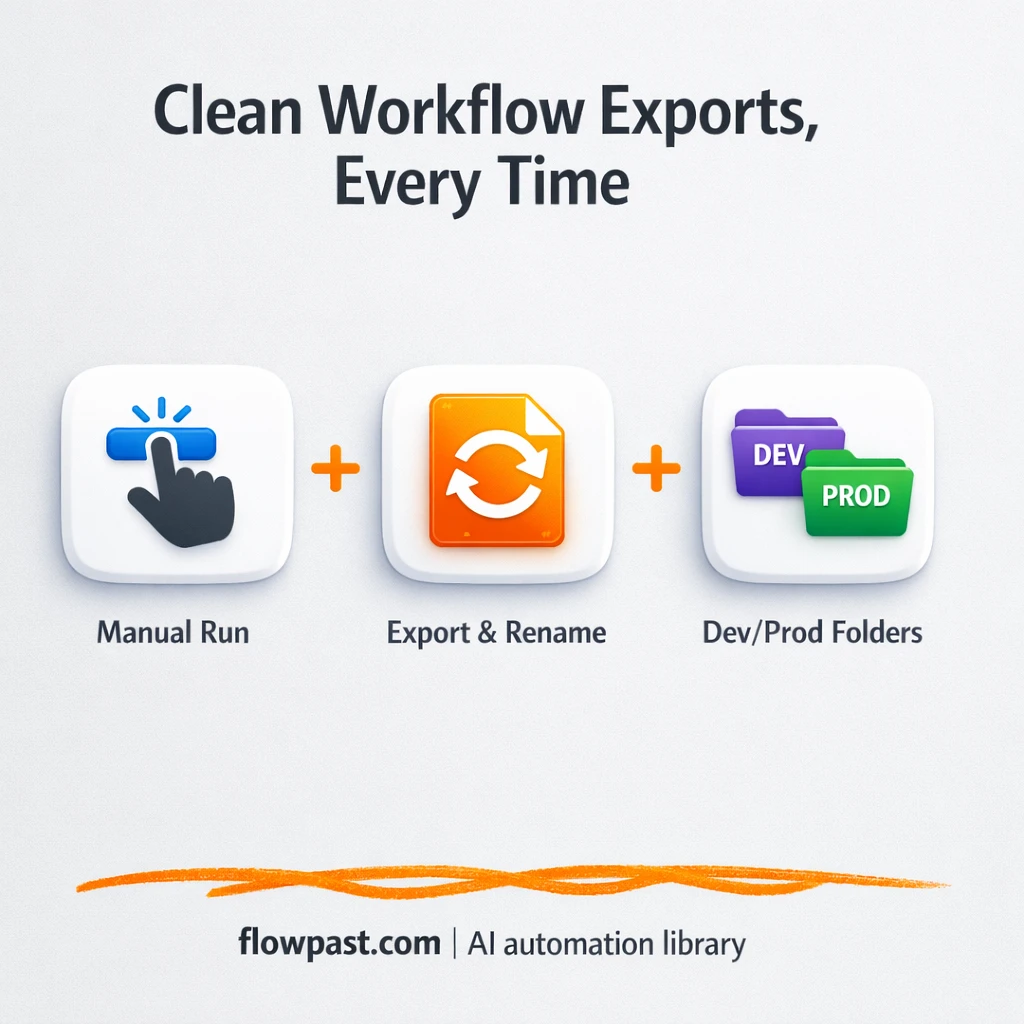

Your n8n workflows work. Your exports don’t. The moment you try to hand them off for deployment, you get ugly filenames, mixed environments, and a “where did this JSON come from?” moment that wastes an afternoon.
GitHub export automation fixes that messy middle. DevOps leads feel it first when CI/CD needs clean inputs, but product engineers and agency teams shipping client automations run into the same friction.
This workflow exports every workflow, renames files into something readable, sorts them into dev/prod folders based on tags, and sets you up for reliable release reminders in Slack. You’ll see what it does, why it matters, and what you need to run it.
How This Automation Works
The full n8n workflow, from trigger to final output:
n8n Workflow Template: GitHub-ready exports with Slack release reminders
flowchart LR

    subgraph sg0["Start export workflows Flow"]
        direction LR
        n0@{ icon: "mdi:swap-vertical", form: "rounded", label: "Remove root node", pos: "b", h: 48 }
        n1@{ icon: "mdi:swap-horizontal", form: "rounded", label: "TAG? Auto deploy to dev", pos: "b", h: 48 }
        n2@{ icon: "mdi:swap-horizontal", form: "rounded", label: "TAG? Auto deploy to PROD", pos: "b", h: 48 }
        n3@{ icon: "mdi:play-circle", form: "rounded", label: "Start export workflows", pos: "b", h: 48 }
        n4@{ icon: "mdi:cog", form: "rounded", label: "Create folders and run n8n cli", pos: "b", h: 48 }
        n5@{ icon: "mdi:cog", form: "rounded", label: "load exported workflows", pos: "b", h: 48 }
        n6@{ icon: "mdi:cog", form: "rounded", label: "parse workflow", pos: "b", h: 48 }
        n7@{ icon: "mdi:cog", form: "rounded", label: "Create JSON  file with reada..", pos: "b", h: 48 }
        n8@{ icon: "mdi:cog", form: "rounded", label: "Store named workflow", pos: "b", h: 48 }
        n9@{ icon: "mdi:cog", form: "rounded", label: "Create JSON  file with reada..", pos: "b", h: 48 }
        n10@{ icon: "mdi:cog", form: "rounded", label: "Create JSON  file with reada..", pos: "b", h: 48 }
        n11@{ icon: "mdi:cog", form: "rounded", label: "Store named workflow (dev)", pos: "b", h: 48 }
        n12@{ icon: "mdi:cog", form: "rounded", label: "Store named workflow (prod)", pos: "b", h: 48 }
        n6 --> n0
        n0 --> n7
        n0 --> n1
        n0 --> n2
        n3 --> n4
        n1 --> n9
        n5 --> n6
        n2 --> n10
        n4 --> n5
        n7 --> n8
        n9 --> n11
        n10 --> n12
    end

    %% Styling
    classDef trigger fill:#e8f5e9,stroke:#388e3c,stroke-width:2px
    classDef ai fill:#e3f2fd,stroke:#1976d2,stroke-width:2px
    classDef aiModel fill:#e8eaf6,stroke:#3f51b5,stroke-width:2px
    classDef decision fill:#fff8e1,stroke:#f9a825,stroke-width:2px
    classDef database fill:#fce4ec,stroke:#c2185b,stroke-width:2px
    classDef api fill:#fff3e0,stroke:#e65100,stroke-width:2px
    classDef code fill:#f3e5f5,stroke:#7b1fa2,stroke-width:2px
    classDef disabled stroke-dasharray: 5 5,opacity: 0.5
    class n3 trigger
    class n1,n2 decision
The Problem: Workflow Exports Aren’t Deployment-Ready
Exporting workflows sounds simple until you need to do it consistently. One person exports from their local instance, another exports from staging, and suddenly your repo has a pile of JSON files with confusing names and no clear separation between dev and prod. Then the real pain hits: a release is coming up, nobody remembers which workflows are supposed to ship, and you end up hunting through tags, Slack threads, and old commits. It’s not “hard,” just relentlessly manual, and the mistakes show up at the worst possible time.
It adds up fast. Not because one export is terrible, but because exports happen over and over, and every handoff multiplies the confusion.
- Teams waste about 1–2 hours per release cleaning up exports so they’re safe to commit.
- Workflow filenames aren’t readable, so code review turns into guesswork and “open the file and scroll.”
- Dev and prod versions get mixed together, which is how “testing only” logic sneaks into production.
- Release reminders live in people’s heads (or Slack history), so workflow changes ship late or not at all.
The Solution: Tagged Exports, Clean Folders, GitHub-Ready Files
This n8n workflow turns exporting into a repeatable packaging step you can trust. You trigger it manually when you’re ready to prep a release. First it creates (or confirms) the right folder structure, then runs an export of all workflows using the CLI so you start from a complete source of truth. After that, it reads each exported JSON file, strips out wrapper/root elements that make diffs noisy, and generates a new JSON file with a readable name. Finally, it checks tags on each workflow and writes additional copies into environment folders (dev and prod) so your repo stays organized and your CI/CD pipeline can pull the right set automatically.
The workflow starts with a manual export trigger. From there, n8n handles folder prep, export, file parsing, and clean file generation. At the end, you get commit-ready JSON files organized by environment, which is exactly what GitHub-based deployment flows want.
What You Get: Automation vs. Results
| What This Workflow Automates | Results You’ll Get |
|---|---|
|
|
Example: What This Looks Like
Say you ship updates weekly and you maintain about 30 workflows. Manually exporting, renaming, sorting into dev/prod folders, and sanity-checking what to commit often takes about 3 minutes per workflow, plus setup time, so you lose roughly 2 hours. With this workflow, the trigger is basically instant, then n8n exports and rewrites the files for you while you do something else. You still review the PR, but the busywork (names, folders, environment separation) is already done.
What You’ll Need
- n8n instance (try n8n Cloud free)
- Self-hosting option if you prefer (Hostinger works well)
- n8n self-hosted because this template uses community nodes.
- GitHub to commit and review exported workflow files.
- Slack for release reminders and handoff notifications.
- Local CLI access (shell/Execute Command) to run the workflow export.
Skill level: Intermediate. You’ll be comfortable setting environment variables and running a CLI command, but you won’t need to write code.
Don’t want to set this up yourself? Talk to an automation expert (free 15-minute consultation).
How It Works
Manual export kickoff. You run the workflow when you’re ready to prep deployable files, usually right before you open a PR or cut a release.
Folder prep and full export. n8n creates the expected directory structure, then uses an Execute Command step to export all workflows via the CLI so nothing gets missed.
Parse and rewrite each file. Each exported JSON is read back in, the root wrapper is removed, and a new JSON file is generated with a readable name so your repo stays human-friendly.
Environment-aware copies. Two tag checks route workflows into dev and prod exports, so your CI/CD pipeline can import from the right folder without manual sorting.
You can easily modify the tag rules to match your naming conventions, or add an extra environment folder if you run staging. See the full implementation guide below for customization options.
Step-by-Step Implementation Guide
Step 1: Configure the Manual Trigger
Start the workflow with a manual trigger so you can export workflows on demand.
- Add the Manual Export Trigger node as your start node.
- Leave all fields at their default values (no parameters required).
- (Optional) Keep Flowpast Branding as a sticky note for documentation context.
Step 2: Run the CLI Export and Load Files
This step prepares folders, exports all workflows via CLI, and reads the exported files for processing.
- Add Prepare Folders & Run CLI and set Command to
mkdir export;
mkdir export/n8n-workflows;
mkdir export/named-workflows;
rm -Rf export/n8n-workflows/*;
rm -Rf export/named-workflows/*;
mkdir import-dev/workflows;
n8n export:workflow --all --output=export/n8n-workflows --pretty --separate
. - Add Read Exported Workflows and set File Selector to
export/n8n-workflows/*.*. - Connect Manual Export Trigger → Prepare Folders & Run CLI → Read Exported Workflows.
n8n export:workflow.Step 3: Parse and Normalize Workflow JSON
Convert exported JSON files into parsed data and strip the root element for standardized output.
- Add Parse Workflow JSON and set Operation to
fromJsonand Destination Key toparsedData. - Add Strip Root Element and set Mode to
rawwith JSON Output set to={{ $json.parsedData }}. - Connect Read Exported Workflows → Parse Workflow JSON → Strip Root Element.
Step 4: Create Named Exports and Auto-Deploy Branches
From the normalized workflow data, generate named files and route to dev/prod deployments based on tags. Strip Root Element outputs to Generate Named JSON File, Check Dev Auto Deploy Tag, and Check Prod Auto Deploy Tag in parallel.
- Add Generate Named JSON File and set Mode to
each, Operation totoJson, and Options → File Name to=./export/named-workflows/{{ $json.name }} ({{ $json.id }}).json. - Add Write Named Workflow File and set Operation to
writewith File Name set to={{ $binary.data.directory }}/{{ $binary.data.fileName }}. - Add Check Dev Auto Deploy Tag with condition Array contains using Left Value
={{ $json.tags.map((obj) => obj.name) }}and Right ValueAuto deploy to dev. - Add Generate Dev JSON File and set Options → File Name to
=./import-dev/workflows/{{ $json.name }} ({{ $json.id }}).json, then connect to Save Dev Workflow File with File Name={{ $binary.data.directory }}/{{ $binary.data.fileName }}. - Add Check Prod Auto Deploy Tag with condition Array contains using Left Value
={{ $json.tags.map((obj) => obj.name) }}and Right ValueAuto deploy to PROD. - Add Generate Prod JSON File and set Options → File Name to
=./import-prod/workflows/{{ $json.name }} ({{ $json.id }}).json, then connect to Save Prod Workflow File with File Name={{ $binary.data.directory }}/{{ $binary.data.fileName }}.
Auto deploy to dev and Auto deploy to PROD exist in your workflows; otherwise, the dev/prod export branches will not run.Step 5: Test and Activate Your Workflow
Validate the end-to-end export and file generation before using this in production.
- Click Execute Workflow on Manual Export Trigger to run a manual test.
- Confirm that files are created in
export/named-workflows, and optionally inimport-dev/workflowsorimport-prod/workflowsbased on tags. - Check that Write Named Workflow File, Save Dev Workflow File, and Save Prod Workflow File complete without errors.
- When satisfied, toggle the workflow Active to enable production use (manual trigger remains available for on-demand exports).
Common Gotchas
- GitHub credentials can expire or lack repo write access. If commits or PR steps fail, check your GitHub token scopes and the connected account permissions first.
- If you’re using Wait nodes or external rendering, processing times vary. Bump up the wait duration if downstream nodes fail on empty responses.
- Default prompts in AI nodes are generic. Add your brand voice early or you’ll be editing outputs forever.
Frequently Asked Questions
About an hour if your self-hosted n8n and CLI access are already in place.
No. You’ll mostly configure credentials, folder paths, and tags.
Yes. n8n has a free self-hosted option and a free trial on n8n Cloud. Cloud plans start at $20/month for higher volume. You’ll also need to factor in hosting costs if you self-host (usually about $10–$30/month on a small VPS).
Two options: n8n Cloud (managed, easiest setup) or self-hosting on a VPS. For self-hosting, Hostinger VPS is affordable and handles n8n well. Self-hosting gives you unlimited executions but requires basic server management.
Yes, but you’ll want to mirror the existing tag checks. Duplicate the “Check Dev Auto Deploy Tag” logic, change the tag name to something like “Auto deploy to staging,” then add a matching file generation + save path for a /staging folder. Many teams also tweak the readable filename format so it includes team or domain names, which makes large repos easier to scan.
Usually it’s an access issue: expired tokens, missing repo scopes, or the connected user doesn’t have write permissions. Update the GitHub credential in n8n and rerun the export. If it works locally but fails in CI, check which account the runner is using and whether repo restrictions are blocking it.
A lot. If you self-host, the practical limit is your server resources and how long you’re willing to let the export run, and most small teams can process dozens to a few hundred workflows without drama. On n8n Cloud, execution limits depend on your plan, but this specific template is intended for self-hosted n8n because it uses community nodes.
For this use case, yes. Zapier and Make are great for SaaS-to-SaaS handoffs, but workflow export automation leans on file handling and running commands, and that’s simply not their sweet spot. n8n can run locally, touch your filesystem, and branch on tags without getting awkward or expensive. You also get the option to self-host, which makes “run this before every release” a non-event. If your process is just “send a reminder to Slack,” those tools can work fine. Talk to an automation expert if you want a quick sanity check.
Clean exports are boring, and that’s the point. Set this up once, keep your repo tidy, and make releases feel routine again.
Need Help Setting This Up?
Our automation experts can build and customize this workflow for your specific needs. Free 15-minute consultation—no commitment required.
