


Google Sheets testing with consistent sample records
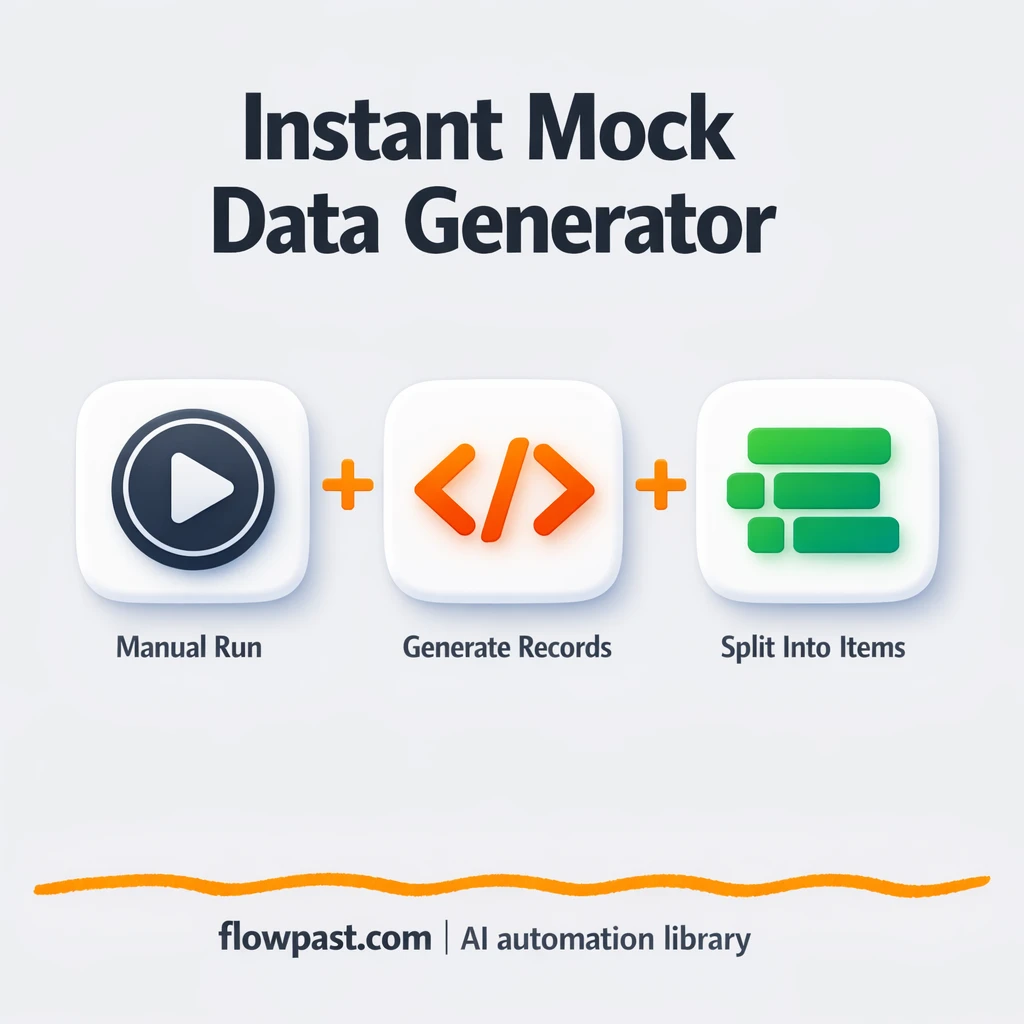

Testing an automation with “almost right” data is how you end up shipping broken mappings. One missing field, one unexpected null, one array that isn’t shaped how you thought, and suddenly you’re debugging the workflow instead of validating it.
Marketing ops teams feel this when lead fields shift mid-campaign. Agency builders hit it when every client has different columns. And if you run a small business, you just want your Google Sheets testing automation to behave before it touches real data.
This workflow gives you clean, consistent sample records on demand, then “fans them out” into individual items so you can test loops, mapping, and downstream nodes safely. You’ll see what it does, why it matters, and how to adapt it fast.
How This Automation Works
The full n8n workflow, from trigger to final output:
n8n Workflow Template: Google Sheets testing with consistent sample records
flowchart LR

    subgraph sg0["Start Workflow Flow"]
        direction LR
        n0["<div style='background:#f5f5f5;padding:10px;border-radius:8px;display:inline-block;border:1px solid #e0e0e0'><img src='https://flowpast.com/wp-content/uploads/n8n-workflow-icons/code.svg' width='40' height='40' /></div><br/>Generate Data Javascript"]
        n1["<div style='background:#f5f5f5;padding:10px;border-radius:8px;display:inline-block;border:1px solid #e0e0e0'><img src='https://flowpast.com/wp-content/uploads/n8n-workflow-icons/code.svg' width='40' height='40' /></div><br/>Generate Data Python"]
        n2@{ icon: "mdi:play-circle", form: "rounded", label: "Start Workflow", pos: "b", h: 48 }
        n3@{ icon: "mdi:swap-vertical", form: "rounded", label: "Split Out Javascript", pos: "b", h: 48 }
        n4@{ icon: "mdi:swap-vertical", form: "rounded", label: "Split Out Python", pos: "b", h: 48 }
        n2 --> n0
        n2 --> n1
        n1 --> n4
        n0 --> n3
    end

    %% Styling
    classDef trigger fill:#e8f5e9,stroke:#388e3c,stroke-width:2px
    classDef ai fill:#e3f2fd,stroke:#1976d2,stroke-width:2px
    classDef aiModel fill:#e8eaf6,stroke:#3f51b5,stroke-width:2px
    classDef decision fill:#fff8e1,stroke:#f9a825,stroke-width:2px
    classDef database fill:#fce4ec,stroke:#c2185b,stroke-width:2px
    classDef api fill:#fff3e0,stroke:#e65100,stroke-width:2px
    classDef code fill:#f3e5f5,stroke:#7b1fa2,stroke-width:2px
    classDef disabled stroke-dasharray: 5 5,opacity: 0.5
    class n2 trigger
    class n0,n1 code
    classDef customIcon fill:none,stroke:none
    class n0,n1 customIcon
The Problem: Testing Automations with Bad Sample Data
Most automations don’t fail because the logic is “hard.” They fail because the data is messy, inconsistent, or not what you assumed. You test with one perfect row in Google Sheets, it works, and then production sends a list of 20 items with missing fields and odd types. Now your Set node mapping is wrong, your loop behaves differently, and a downstream tool (like a CRM) rejects half the records. It’s frustrating because you didn’t do anything reckless. You just didn’t have realistic, repeatable test inputs.
And the worst part is how long this wastes. Not in one big chunk, but in constant restarts and tiny fixes.
- You end up copying and pasting fake rows into spreadsheets every time you tweak a node.
- One-off manual tests don’t expose how your workflow behaves with lists, which is where most edge cases hide.
- Mapping gets “validated” against unrealistic inputs, so you only discover problems after you connect real systems.
- Iteration slows down because every test requires rebuilding the same data again and again.
The Solution: Generate Sample Records, Then Split Into Clean Items
This workflow is a minimal scaffold for one job: generate consistent mock records and turn them into individual items so you can test downstream steps like loops, field mapping, pagination logic, and integrations. It starts with a manual trigger in n8n, then creates an array of 20 sample records with predictable fields (index, num, and test). From there, it uses “Split Out” to emit one item per record, so the next nodes in your workflow behave the same way they would with real list data. You also get both JavaScript and Python versions side-by-side, which makes it easy to stick with what you’re comfortable with (or teach it to someone else).
The workflow begins when you click Execute. It builds a batch of sample records in either the JavaScript or Python branch, then splits that array into 20 separate items you can pipe into anything next. Clean inputs, repeatable tests, no real data required.
What You Get: Automation vs. Results
| What This Workflow Automates | Results You’ll Get |
|---|---|
|
|
Example: What This Looks Like
Say you’re building a Google Sheets → Pipedrive import and you want to test 20 “new leads” end-to-end. Manually, creating 20 realistic rows plus checking field mapping usually takes about 40 minutes, and you redo it every time a field changes. With this workflow, you click Execute, get 20 consistent items immediately, and run your mapping tests right away. Most teams cut that iteration loop down to about 10 minutes per change, which adds up fast over a week.
What You’ll Need
- n8n instance (try n8n Cloud free)
- Self-hosting option if you prefer (Hostinger works well)
- Google Sheets if you want to push test rows.
- Pipedrive to validate CRM field mappings.
- No API keys required (this runs standalone by default).
Skill level: Beginner. You’ll click Execute, choose the JS or Python branch, then connect the output to whatever you’re testing.
Don’t want to set this up yourself? Talk to an automation expert (free 15-minute consultation).
How It Works
Manual launch. You run the workflow from n8n’s manual trigger, which makes it perfect for testing and prototyping without waiting for live events.
Sample record generation. The workflow builds an array of 20 objects with a predictable structure (index, num, test). There are two options here: a JavaScript Code node or a Python Code node. Same output shape, different language.
Fan-out into real “items.” Split Out takes that array stored in item.json.barr and emits one item per element, which is exactly what many integrations do when they return lists.
Ready for downstream testing. Once you have 20 items, you can connect anything next: a Set node, an HTTP Request, Google Sheets writes, or a Pipedrive create/update action. This is where you validate that your mappings and loops hold up.
You can easily modify the sample fields to match your real schema based on your needs. See the full implementation guide below for customization options.
Step-by-Step Implementation Guide
Step 1: Configure the Manual Trigger
Set up the manual trigger to start the workflow on demand for sample data generation.
- Add the Manual Launch Trigger node as the starting point of the workflow.
- Leave default settings as-is since no parameters are required.
Step 2: Set Up the Parallel Sample Record Builders
Create two parallel branches that generate sample arrays using JavaScript and Python.
- Connect Manual Launch Trigger to Build Sample Records JS and Build Sample Records Py.
- Confirm the parallel path: Manual Launch Trigger outputs to both Build Sample Records JS and Build Sample Records Py in parallel.
- In Build Sample Records JS, set JavaScript Code to
// In n8n Code node, "items" is an array of input objects // You must return an array of items at the end return items.map(item => { const arr = []; for (let i = 0; i < 20; i++) { arr.push({ index: i, num: i + 1, test: "asdasd" }); } // attach to item.json item.json.barr = arr; return item; }); - In Build Sample Records Py, set Language to
pythonand Python Code toarr = [{"index": i, "num": i + 1, "test": "asdasd"} for i in range(20)] return [{"json": {"barr": arr}}]
Step 3: Expand the Generated Arrays
Split each generated array into individual items for downstream processing or inspection.
- Connect Build Sample Records JS to Expand JS Items.
- Set Field to Split Out in Expand JS Items to
barr. - Connect Build Sample Records Py to Expand Py Items.
- Set Field to Split Out in Expand Py Items to
barr.
Step 4: Add Workflow Notes (Optional)
Include the branding note to document the workflow purpose in the canvas.
- Add the Flowpast Branding sticky note to the canvas for reference.
- Set Content to
## Flowpast.com | Automation Workflow Library
**📖 Full tutorial & setup guide:** flowpast.com
.
Step 5: Test and Activate Your Workflow
Run the workflow manually to verify that both branches generate and expand sample records correctly.
- Click Execute Workflow to trigger Manual Launch Trigger.
- Verify that Expand JS Items and Expand Py Items each output 20 items with
index,num, andtestfields. - When results look correct, save the workflow and activate it for ongoing manual use.
Common Gotchas
- Google Sheets credentials can expire or need specific permissions. If things break, check the Google connection in n8n’s Credentials screen first.
- If you’re using Wait nodes or external rendering, processing times vary. Bump up the wait duration if downstream nodes fail on empty responses.
- Default prompts in AI nodes are generic. Add your brand voice early or you’ll be editing outputs forever.
Frequently Asked Questions
About 10 minutes after you import the workflow.
No. You can run it as-is and use the output immediately. If you want custom fields, you’ll edit a small snippet in the Code node.
Yes. n8n has a free self-hosted option and a free trial on n8n Cloud. Cloud plans start at $20/month for higher volume. You’ll also need to factor in any optional tool costs if you add services like OpenAI or Pipedrive.
Two options: n8n Cloud (managed, easiest setup) or self-hosting on a VPS. For self-hosting, Hostinger VPS is affordable and handles n8n well. Self-hosting gives you unlimited executions but requires basic server management.
Yes, and it’s honestly the best way to use it. Keep the Split Out node exactly as-is, then edit the “Build Sample Records JS” or “Build Sample Records Py” Code node to output fields like email, name, phone, and ownerId alongside the existing index. Common tweaks include generating a fake email per row, adding a status field for branching tests, and creating a nested object to mimic what an API returns.
Usually it’s not the workflow, it’s the credential. Reconnect Google Sheets in n8n, then confirm the account has access to the target spreadsheet and the correct Drive. If you’re writing rows, double-check you’re using the right sheet/tab name, because a renamed tab can look like a “missing document” error.
By default it generates 20, but you can raise that number to hundreds for stress tests.
For mock-data generation and fan-out testing, yes, most of the time. n8n lets you create arrays, reshape objects, and split items with more control, and you don’t pay extra just because you need branching logic. Zapier and Make are still fine for straightforward “when row added, do X” tasks, but they’re awkward when you want repeatable test datasets and loop behavior that matches production. Also, being able to self-host matters if you’re doing lots of runs during build-out. Talk to an automation expert if you want help choosing the right stack for your workflow volume.
Clean test data makes everything else easier. Set this up once, use it whenever you’re building or changing a workflow, and keep production data out of your experiments.
Need Help Setting This Up?
Our automation experts can build and customize this workflow for your specific needs. Free 15-minute consultation—no commitment required.
