


Paddle + Google Sheets: coupons logged without errors
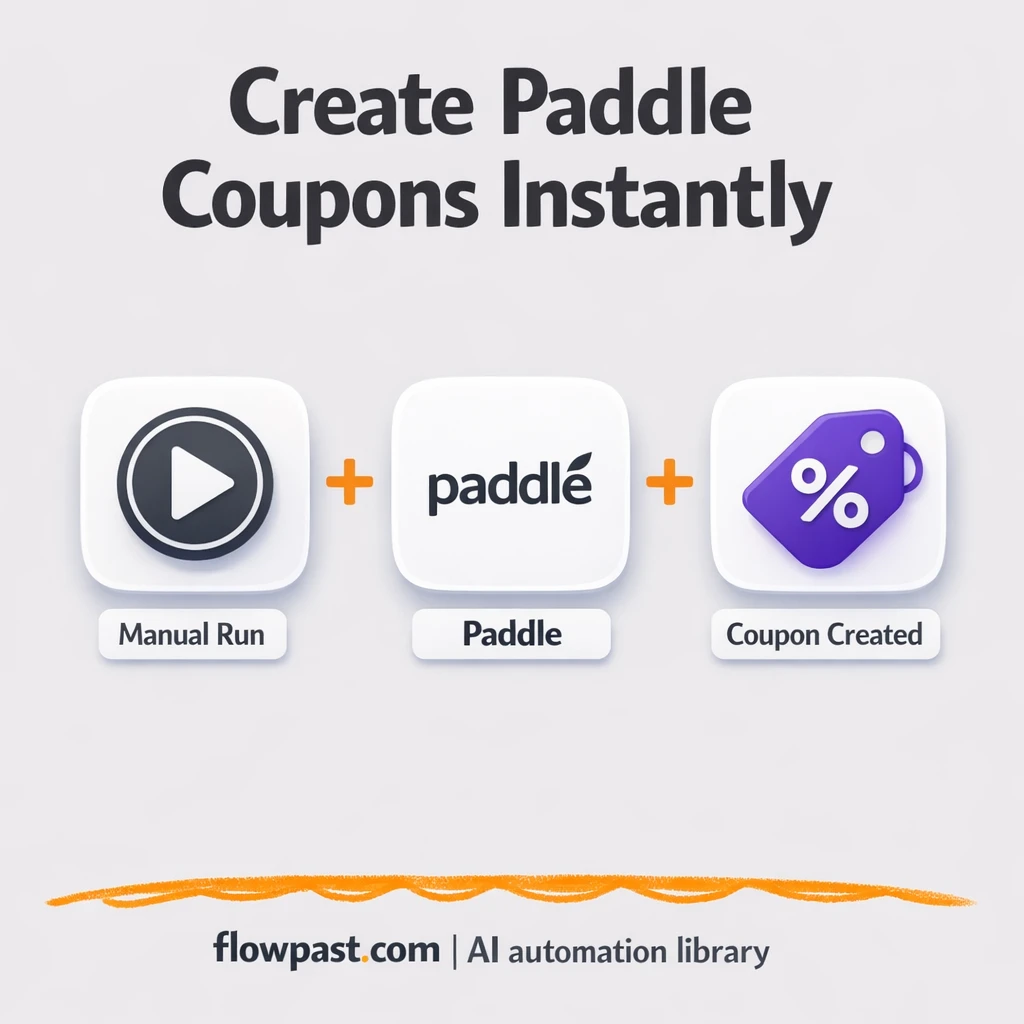

Coupon launches should be simple. But if you’ve ever created a promo code in Paddle, copied it into a spreadsheet, then hunted through Slack threads later to confirm what you shipped, you know how messy it gets.
Marketing managers feel it during campaign crunch time. Founders feel it when support asks “which code did we send?” And ops folks end up cleaning it up. This Paddle coupon logging automation gives you a clean, reliable record of every coupon you generate, without relying on memory or manual copy-paste.
You’ll see how the workflow works, what you need to run it, and how to adapt it so every promo code has a single source of truth in Google Sheets.
How This Automation Works
See how this solves the problem:
n8n Workflow Template: Paddle + Google Sheets: coupons logged without errors
flowchart LR

    subgraph sg0["Manual Run Flow"]
        direction LR
        n0@{ icon: "mdi:play-circle", form: "rounded", label: "Manual Run Trigger", pos: "b", h: 48 }
        n1["<div style='background:#f5f5f5;padding:10px;border-radius:8px;display:inline-block;border:1px solid #e0e0e0'><img src='https://flowpast.com/wp-content/uploads/n8n-workflow-icons/paddle.png' width='40' height='40' /></div><br/>Generate Paddle Coupon"]
        n0 --> n1
    end

    %% Styling
    classDef trigger fill:#e8f5e9,stroke:#388e3c,stroke-width:2px
    classDef ai fill:#e3f2fd,stroke:#1976d2,stroke-width:2px
    classDef aiModel fill:#e8eaf6,stroke:#3f51b5,stroke-width:2px
    classDef decision fill:#fff8e1,stroke:#f9a825,stroke-width:2px
    classDef database fill:#fce4ec,stroke:#c2185b,stroke-width:2px
    classDef api fill:#fff3e0,stroke:#e65100,stroke-width:2px
    classDef code fill:#f3e5f5,stroke:#7b1fa2,stroke-width:2px
    classDef disabled stroke-dasharray: 5 5,opacity: 0.5
    class n0 trigger
    classDef customIcon fill:none,stroke:none
    class n1 customIcon
The Challenge: Coupon Codes Get Lost (and Mismatched)
Generating coupons sounds like a small task until you do it repeatedly. You create a code in Paddle, then you need to share it with the team, confirm the discount rules, and make sure it’s logged somewhere you can trust later. The manual process invites little mistakes: a missing character, a coupon created with the wrong duration, or a spreadsheet row that never gets filled in. Then next month someone asks, “Which coupon did we use for that webinar?” and you’re digging through old messages instead of running the next campaign.
It adds up fast. Here’s where it breaks down in real teams.
- Someone creates a coupon in Paddle, but forgets to log it, so the code lives only in a chat message.
- Copy-paste errors happen more often than people admit, especially when you’re moving fast.
- There’s no consistent naming convention, which means reporting on promos turns into guesswork.
- Support and sales can’t confidently answer “is this code still valid?” without interrupting marketing.
The Fix: Create Paddle Coupons and Log Them in Sheets
This workflow turns coupon creation into a repeatable, trackable process. You trigger it manually when you need a new promo (for a launch, partner deal, webinar, or retention push). n8n sends the request to Paddle to generate the coupon, then your workflow can capture the important details you’ll want later: the coupon code itself, what it’s for, when it was created, and any internal notes your team uses to keep campaigns straight. From there, the workflow logs that coupon to Google Sheets so you have one running ledger you can search, filter, and share. No more “where did we put that code?” moments.
The workflow starts with a manual trigger inside n8n. Paddle generates the coupon. Then you extend the flow to write a new row into Google Sheets (and optionally notify Twake or Mattermost so everyone sees the code right away).
What Changes: Before vs. After
| What This Eliminates | Impact You’ll See |
|---|---|
|
|
Real-World Impact
Say you run 3 promos a week and, each time, you do the same manual routine: create the coupon in Paddle (about 10 minutes), paste it into a tracking sheet (5 minutes), then message it to the team in chat (another 5 minutes). That’s roughly an hour a week, plus the inevitable “wait, which code is correct?” follow-ups. With this workflow, you trigger the coupon creation once, and the logging happens automatically. The work drops to a few minutes per promo, and the record is already there when someone asks.
Requirements
- n8n instance (try n8n Cloud free)
- Self-hosting option if you prefer (Hostinger works well)
- Paddle to create coupons via your account.
- Google Sheets to store your coupon ledger.
- Paddle API credentials (get them from your Paddle dashboard API settings).
Skill level: Beginner. You’ll connect Paddle and set one Sheet table up.
Need help implementing this? Talk to an automation expert (free 15-minute consultation).
The Workflow Flow
Manual run starts the request. You click to run the workflow in n8n when you need a new coupon created, which is perfect for launches where you want control over timing.
Paddle generates the coupon. n8n sends the coupon settings to Paddle and gets back the coupon code (and other coupon details), so you’re not copying anything by hand.
Logging and notifications happen next. Add a Google Sheets step to append a new row, and optionally send the coupon to Twake or Mattermost so your team sees it instantly.
Your tracking becomes reliable. When the code lives in a structured sheet, you can filter by campaign name, partner, date created, or status.
You can easily modify the coupon fields you capture to match your campaign process. See the full implementation guide below for customization options.
Step-by-Step Implementation Guide
Step 1: Configure the Manual Trigger
Set up the manual trigger that starts the workflow on demand.
- Add the Manual Run Trigger node to your canvas.
- Leave the default settings as-is since this node does not require configuration.
- Connect Manual Run Trigger to Generate Paddle Coupon to follow the execution flow.
Step 2: Connect Paddle
Authenticate the Paddle node so it can create coupons in your Paddle account.
- Open the Generate Paddle Coupon node.
- Credential Required: Connect your paddleApi credentials.
Step 3: Configure Generate Paddle Coupon
Define the coupon details that Paddle will create.
- In Generate Paddle Coupon, set Discount Amount to
2. - In Additional Fields, set Coupon Code to
n8n-docs.
Step 4: Test and Activate Your Workflow
Run the workflow manually to confirm Paddle returns a successful coupon creation response.
- Click Execute Workflow in n8n to run Manual Run Trigger.
- Verify that Generate Paddle Coupon returns a coupon object in the node output.
- When satisfied, toggle the workflow to Active to enable production use.
Watch Out For
- Paddle credentials can expire or need specific permissions. If things break, check the API credentials section in your Paddle dashboard first.
- If you’re using Wait nodes or external rendering, processing times vary. Bump up the wait duration if downstream nodes fail on empty responses.
- Default prompts in AI nodes are generic. Add your brand voice early or you’ll be editing outputs forever.
Common Questions
About 30 minutes once your Paddle API access is ready.
Yes. You will mostly connect accounts and map a few fields to your Google Sheet.
Yes. n8n has a free self-hosted option and a free trial on n8n Cloud. Cloud plans start at $20/month for higher volume. You’ll also need to factor in Paddle costs (usually none per coupon API call) and any Google Workspace limits your team has.
Two options: n8n Cloud (managed, easiest setup) or self-hosting on a VPS. For self-hosting, Hostinger VPS is affordable and handles n8n well. Self-hosting gives you unlimited executions but requires basic server management.
You can keep the same Manual Run Trigger and Paddle coupon step, then add or swap the logging step depending on where your team works. Most people add a Google Sheets “append row” action, then include fields like campaign name, channel, owner, and an expiry note. If you want alerts, route the same coupon output to Twake or Mattermost. And if you need approvals, drop an “If” decision in the middle so only certain coupon types get created.
Usually it’s an invalid or rotated API credential in Paddle. Update the credential in n8n, then run the workflow again to confirm it can create a coupon. If it still fails, check that the Paddle account has API access enabled and that you’re pointing at the right environment (sandbox vs. live). Rate limiting is uncommon here, but it can happen if you fire a bunch of coupon creations back-to-back.
It’s basically as high as your n8n plan and Paddle API limits allow, and for most teams that means “plenty.”
Often, yes, especially if you want clean control over logic and logging. n8n makes it easier to add conditions (like “only create partner coupons if a field is filled”), and you can self-host for unlimited executions if you’re generating lots of codes. It also keeps the whole flow in one place, which is nice when you need to troubleshoot quickly. Zapier and Make can be faster to set up for a simple 2-step “create coupon → add row,” so if that’s all you need, they’re fine. If you’re unsure, Talk to an automation expert and we’ll map the cheapest, lowest-maintenance option.
This is the kind of workflow you set up once and quietly benefit from for years. The coupons keep moving, the spreadsheet stays accurate, and you stop wasting time proving what you already did.
Need Help Setting This Up?
Our automation experts can build and customize this workflow for your specific needs. Free 15-minute consultation—no commitment required.
