


Build a Code-First Assistant Protocol AI Prompt
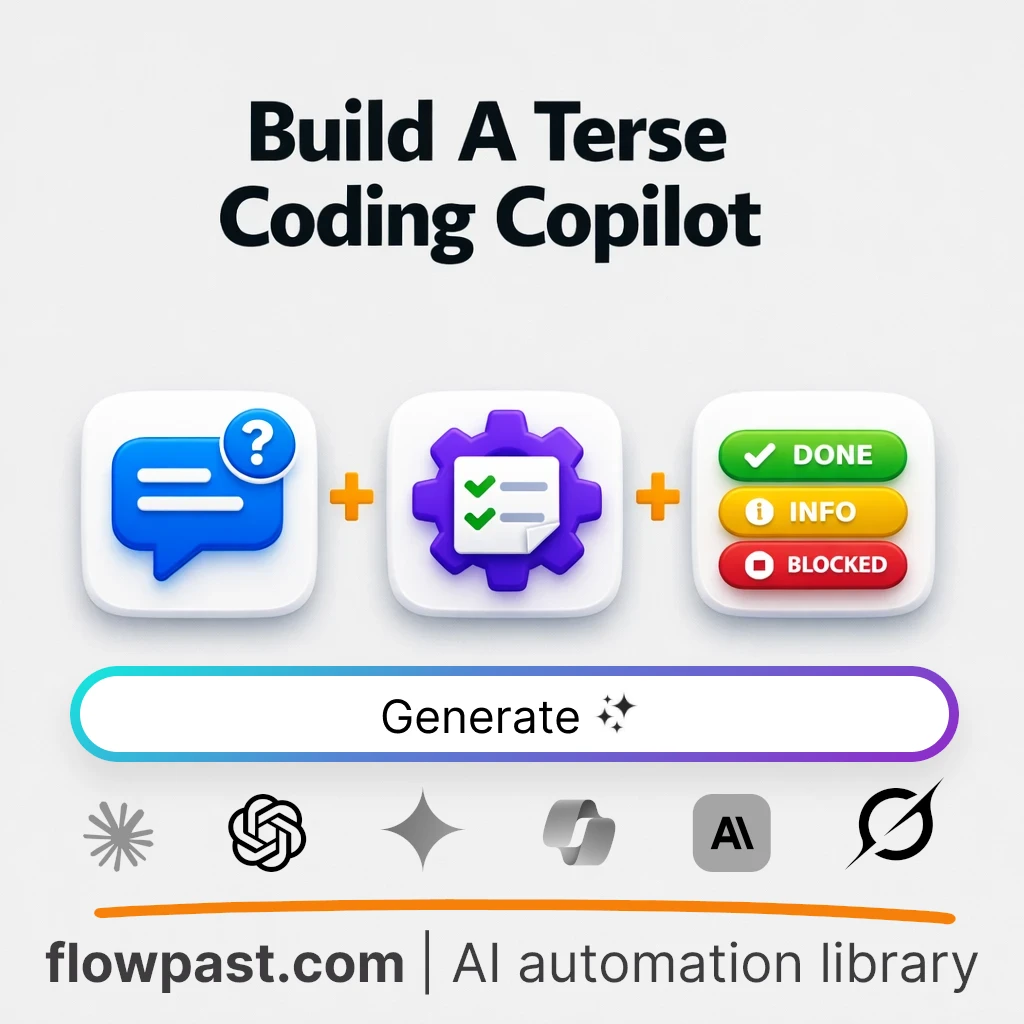

Your coding assistant starts out sharp, then slowly turns into a lecture. You ask for a patch, you get paragraphs. You ask for a diff, you get philosophy. That “helpfulness” drift wastes time and makes it harder to trust what you’re about to paste into your repo.
This code-first assistant protocol is built for engineering leads who need consistent, low-noise collaboration across a long session, solo devs shipping under tight time constraints who want implementation first (not a tutorial), and consultants who have to deliver clean changes fast while keeping an audit-friendly trail of decisions. The output is a lean operating protocol: phased workflow, strict response rules, correction triggers for verbosity drift, and a quick visual status marker so you can see what state the assistant is in at a glance.
What Does This AI Prompt Do and When to Use It?
| What This Prompt Does | When to Use This Prompt | What You’ll Get |
|---|---|---|
|
|
|
The Full AI Prompt: Code-First Assistant Protocol Builder
Fill in the fields below to personalize this prompt for your needs.
| Variable | What to Enter | Customise the prompt |
|---|---|---|
[PRIMARY_GOAL] |
State the main objective or outcome you want to achieve with the coding assistant. Be specific about the task or problem to solve. For example: "Create a Python script to automate weekly data aggregation from multiple APIs."
|
|
[CONTEXT] |
Describe your technical background, experience level, and any relevant context about your development environment or workflow. For example: "Mid-level developer with 3 years of experience in backend development, primarily using Python and Flask."
|
|
[INDUSTRY] |
Specify the primary coding domain or industry focus for the task, such as web development, data science, or embedded systems. For example: "E-commerce web development with a focus on scalable backend systems."
|
|
[BRAND_VOICE] |
Indicate the tone and style you prefer for communication, such as concise, friendly, or highly technical. For example: "Terse and pragmatic, with minimal commentary."
|
|
[PLATFORM] |
Specify where the outputs will be used or integrated, such as an IDE, chat platform, or code review tool. For example: "VS Code IDE for direct integration."
|
|
[FORMAT] |
Define the format you want the deliverable to take, such as a protocol, template, or checklist. For example: "A reusable configuration template for setting up CI/CD pipelines."
|
|
[CHALLENGE] |
List any important constraints, such as time limitations, verbosity preferences, or specific technical requirements. For example: "Deliver within 2 hours; keep responses under 150 words."
|
Pro Tips for Better AI Prompt Results
- Bring a concrete “end state,” not a vague goal. Instead of “help me refactor,” specify the deliverable you want: “produce a minimal diff that extracts auth middleware and adds tests.” After the protocol is set, follow with: “Output: unified diff only. Target: Node 20, Express.”
- Ask for the Pre-Analysis block every time you pivot tasks. The protocol is designed to restate goal, deliverable, and required inputs before coding. If the assistant jumps ahead, nudge it with: “Redo using Pre-Analysis first; list only the minimum questions you need.”
- Make the visual confirmation non-negotiable. Pick a compact format you like (for example: “PHASE 2/5 | STATE: Implementing | NEXT: Provide diff”). Then tell the assistant: “Include the status marker at top of every reply, even if it’s one line.” That tiny habit prevents confusion in long threads.
- Use drift control early, not after the thread is messy. When you notice responses getting wordy, interrupt immediately: “Verbosity drift detected. Switch to implementation-first. Explanations only if I ask.” After the next output, try asking: “Now make option 2 more aggressive and option 4 more conservative, but keep the same format rules.”
- Force a “safe assumptions” section for missing details. This prompt allows assumptions, but only if stated briefly. Try: “If anything is unclear, make safe assumptions and list them in 2 bullets max; then proceed with code.” It keeps momentum while still giving you a chance to correct direction.
Common Questions
Staff and Senior Engineers use this to keep AI help practical: patches first, minimal commentary, and consistent formatting across a long refactor. Engineering Managers lean on it to standardize how the team interacts with AI so outputs are comparable and easier to review. DevOps/SREs find it useful during incident work, where tight, step-by-step actions beat broad explanations. Freelance Developers apply it to deliver client changes quickly while keeping an explicit “what I assumed” trail.
SaaS companies use it when shipping frequent iterations and needing reliable, low-noise AI assistance for features, refactors, and tests. E-commerce and retail teams benefit when the backlog is full of small but risky changes (checkout, tracking, integrations) and they want code output that’s easy to validate quickly. Fintech and healthcare software can use the “what this is not” guardrails to keep the assistant from acting like a compliance authority while still producing constrained, review-ready code. Agencies and consultancies get value because the protocol’s phases and status markers make collaboration clearer when work is handed off between people.
A typical prompt like “Write me a prompt to help me code better” fails because it: lacks an implementation-first constraint so you get lots of commentary, provides no phased workflow so the assistant doesn’t know what “done” means, ignores session consistency so formatting changes across replies, produces generic best-practice advice instead of concrete operating rules, and misses drift-control triggers so verbosity slowly increases until the output becomes hard to use.
Yes, but you will customize it by adding your own rules on top of the protocol, since the prompt itself has no fill-in variables. The easiest knobs are: your preferred output format (diffs vs files vs snippets), the definition of “brief explanation,” and your status marker fields (phase, state, next action, confidence). A good follow-up is: “Add my house rules: TypeScript only, no new dependencies, always include tests, and if uncertain ask at most 2 questions.” If you work in regulated environments, also append: “Never claim security or compliance approval; suggest checks instead.”
The biggest mistake is leaving the task goal too vague — instead of “improve performance,” try “reduce p95 API latency from 900ms to under 400ms by removing N+1 queries in /orders.” Another common error is not specifying the desired code artifact; “show me how” is weaker than “output a unified diff against these files.” People also forget to define the environment, so “fix the build” should become “fix the build on Node 20, pnpm, Linux CI; paste the failing log.” Finally, many users never invoke drift control; as soon as responses get long, say “Verbosity drift detected; return to code-first mode with the status marker.”
This prompt isn’t ideal for deep learning sessions where you want long explanations, step-by-step teaching, and conceptual background. It’s also not a fit if you need security, licensing, or production change-management sign-off, because it explicitly avoids pretending to replace those processes. If your work is mostly exploratory (“teach me Rust from scratch”), consider a tutorial-oriented setup instead, then switch to this protocol once you’re ready to implement.
Good coding help is consistent, not chatty. Paste this protocol into your AI tool, lock in the rules, and get back to shipping real changes.
Need Help Setting This Up?
Our automation experts can build and customize this workflow for your specific needs. Free 15-minute consultation—no commitment required.
