


n8n
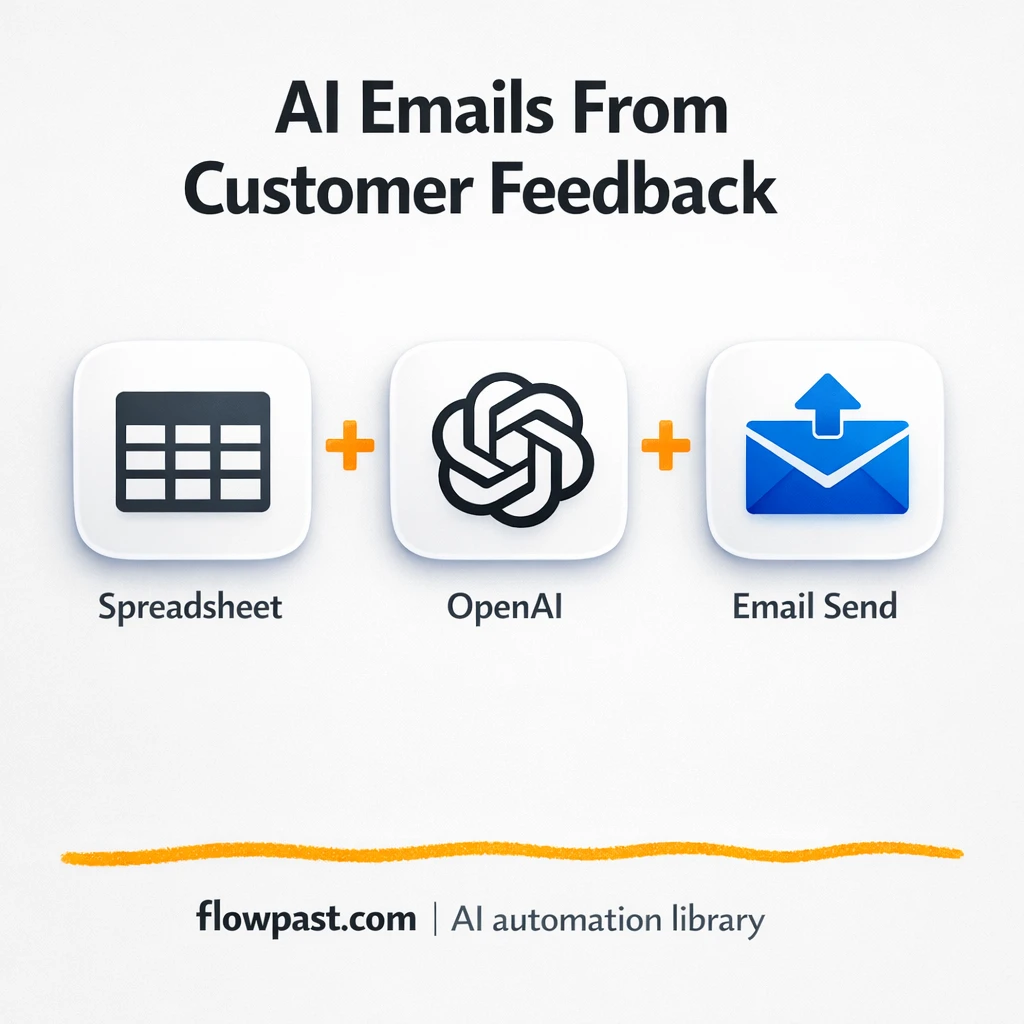
Google Sheets + OpenAI: smarter feedback follow-ups
Pull feedback from Google Sheets and use OpenAI to gauge sentiment, draft on brand replies,…
Automatically request, capture, and organize reviews after every purchase—route feedback to the right team, spot issues fast, and turn happy customers into public proof on the channels you care about.
A workflow usually starts with an order event (like “delivered” in Shopify) or a simple form submission. n8n then sends a personalized request by email, SMS, or WhatsApp, waits a set time, and records the response in Google Sheets or Airtable. If the feedback is negative, it can alert your team in Slack and open a support task. With AI (OpenAI or Gemini), you can auto-summarize comments, detect sentiment, and tag topics so trends are obvious.
Not really. Most Flowpast workflows are plug-and-play: connect your accounts, choose your timing, and publish. If you can set up an email template, you can run this. For advanced setups—like branching by product category or multilingual prompts—there’s light configuration, but you will not need to code.
For many teams, it saves about 2 hours a week right away, because reminders, logging, and routing happen automatically. If you’re currently copying comments into a spreadsheet, chasing customers for reviews, or manually flagging bad experiences, the savings can be much bigger. The hidden win is speed: you respond to unhappy buyers the same day, not next week. That protects ratings and keeps small issues from turning into public complaints.
You need an n8n workspace and access to the tools you want to connect (often Shopify, Gmail, Google Sheets, and Slack). Make sure you have permission to send emails from your domain and a basic post-purchase timeline (for example, request a review about 7 days after delivery). If you’re using AI steps, bring an API key for OpenAI or Gemini and decide what you’ll store: full text, a summary, and a sentiment label are usually enough.
Get instant access to every AI workflow and prompt. One email, full access.
Join 5,000+ automation pros. No spam.
Get instant access to the template and step-by-step guide
Full access unlocked. Here's what you can do now:
Get personalized help setting up your workflow.
Free 15-minute consultation — no commitment required.