


n8n
Scrapeless + Google Sheets: SEO topics to drafts
Scrapeless finds trending keywords and competitor insights, then logs priorities in Google Sheets and saves…
Automate lead capture, client reporting, content ops, and approvals with ready-to-run n8n workflows. Spend less time on admin and more time shipping campaigns that win.
The biggest wins usually come from removing handoffs. Route website leads to HubSpot, notify the right owner in Slack, and log everything to Google Sheets for visibility. Automate client reporting: pull metrics, generate a summary, and email it on a schedule. Standardize intake with forms, then create tasks and timelines. You can also run content ops: collect approvals, track assets, and trigger reminders when feedback stalls—honestly, that alone saves hours each week.
Account managers, performance marketers, and ops leads benefit fastest because they live in follow-ups, status updates, and reporting.
If you start from a proven workflow, many teams are live in about 2 hours. Simple automations—like lead capture to HubSpot with Slack alerts—can be done the same day. More advanced setups (multi-client reporting, approval loops, and data normalization) usually take a few work sessions because you’ll want to map naming conventions and permissions. The good news: you can ship a “version one” quickly, then refine as you see real usage.
Yes. You can swap tools, add steps, and tailor fields to match how your agency works. For example, keep your existing intake form, but change routing rules by service line (SEO, PPC, creative) and client tier. Add guardrails like required UTM fields, approval checkpoints, or “quiet hours” for notifications. If you manage multiple clients, you can duplicate the workflow per client or use a single template with client-specific variables.
Scrapeless finds trending keywords and competitor insights, then logs priorities in Google Sheets and saves…
Turn Jotform PDF uploads into a Supabase knowledge base for chat replies. Reduce repeat questions,…
Slack questions get draft replies grounded in Google Docs. Stay accurate, keep your tone consistent,…

Turn closed Jira tickets into a searchable Pinecone knowledge base. Reduce repeat questions and faster…
Ask support questions in Slack and get clear, researched replies from OpenAI. Cut context switching…
Turn Slack starred messages into clean Notion pages with smart titles, tags, and permalinks. Keep…
Turn new Google Sheets rows into Google Calendar events with clean dates, consistent details, and…
New Microsoft Outlook emails get categorized with OpenRouter and filed into the right folders. Less…
Turn Google Drive files into consistent, sourced answers with OpenAI and Pinecone. Keep teams aligned…
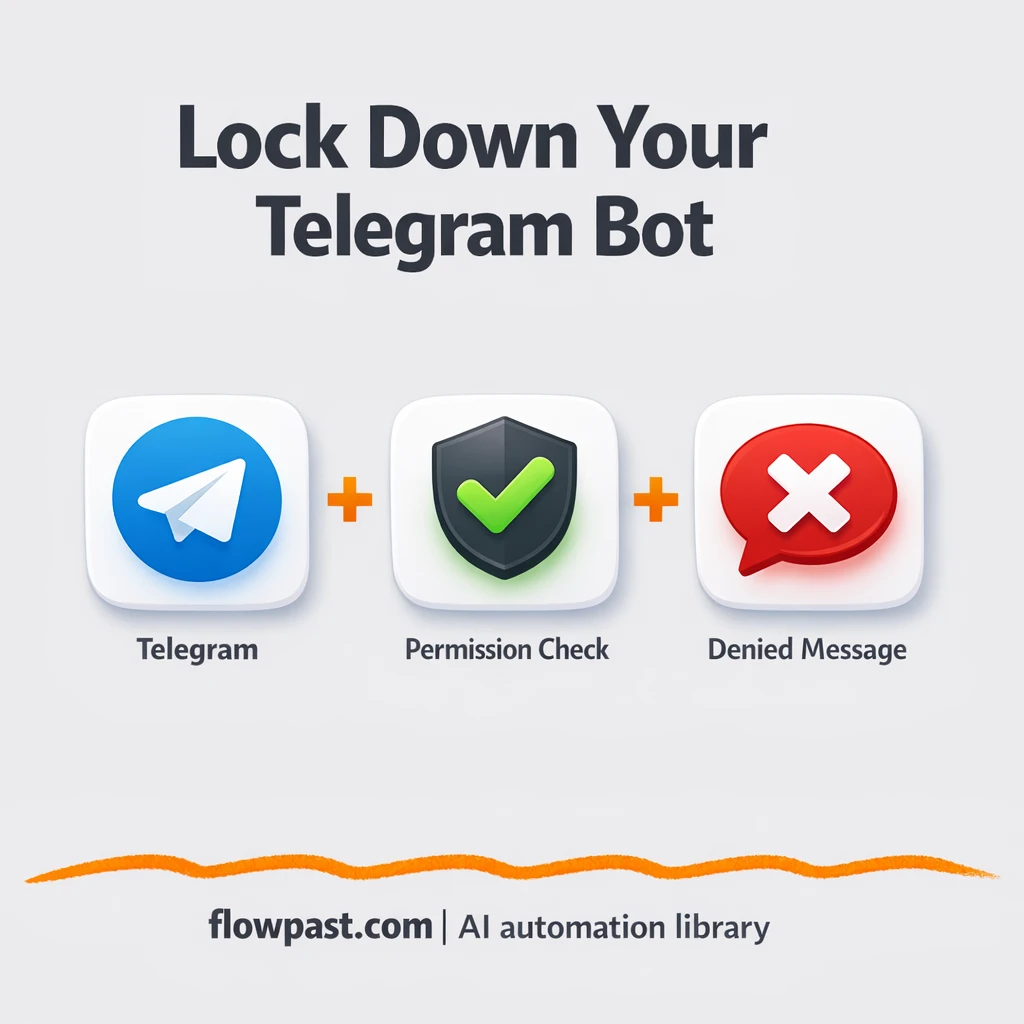
Control who can use your Telegram bot with a Google Sheets allowlist. Block unknown users,…
Get instant access to every AI workflow and prompt. One email, full access.
Join 5,000+ automation pros. No spam.
Get instant access to the template and step-by-step guide
Full access unlocked. Here's what you can do now:
Tell us what you'd like to automate — we'll show you what's possible for your team.