


n8n
Telegram + VirusTotal: safer links before you click
Send any link to a Telegram bot and get a clear risk summary from VirusTotal.…
Browse ready-to-use n8n workflows for Google Drive: auto-organize files, sync folders with Sheets, notify teams in Slack, and route uploads to the right people—no manual chasing.
In n8n, add a Google Drive node (or start from a Flowpast workflow) and choose “Create new credential.” Sign in to the Google account that owns or can access the Drive files, then approve the permissions. Use a shared drive? Make sure your account has access and select the right drive/folder inside the node. Honestly, most connection issues come from picking the wrong Google account in the OAuth window or lacking folder permissions.
A lot: auto-save email attachments into Drive, move new uploads into client folders, rename files using a consistent pattern, and post Slack alerts when something lands. You can also log file metadata to Google Sheets, create Notion records for deliverables, or run OpenAI to summarize documents and store the summary alongside the file. If your team keeps asking “where is the latest version?”, automation can fix that fast.
Yes—you’ll need a Google account with access to the folders and files your workflow will read or write.
Permissions are the big one: a workflow can’t move or share what the connected account can’t access. Shared Drives may behave differently than “My Drive,” so you’ll want to select the correct drive and folder IDs. Also, triggers can miss changes if files are updated in bulk or moved rapidly; for high-volume folders, scheduled checks are sometimes more reliable. Finally, naming and folder structures matter—set a simple convention first, then automate it.
Send any link to a Telegram bot and get a clear risk summary from VirusTotal.…
Validate emails with Hunter, then send polished PDFs via Gmail and archive them in Supabase.…
Back up your key setups to Google Drive and keep tidy, timestamped folders. Add Slack…
Grade scanned OMR answer sheets with Gemini and log results to Google Sheets. Cut manual…
Turn Jotform PDF uploads into a Supabase knowledge base for chat replies. Reduce repeat questions,…
Outlook attachments are saved into OneDrive in neatly named folders. Keep files traceable and searchable.…
Telegram voice notes turn into clean, searchable text using OpenAI, with access control, long message…
CloudWatch Application Insights details show up in Slack on demand. Cut console hopping and keep…
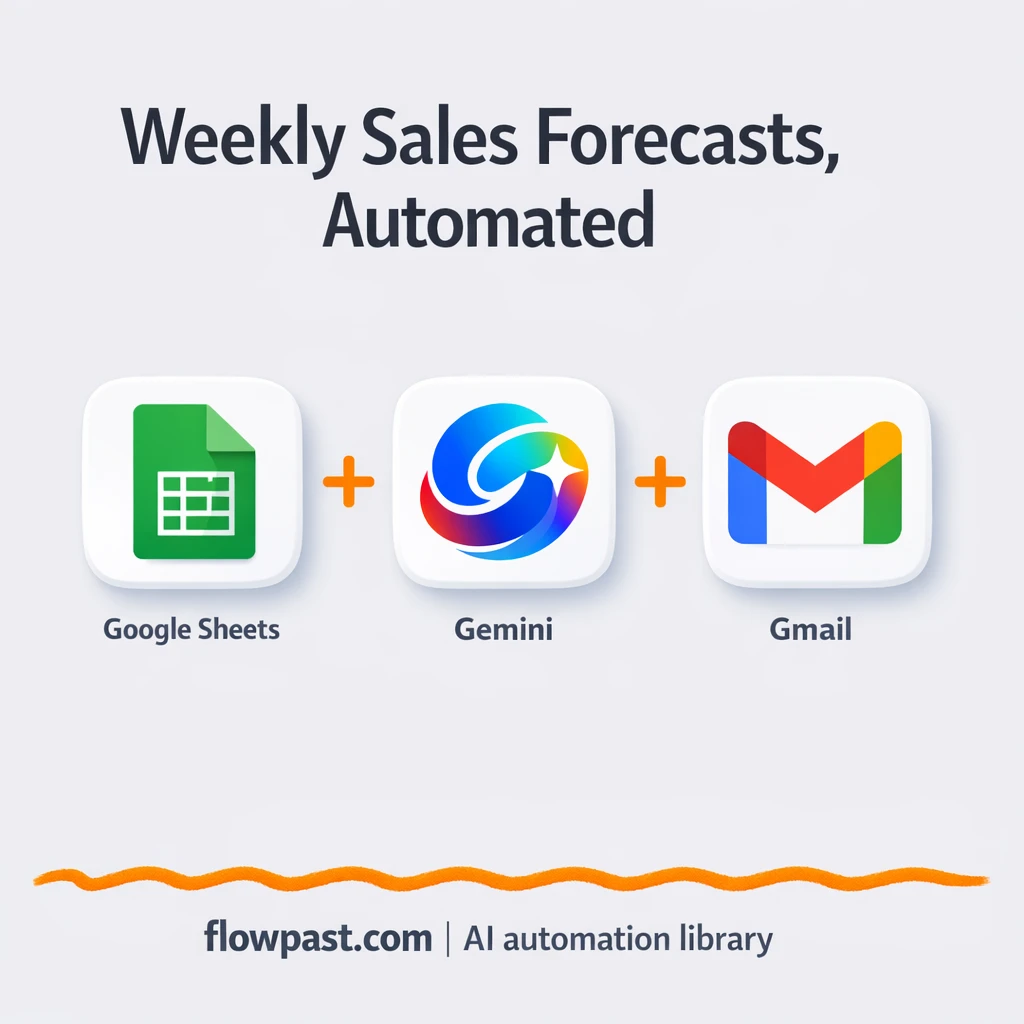
Turn Google Sheets history into a reliable weekly sales forecast and email it via Gmail.…
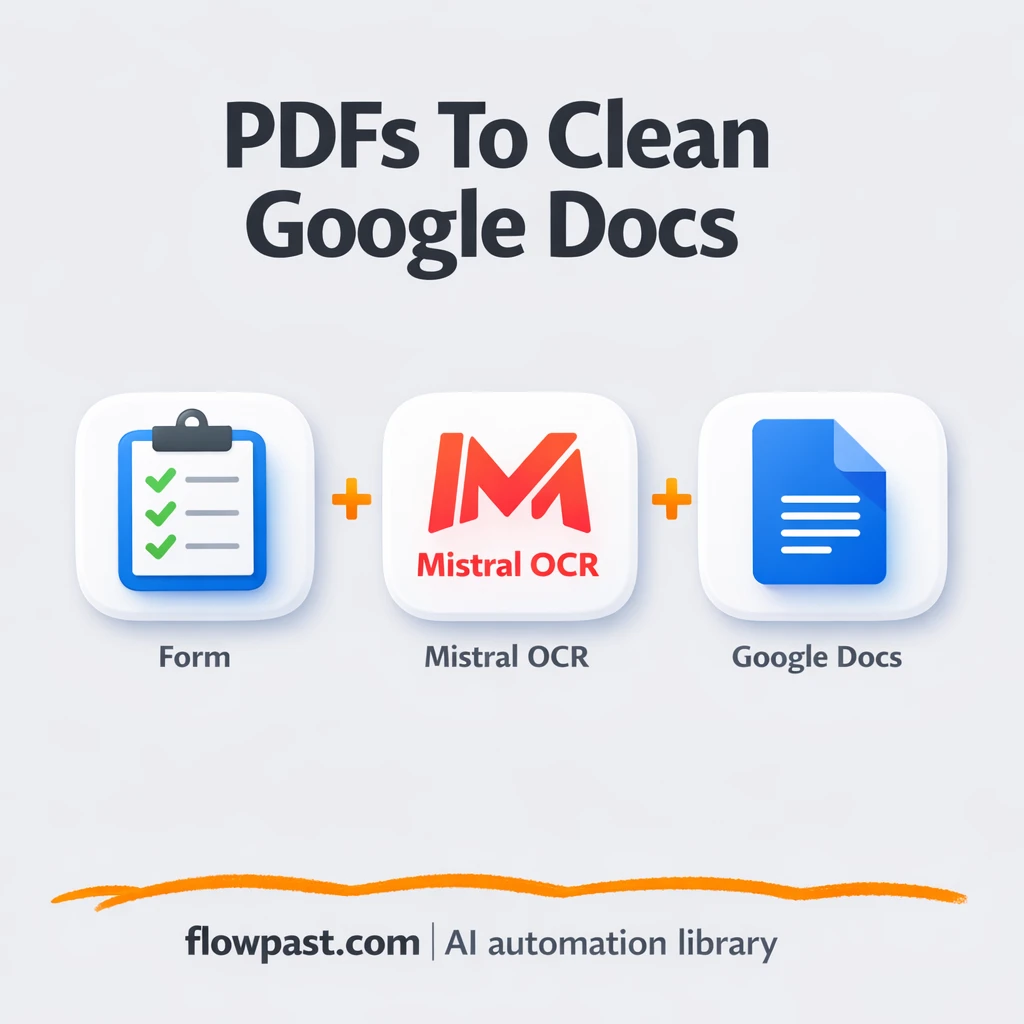
Turn PDFs into clean, editable Google Docs using Mistral OCR and Google Drive. No retyping…
Get instant access to every AI workflow and prompt. One email, full access.
Join 5,000+ automation pros. No spam.
Get instant access to the template and step-by-step guide
Full access unlocked. Here's what you can do now:
Tell us what you'd like to automate — we'll show you what's possible for your team.