

n8n
Create ticket on specific customer messages in Telegram
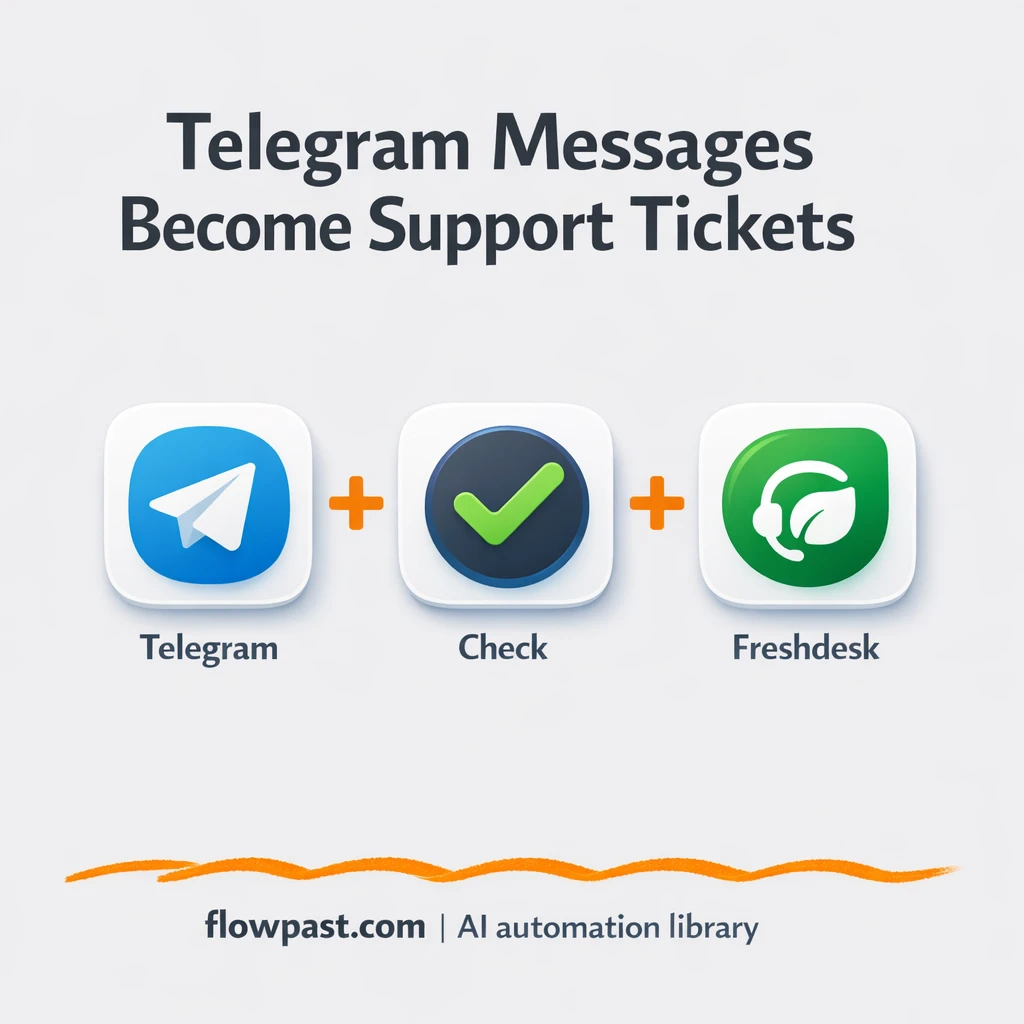
Automate Telegram ticket automation and streamline support in minutes. Route keywords to Freshdesk, log in…


Automate Google Sheets with n8n to sync data across tools, generate reports, and eliminate manual spreadsheet work. Connect Sheets to 500+ apps without coding.
Connecting Google Sheets to n8n takes about 2 minutes. First, create a Google Cloud project and enable the Sheets API (Google provides step-by-step instructions). Then add your credentials in n8n's Google Sheets node settings. You can authenticate using OAuth2 for personal use or a service account for team workflows. Once connected, you can read, write, update, and append data to any spreadsheet you have access to. Most of our templates include setup instructions in the workflow description.
Yes, absolutely. n8n's visual workflow builder lets you automate Google Sheets entirely without writing code. You simply drag and drop nodes, connect them together, and configure each step using dropdown menus and form fields. All the workflows in this collection are pre-built templates you can download and customize to your needs—no programming required.
You can connect Google Sheets to 500+ apps including Slack, Salesforce, HubSpot, Airtable, Gmail, Notion, Trello, Asana, and databases like PostgreSQL and MySQL. Popular combinations include: syncing CRM data (Salesforce, HubSpot), processing form submissions (Typeform, Google Forms), sending notifications (Slack, email), and integrating e-commerce platforms (Shopify, WooCommerce). Check the "Works With" section above to see the most common integrations for Google Sheets workflows.
Yes, all workflows in this collection are free to download and use. n8n itself is open-source and free for unlimited workflows when self-hosted on your own server. If you prefer a cloud-hosted solution without managing infrastructure, n8n Cloud starts at $20/month. Google Sheets is free for personal use (up to 15GB storage) and included in Google Workspace for businesses starting at $6/user/month.
Automate Telegram ticket automation and streamline support in minutes. Route keywords to Freshdesk, log in…
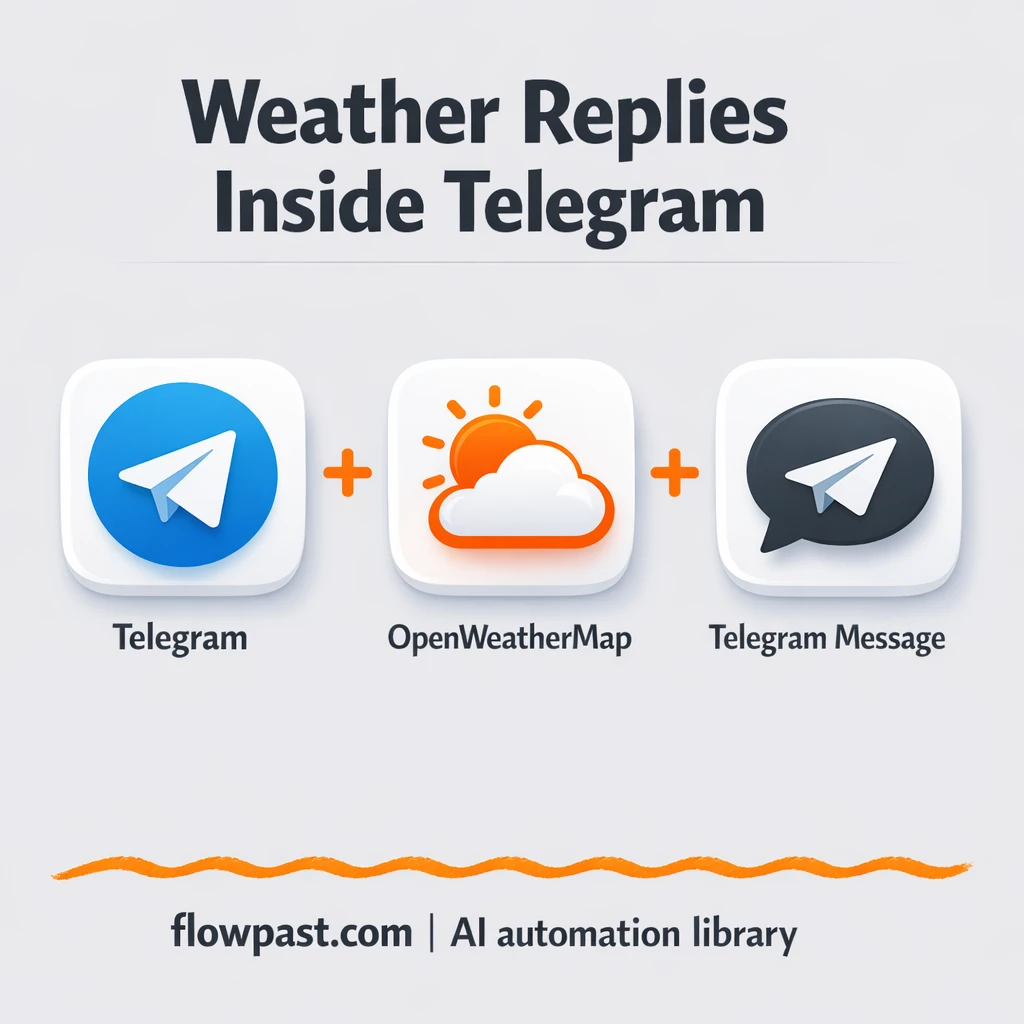
Streamline weather forecast automation with OpenWeatherMap + Telegram in 15 minutes. Automate on-demand forecasts from…
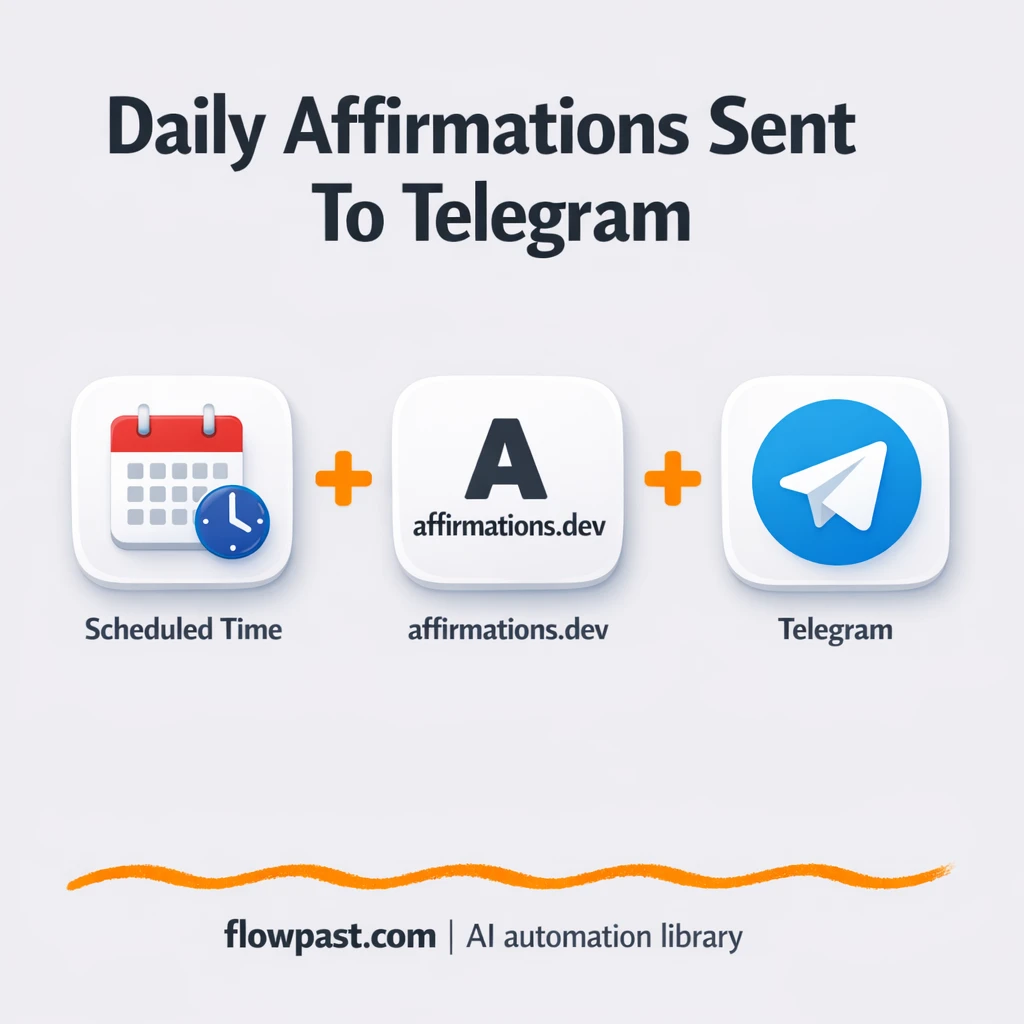
Automate Telegram affirmation automation in 10 minutes. Streamline daily motivation with n8n Cron + affirmations.dev…
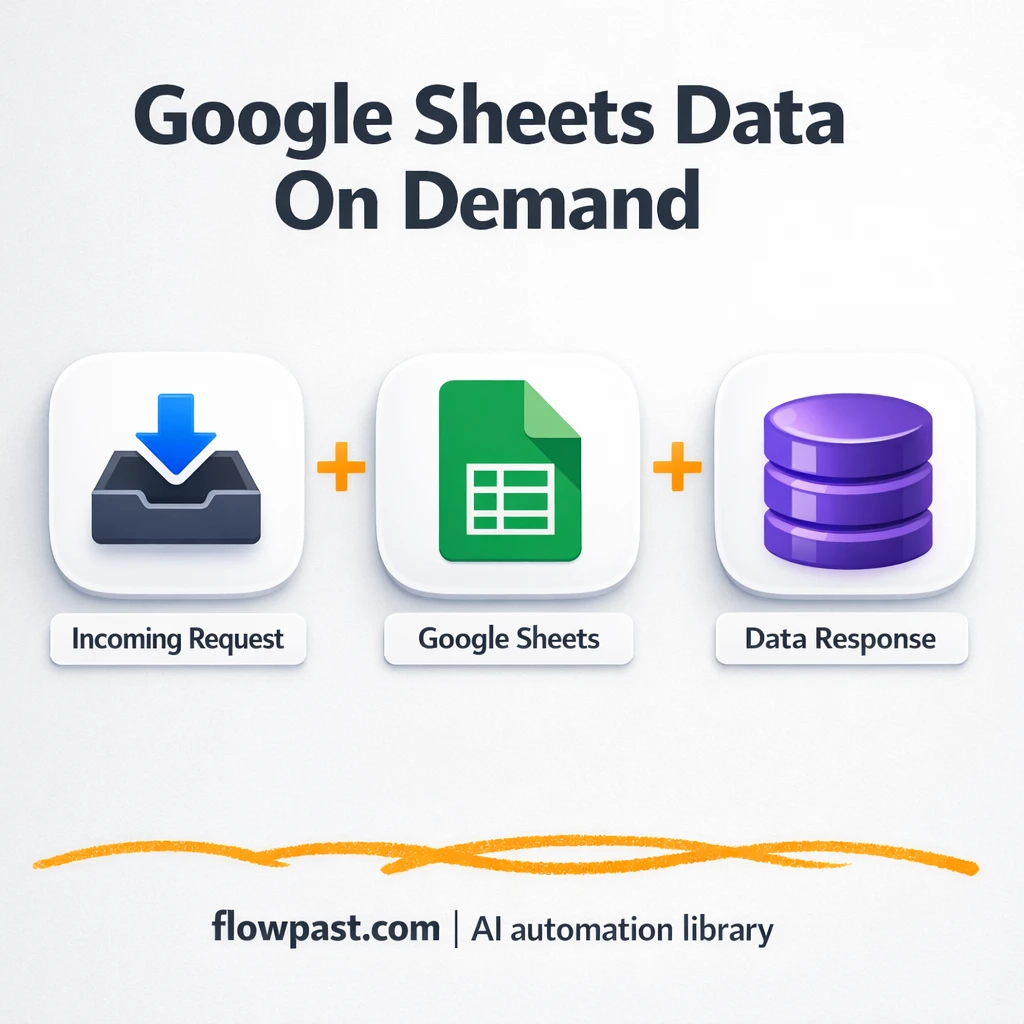
Automate Google Sheets API access via webhook and eliminate manual exports in minutes. Streamline reporting…
Automate a Hacker News digest and save about 30 minutes daily. This n8n workflow emails…
Automate RSS Telegram automation and streamline updates in 15 minutes. Pull Instagram + Weibo RSS…
Automate XML to JSON conversion in about 5 minutes with n8n. Streamline data cleanup, preserve…