


PayPal to Odoo, every payment logged and tracked
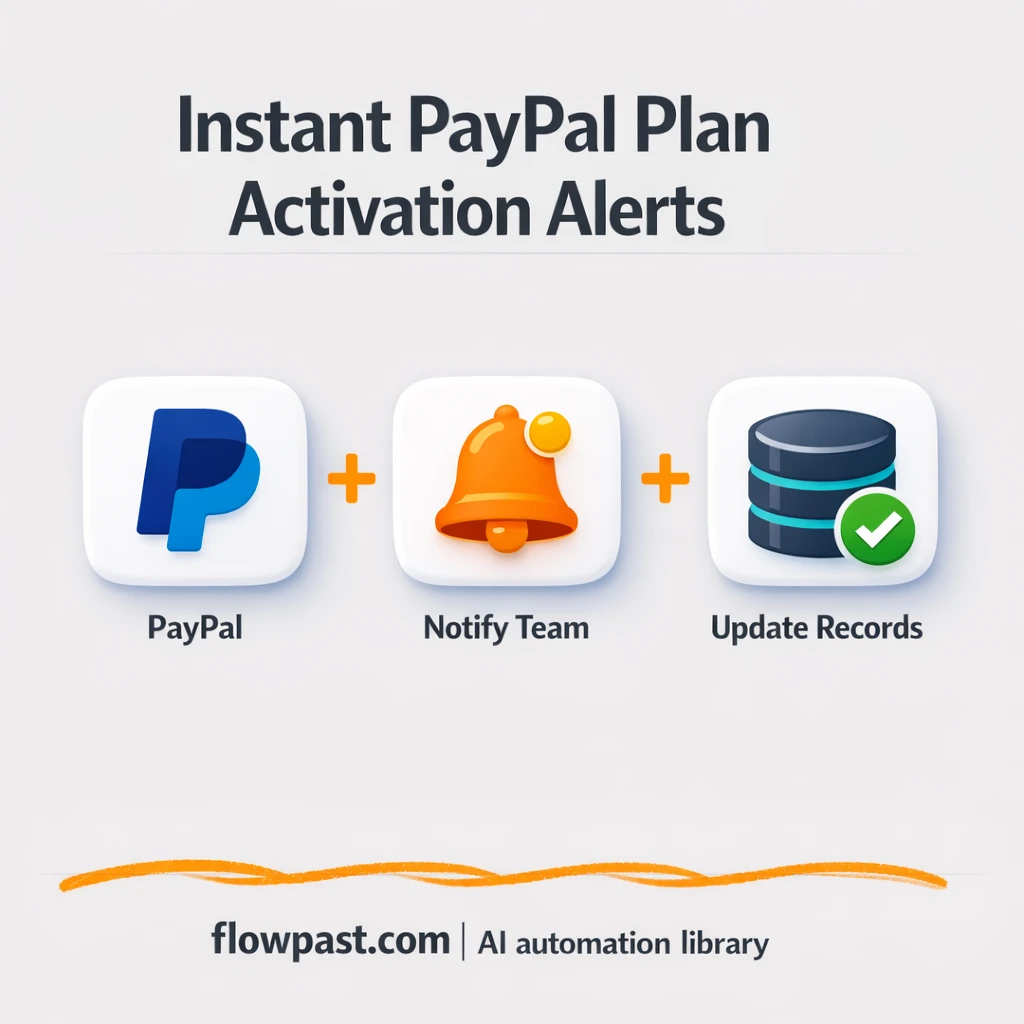

PayPal payments come in, the money lands, and then the messy part starts. Someone has to find the transaction, update Odoo, log it in a sheet, and tell the team. It’s a small task that somehow eats the day.
Sales ops teams feel it first. A small business owner feels it when follow-ups slip. And if you run an agency handling client billing, you already know why PayPal Odoo automation is worth setting up: it keeps every sale visible without the constant admin drag.
This workflow turns new PayPal payments into clean Odoo records and a Google Sheets log, with optional team notifications. You’ll see how it works, what you need, and what to watch out for.
How This Automation Works
The full n8n workflow, from trigger to final output:
n8n Workflow Template: PayPal to Odoo, every payment logged and tracked
flowchart LR
    n0["<div style='background:#f5f5f5;padding:10px;border-radius:8px;display:inline-block;border:1px solid #e0e0e0'><img src='https://flowpast.com/wp-content/uploads/n8n-workflow-icons/paypal.svg' width='40' height='40' /></div><br/>PayPal Trigger"]

    %% Styling
    classDef trigger fill:#e8f5e9,stroke:#388e3c,stroke-width:2px
    classDef ai fill:#e3f2fd,stroke:#1976d2,stroke-width:2px
    classDef aiModel fill:#e8eaf6,stroke:#3f51b5,stroke-width:2px
    classDef decision fill:#fff8e1,stroke:#f9a825,stroke-width:2px
    classDef database fill:#fce4ec,stroke:#c2185b,stroke-width:2px
    classDef api fill:#fff3e0,stroke:#e65100,stroke-width:2px
    classDef code fill:#f3e5f5,stroke:#7b1fa2,stroke-width:2px
    classDef disabled stroke-dasharray: 5 5,opacity: 0.5
    class n0 trigger
    classDef customIcon fill:none,stroke:none
    class n0 customIcon
The Problem: Payments Get Recorded Late (or Wrong)
Logging payments sounds straightforward until you’re doing it under pressure. A PayPal notification arrives, you open Odoo, you search for the customer, and you hope the email matches the right contact. Then you update a deal or invoice status, copy the transaction ID somewhere “for tracking,” and message the team so they can start onboarding or fulfilment. Miss a step and you’re stuck untangling it later. Multiply that by a busy week and the cracks show up fast: duplicate contacts, mismatched amounts, and “Wait, did we follow up with them?” moments.
None of this feels catastrophic in isolation. Together, it turns sales momentum into admin work.
- Updating Odoo by hand after every payment breaks the moment you get more than a few sales a day.
- Spreadsheet logging becomes inconsistent, so reporting turns into guesswork instead of a reliable weekly check-in.
- Follow-ups get delayed because the team does not see the payment until someone remembers to post it.
- Manual matching (email, name, amount) leads to the quiet mistakes that are hard to spot and annoying to fix.
The Solution: PayPal → Odoo + Google Sheets Logging
This n8n workflow listens for new PayPal payments and immediately does the “paperwork” for you. When a payment hits, it checks what you already have in Odoo and then creates or updates the right record so your CRM stays current. At the same time, it writes a clean row to Google Sheets so you have a simple audit trail that anyone on the team can filter, sort, or export. If you want visibility beyond your CRM, the workflow can also notify internal channels (Twake and Mattermost are included in the workflow) so sales, fulfilment, or support sees the sale in context. Honestly, the biggest win is consistency: the same fields get captured the same way, every time.
The workflow starts with a PayPal trigger when a new payment is received. From there, it merges and normalizes the payment data, uses simple logic checks (like “does this customer exist?”), and sends the final output to Odoo and Google Sheets. Optional messaging steps keep everyone aligned without extra meetings.
What You Get: Automation vs. Results
| What This Workflow Automates | Results You’ll Get |
|---|---|
|
|
Example: What This Looks Like
Say you receive 10 PayPal payments per day. Manually, you might spend about 5 minutes per payment updating Odoo, plus another 2 minutes logging to a sheet and notifying the team, which is roughly 70 minutes daily. With this workflow, you spend maybe 2 minutes total skimming the sheet or checking edge cases, because the trigger, Odoo update, and Google Sheets row happen automatically. That’s about an hour back per day, and you stop dreading “admin catch-up” on Fridays.
What You’ll Need
- n8n instance (try n8n Cloud free)
- Self-hosting option if you prefer (Hostinger works well)
- PayPal to trigger on new payments
- Odoo to create/update CRM or accounting records
- Google Sheets for a simple transaction log
- PayPal API credentials (create in PayPal developer dashboard)
Skill level: Intermediate. You will connect accounts, map a few fields, and test with real payment data.
Don’t want to set this up yourself? Talk to an automation expert (free 15-minute consultation).
How It Works
Payment trigger fires from PayPal. When a new transaction hits your PayPal account, the workflow starts immediately, so you’re not relying on someone checking notifications.
Payment details get cleaned and combined. A merge step brings the relevant fields together (payer info, amount, transaction ID), and an HTTP request can be used to enrich or verify details when needed.
Logic decides what to do in Odoo. Using simple If checks, the workflow can update an existing record when it finds a match, or create a new one if it doesn’t. There are also “do nothing” / no-op branches so the workflow can safely skip cases you don’t want recorded (like test payments).
Everything gets logged and shared. Google Sheets receives a new row for tracking, and Twake or Mattermost can receive a message so the right people see the payment without digging through tools.
You can easily modify the matching rules to use email, transaction metadata, or product name based on your needs. See the full implementation guide below for customization options.
Common Gotchas
- PayPal credentials can expire or be tied to the wrong app. If things break, check your PayPal developer dashboard app settings and webhook/trigger permissions first.
- If you’re using Wait nodes or external rendering, processing times vary. Bump up the wait duration if downstream nodes fail on empty responses.
- Odoo user permissions matter more than people expect. If records aren’t created, confirm the Odoo API user can write to the specific model (contacts, invoices, or CRM leads) you’re targeting.
Frequently Asked Questions
About 30-60 minutes once your accounts are ready.
No. You’ll connect PayPal, Odoo, and Google Sheets, then map the fields you care about.
Yes. n8n has a free self-hosted option and a free trial on n8n Cloud. Cloud plans start at $20/month for higher volume. You’ll also need to factor in any PayPal or Odoo plan costs you already pay, plus typical Google Sheets usage (usually negligible).
Two options: n8n Cloud (managed, easiest setup) or self-hosting on a VPS. For self-hosting, Hostinger VPS is affordable and handles n8n well. Self-hosting gives you unlimited executions but requires basic server management.
Yes, but you’ll want to map currency fields explicitly. Most teams adjust the Odoo create/update step to store the PayPal currency code, then add a simple rule in the If logic to route currencies to the correct Odoo price list or journal. You can also add an HTTP Request step to fetch exchange rates if you need standardized reporting.
Usually it’s expired or mismatched API credentials (sandbox vs. live). Regenerate or reselect the correct PayPal app, then update the credentials in n8n and re-test the trigger with a real payment. If it still fails, check that the PayPal app has the right permissions and that your Odoo step isn’t stopping the workflow due to a validation error.
On n8n Cloud, it depends on your plan’s execution limits, and on self-hosted it depends mostly on your server. Practically, most small teams run hundreds or even thousands of payments a month without thinking about it, as long as Odoo and PayPal rate limits aren’t being hammered.
Often, yes. n8n is better when you want branching logic (create vs. update vs. skip), a true “do nothing” path for edge cases, and more control over how you match records in Odoo. Self-hosting is a big deal too, because you’re not paying more just because volume spikes. Zapier or Make can be quicker for very simple two-step flows, though. Talk to an automation expert if you want a second opinion before you rebuild anything.
Once this is running, payments stop being a “remember to do it” task. Your CRM stays current, your sheet stays clean, and your team sees sales as they happen.
Need Help Setting This Up?
Our automation experts can build and customize this workflow for your specific needs. Free 15-minute consultation—no commitment required.
