


ISS updates to Telegram, only when location changes
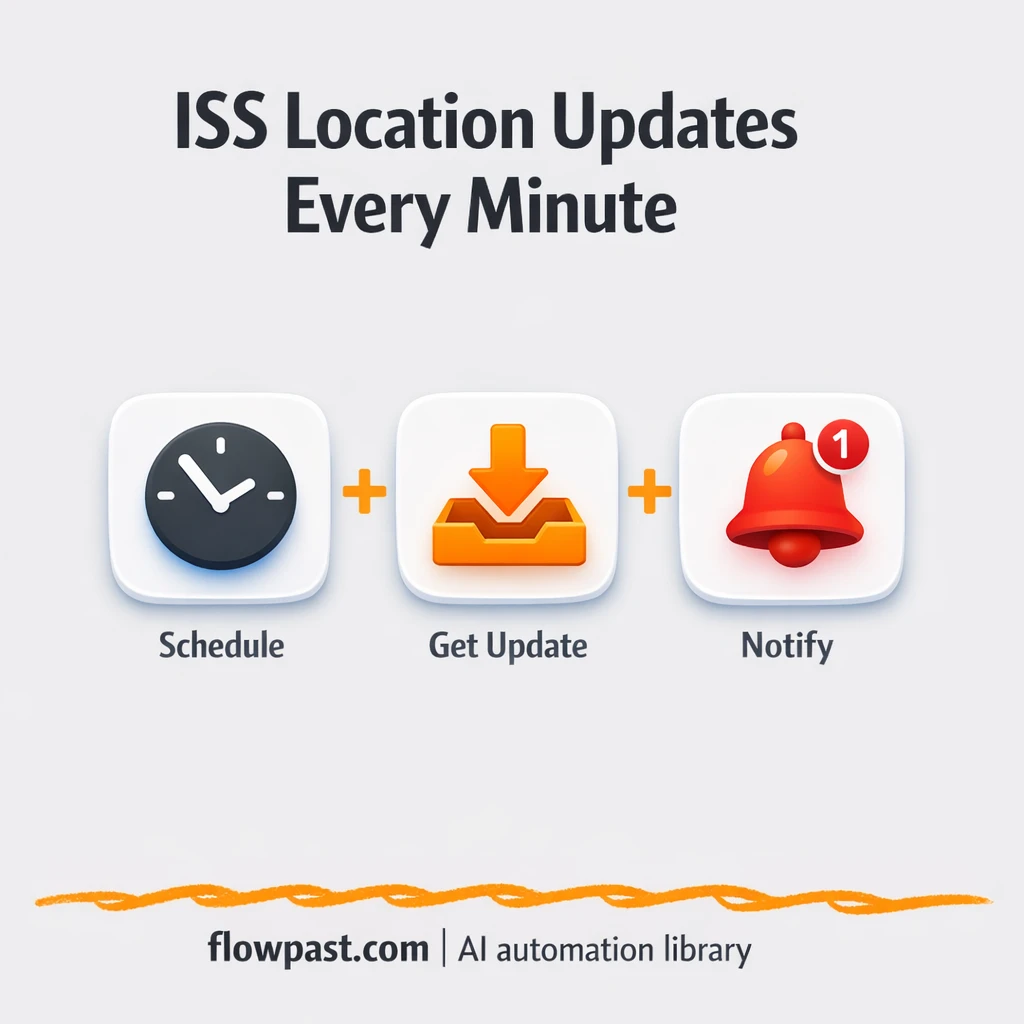

You want to share the ISS location in Telegram, but the feed turns into noise fast. Post every minute and people mute the channel. Post manually and you’ll miss updates, paste the wrong coordinates, or just get tired of doing it.
This kind of ISS Telegram automation hits community managers first. But marketing teams running “space moment” campaigns and teachers who use live tracking in class run into the same problem: you need updates people will actually read.
This workflow polls the ISS Position API on a schedule, compares it to the last saved location, and only posts to Telegram when the location changes. You’ll see how it works, what you need, and what to watch out for.
How This Automation Works
The full n8n workflow, from trigger to final output:
n8n Workflow Template: ISS updates to Telegram, only when location changes
flowchart LR

    subgraph sg0["Flow 1"]
        direction LR
        n0@{ icon: "mdi:code-braces", form: "rounded", label: "Function", pos: "b", h: 48 }
        n1@{ icon: "mdi:swap-vertical", form: "rounded", label: "Set", pos: "b", h: 48 }
        n2["<div style='background:#f5f5f5;padding:10px;border-radius:8px;display:inline-block;border:1px solid #e0e0e0'><img src='https://flowpast.com/wp-content/uploads/n8n-workflow-icons/httprequest.dark.svg' width='40' height='40' /></div><br/>HTTP Request"]
        n3@{ icon: "mdi:cog", form: "rounded", label: "Cron", pos: "b", h: 48 }
        n1 --> n0
        n3 --> n2
        n2 --> n1
    end

    %% Styling
    classDef trigger fill:#e8f5e9,stroke:#388e3c,stroke-width:2px
    classDef ai fill:#e3f2fd,stroke:#1976d2,stroke-width:2px
    classDef aiModel fill:#e8eaf6,stroke:#3f51b5,stroke-width:2px
    classDef decision fill:#fff8e1,stroke:#f9a825,stroke-width:2px
    classDef database fill:#fce4ec,stroke:#c2185b,stroke-width:2px
    classDef api fill:#fff3e0,stroke:#e65100,stroke-width:2px
    classDef code fill:#f3e5f5,stroke:#7b1fa2,stroke-width:2px
    classDef disabled stroke-dasharray: 5 5,opacity: 0.5
    class n2 api
    class n0 code
    classDef customIcon fill:none,stroke:none
    class n2 customIcon
The Problem: Live updates that turn into spam
It adds up fast. Here’s where it breaks down in practice.
- Telegram channels get flooded with repeat updates, so real movement gets ignored.
- Manual posting turns into a daily chore that steals about 20 minutes you never planned for.
- Copy-paste mistakes happen under pressure, and one wrong coordinate makes the whole feed look unreliable.
- Basic schedulers can’t “think,” so they won’t filter out duplicates without custom logic.
The Solution: Post ISS updates only when something actually changed
This n8n workflow runs on a simple idea: check often, speak only when there’s news. A Cron trigger starts it on a schedule (by default, every minute). n8n pulls the current ISS position from an external API using an HTTP Request, then trims the response down to only what you care about (timestamp, latitude, longitude). Next, a Function step compares the new location to the last stored location using n8n’s built-in static data. If it’s the same, the workflow stops quietly. If it changed, it formats a clean update and sends it to Telegram, so your channel stays readable and useful.
The workflow begins with polling the ISS position endpoint on your chosen schedule. It then filters the fields, checks “is this actually new,” and only then publishes to Telegram. Same data source, totally different experience.
What You Get: Automation vs. Results
| What This Workflow Automates | Results You’ll Get |
|---|---|
|
|
Example: What This Looks Like
Say you run a Telegram channel that shares the ISS position every minute during a live event. Manually, that’s opening a tracker, copying coordinates, formatting a message, and posting it. Even if it takes only about 2 minutes each time, you’re burning roughly 2 hours for a one-hour session because you’ll fall behind. With this workflow, you set it once and let it poll every minute automatically. Telegram only gets an update when the latitude/longitude actually changes, so you get the “live” feel without the spam.
What You’ll Need
- n8n instance (try n8n Cloud free)
- Self-hosting option if you prefer (Hostinger works well)
- Telegram for posting updates into a channel or group
- ISS Position API endpoint to fetch current latitude/longitude
- Telegram bot token (get it from BotFather in Telegram)
Skill level: Beginner. You’ll connect Telegram, paste an API URL, and adjust a schedule.
Don’t want to set this up yourself? Talk to an automation expert (free 15-minute consultation).
How It Works
Scheduled trigger. A Cron node runs the workflow every minute (or whatever interval you choose), so you get “live” tracking without clicking anything.
Fetch the latest ISS coordinates. n8n uses an HTTP Request to call the ISS location API and pull the newest position data into the workflow.
Clean up and compare. A Set step keeps only the fields you actually need, then a Function checks the current coordinates against the last saved coordinates stored as static data. If nothing changed, it returns “No New Items” and you don’t post.
Send the update to Telegram. When the location is different, the workflow formats a message and posts it to your chosen Telegram chat, channel, or group.
You can easily modify the comparison logic to require “bigger movement” before posting based on your needs. See the full implementation guide below for customization options.
Common Gotchas
- Telegram bot permissions can block posting. If messages don’t show up, check that the bot is an admin in the channel and that you’re using the correct chat ID.
- If you’re using Wait nodes or external rendering, processing times vary. Bump up the wait duration if downstream nodes fail on empty responses.
- The ISS API can rate limit or occasionally time out. If your HTTP Request node starts failing, add basic retry logic and avoid polling more often than you need.
Frequently Asked Questions
About 20 minutes if your Telegram bot is ready.
No. You’ll mostly copy API details, connect Telegram, and tweak the schedule.
Yes. n8n has a free self-hosted option and a free trial on n8n Cloud. Cloud plans start at $20/month for higher volume. You’ll also need to factor in the ISS API cost (many endpoints are free, but it depends on the provider you choose).
Two options: n8n Cloud (managed, easiest setup) or self-hosting on a VPS. For self-hosting, Hostinger VPS is affordable and handles n8n well. Self-hosting gives you unlimited executions but requires basic server management.
Yes, but you’ll want to adjust the Function logic that compares the last latitude/longitude to the new one. Instead of “different equals post,” you can set a minimum distance or a minimum coordinate change before it counts as new. Common tweaks include posting every 5 minutes but only if it moved, adding a Google Maps link, or formatting messages differently for a public channel vs. an internal group.
Usually it’s a wrong bot token or a chat ID issue. Regenerate the token in BotFather if needed, then verify the chat ID for the exact destination (channels and groups can differ). Also check that the bot has permission to post, especially for channels where it must be an admin. If it works in one chat but not another, permissions are almost always the reason.
A lot, because the workflow is lightweight and most runs will end with “no new items.” On n8n Cloud Starter, you can run thousands of executions a month; higher plans handle more. If you self-host, there’s no execution cap, but your server still needs to keep up with the Cron schedule and HTTP calls. Practically, polling every minute is fine for most small setups.
Often, yes. This workflow needs memory (what was the last location?) and a custom comparison, and n8n is built for that kind of logic. You also get the option to self-host for unlimited executions, which matters if you poll frequently. Zapier or Make can still work, but you may end up paying more as the run count climbs. If you’re torn, Talk to an automation expert and get a quick recommendation.
The point isn’t more updates. It’s better updates, sent automatically, and only when they matter. Set this up once, then let the workflow keep your Telegram channel clean.
Need Help Setting This Up?
Our automation experts can build and customize this workflow for your specific needs. Free 15-minute consultation—no commitment required.
